


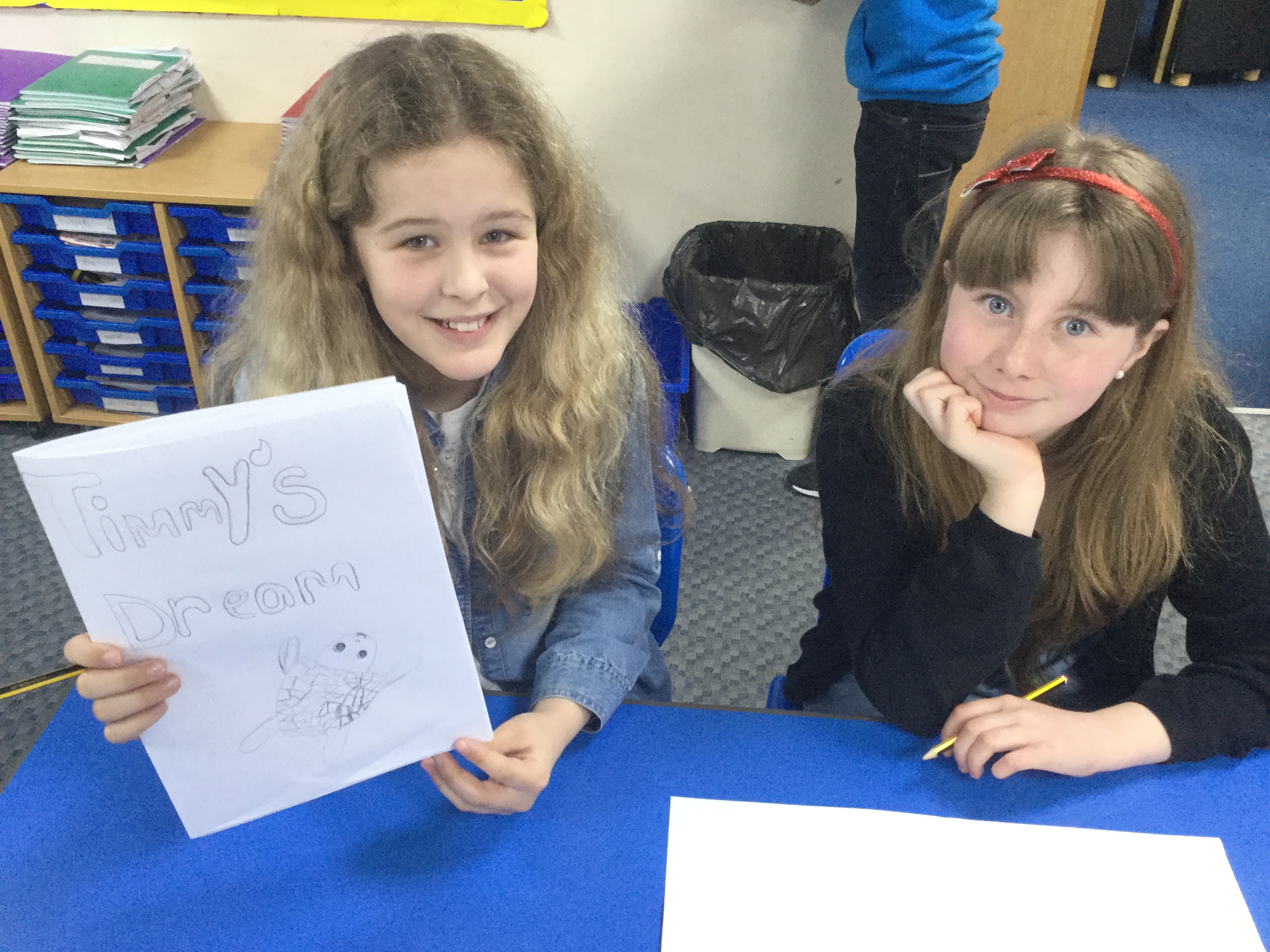
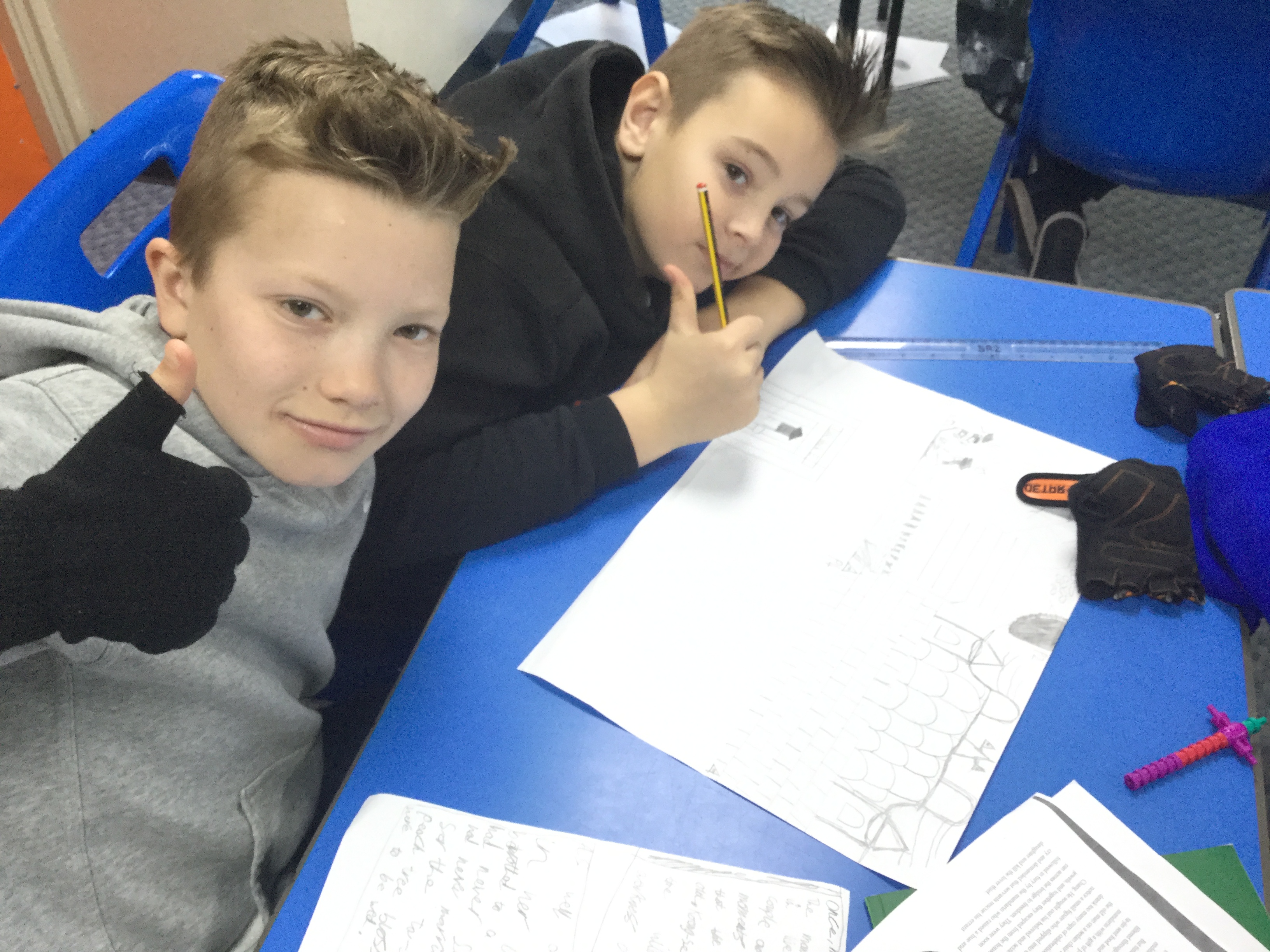
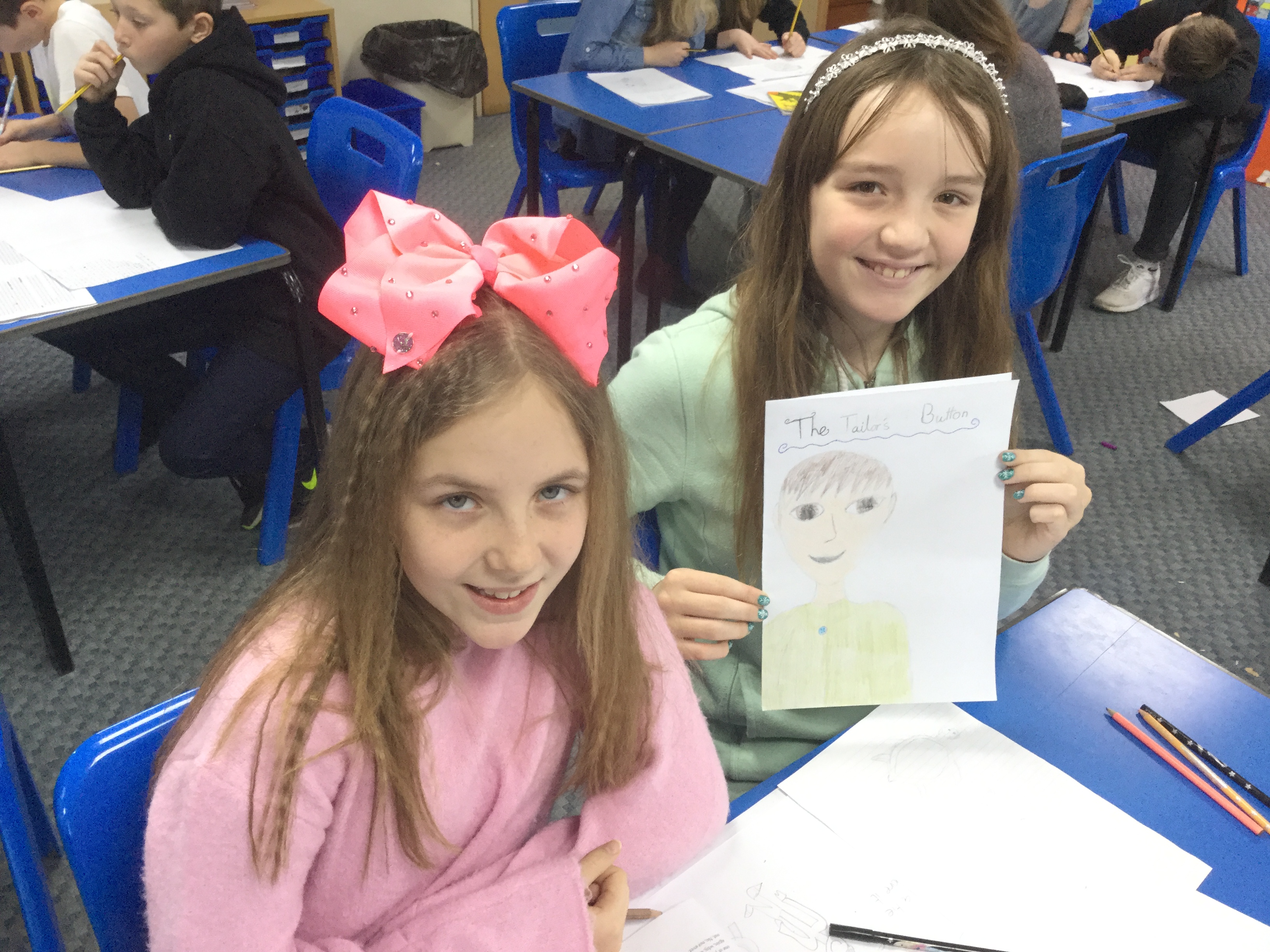
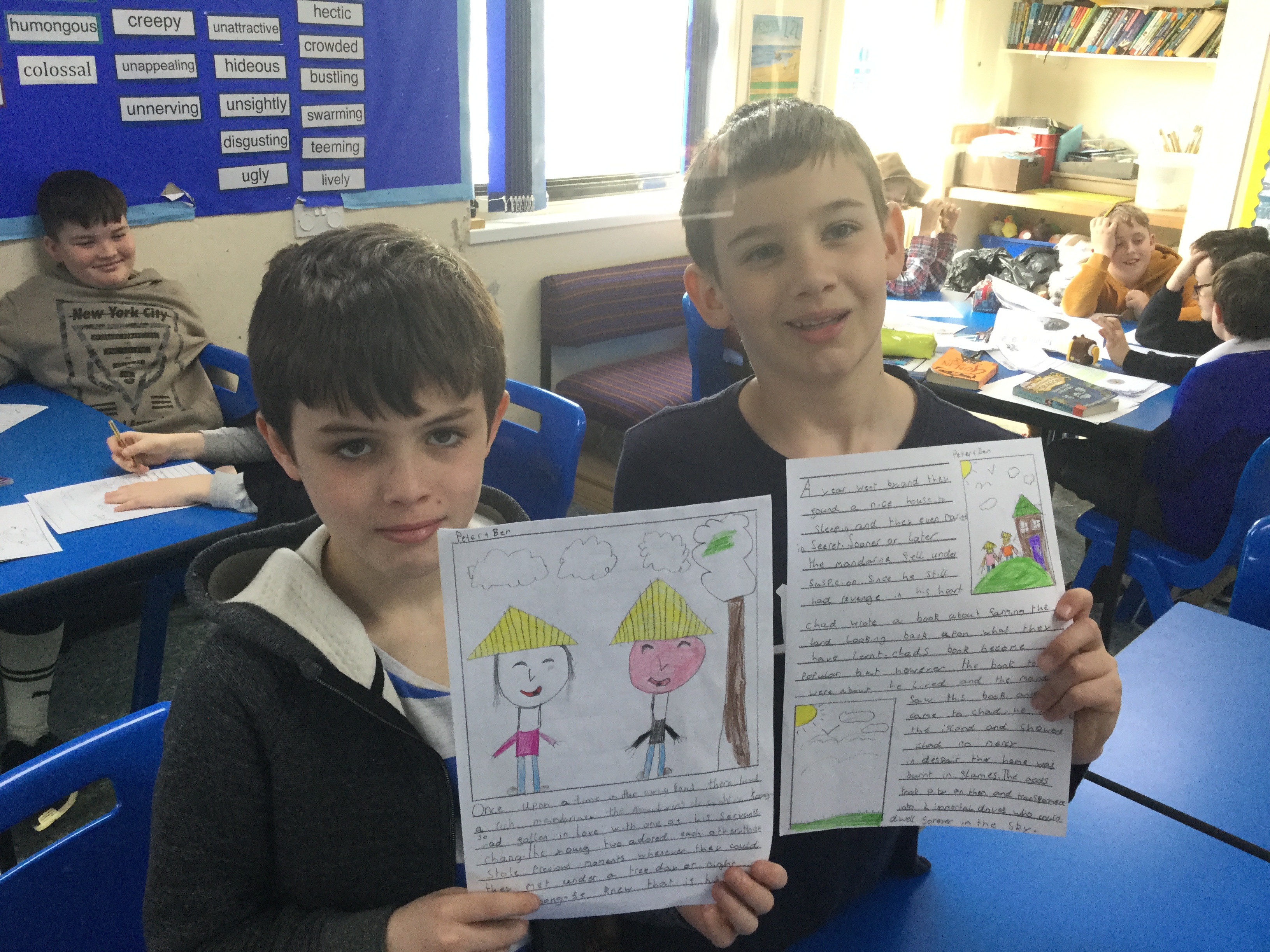
World Book Day may have been disrupted by the snow a few weeks ago, but that has not stopped Penpol celebrating the event, just a little later than expected.
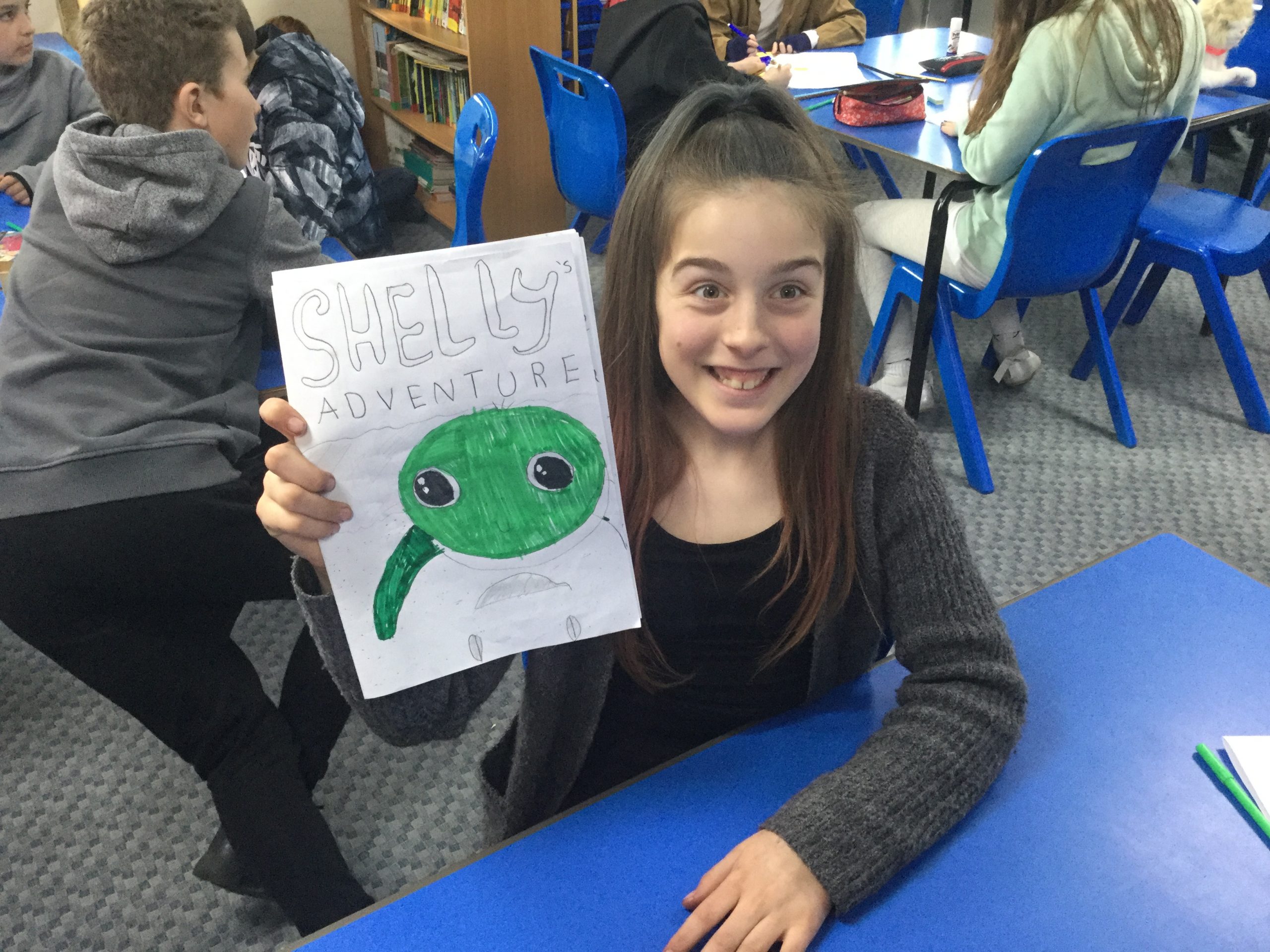
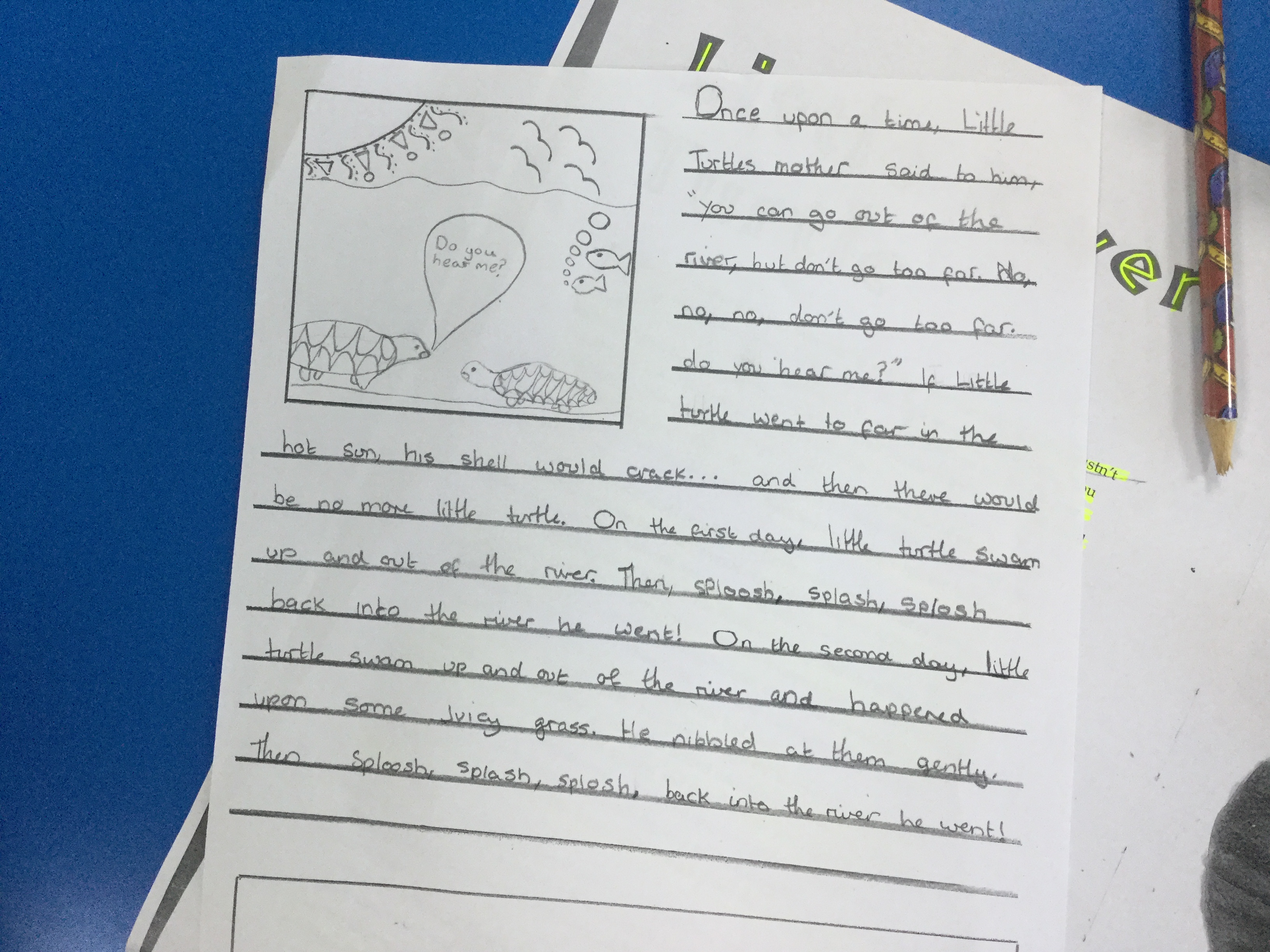
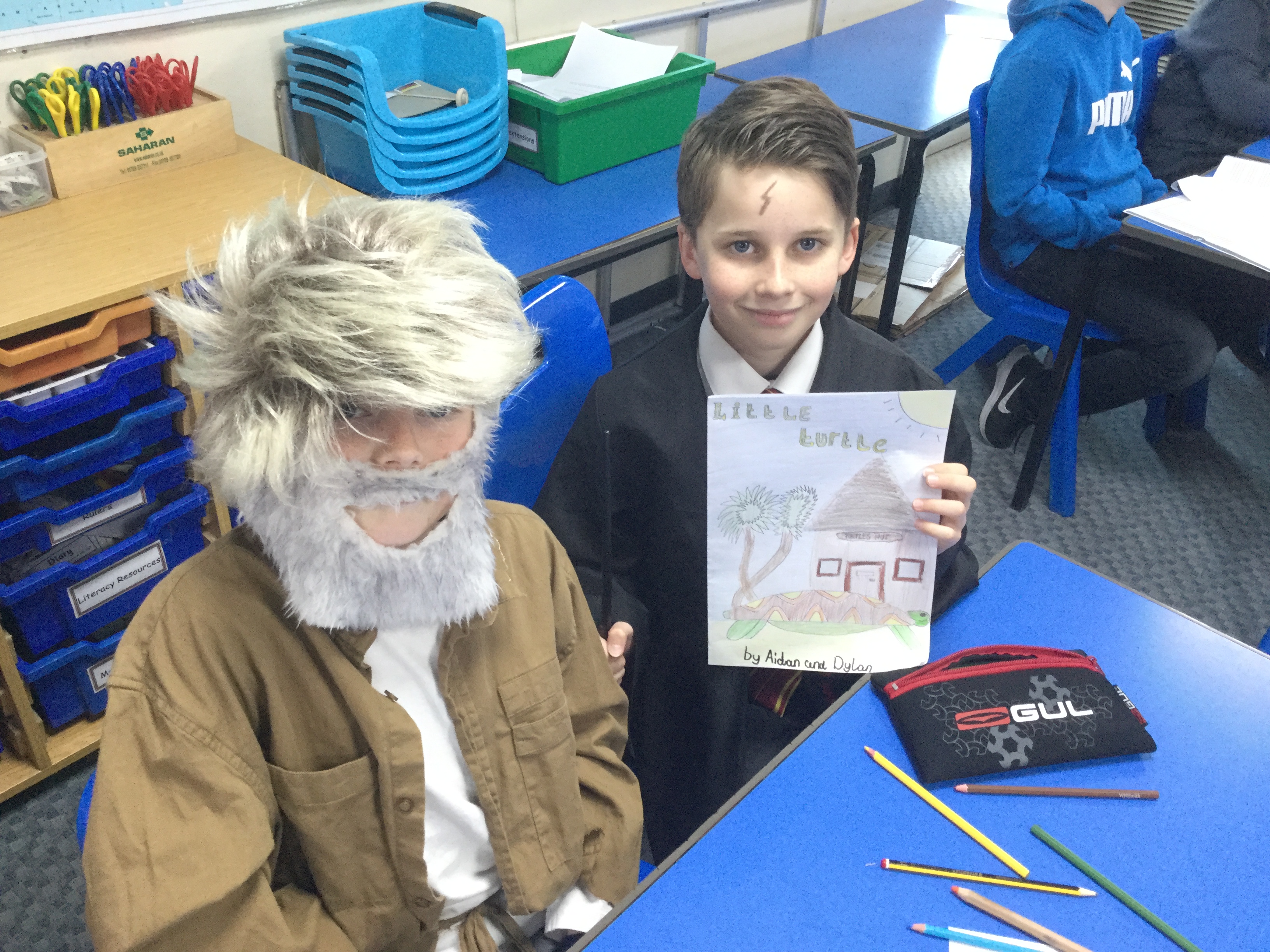
The Year 6 children have been creating their own books to take down to the Year 1 classes to read to them. They have reworked some traditional tales, created their own illustrations to support their writing, as well as front covers to make their books look attractive. Well done Year 6!
I really enjoyed creating pictures to support our writing – Sammy

The last three years have seen sell out performances at our annual Music In The Marquee concerts from Bradley Johnson, Little Chix and last years Yellow. I’m delighted to say that this summer we will be hosting our fourth concert in the Marquee, featuring a somewhat familiar face…
Each year we ask the children which music they are enjoying and what sort of act they’d like to see play in our marquee at the end of the Summer term. This year the overwhelming majority of children told us they’d like to hear Ed Sheeran, with some of the older children asking in particular if Bradley Johnson could make a comeback. I am delighted to say that when I spoke to Bradley he was thrilled that we wanted him back to perform again.
So, for the second time, I’d love to introduce you to Bradley Johnson! Bradley is a singer/songwriter from Liverpool who first came to national attention as a finalist on the X Factor back in 2011 when he amazed judges with his version of Ed Sheeran’s The A Team. Since his television debut he’s been working on his own material and has been crafting his skills to become the UK’s finest Ed Sheeran tribute act. He made his first trip down to Cornwall for a sell-out show in our Marquee back in 2015 and can’t wait to come back again later this year. Bradley says: “I loved playing at your school last time, I still remember it as one of my favourite gigs. I can’t wait to be back again this year, with even more tunes for you all to enjoy!”
Bradley will be playing two sets of live music on the night, the first being a hit-filled Ed Sheeran tribute set including tunes both new and old including ‘Shape of You’, ‘Bloodstream’, ‘Thinking Out Loud’ and ‘Perfect’, followed by a later set which will also include other popular pop and rock covers as well as a selection of his own material. As always with Music in the Marquee his two sets will be accompanied by local support acts to round off the whole evenings entertainment.
Just like in previous years the event will raise money for the Penpol Friends Association and will also feature a fully licensed bar, BBQ, soft drinks, and food for everyone to enjoy. I hope you’ll agree that Music in the Marquee 2018 is already shaping up to be a phenomenal night of entertainment.
We are opening this event to the whole community, but want to give our Penpol parents the first chance to get tickets. For this reason we’re offering you a special pre-sale of tickets, starting TODAY! Tickets are priced at £8 for adults and £5 for children. Please note that all children must be accompanied by an adult.
Please return this slip and money to the office as soon as you can to secure your tickets. Music in the Marquee has been a sell out for the past three years and tickets will be on a first come first served basis.



Relive last years Music in the Marquee:
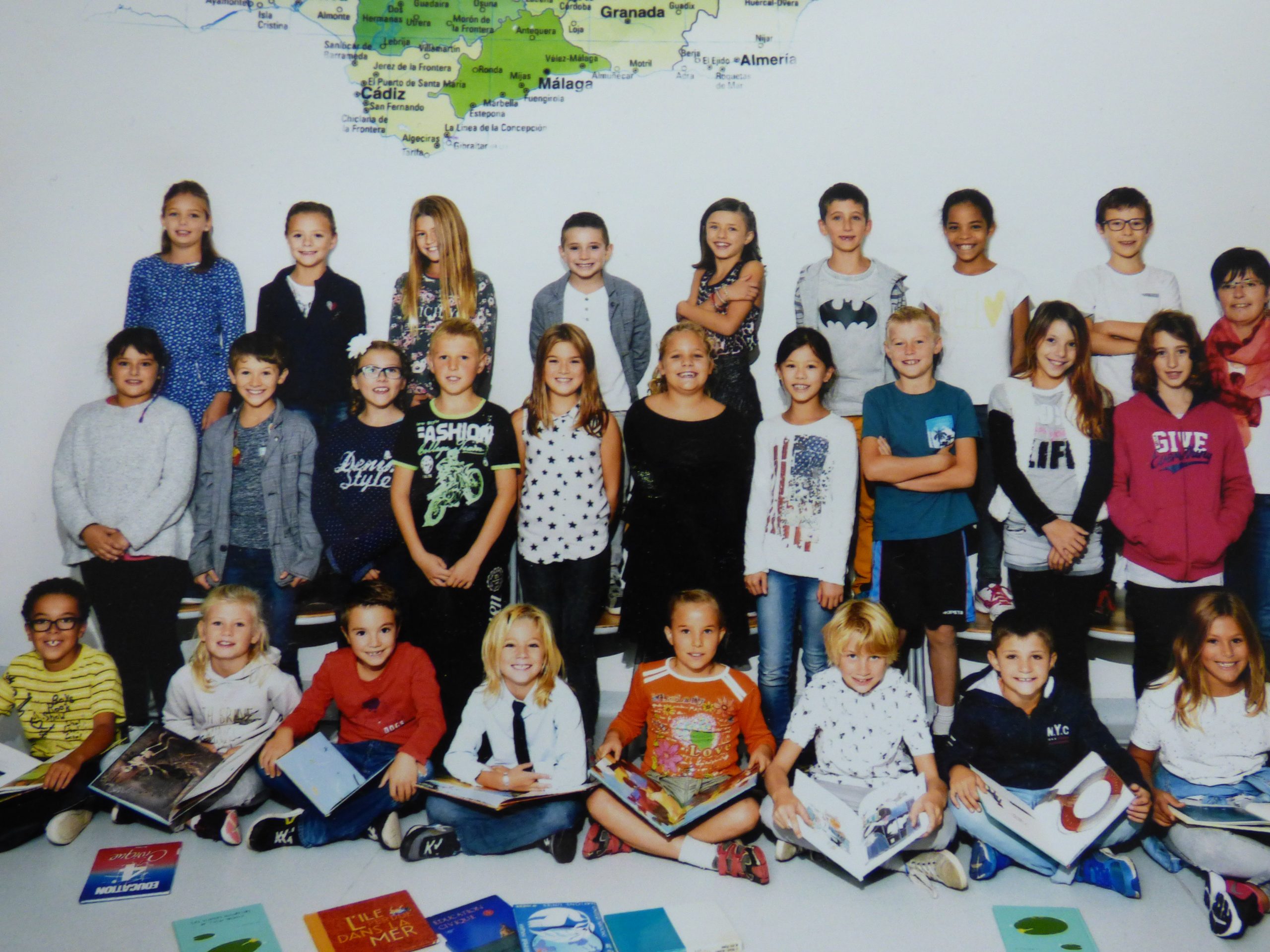
Year 6 Students at Penpol have begun to take part in an email exchange with a French primary school during Mr Emery’s French lessons. The students have already sent and received two letters each to a French primary school located 60 km outside of Bordeaux in South-West France.
Year 6 students wrote a quick introduction about themselves in French before Christmas to the French school, Octave Cazauvieilh. They were able to talk about their hobbies, saying what they like and dislike doing on the weekend. Every Tuesday, Year 6 students would hopefully await word from Mr Emery to see if there had been a response from their French pen-pals. After a few weeks, Classes 13 and 14 received their first responses from their pen-pals, which of course was written in French!
In the Spring term, Year 6 then wrote a description about what they look like, with a picture they drew of themselves. They also included extra details about their interests they wanted their French pen-pal to know about. Finally, they created a postcard to show off to their pen-pal the local area, with Godrevy and its lighthouse featuring prominently on most of the postcards.
Their letters were posted by mail this time and the French school were delighted with the response that had been sent from their Penpol pen-pals.
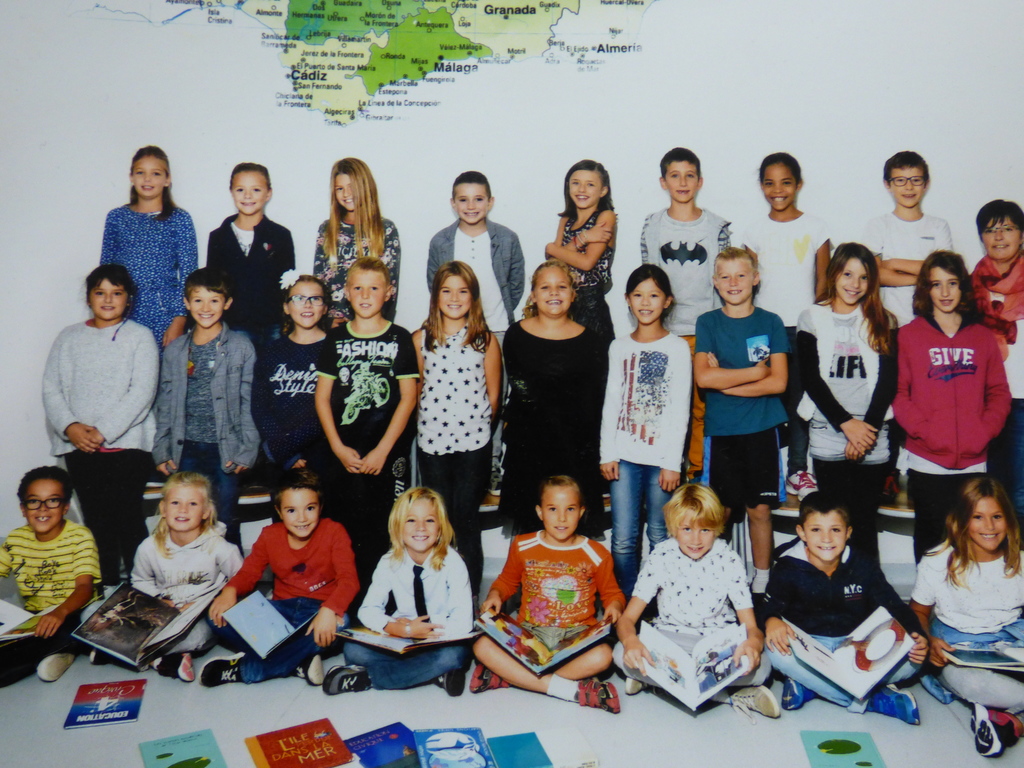
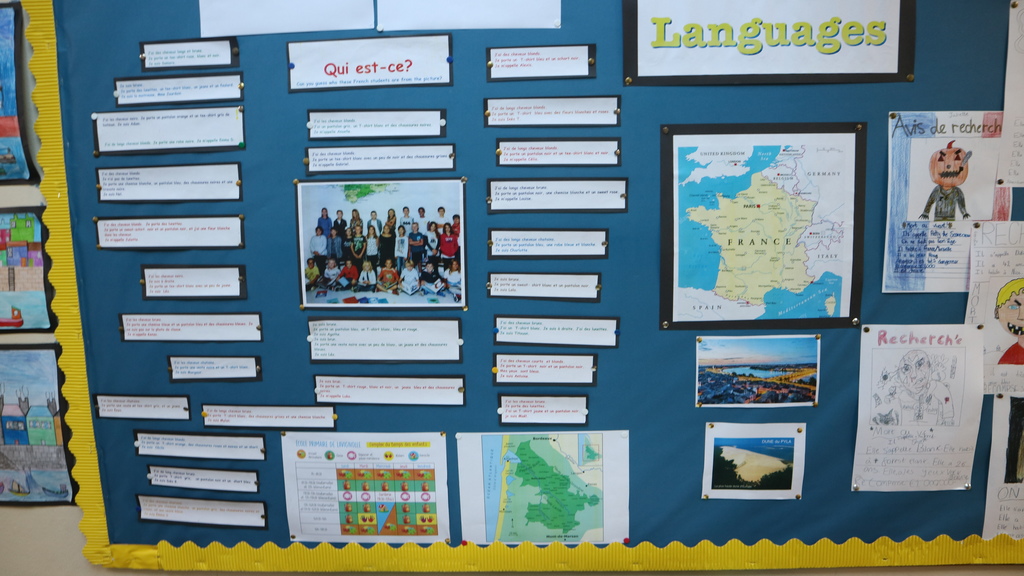
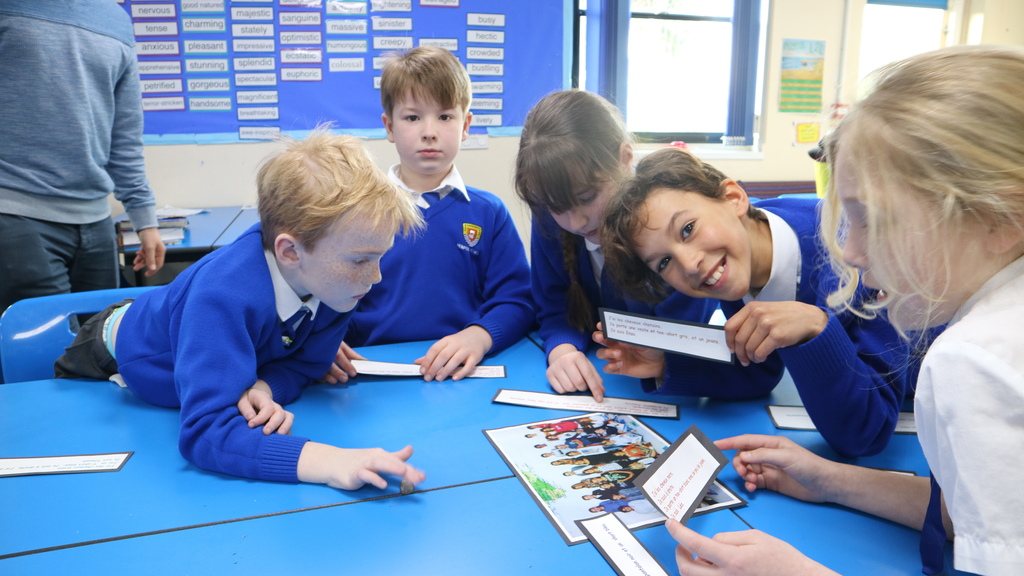
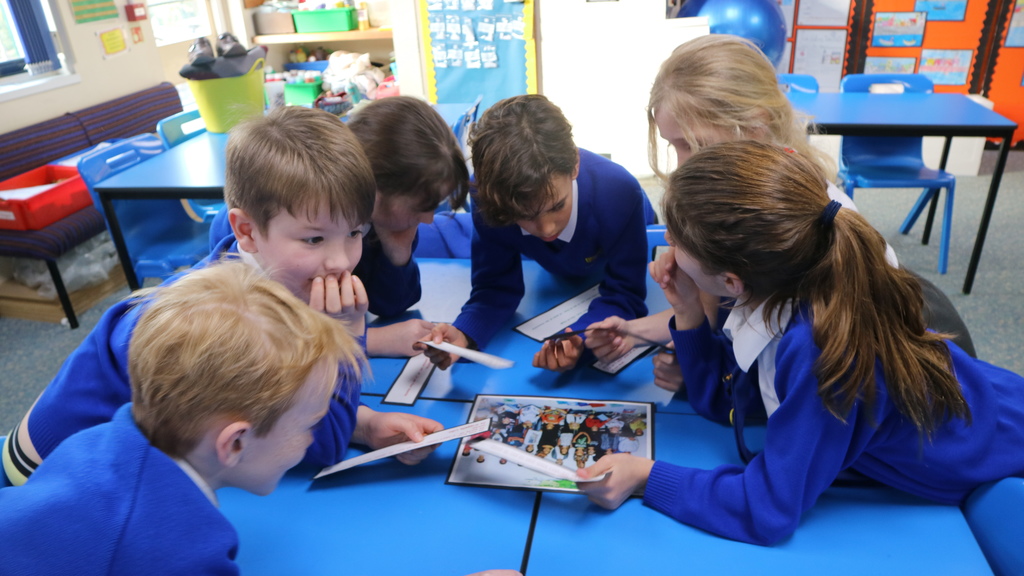
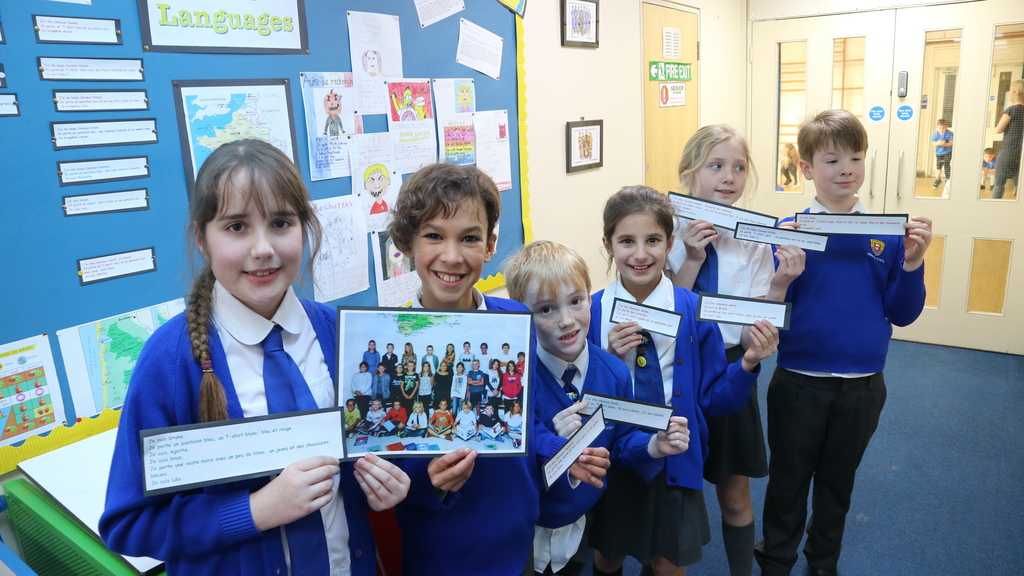
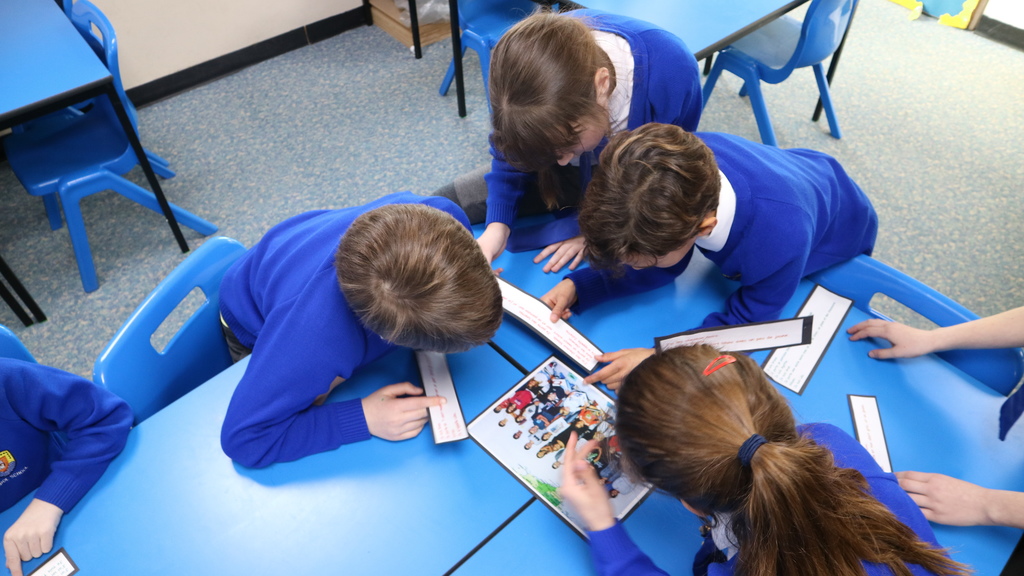
Most recently, Penpol have just received a Guess Who game. The game included a class photo of all the students in the French year 5 class, as well as a description of each one. Using the French descriptions of each student, Penpol’s Year 6 classes rose to the challenge.
It was great to try and work out who your pen-pal was from their descriptions and photo. Juliette- Class 14
Fun was had by all and great progress was made on the current topic, All About Me.
I learnt lots of extra new words to try and find out which pen-pal was mine from the picture. It was lots of fun! Ines- Class 13
Watch this space for the next flurry of emails between the French and Cornish school over the next couple of months.
Think you can spot Anaelle? Read her description below and find her in the picture …
J’ai les cheveux blonds. J’ai un pantalon gris, un T-shirt blanc et des chaussures noires. Anaelle, CM1- Octave Cazauvieilh School
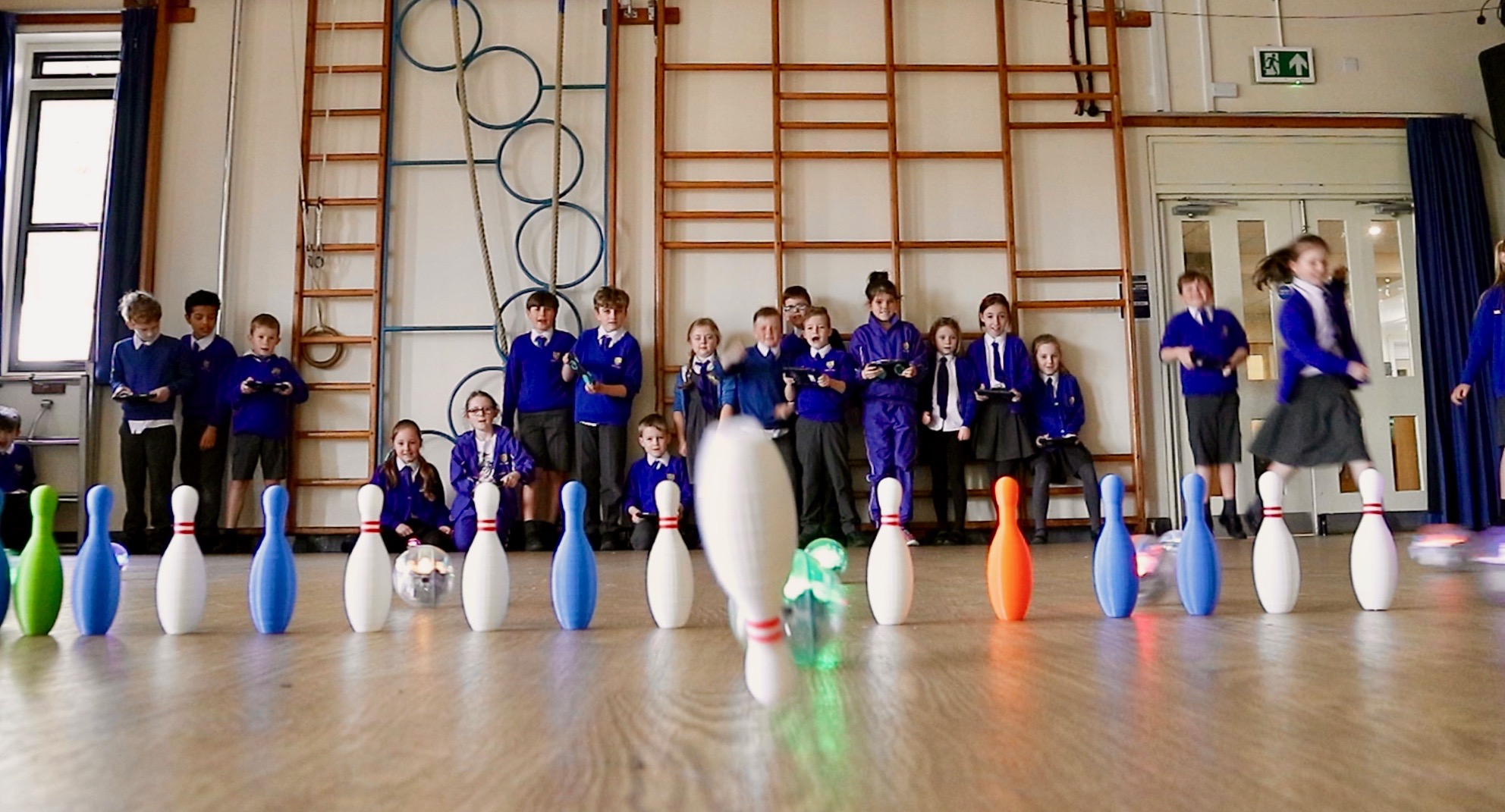
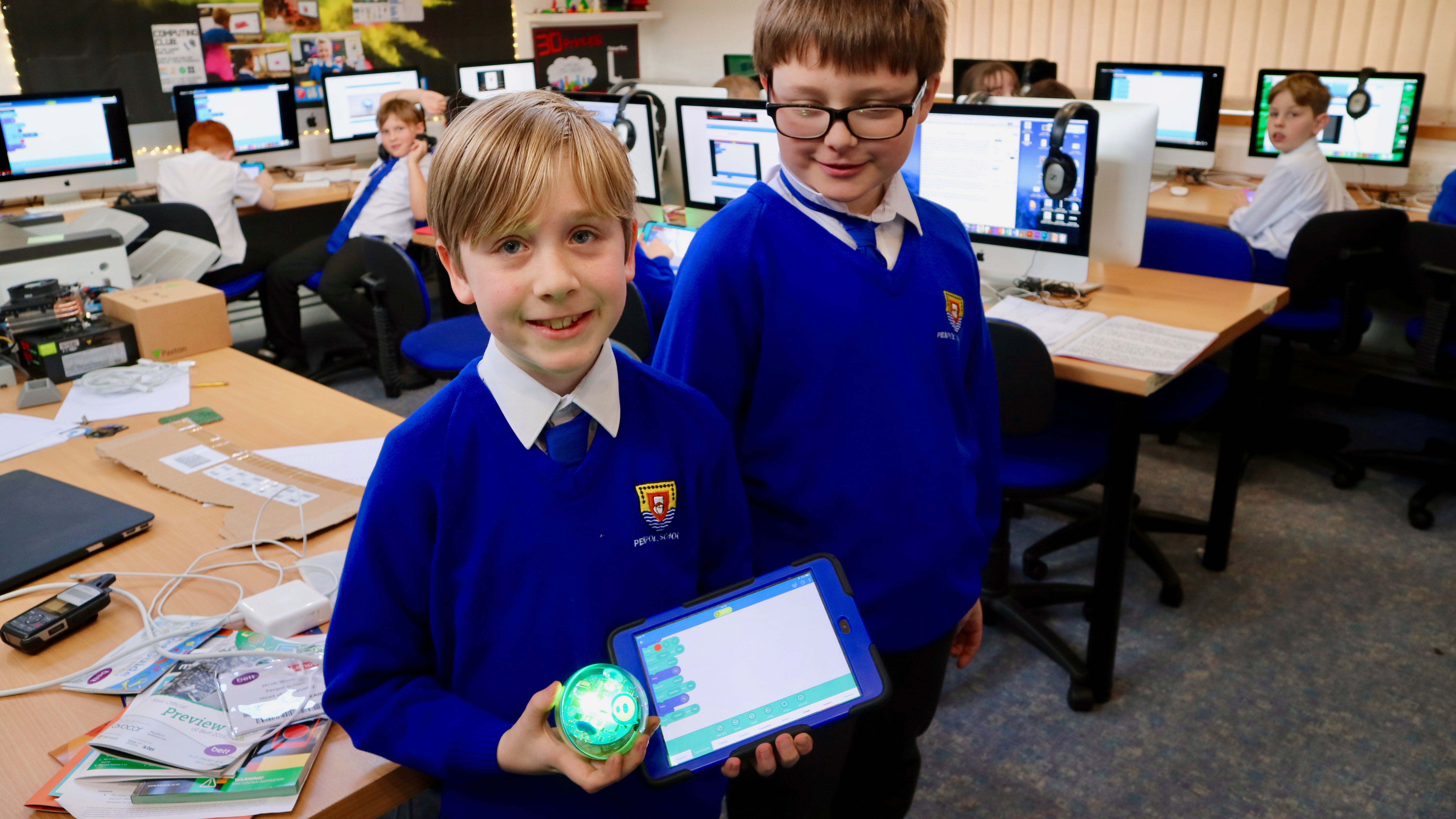
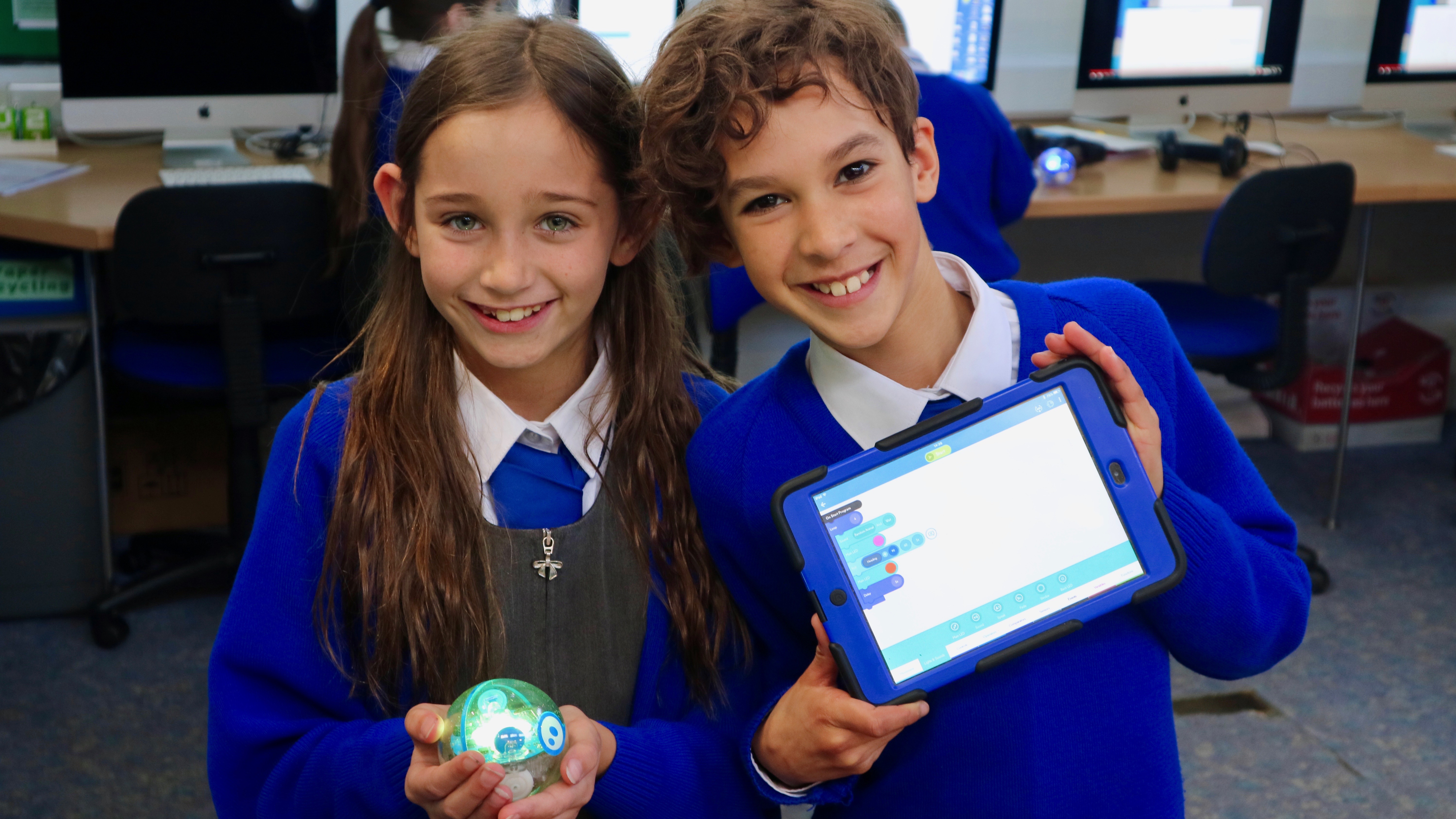
One of the reasons we visit the BETT Show in London each January is to try and find exciting and innovative ideas to bring back into the classroom at Penpol. This year we’ve returned with a dozen brand new Sphero SPRK+ Robots for the children to get to grips with.
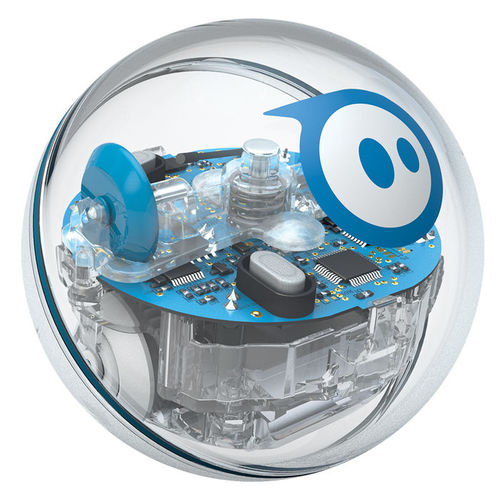
These small plastic robots are pretty clever, despite their simple appearance. Each robot can move at up to two meters a second, controlled remotely via iPad and can run complex sequences of code written by the children.
To get to grips with these new resources the children in Key Stage 2 have been spending time learning how to connect to the devices, how to steer and drive them and of course, having a little bit of fun along the way. It’s pretty exciting to have a Computing lesson without being sat in front of a computer!
“It’s a great thing to have races with, if you watch the video we did in the hall it was educational to learn how to code but also fun to race them.” – Phoenix, Class 13
“They’re very fun to play with and they’re great to have races with.” – Jake, Class 13
“I like the Spheros’ because they’re fun and great to learn with and I can’t wait to tell my mum that we had a really fun day in Computing with Mr Woolcock!” – Jowan, Class 13
I think it’s safe to say we’re looking forward to writing lots of interesting programs for the Sphero in the future.
“The Spheros’ are really fun and educational at the same time, I’d recommend them to anyone!” – Joe, Class 13
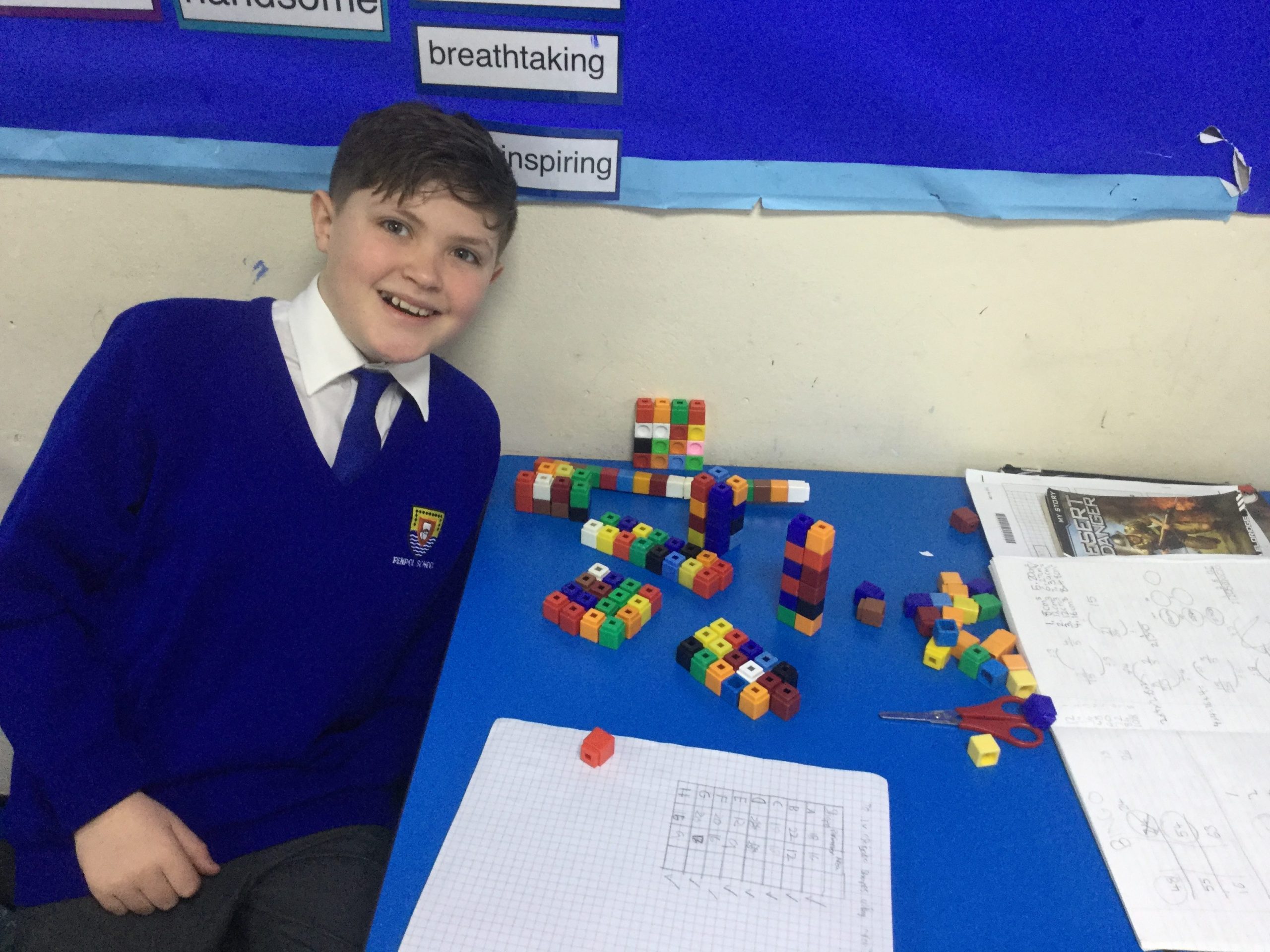
This week we have been investigating the volume of different cuboids, using blocks to help find ways to create a shape with the same volume as another.
The children found many ways to make a cuboid with an area of 36cm cubed, including Ben W’s findings that a cuboid measuring 0.75cm x 24cm x 2cm would match that criteria!
It was enjoyable to investigate in a fun and immersive way.

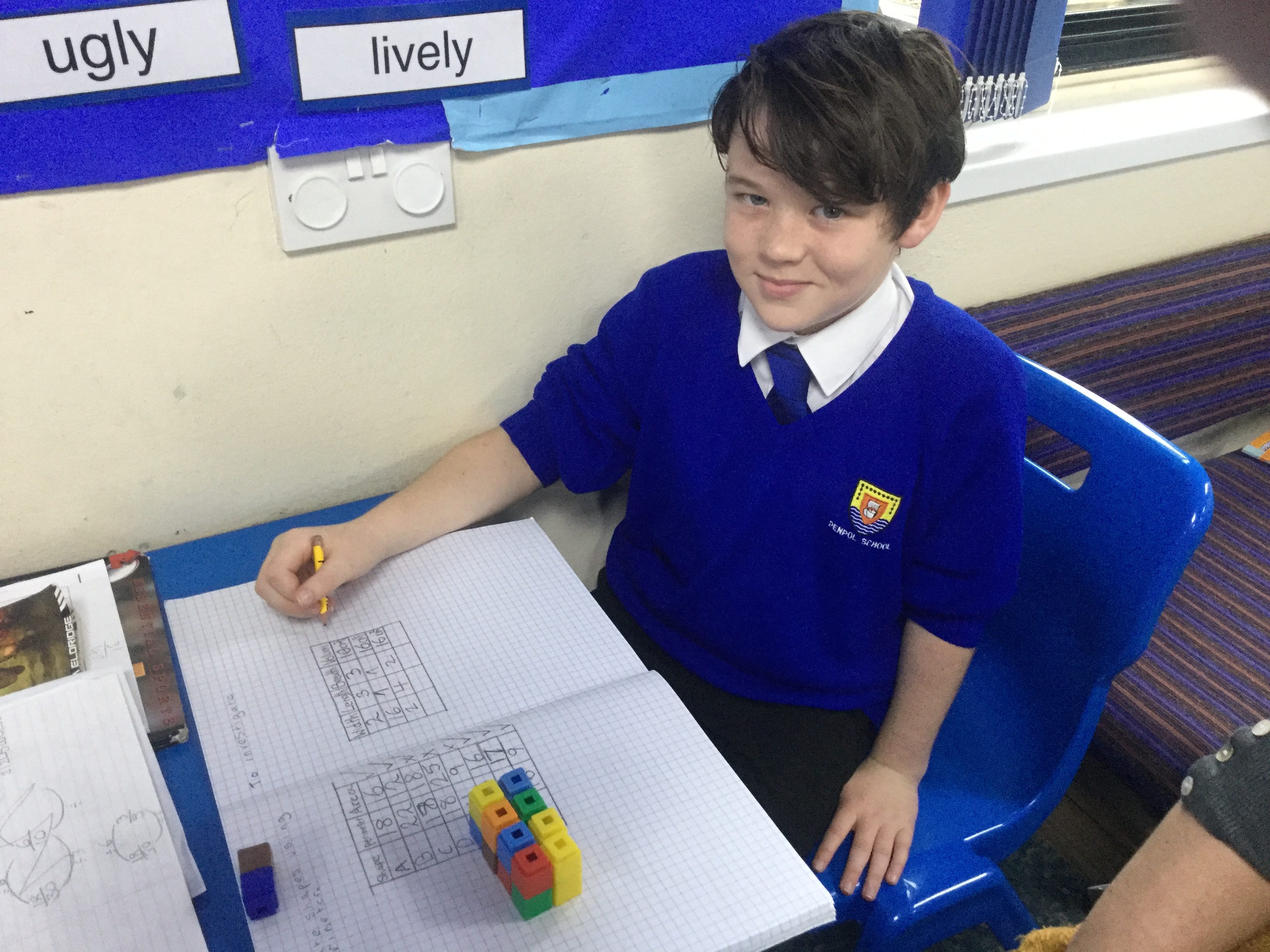
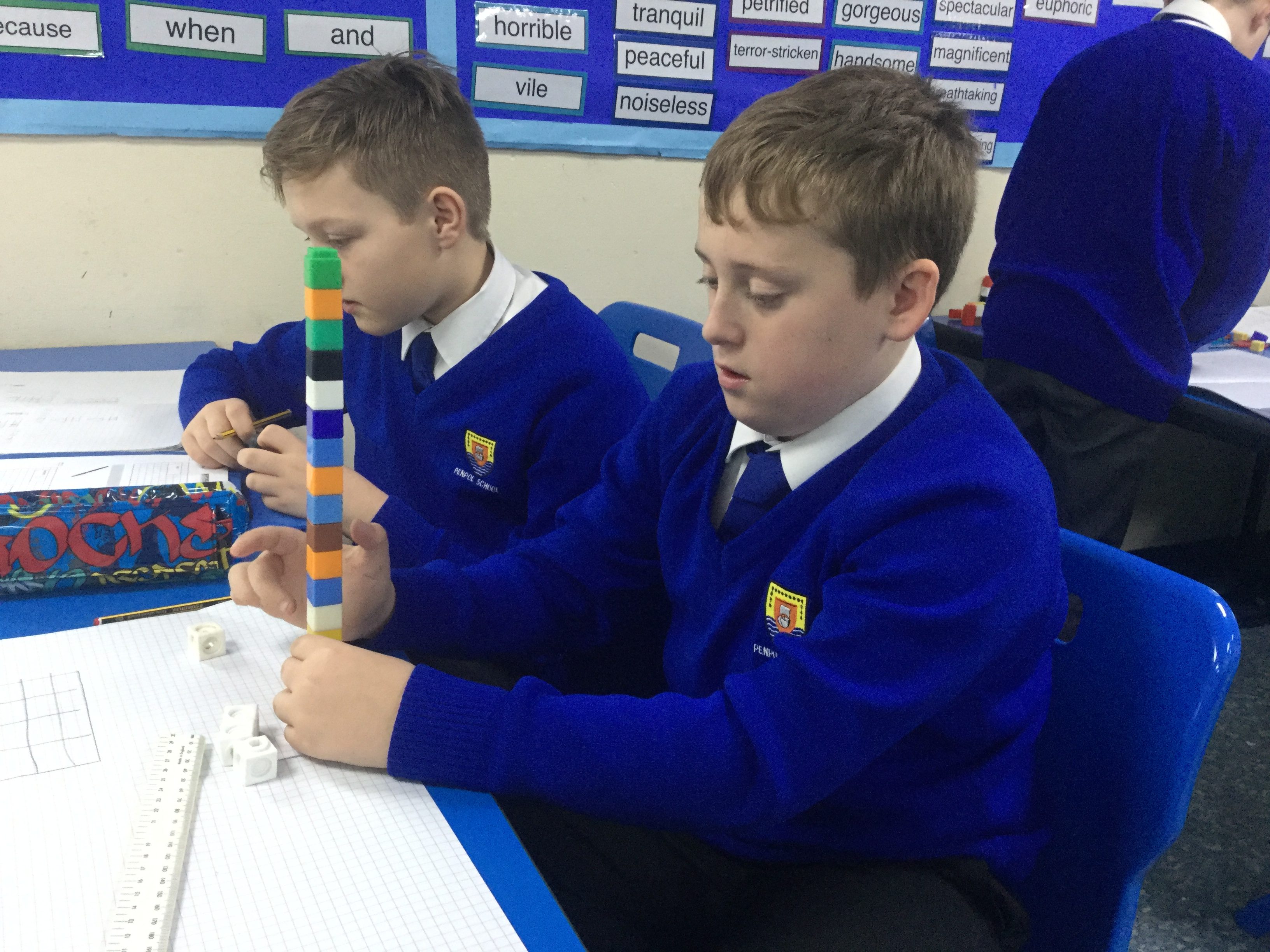
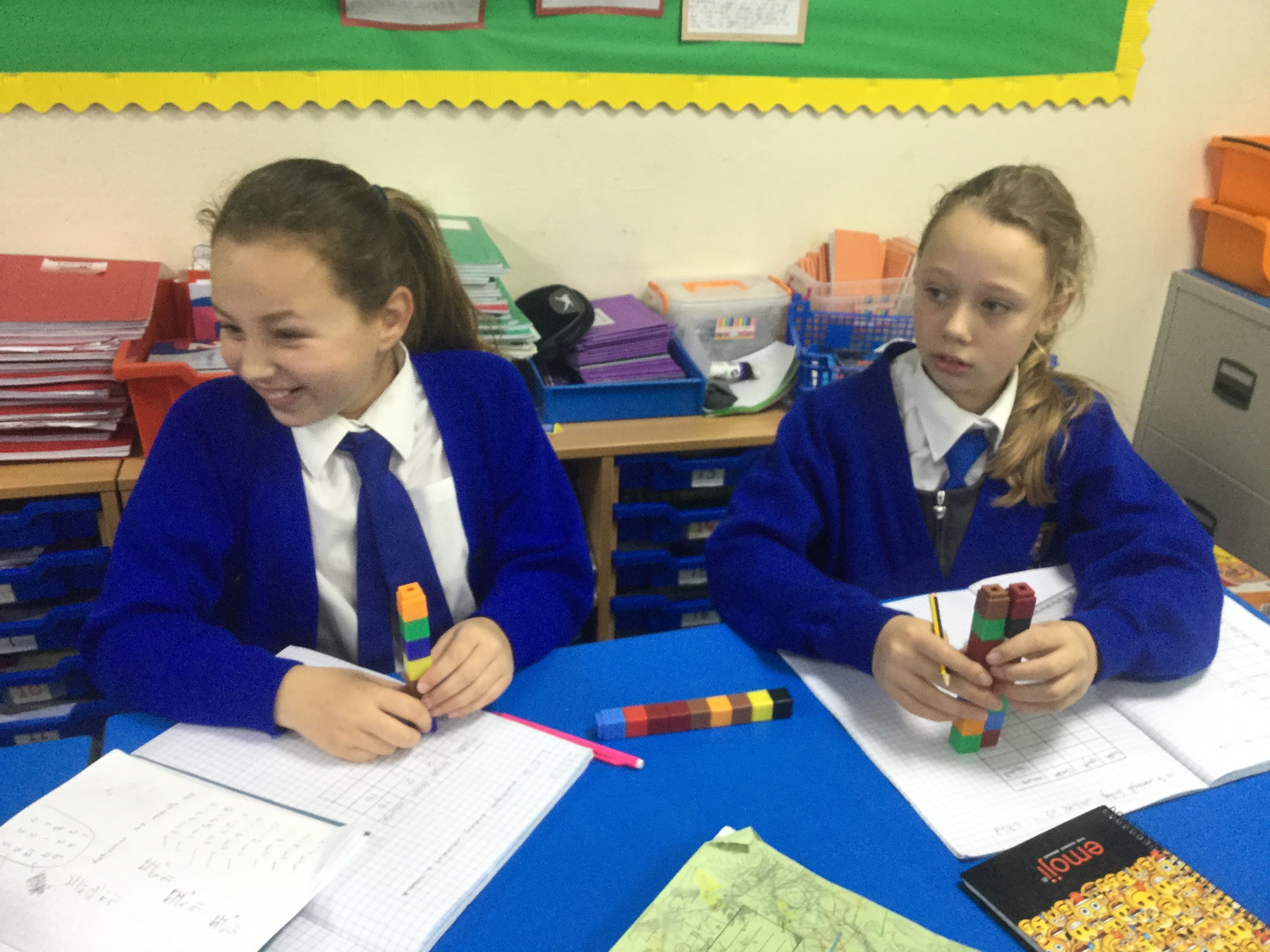
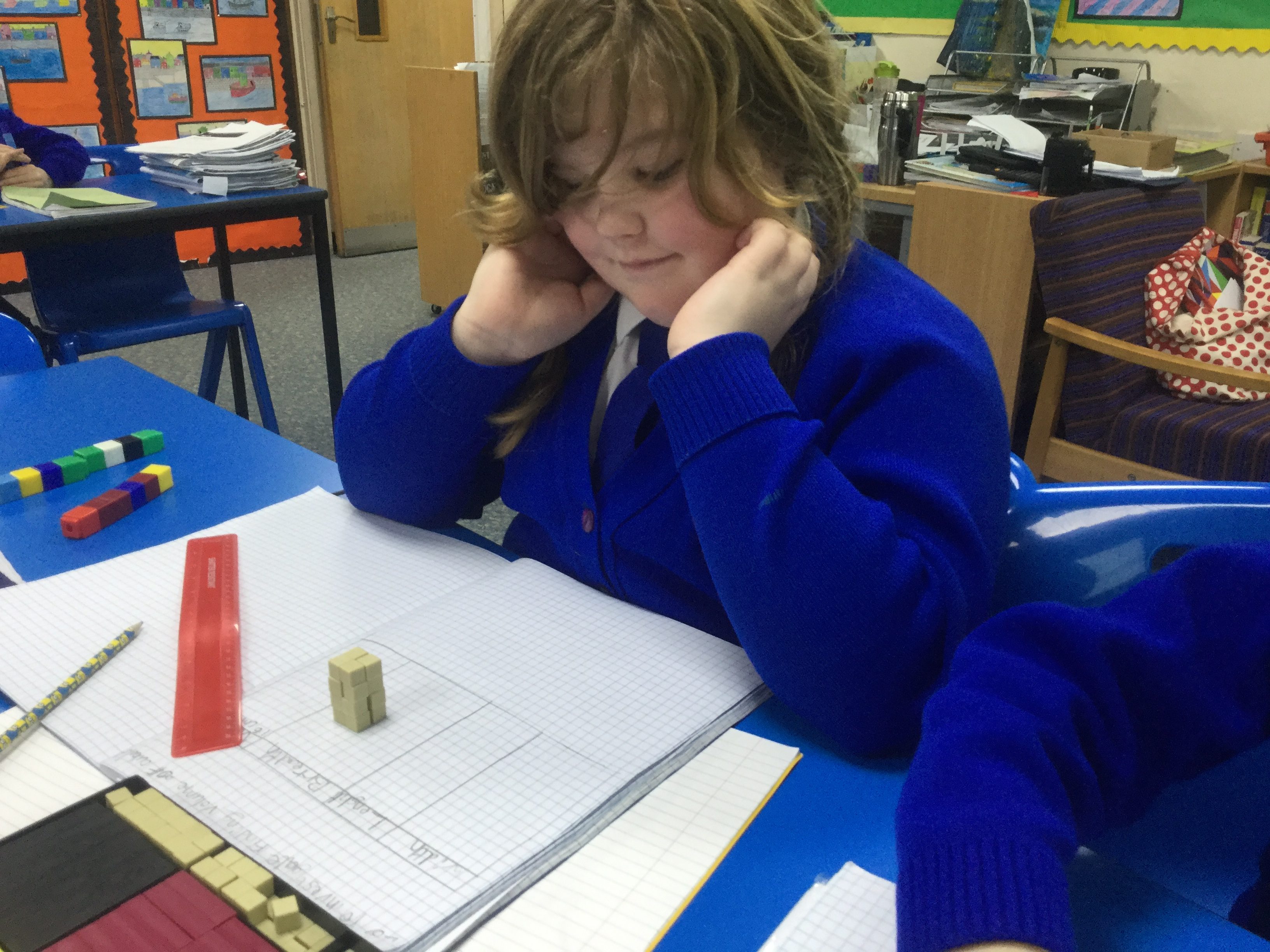
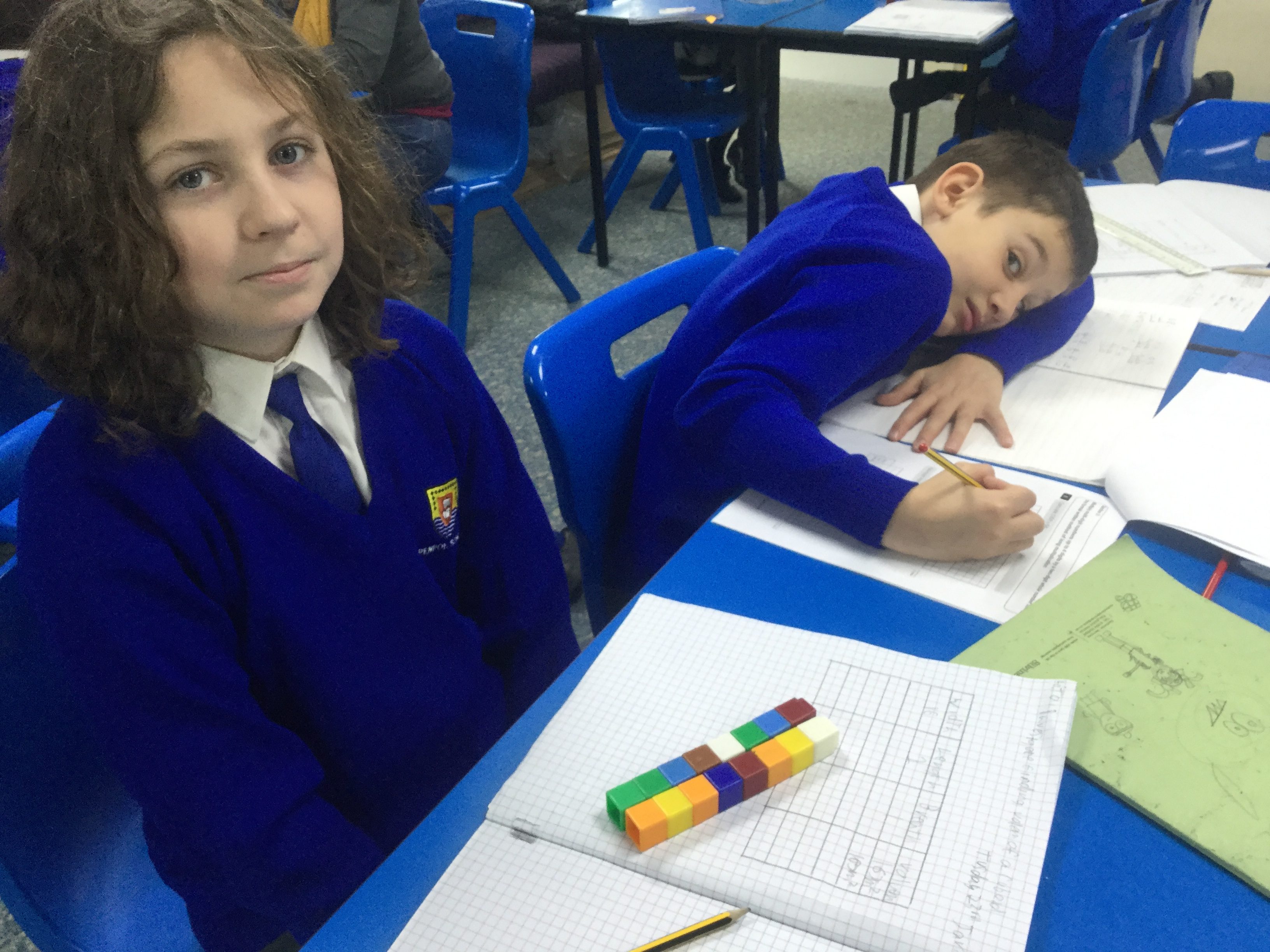
“I liked the challenge of investigating how to make different cuboids with the same volume using the blocks” – Joe

The BBC have recently launched a new scheme called ‘Supermovers’ which aims to increase the physical activity levels of children in schools with the help of children TV stars and Premier League football mascots. This is done through a series of videos based heavily around areas of the curriculum and involve singing and dancing.
For example there are videos that support the teaching and learning of; times tables, word classes, measures, shape, fractions, punctuation marks and much much more. As a school we have been trialling the videos through KS1 and KS2 with great success. Not only have the videos proved to be a very good teaching resource but also allow the children to be active in the classroom.
Physical activity helps with academic achievement, behaviour, concentration and self-esteem. Research has proven that just five minutes of moderate exercise can significantly improve engagement in lessons – BBC Supermovers
Below are some of our Year 4 children taking part and enjoying learning about verbs and adverbs.


It helps us learn – Amber


It helps me improve my movements and its really fun! – Lewis
In Year 5, Class 11 have been perfecting their 6 times tables with the help of Manchester United’s very own Fred The Red.


I love doing these videos as they are really fun and have helped me with my 6 times table – Connah
Its great, they help with times tables but also with getting us moving in the classroom! – Melissa


The catchiness and simplicity of the songs allow the children to be fully engaged in their learning whilst developing not only their times table knowledge but also their physical literacy. But most importantly they are actively learning with a smile on their faces – Mr Stanlake
CLICK HERE to have a go at all of the amazing videos with your children at home.
After a very successful introduction we hope to continue using the ‘Supermover’ videos alongside our daily wake and shake and in class use of ‘Just Dance’ to engage the children physically as well as mentally to both improve their wellbeing and academic achievements.
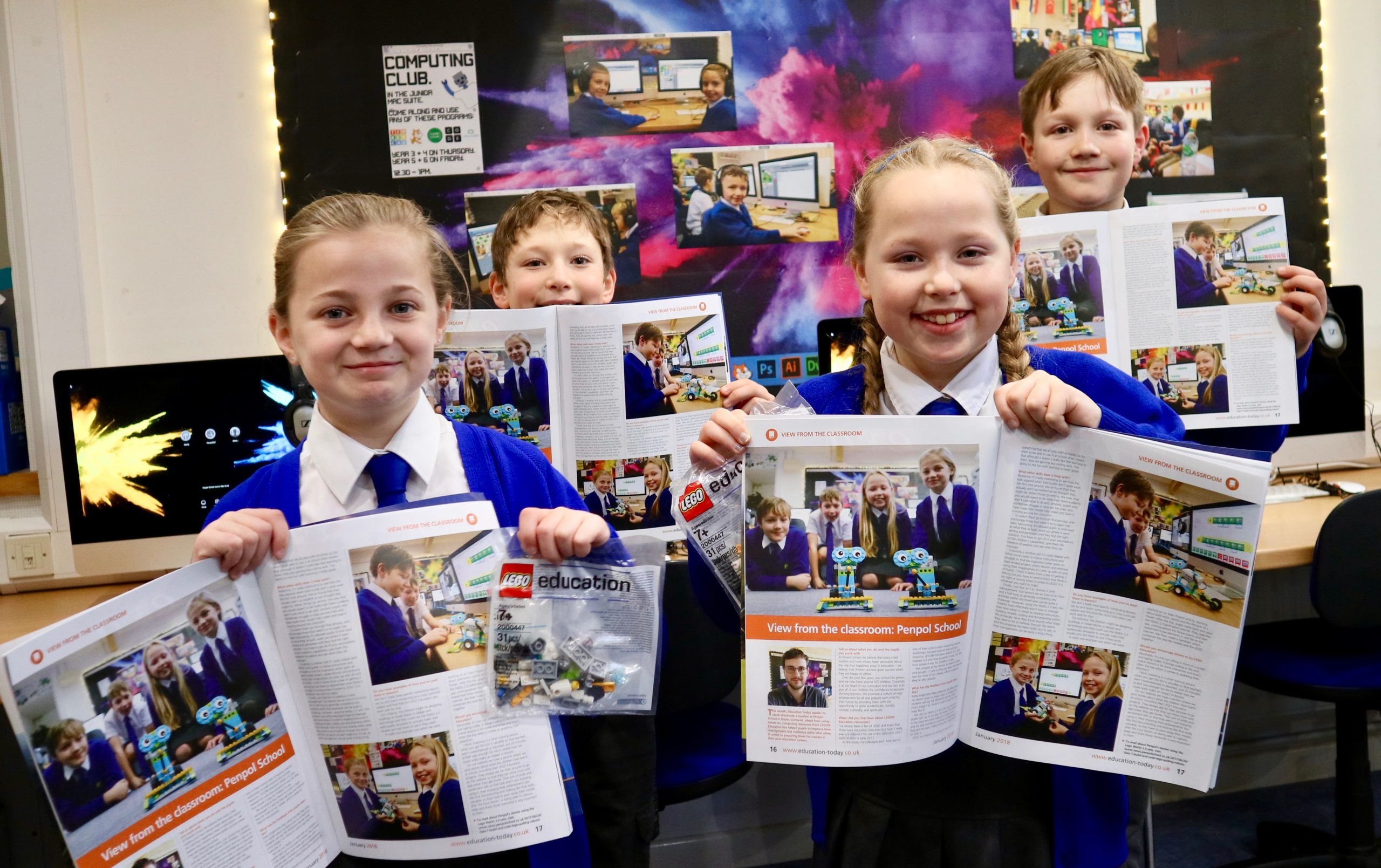
At the end of last year LEGO Education got in touch with Penpol to see how we were getting on with our WeDo 2.0 robotics sets. After a lengthy discussion on the phone the LEGO team were incredibly impressed with how well the staff and pupils at Penpol were embracing and learning through their kits. They asked if they might be able to use the school as a Case Study for a future article and we thought no more of it. Until, that is, we spotted this article in the January 2018 issue of Education Today.
This magazine is sent out to every school in the country and often features a ‘View From The Classroom‘ section. I’m delighted to say that this months feature is all about Penpol School and our use of the LEGO Robots! Alongside an interview with myself there are some photos of Will, Alfie, Lily and Freya are featured showing off their creations!
You can read the whole article here: (Click on the article to make it bigger!)
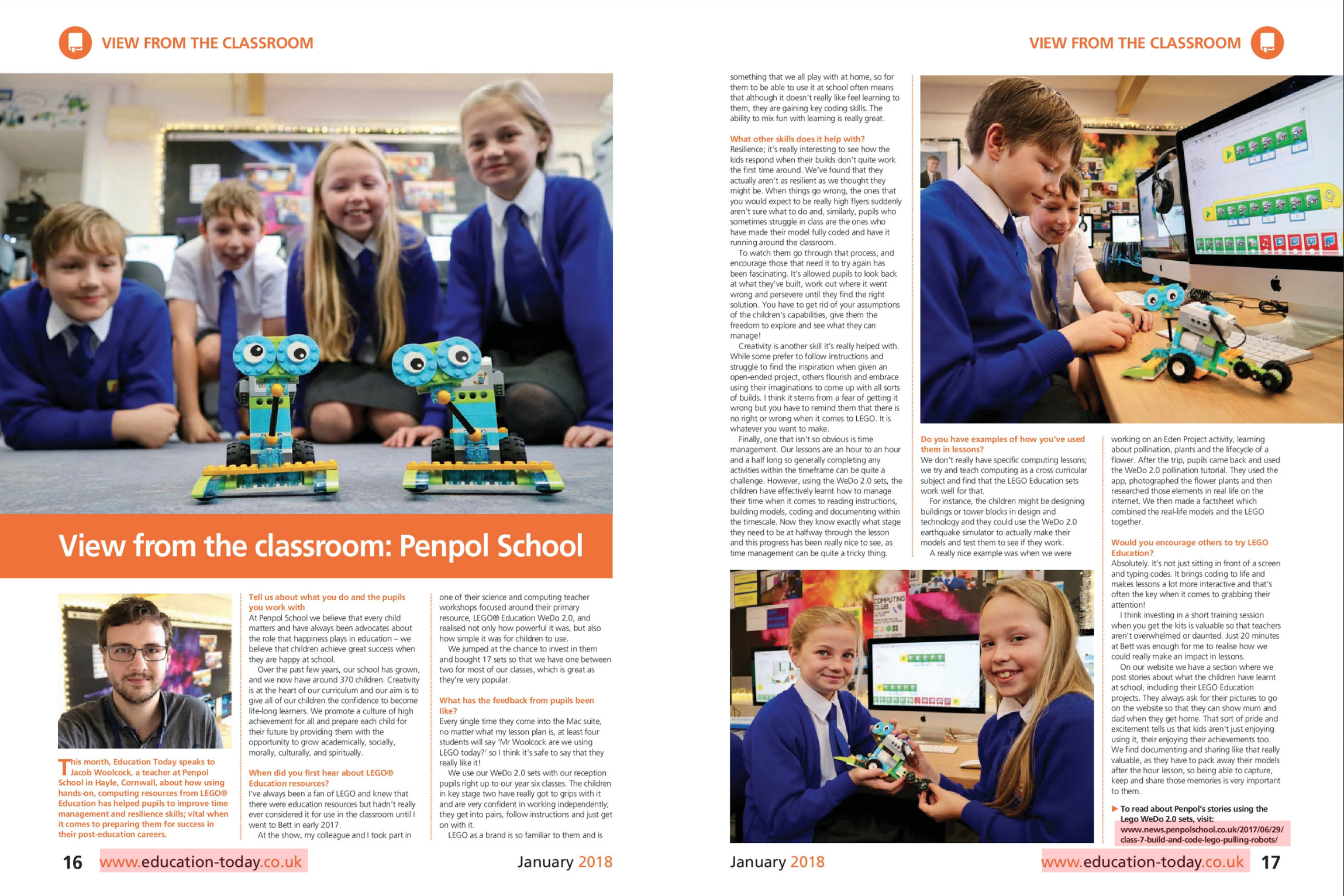
Click article to view it full size
As well as being featured in the magazine, LEGO Education were kind enough to give our four magazine-stars their own ‘Mini Milo’ LEGO pack! Here’s a photo of the four enjoying their new found fame and free LEGO!
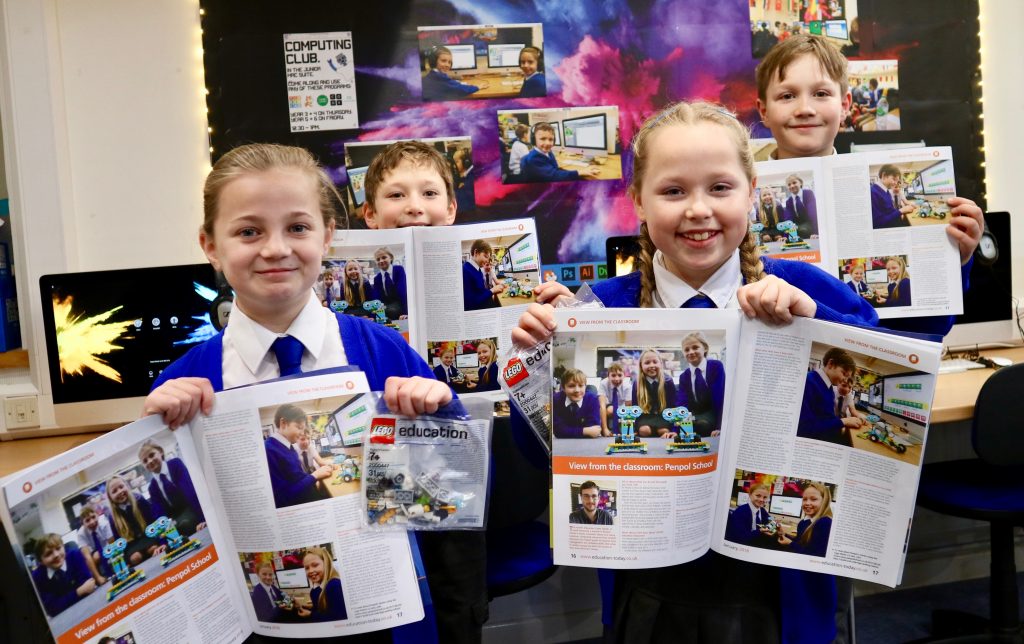
And what exactly does a ‘Mini Milo’ set look like? I’m glad you asked as they really are quite cute!

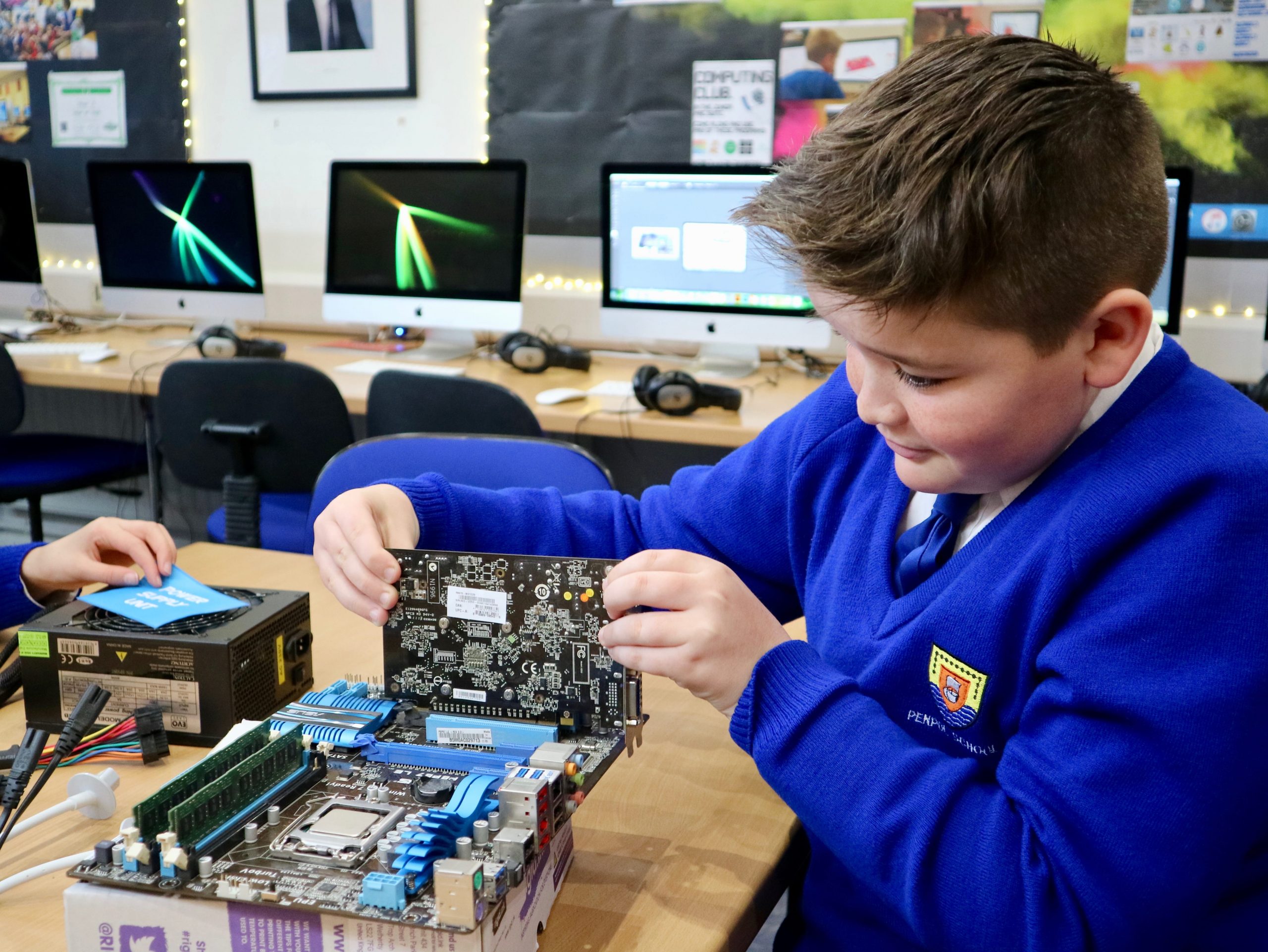
This week our Year 5 and Year 6 classes have all taken it in turns to build their own computers using the assortment of components that they learnt about last week. Working in small groups (and with the help of Mr Woolcock and Paul) each child learnt where the components went and what they do inside the computer.
Below is a step-by-step to understanding what goes inside a computer, written by our pupils. Enjoy!
“This is the thing which everything else plugs into, for example the power cables and processor. The motherboard is big and it’s covered in circuits and interesting bits. You need a motherboard in order to build your own computer.” – Harry, Class 13
“The RAM is a bit like the arms of a computer, it helps the computer to multitask and to juggle lots of things at once. You need to add the RAM in two slots (which have to be colour matching!) and it must be the right way around. Push it firmly into place and the clips keep it in.” – Taran, Class 13


“The processor is like the brain of the computer, without it the computer wouldn’t work at all! We had to line the Processor up in its square holder and gently lower it into place. We then used the clip thing to lock it into place so it doesn’t go anywhere.” – Ben, Class 13


“It shows the screen what to display and they can be really expensive! It was quite easy to push it into the slot on the motherboard.” – Kian, Class 11


“The heatsink cools the processor down because it gets really hot when it’s working. It looks like a big fan with a big metal grate on one side. You had to screw this into the motherboard so it sat firmly on top of the processor otherwise it won’t work.” – Meghan, Class 13


“It’s been really cool because I learnt how to put things into the computer and what everything was called. The hard drive was interesting because it’s where you save all the work and that means all of the work that we’ve done is saved on one of them.” – Melissa, Class 11


“I liked putting together the computer and seeing how it worked. I found it amazing how everything could fit in a small computer and how the cables link everything together on the motherboard.” – Freya, Class 11
“It’s important to a computer because it helps to run everything. You have to plug the power cables into the motherboard and the drives and that gives it power.” – Emma, Class 11


“When everything is plugged in and safe, we turned the power on and you could hear the fans start to spin up as the computer started working. It’s magic!” – Freya, Class 13
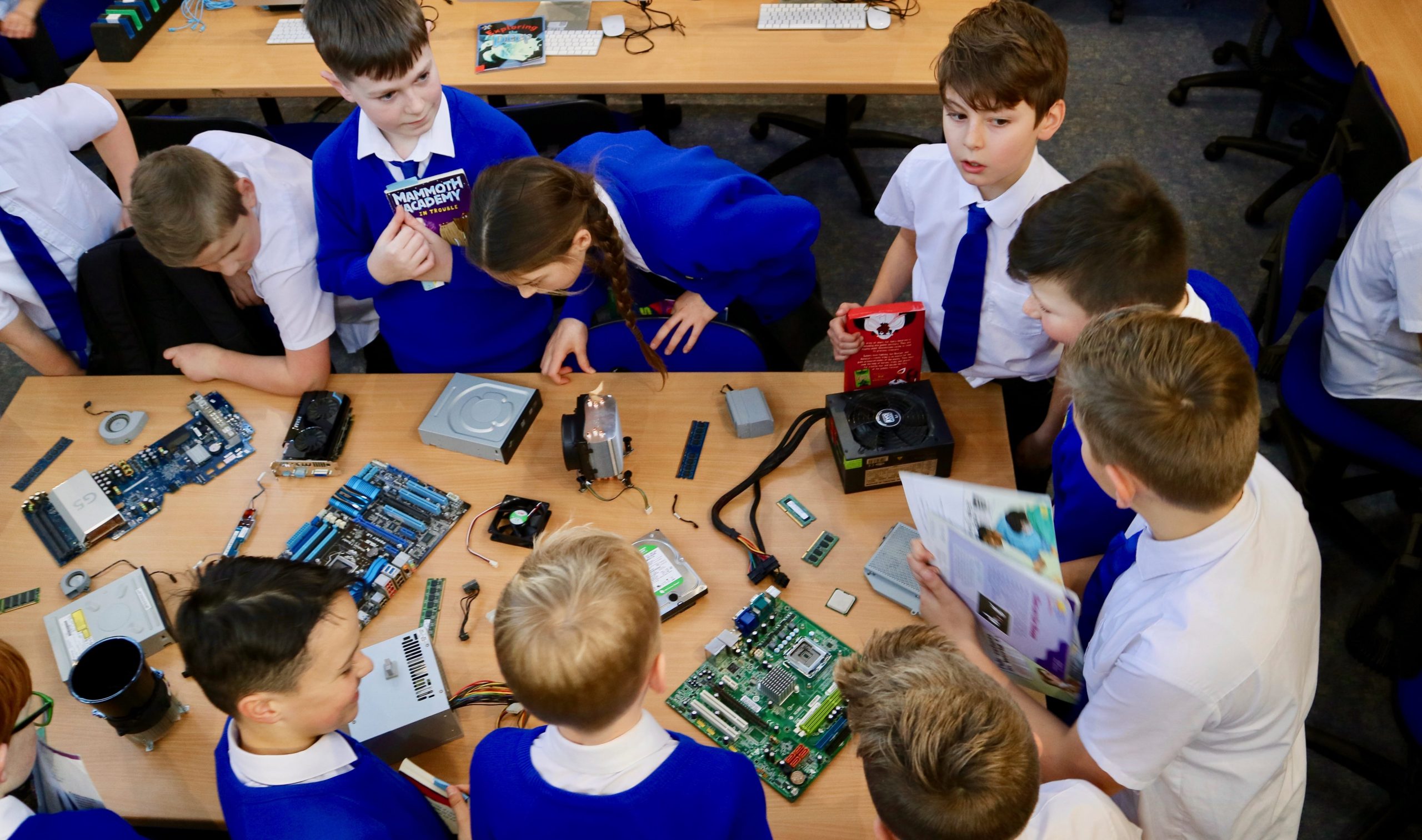
This week in Computing Year 5 and Year 6 have been learning all about the different parts that make up a computer, including the Motherboard, Processor, Hard Drive, RAM, Graphics Card, Heatsink and the Power Supply Unit. We learnt how all of these parts are useless by themselves, but when they are all connected up together they can make a fully working computer.
“It was really fun, learning how the motherboard had all these bits where you can plug everything in. It was really interesting because I was surprised how heavy it was compared to how big it was.” – Alex, Year 6

As well as having a chance to investigate these components, the children were also given the opportunity to hold and draw the objects in order to get a greater understanding of them.
“It was great, because we got to know what was inside a computer.” – Holly, Year 6

Next week each of the groups will have the opportunity to assemble these components with Paul to hopefully build their own working computers. It’ll be a very exciting project for sure, so check back for more photos on the Penpol Times soon!
“It was quite good because we know how it works now. I just thought that a computer was one little piece inside a screen but actually it’s a whole network of really weird pieces.” – Eva, Year 6