Unfortunately we are having trouble with our phone system this morning. If you need to reach the school please use our backup number of 01736 756915. Thank you.

  • Contact Us

Headteacher
Chris Coyle-Chislett

Email the Office
secretary@penpol.cornwall.sch.uk

Telephone Number
01736 753472

Our Address
2 St George’s Road, Hayle,
Cornwall, TR27 4AH

“Penpol pupils are curious, creative and courageous learners. Our school community believes in authenticity as the foundation of deep-rooted learning. Through our rich and relevant curriculum, we nurture community-minded, forward-facing international citizens of the future.”

What’s that noise coming from the Mac Suite?

Since the beginning of November I’ve been asked the same question time and time again: “What’s that noise coming from the Mac Suite, Mr Woolcock?”

It’s a very valid question as there has indeed been a pretty irritating noise coming from the Mac Suite for the last few weeks.  The machine making the annoying noise isn’t finished yet though, in fact it’s likely to be making that same, annoying noise for a few more weeks yet.

So what is it doing??

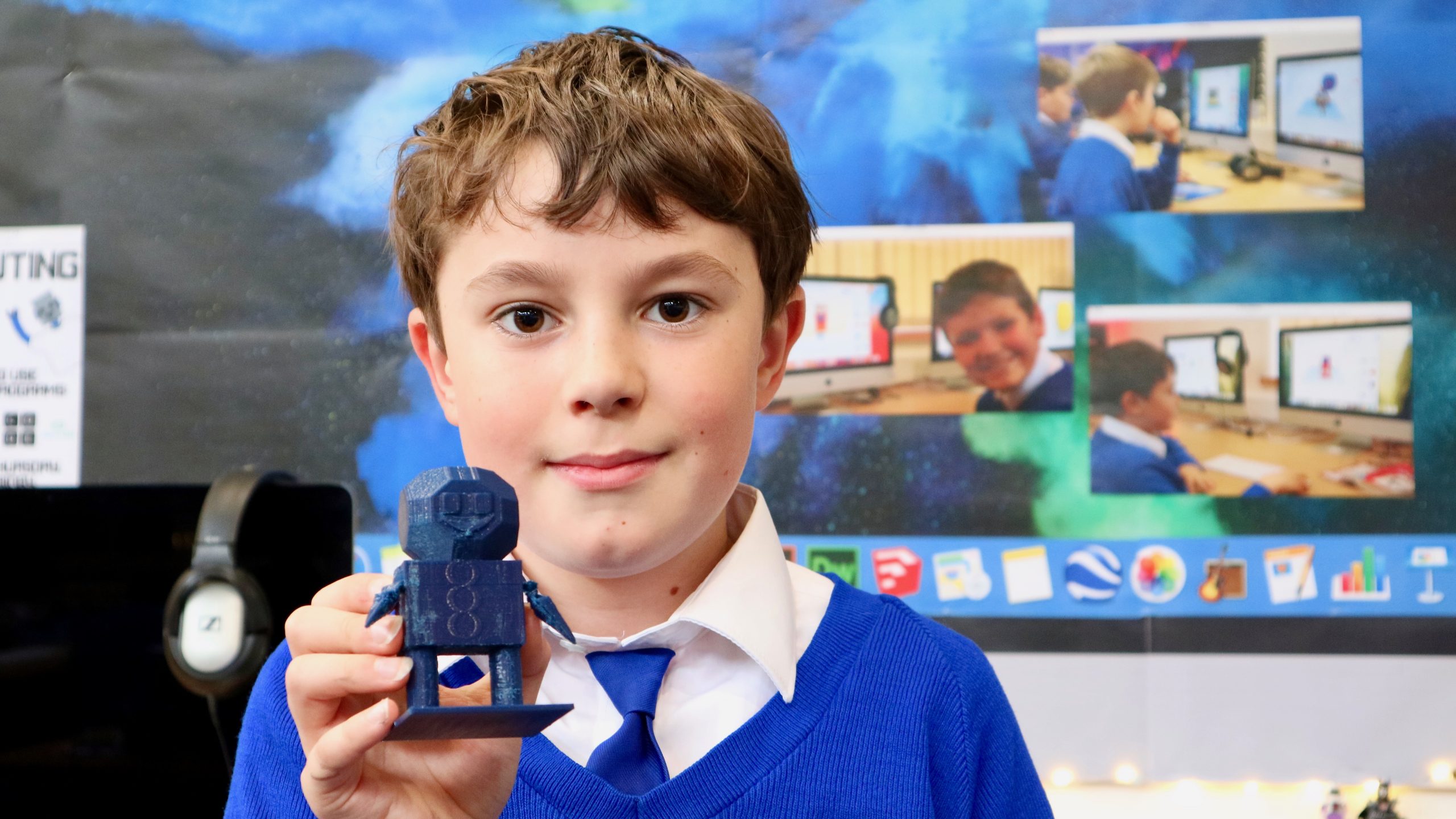
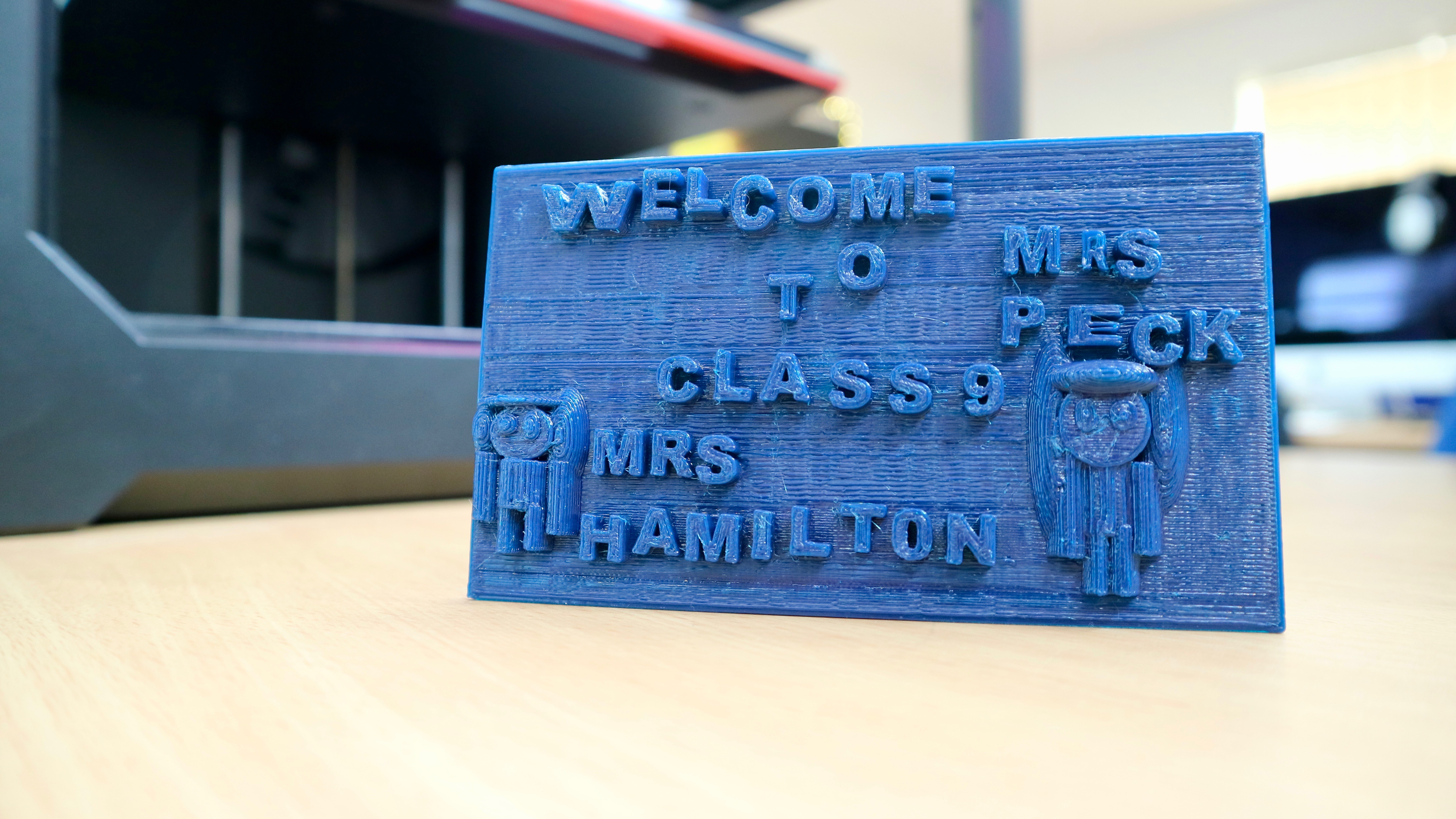
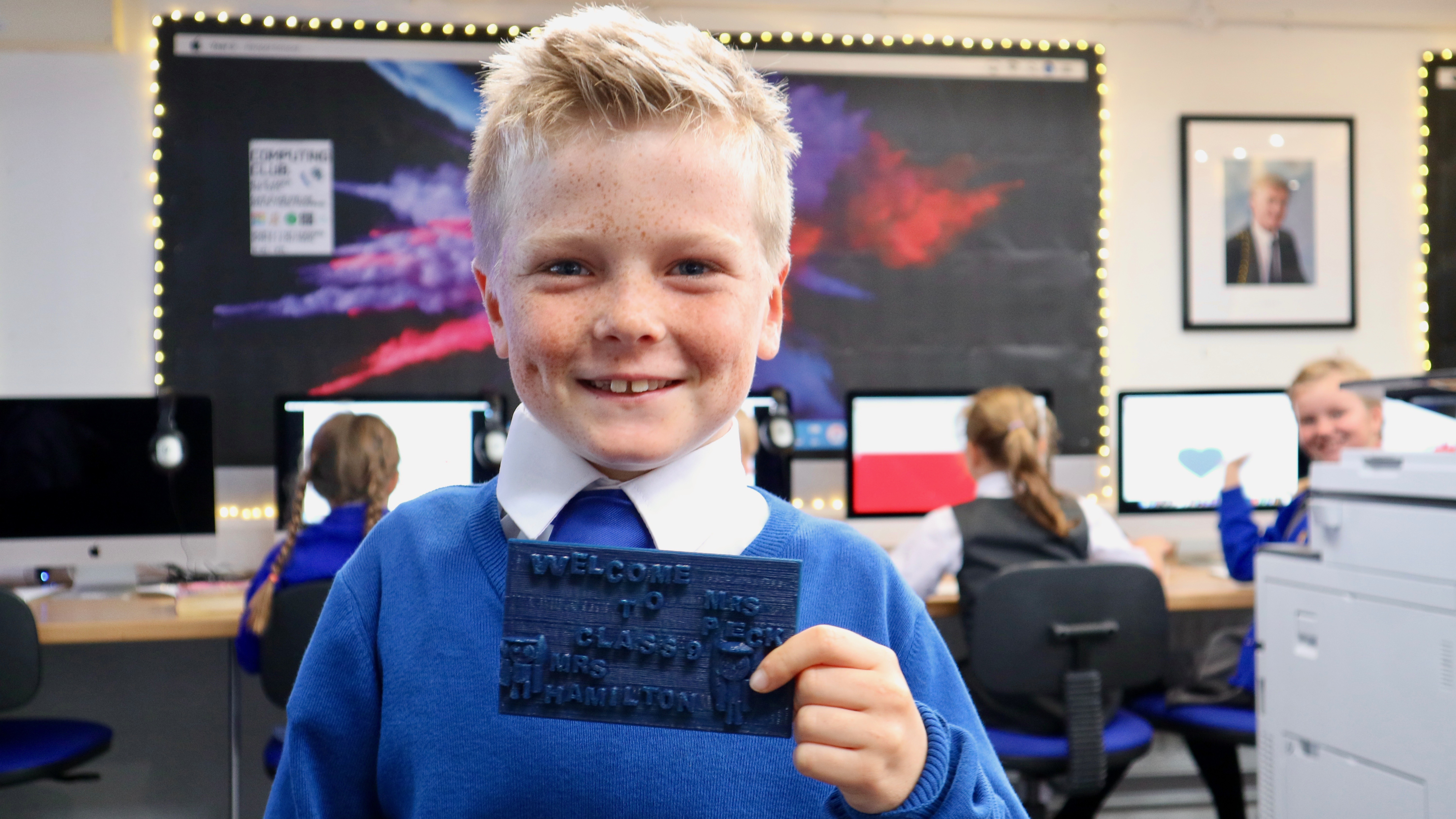
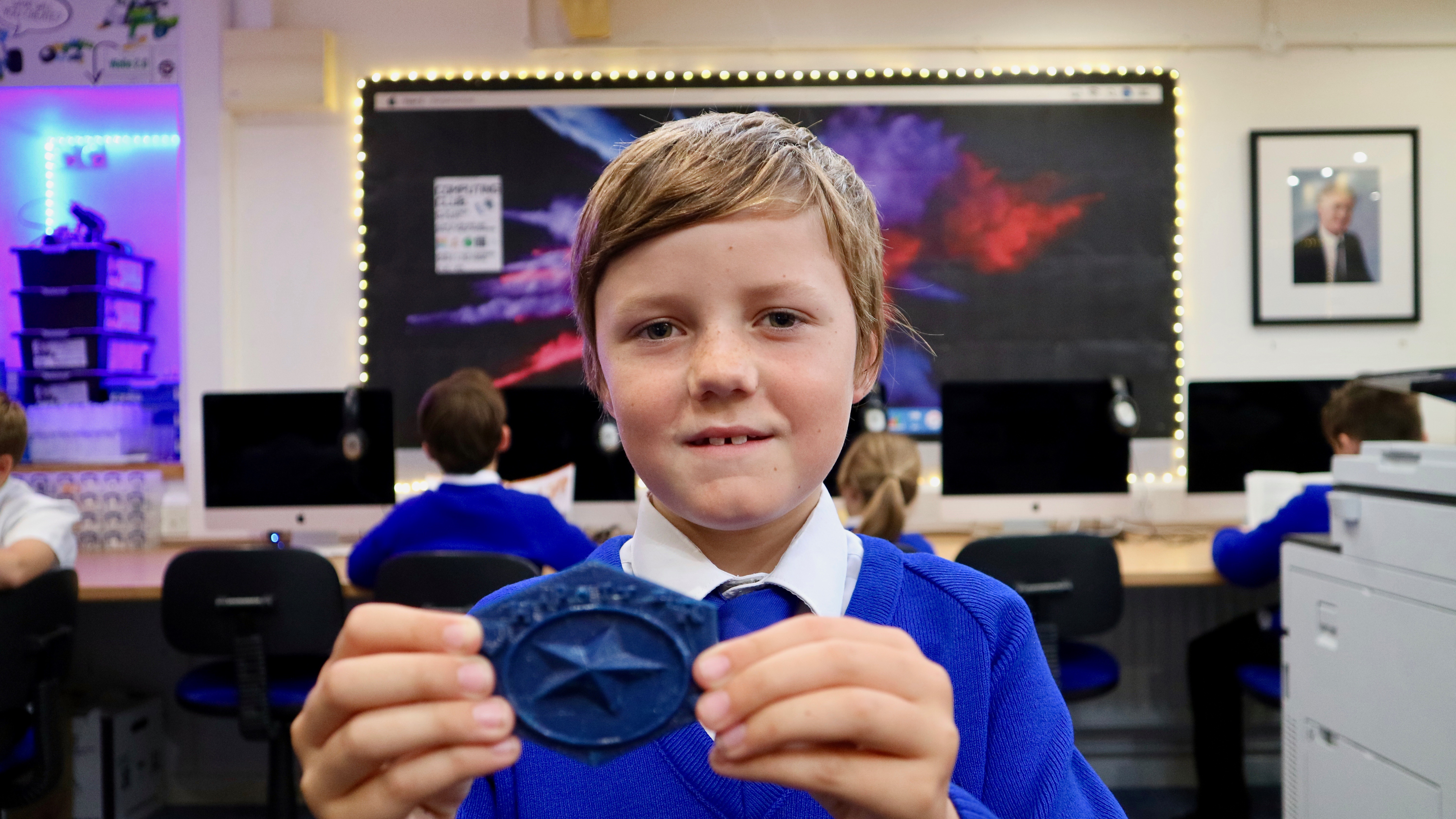
Well, the machine is our Makerbot 3D Printer and it’s currently undertaking the biggest print-run of its life – printing out 200 unique and individual winter decorations which have been designed by the children in Key Stage 2.


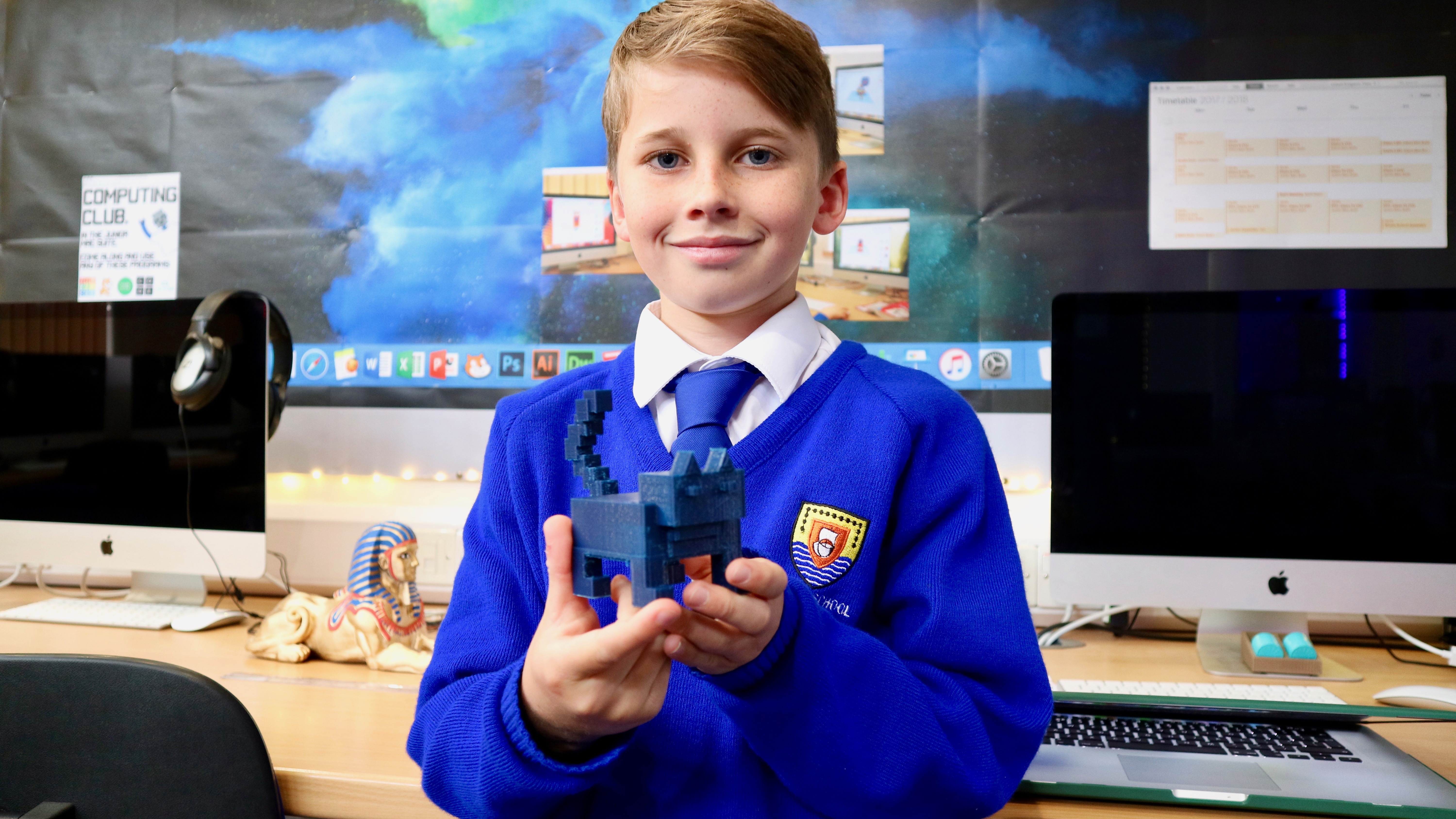
Each child in the Juniors has been using an online program called Tinkercad to imagine, design and construct their own decoration, based on any theme they wish.

To get their creative juices flowing I showed each child how they could make a unique and beautiful Snowflake design, which a lot of children actually ended up choosing as their final decoration.  However, each child could also design their own decoration with their own choice of colours too.

Since then, myself and Paul have been busy making sure that all 200 decorations get printed.  It might seem like a simple task, but in reality it’s far from it!  Each 3D model takes around 50 minutes to print and as they all use two colours we also have to stop the printer to change the coloured plastic mid-way through each print.  Sometimes it’s a little easier, for example when five children have all chosen a red base and a white top layer, as all five can be printed at once during a morning.  But for the most part it’s been a case of setting countless alarms, reminding teachers to pause the printers, scrambling under the table to find the next colour plastic and hoping that the 3D printer doesn’t jam after 4 hours of printing (thus ruining the prints!).


Plenty of late nights and early mornings have been spent coming back into the Mac Suite to set more prints off in the dark, but we’re finally getting towards the end.  We’ve now printed over 120 decorations and they are looking INCREDIBLE.

When all the decorations are printed we’ll be giving the children a chance to bring in a small donation of 50p to cover the cost of the plastic filament in return for taking their decoration home to keep forever.  The children are already excited about this!

As to what the decorations actually look like?  Well, you’ll just have to wait until December to find out.  It’d ruin the surprise to share all the photos of them now, but as soon as we’ve got all 200 ready to go we’ll update the Penpol Times so you can see how great they look!

In the meantime, back to the printer for me!

– Mr Woolcock

Aidan races ahead with car design!

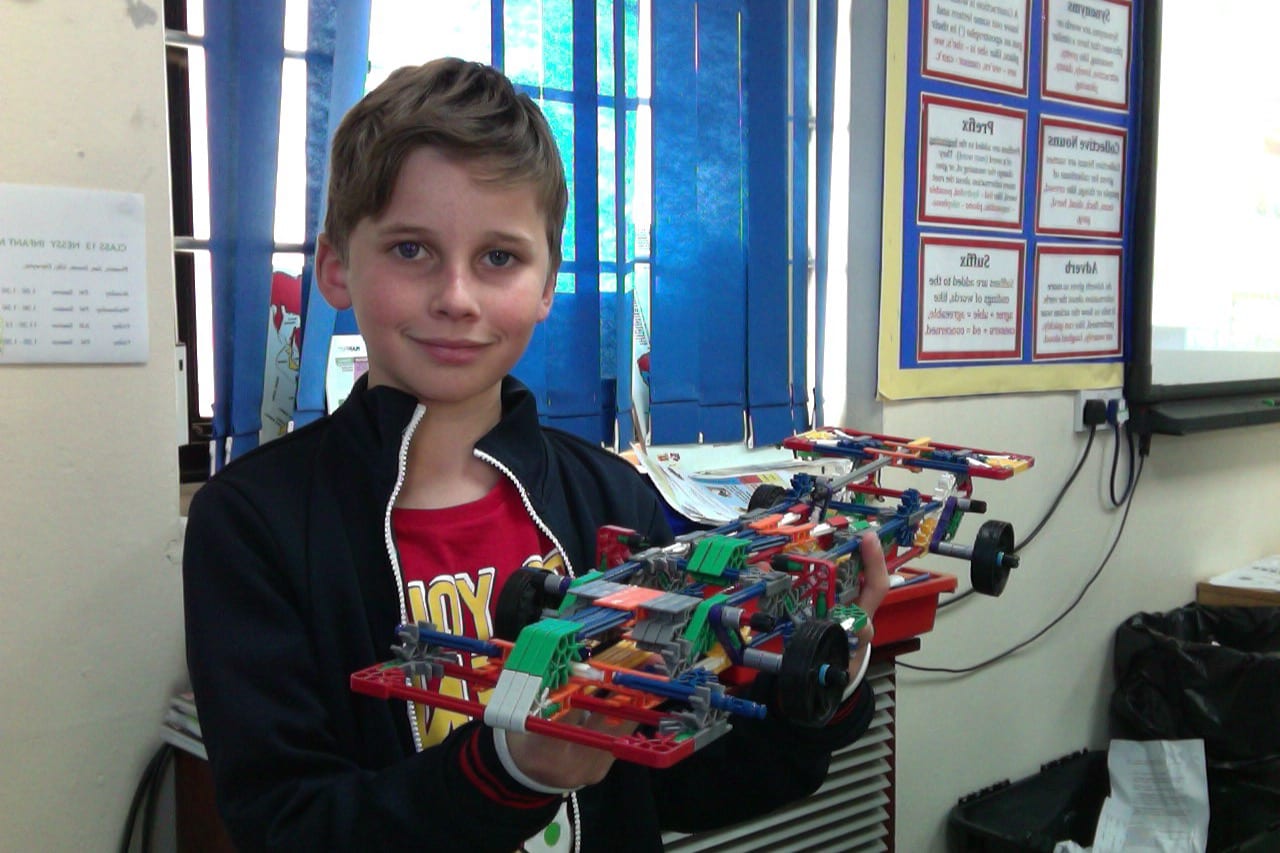
After an inspiring trip to see the BloodHound SSC in Newquay, Aidan from Class 14 took it upon himself to design his own supercar! He made it out of K’Nex, which is a plastic material which can click together to make structures and models, so the possibilities for what you can build are endless. We think that he did a great job – well done Aidan!

The hardest part was to connect the back of the car to the front and joining the top half to the bottom half. It broke a few times but I am really happy with the end result. – Aidan

Class 4 have an Art Attack!

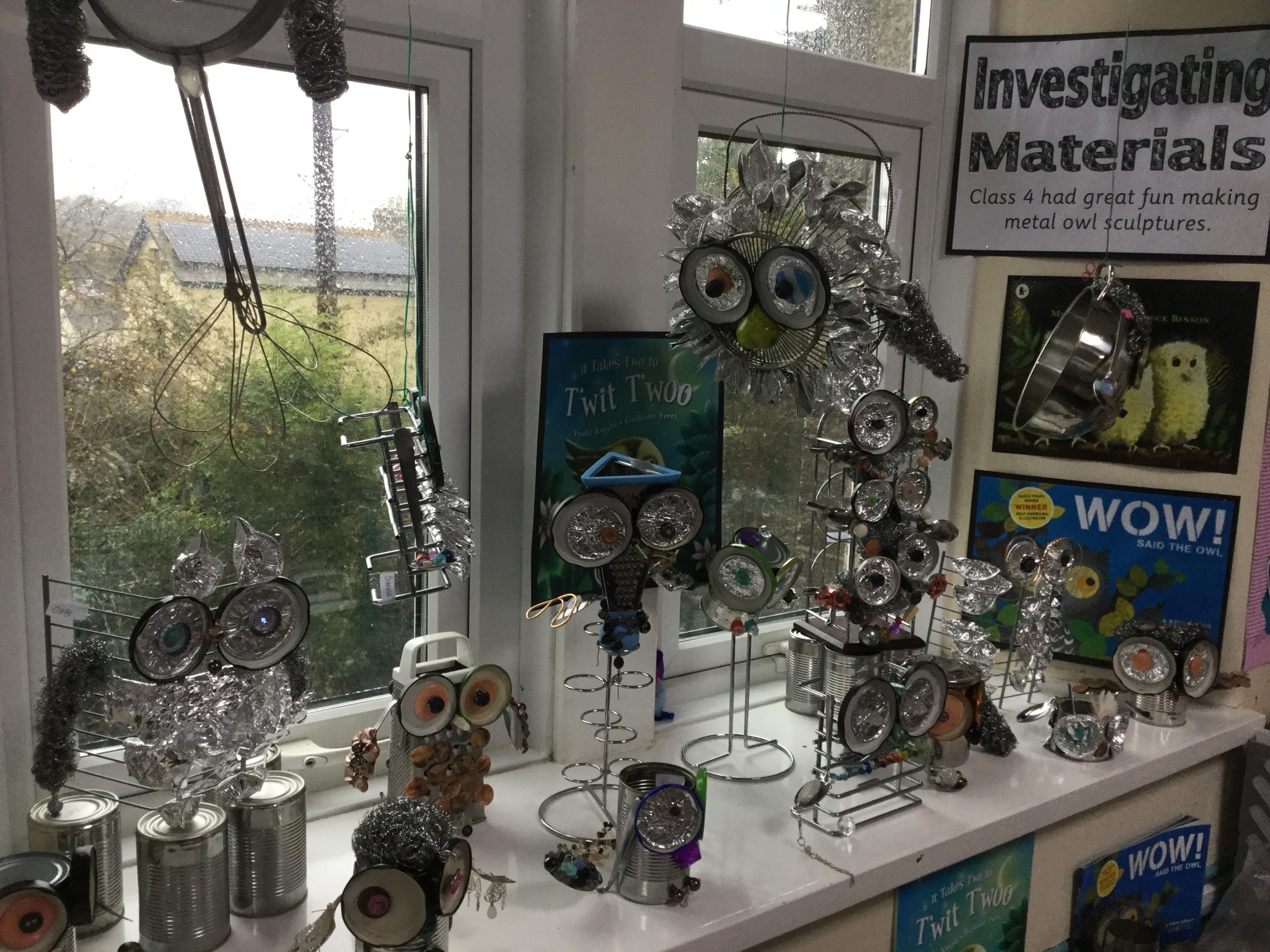
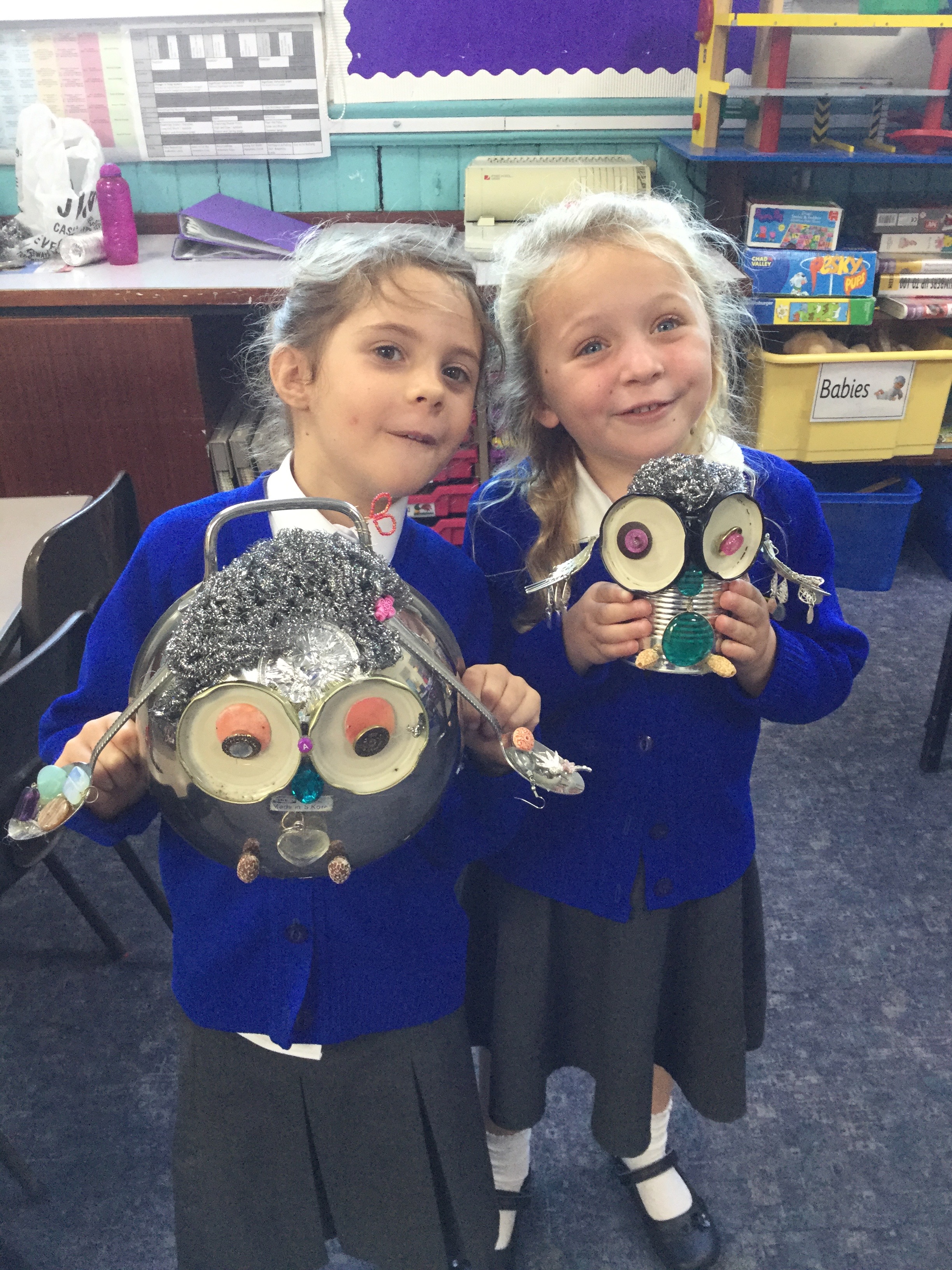
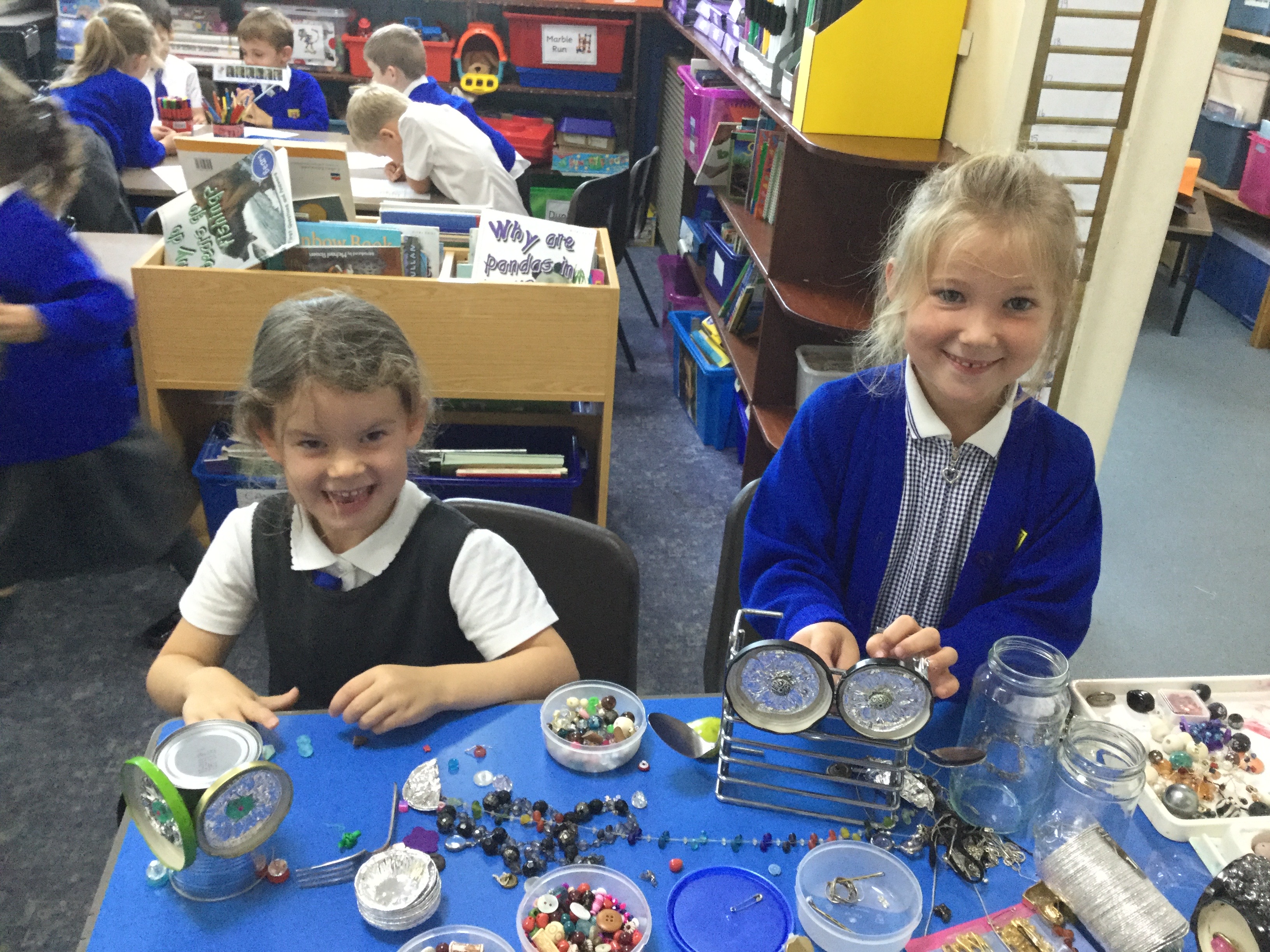
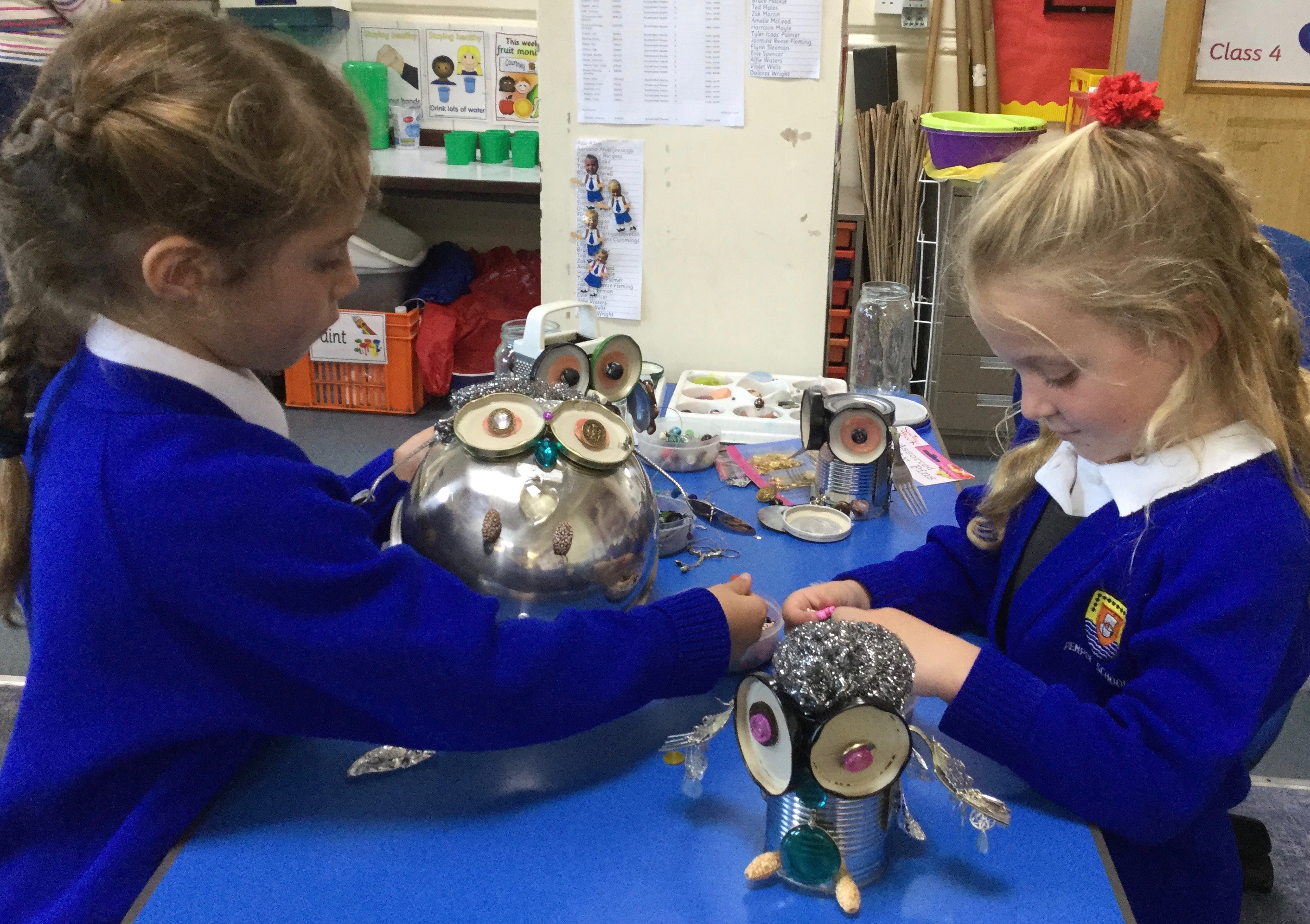
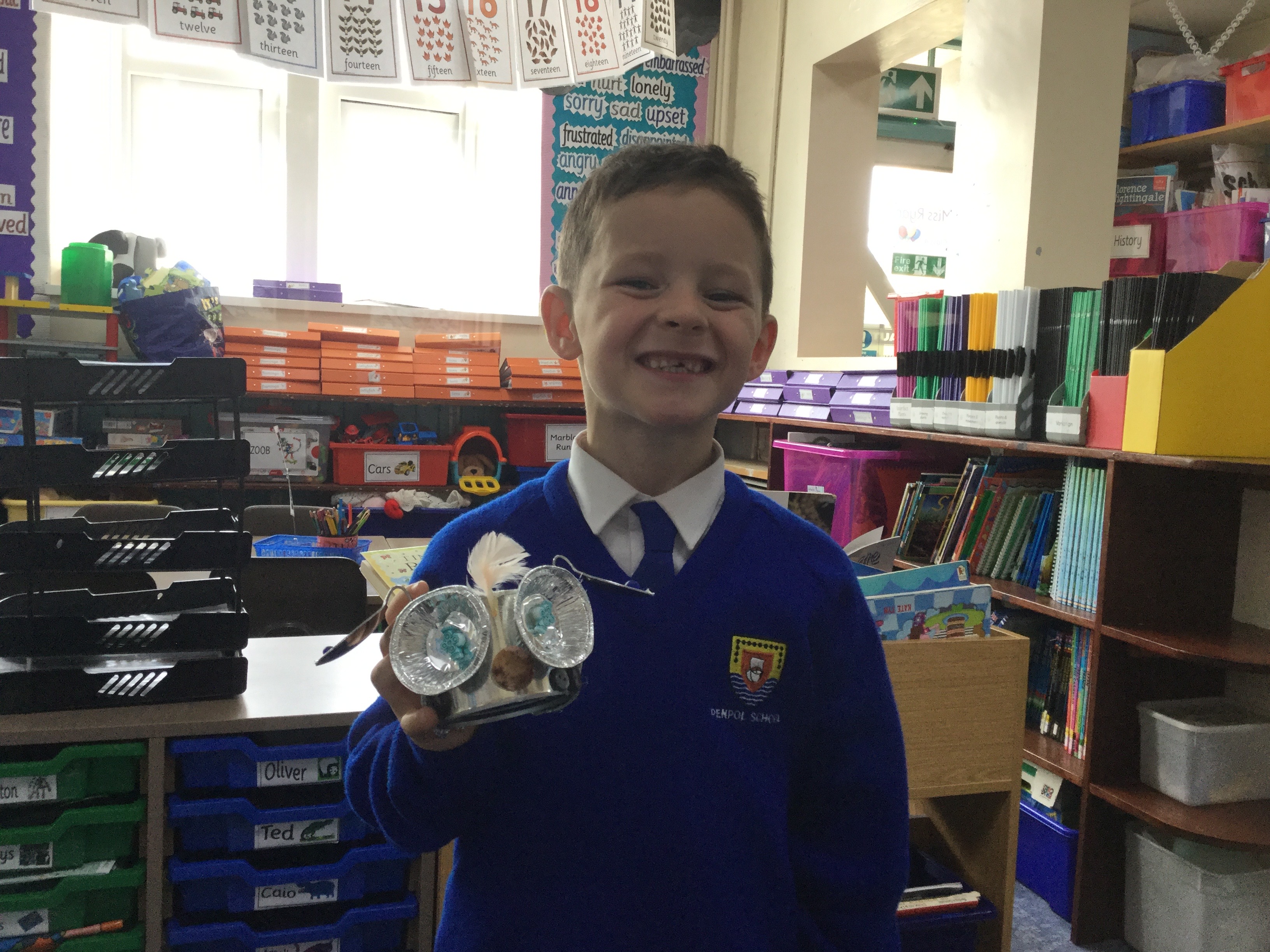
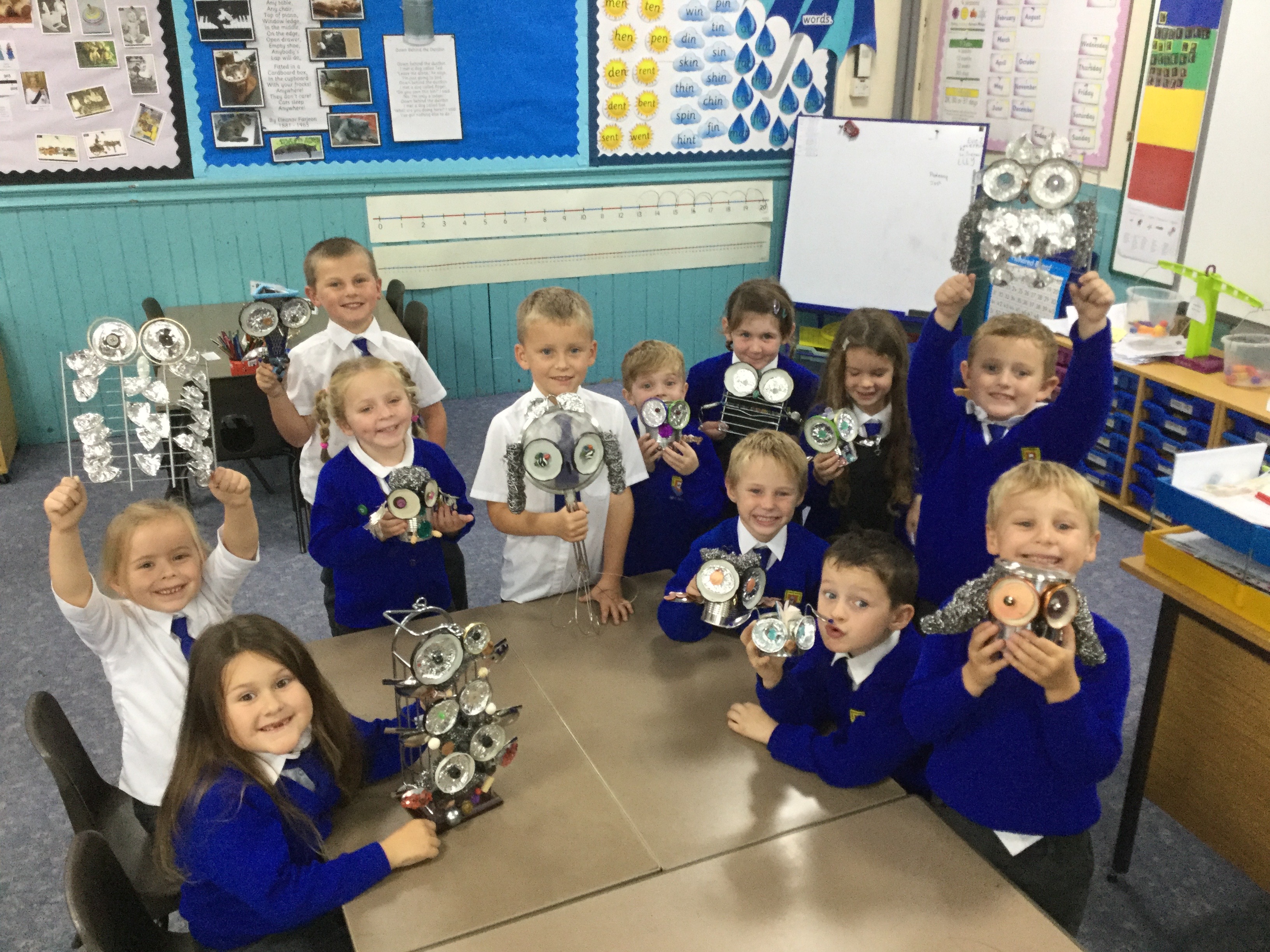
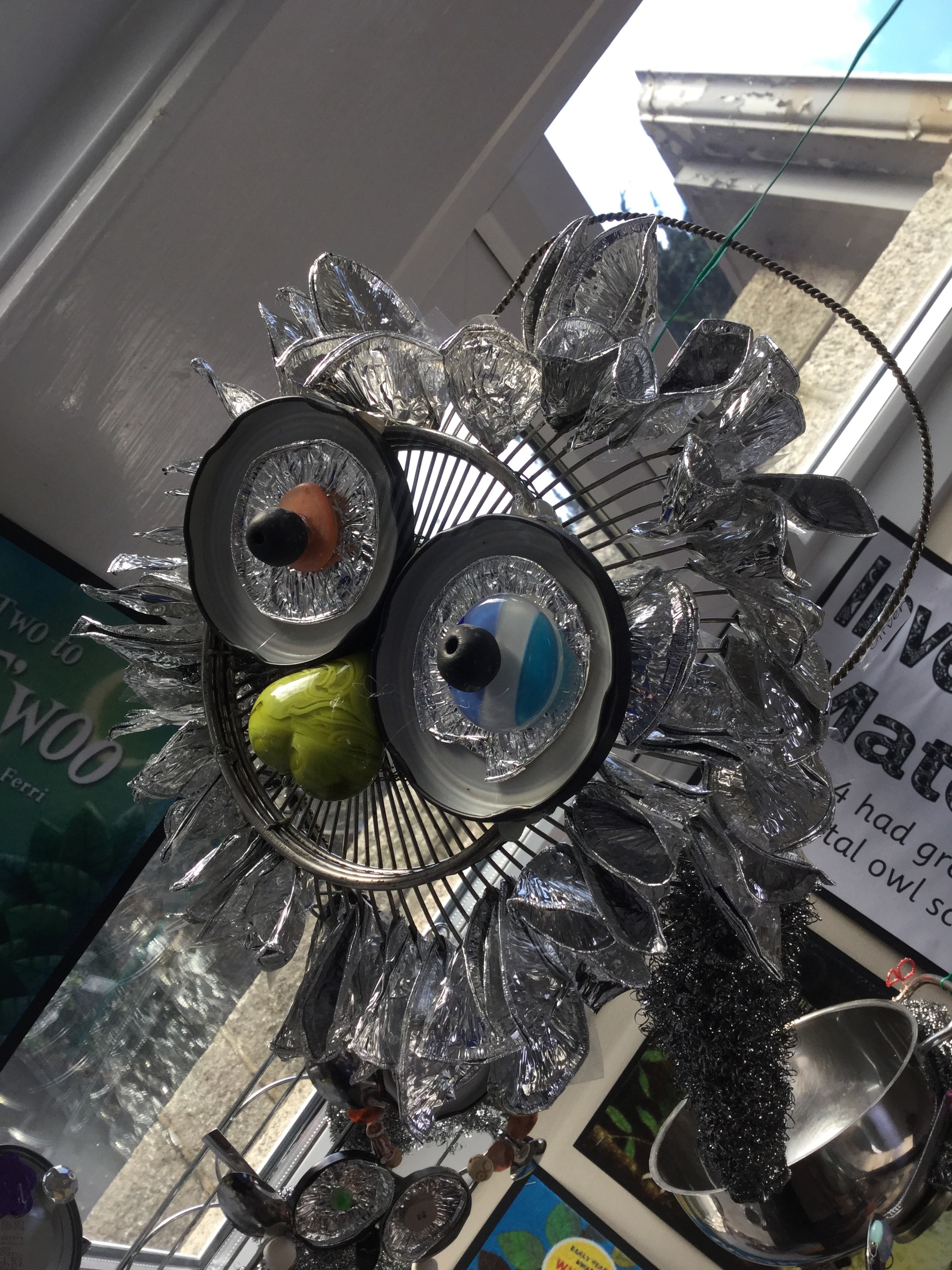
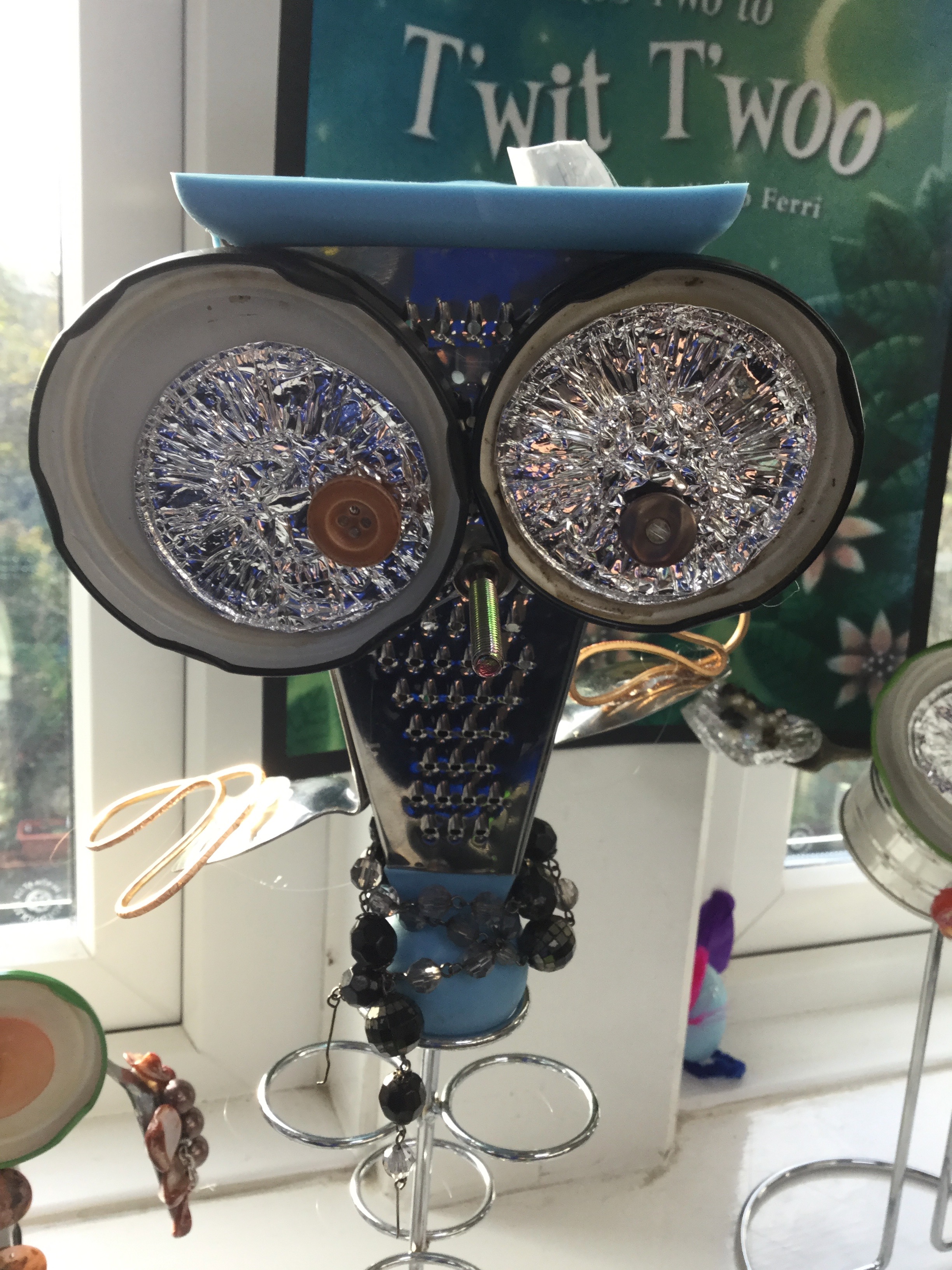
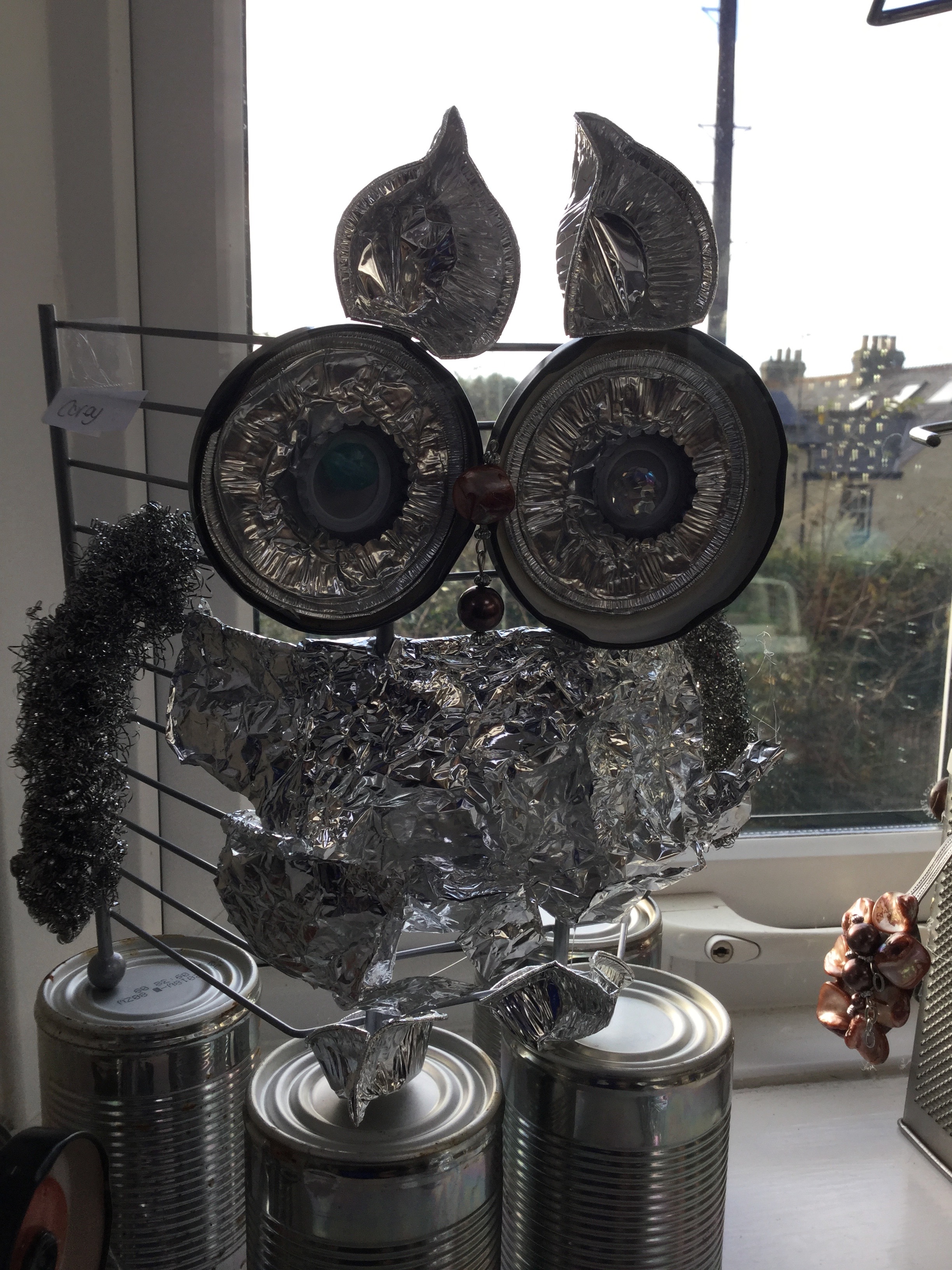
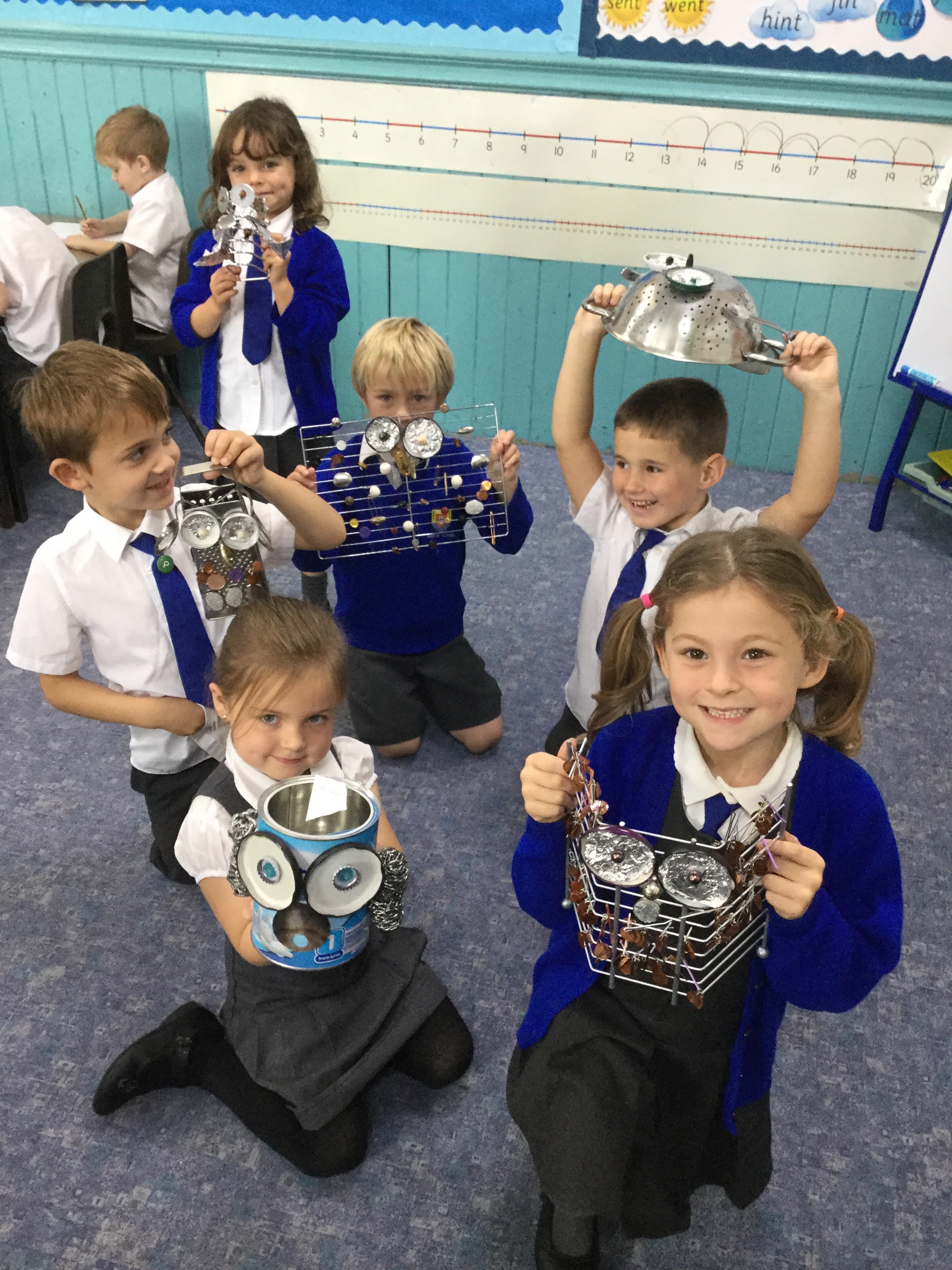
Class 4 love art! They have been having great fun investigating materials in their art lessons and have been making metal sculptures using everyday objects including cheese graters, cutlery, tin cans, mixing bowls and anything else they can get their hands on! Check out their fantastic owl creations!

 I love the metal feather bits on your owl Lily. Can I help? – Alfie

Evie and Sienna are really happy with the way their owls are turning out. They are using jam jar lids for the eyes and sticking on squashed foil cases and beads. They’re looking great.

I like my owl. I want to take it home and show my mum. – Tyler

Ada and Flora help each other choose the best buttons and beads to stick on to the wings.

I love my owl. I brought in my sieve and my whisk from home and Mrs Anthoney helped me stick all the bits together. – Zak

I am really happy and so proud of the children. They put in a lot of hard work and were very creative. I think their owls look fantastic! – Miss Ryan

Owl Facts

  1. Owls live in barns, trees, old buildings and tunnels.
  2. Owls eat mice, rats, birds, raccoons, skunks, snakes, squirrels and other small mammals.
  3. Owls can’t digest bones, fur or feathers so they spit it out.
  4. Owls have sharp beaks that they use to shred their food.
  5. Owls grab their ‘prey’ with their sharp claws.
  6. Owls don’t make any sound when they fly.
  7. Owls camouflage themselves in the trees.

3D Class Mascot Challenge

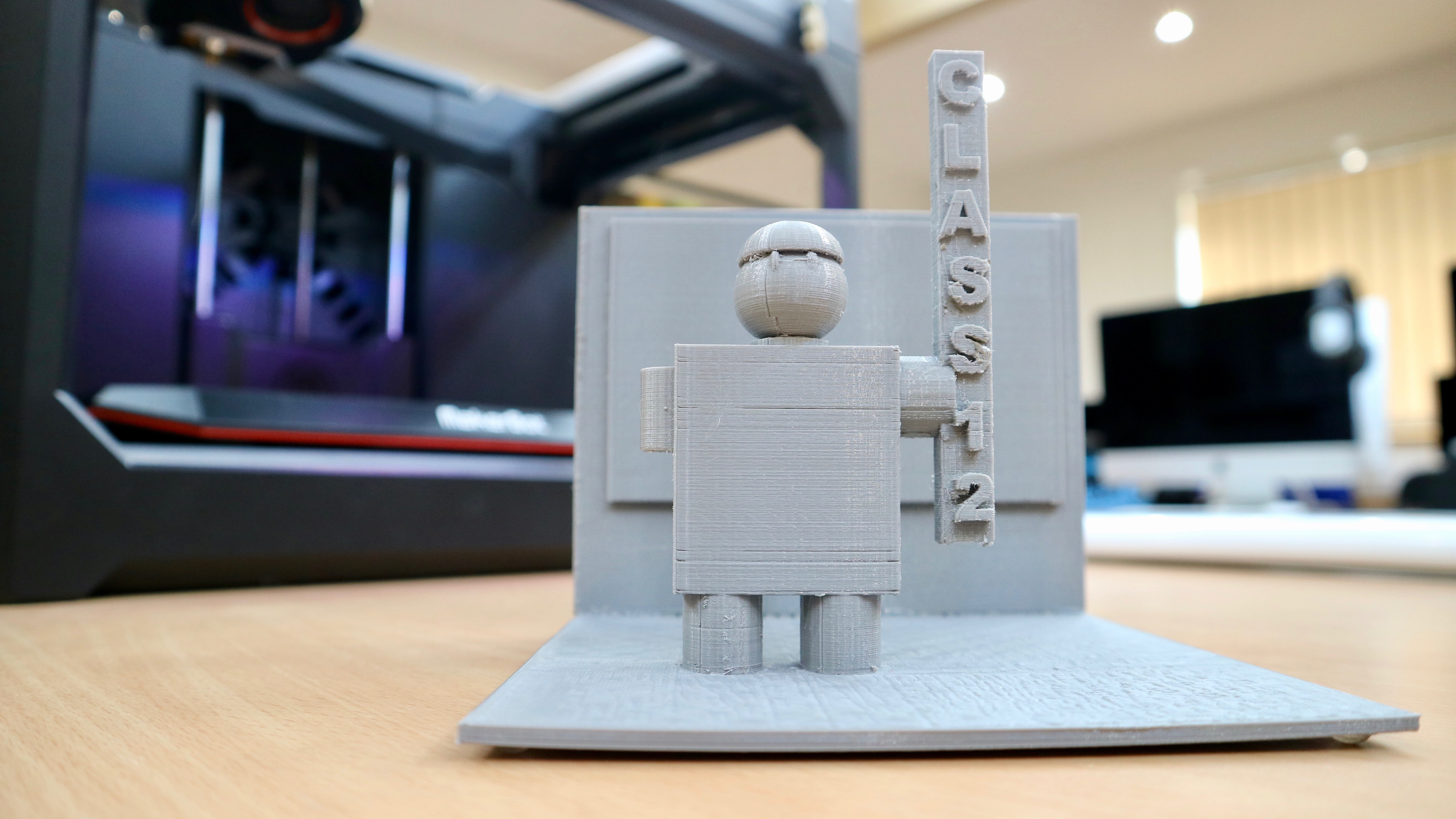
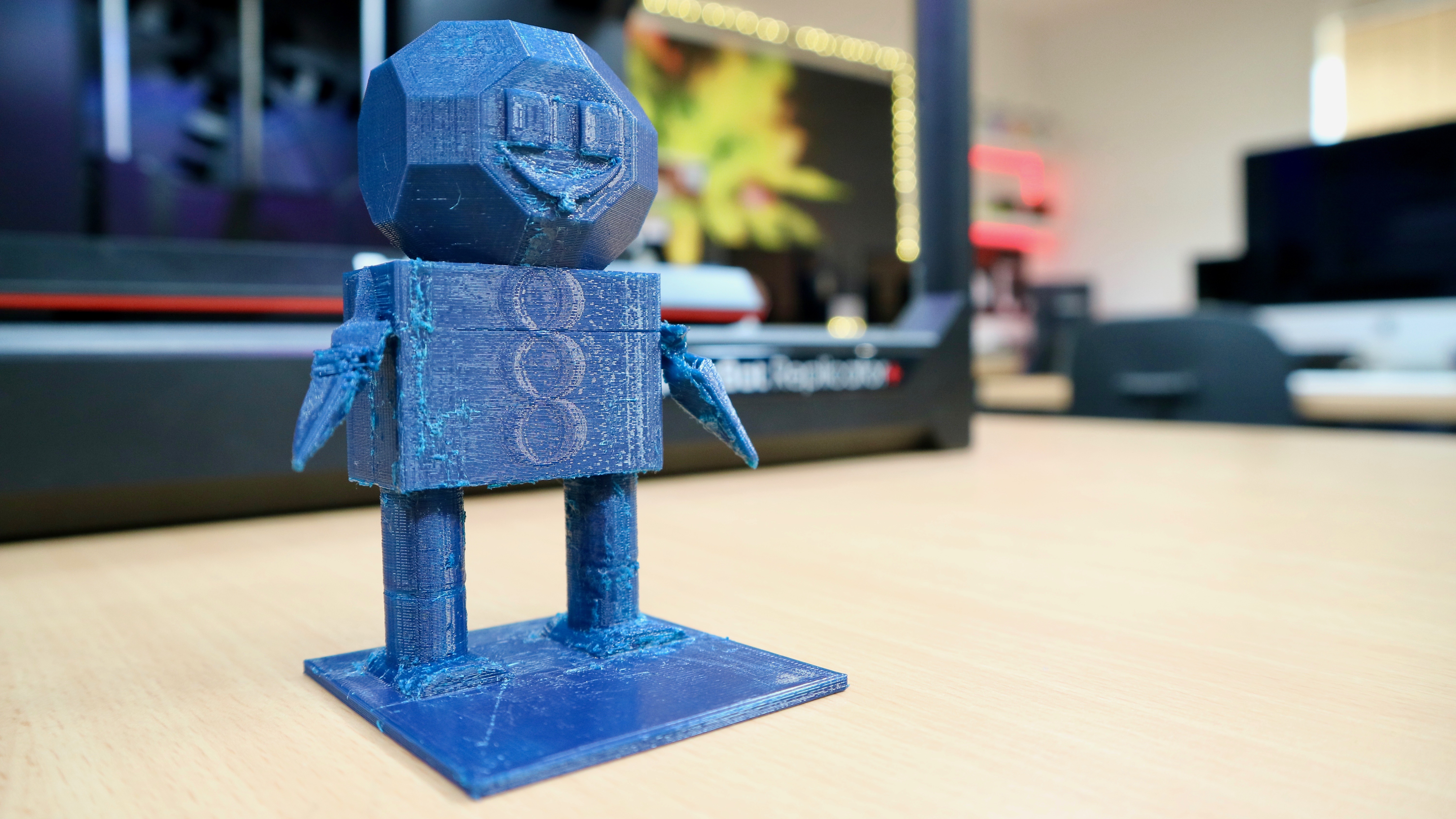
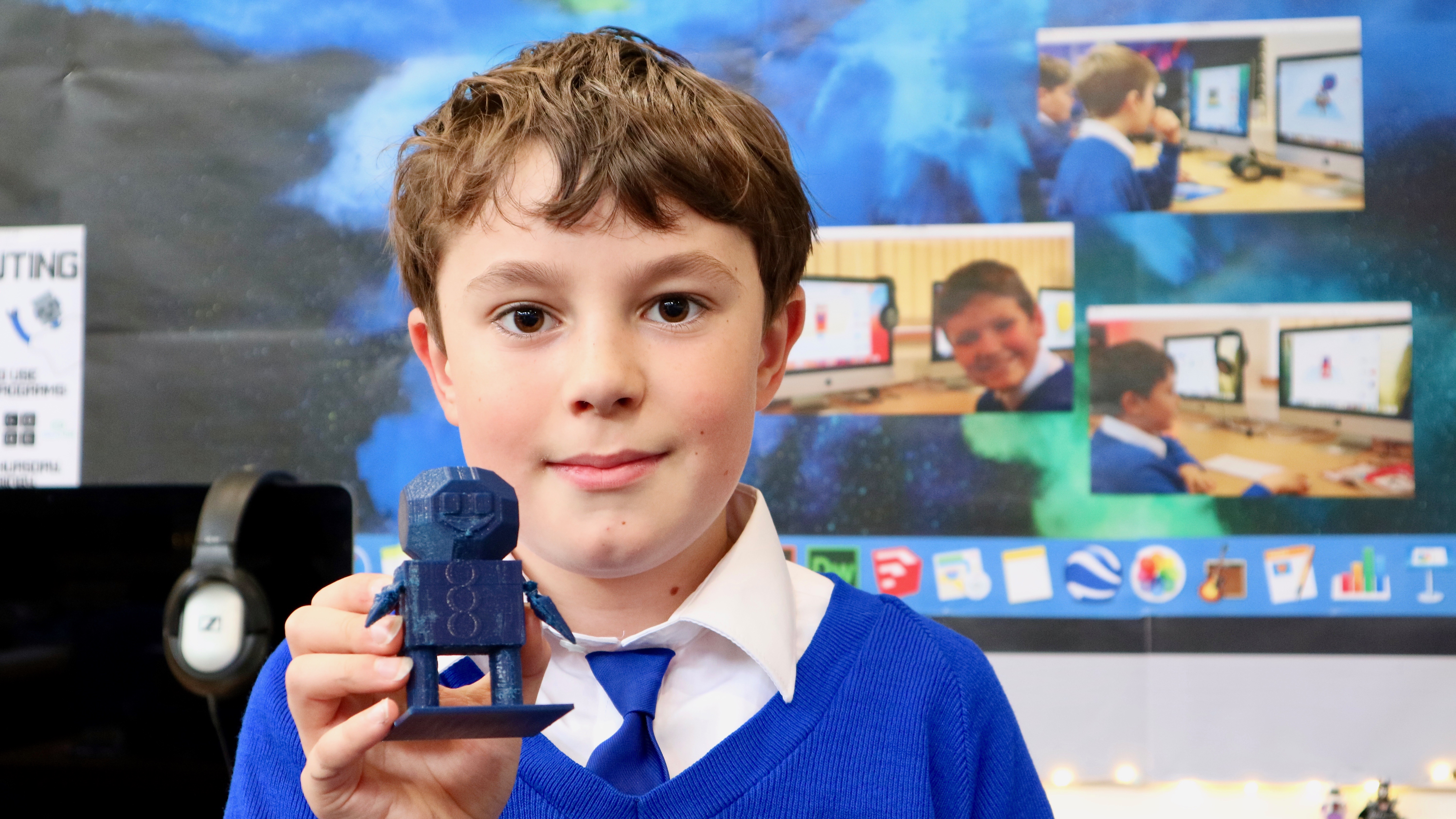
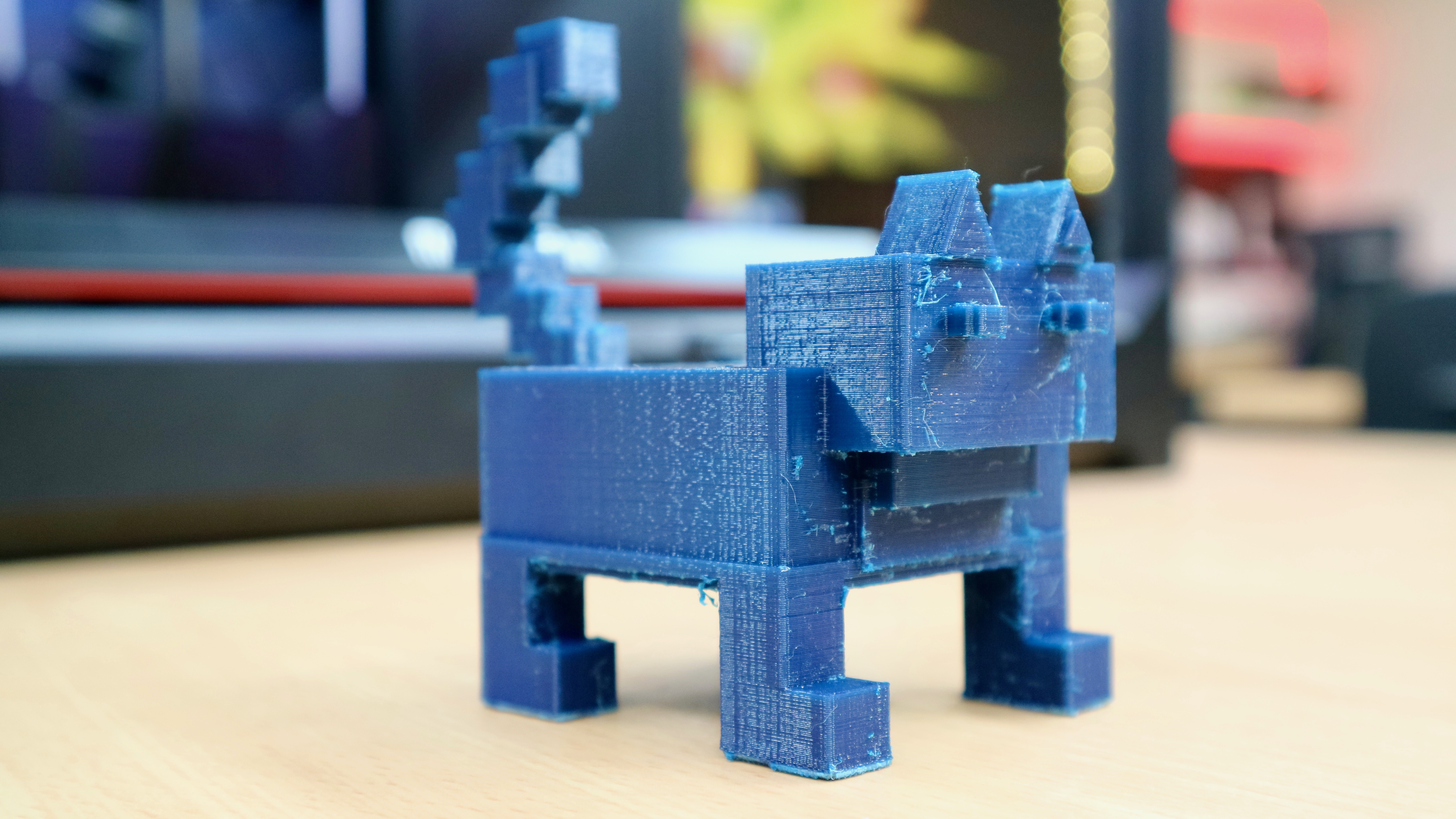
Last week our 3D design work started in earnest in the Junior Mac Suite.  To get the children learning all about the Tinkercad 3D design program they were set a challenge: to design the best class mascot to sit on their teacher’s desk.

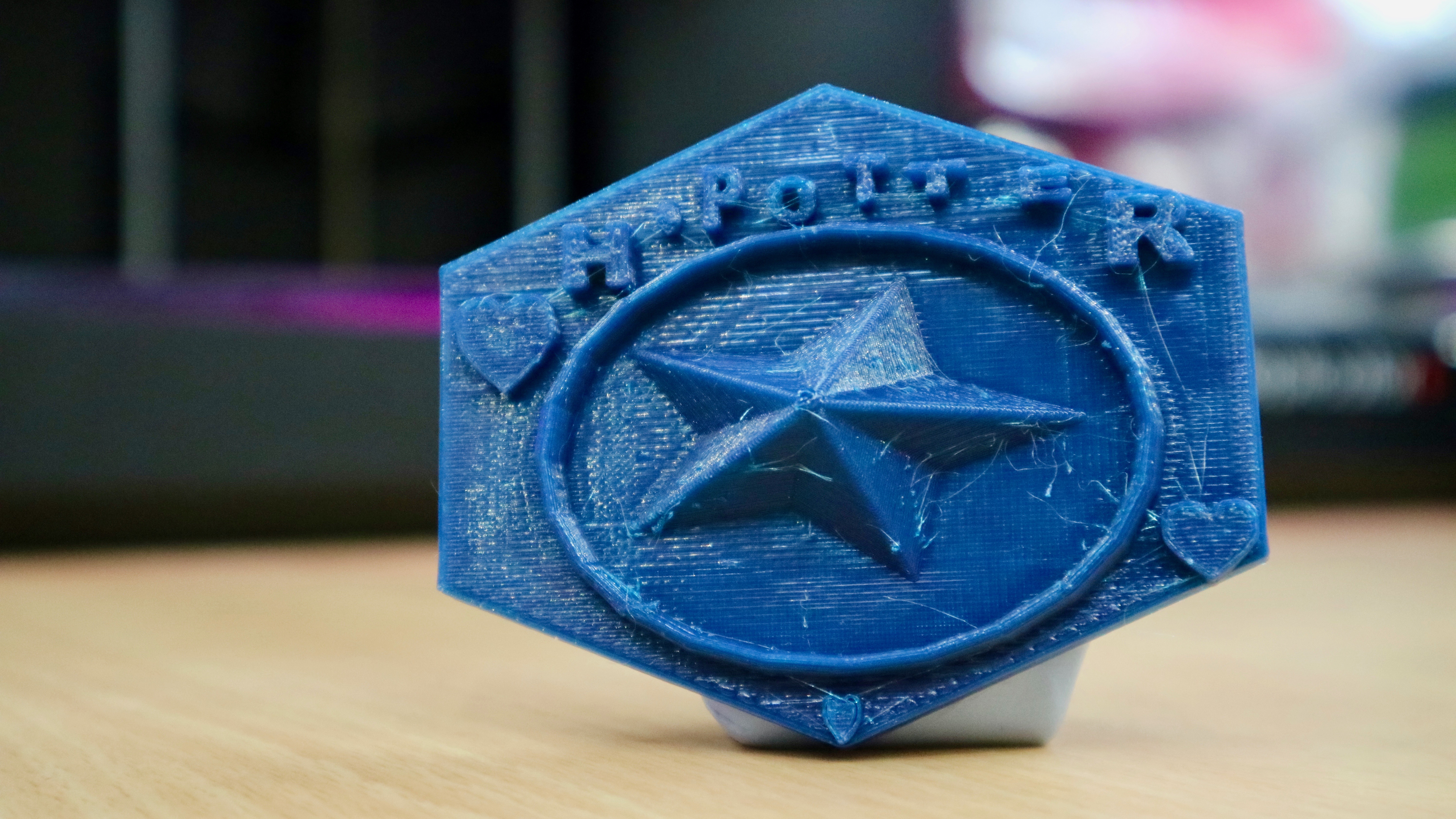
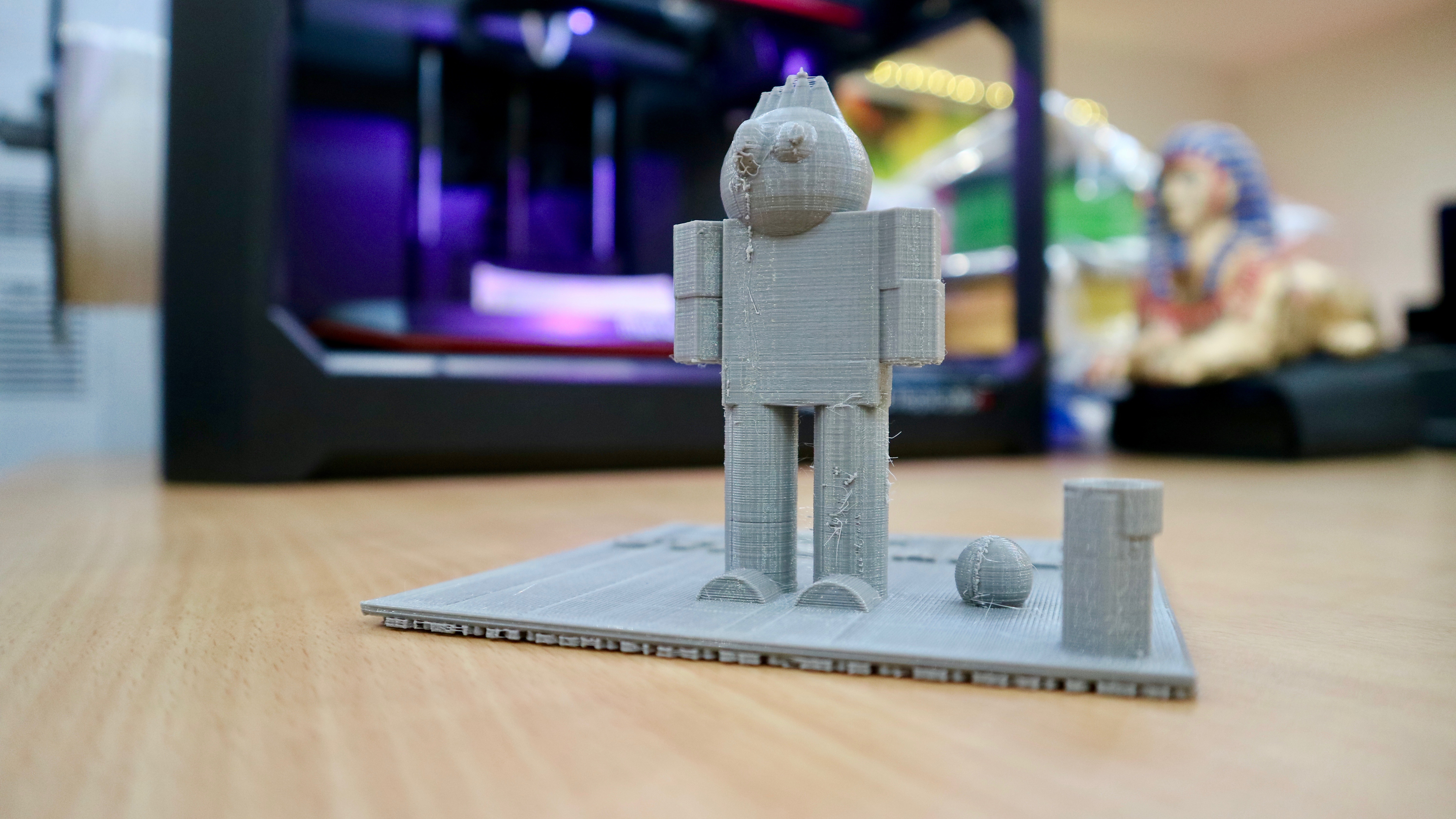
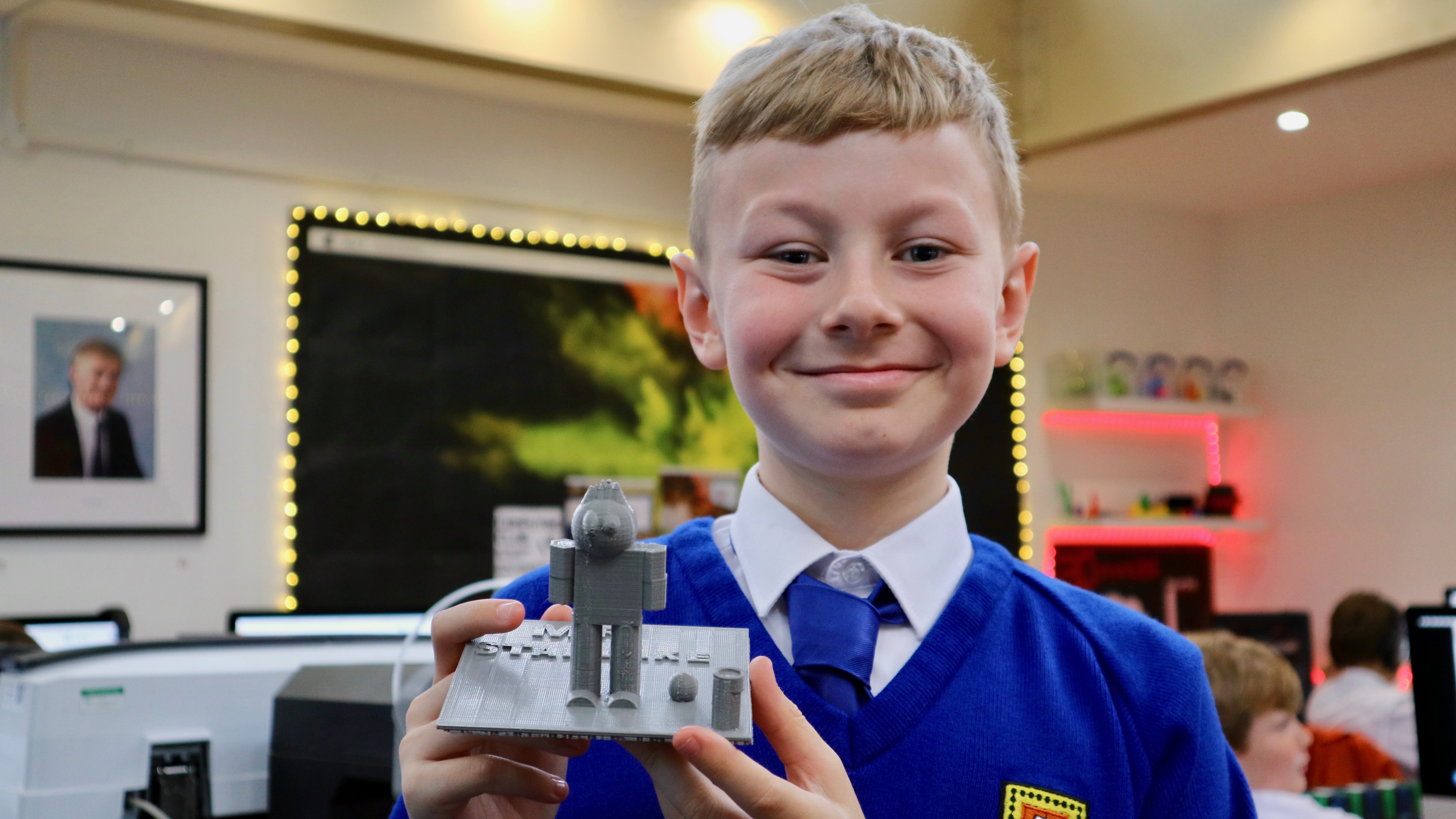
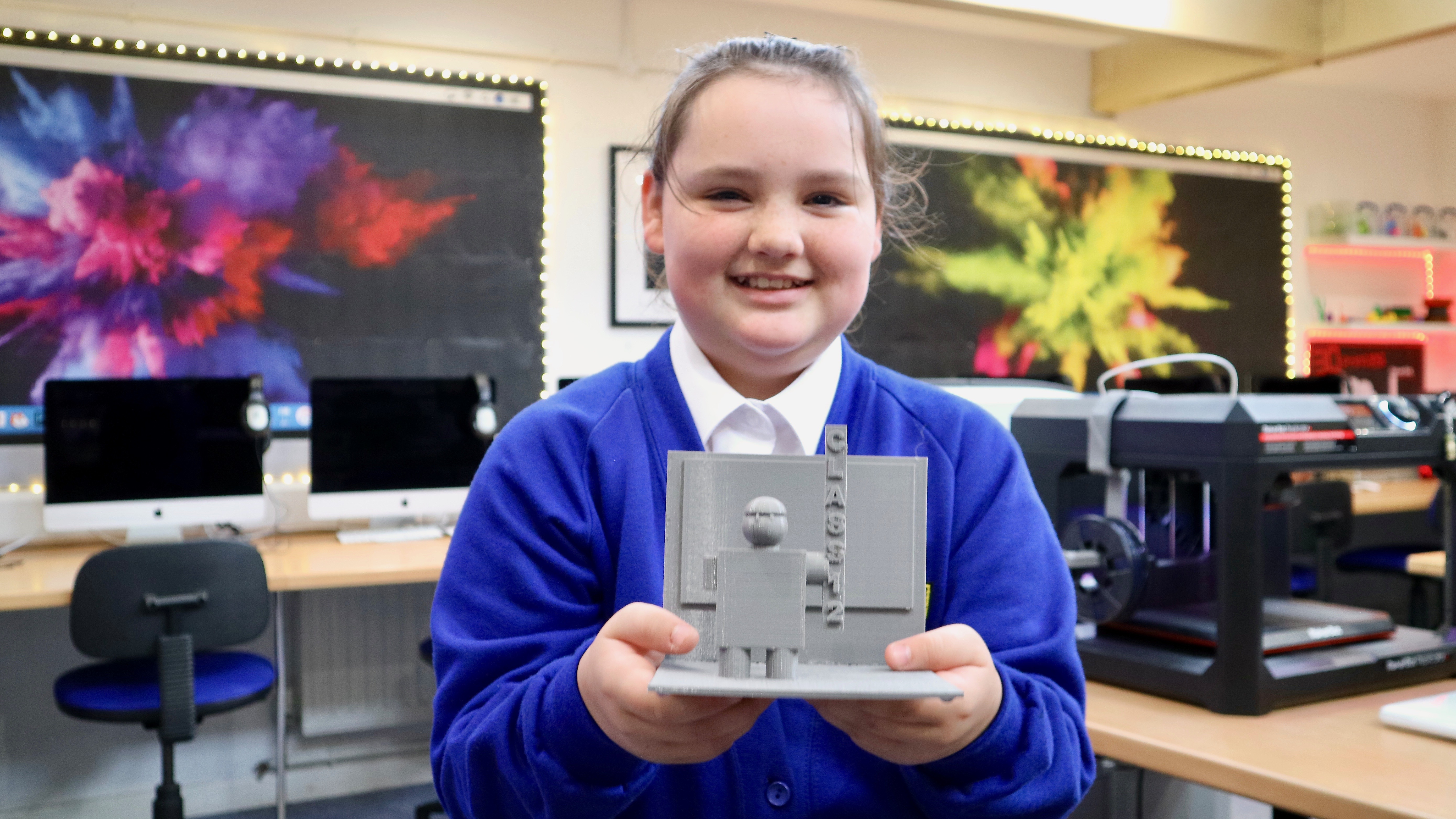
Everyone in Year 4, 5 and 6 had the chance to build whatever they thought their teacher would like the most with the winning design being secretly chosen from each class.  The winning model was then 3D printed overnight and the children were delighted to see the finished model the following morning.

It looked even better in real life than it did on the computer, I hope Mr Pollard likes it! – Trystan


Below are photos of all the winning designs from the competition, click on them to view them full-size!

Class 9 (Y4) – Jake


Class 10 (Y4) – Martin


Class 11 (Y5) – Ethan


Class 12 (Y5) – Maggie


Class 13 (Y6) – Trystan


Class 14 (Y6) – Aidan


Thanks to the PFA for our Brand New MakerBot!

At the end of last term Mrs Turner and the Penpol Friends Association very kindly agreed to pay for half of a brand new 3D printer for the Mac Suite.

Over the last year our 3D printing work has become more and more exciting and whilst our original MakerBot Mini has helped us create some stunning 3D models in the past, it seemed the right time to push the boundaries even further and invest in a proper full-size 3D printer.

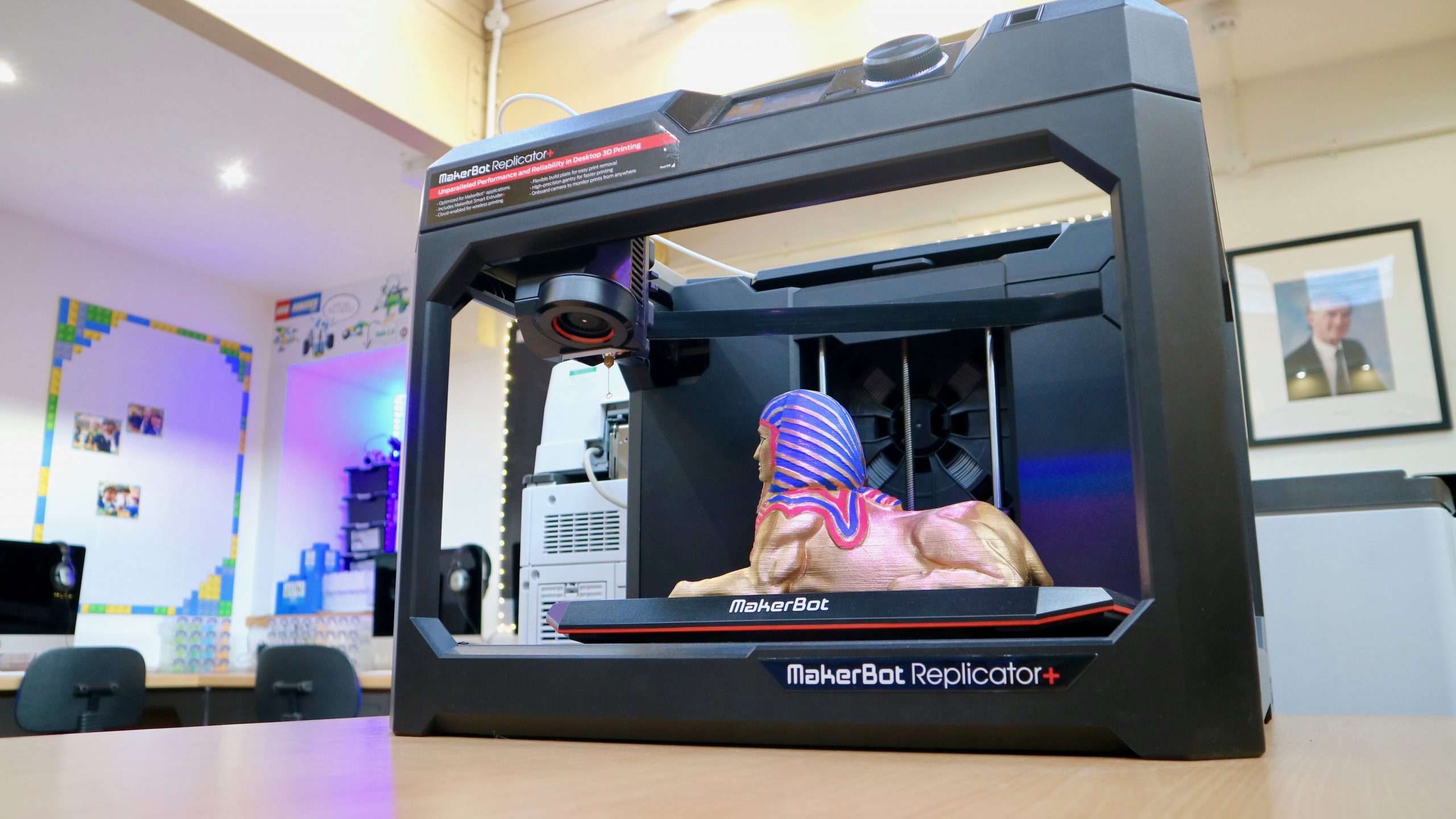
Introducing, the MakerBot Replicator+ 3D Printer!

This new printer can produce models at nearly TWICE the speed of our old printer.  It can also build objects that are up to SIXTEEN times bigger in volume!!  And to top it all off, it’s MUCH quieter when it’s being used.  It really is a fantastic upgrade for the Mac Suite and we are hugely grateful to the PFA for helping us to buy it. – Mr Woolcock

This term we’re hoping that every child in Key Stage 2 will have the chance to design and print their own creation in 3D.

I can’t wait to use the new 3D printer, I can build anything in my imagination! – Will, Y6


Here’s a photo of the very first object built by the MakerBot Replicator+ – the beautiful Egyptian Sphinx!

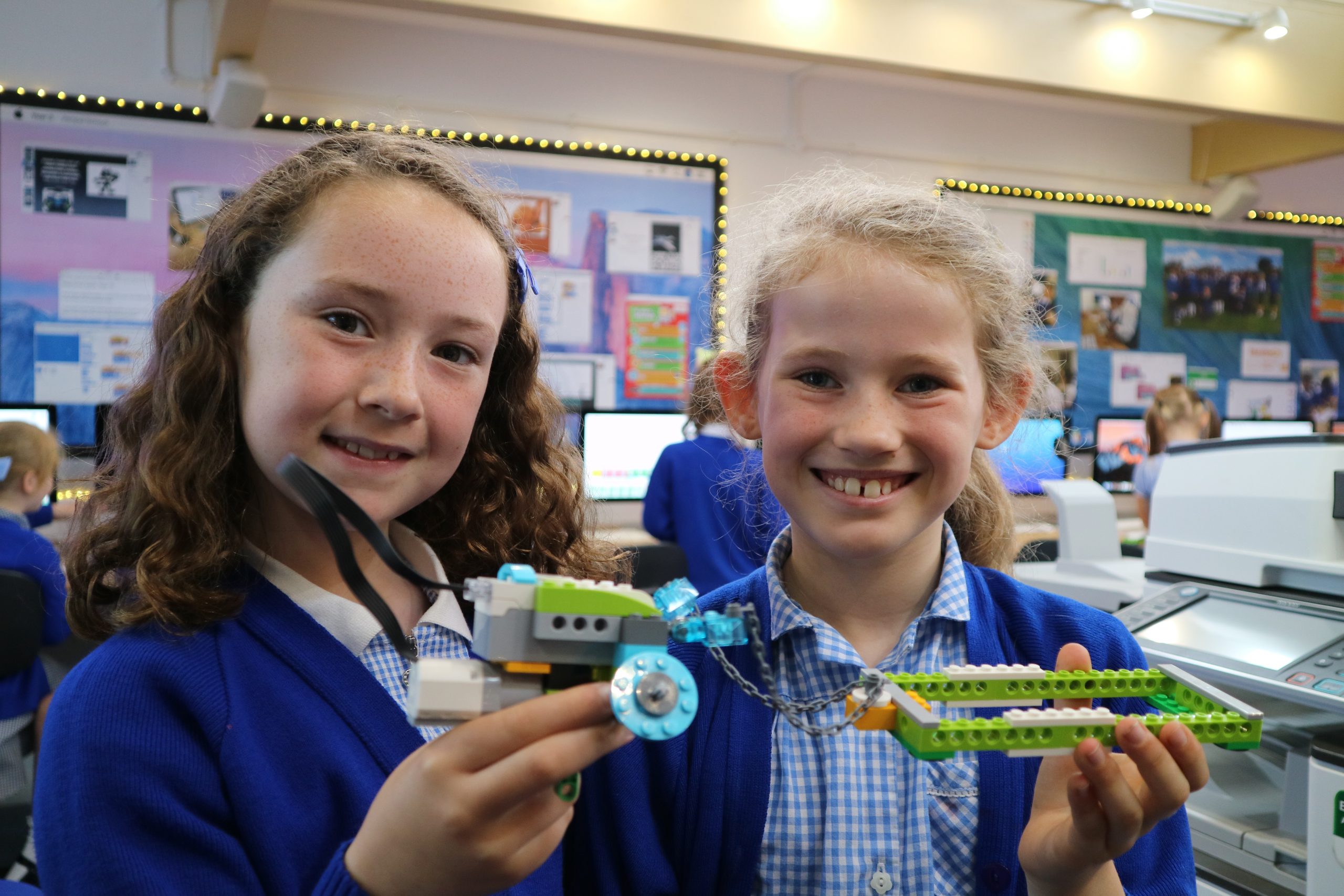
Class 7 Build and Code Lego Pulling Robots

This week Class 7 have been using the Lego WeDo 2.0 robotics kits to build and code robots that are designed to pull heavy weights.  The class were given a short time (only 40 minutes!) and the basic instructions and were then left to create their own robot.  Coding the robot also proved interesting, where they were able to adjust the speed of the motor to create more or less traction and increase the weights that could be moved.

Below is a video of Vinnie and Isaac getting their robot working…


Here is some of the code the class had to write in order to make their robots move.  The green block that says ’10’ underneath controls the speed and the end block controls how long the robot moves for!


Let’s have a look at a few finished robots…

Our robot goes for 18 seconds at a time and goes ‘boing boing boing’ while it pulls heavy weights! – Harry and Clarissa


When you put the code in the robot moves backwards and also if you put weight in the trailer bit it’ll carry it along behind when it moves.  We made the code on the computer and then made it run on the Lego. – Amber and Lola


Our robot pulls wheels in its basket so if you need to travel with your wheels then it’s the thing to use!  It’s better to put them standing up than lying down because if they’re lying down they’ll grip too much and the robot won’t move as well. – Vinnie and Isaac


A few photos from the building:

Class 6’s Brilliant Moving Pictures

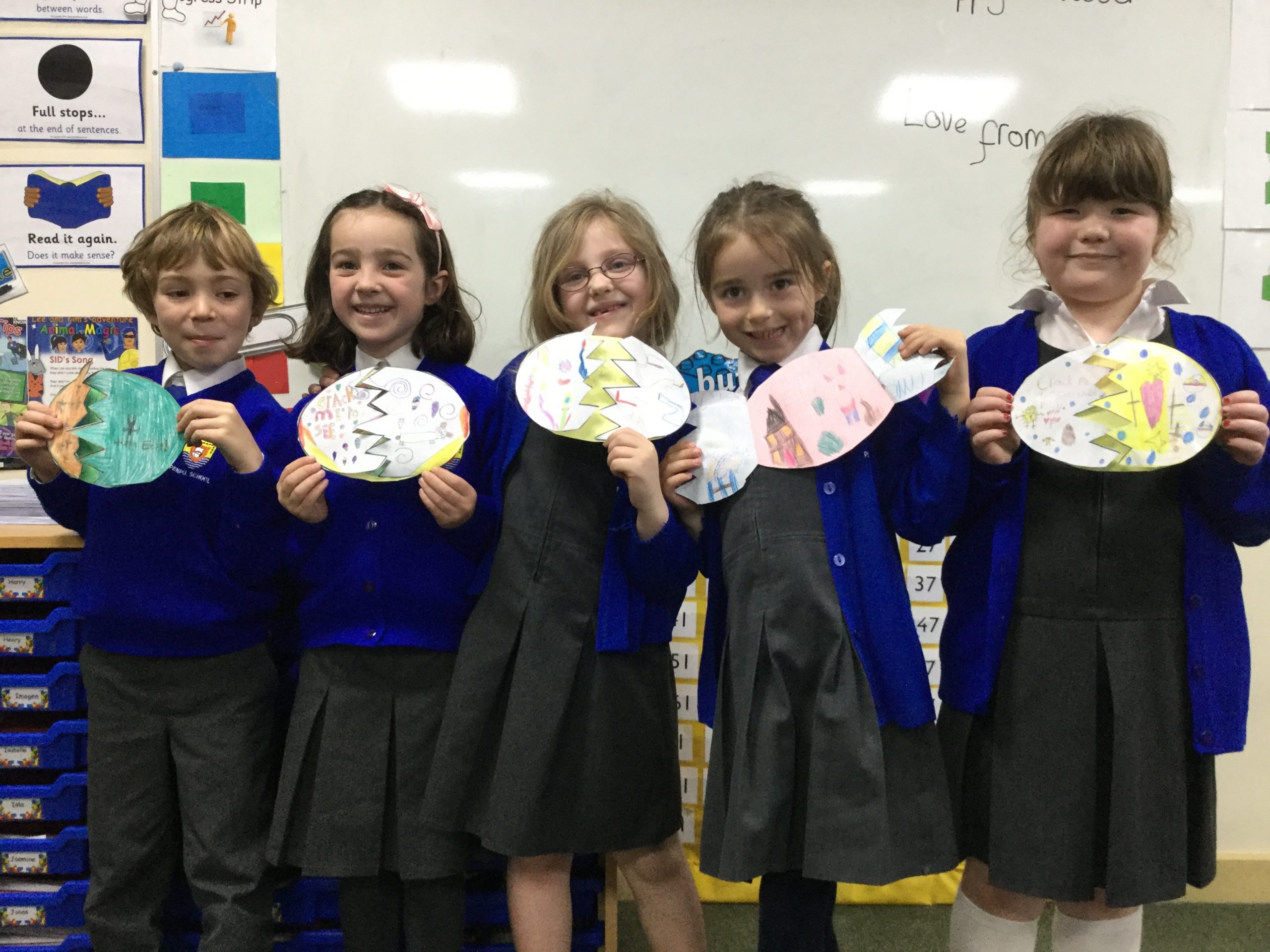
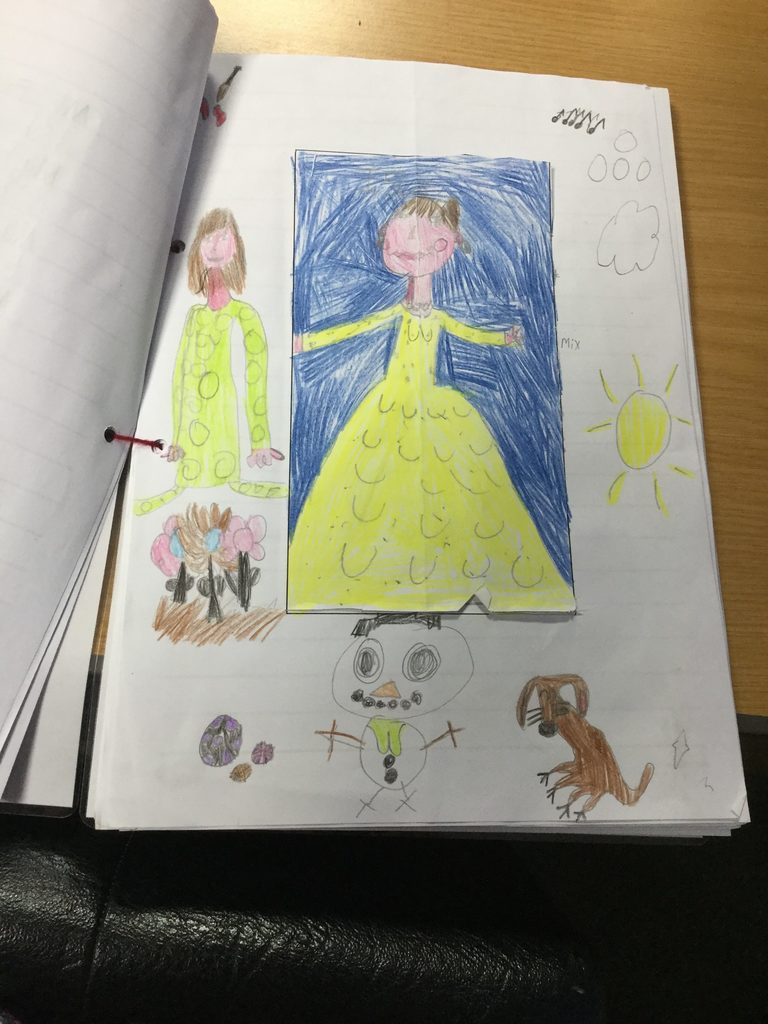
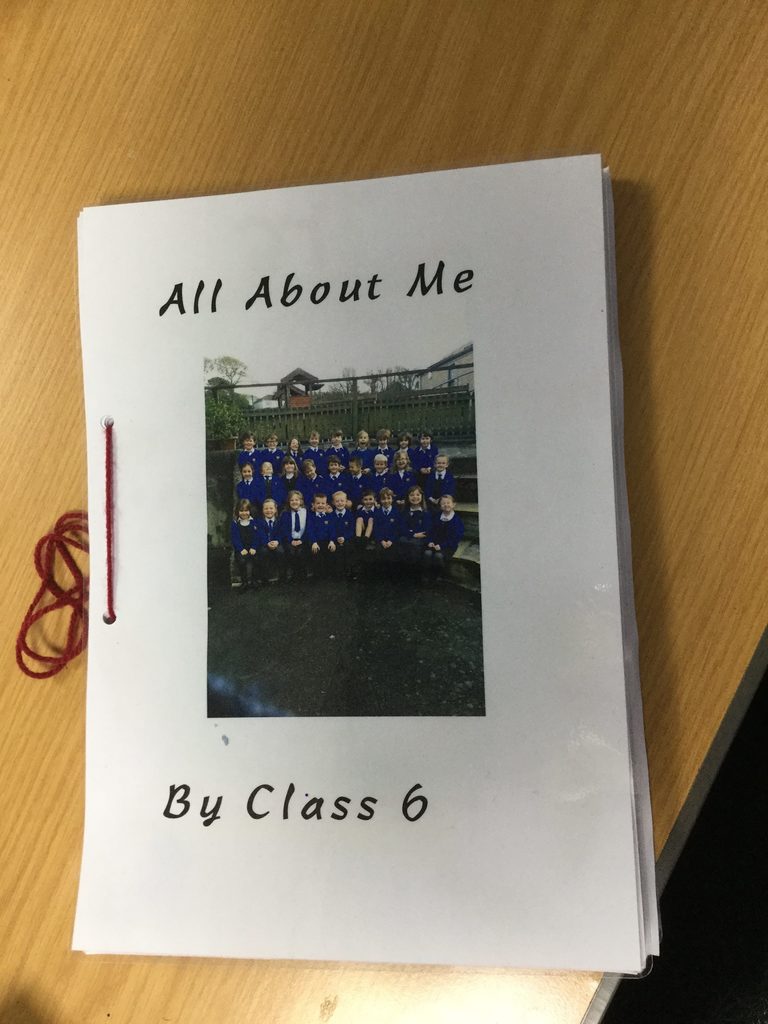
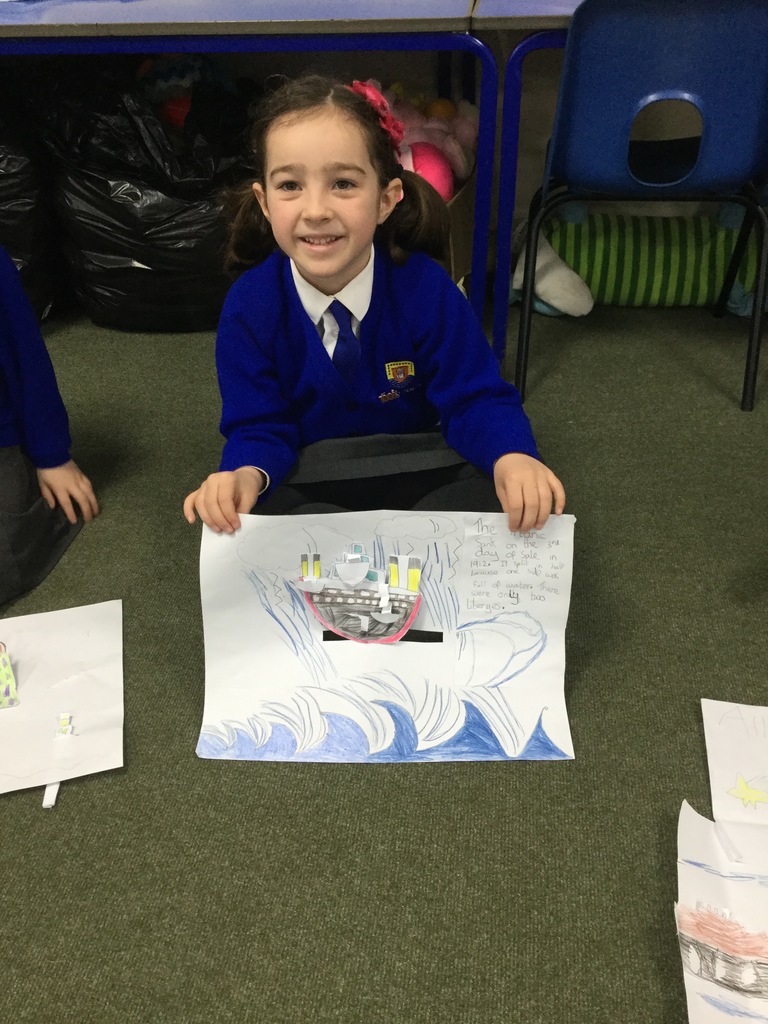
Children in class 6 had a very busy Spring term in DT in their ‘moving pictures’ topic.  Over the course of the term, each child designed and made many different types of moving pictures. These ranged from pop up Chinese new year cards, to making their own class flap book all about themselves, to Easter cards that could be ‘cracked’ open to reveal the message inside!

I liked making the flap book about me because I liked writing all the information under the picture – Jasmine

I enjoyed making my Easter egg card as I liked decorating it how I wanted – Isla


I really liked the All About Me book because I could tell the reader about everything I like doing – Patrick

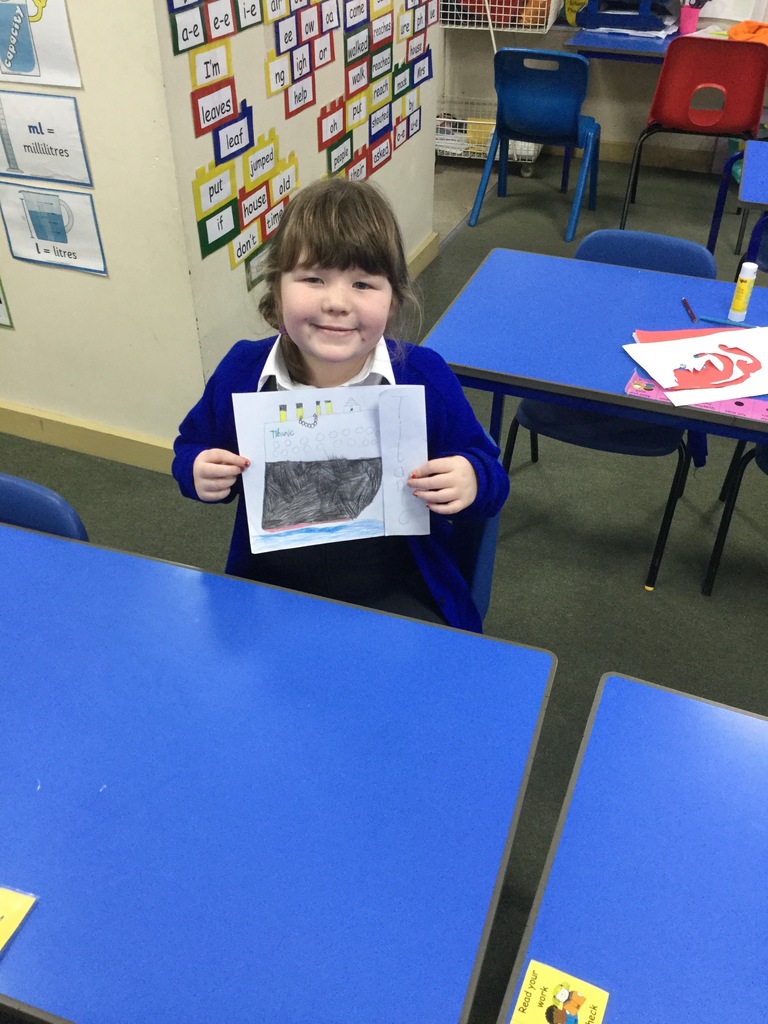
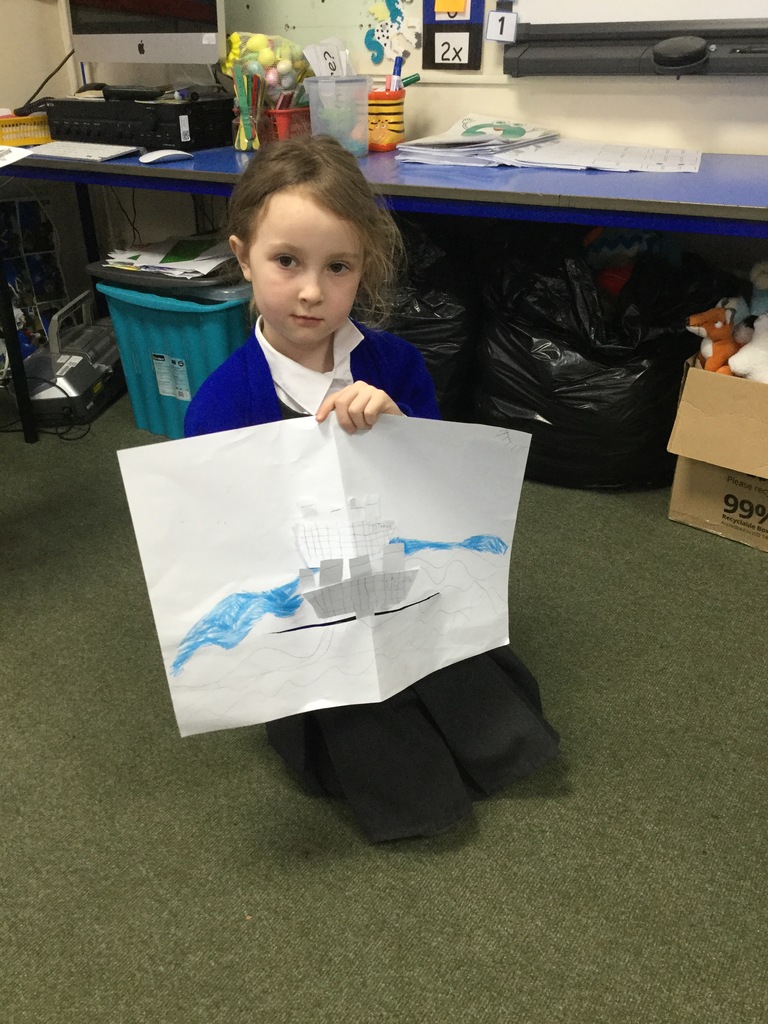
Their biggest project however, coincided with their History topic ‘the Titanic’. Each child was given the opportunity to design their own moving picture based on the skills and techniques they had used in previous weeks. The children came up with many unique and individual designs using cardboard flaps, lollipop sticks and even designed parts of the pictures that were to pop up. Once the design was finished, it was onto creating their masterpieces

I liked being able to make my own Titanic picture the way I wanted. I did much more on it than I thought I would when I designed it – Bella

Class 6 worked incredibly hard on their pictures and each child produced their own unique picture. They have all worked very hard on their moving pictures and are looking forward to designing and making puppets next term. Well done Class 6!

I enjoyed making my Titanic picture because I got to do lots of cutting and sticking and use lots of different colours – Tess


Penpol Year 6 pupils are ‘Hands On’ with carpentry!

img_8371

This term we have introduced our Year 6 pupils to the exciting world of woodwork and carpentry.

As part of our vocational and creative curriculum, each Year 6 child is being given the opportunity to develop the skills necessary to design and make a wooden bird box.

Before building their bird boxes, the children learnt how to use Technical Drawing skills to produce detailed, three-dimensional and scaled plans of the bird boxes they intended to make. This is quite a tricky process because it involves precision measurements and drawing using t-squares and setsquares.

However, the children have worked very hard and produced some very impressive drawings.

img_8368

To help make the bird boxes, John Meardon has kindly offered to come in each week and share his expertise in carpentry.

He has been guiding the children on how to use tools safely and teaching them the skills they will need to successfully make their bird boxes. He has also given some really good tips, especially when it comes to the trickier parts of putting the boxes together.


img_8371  img_8225

The children have carefully followed their designs using a measuring tape and square to mark out the timber needed for their bird boxes.

Between cutting, hammering, drilling and sanding, they have worked together and produced fantastic looking bird boxes.

The finished products are very impressive and John has commented on how well the children have worked together. He has also complimented the Year 6 pupils on their listening skills, determination and excellent manners.

img_8358

Woodworking provides children with the opportunity to develop a broad range of practical skills. It enables them to develop eye-hand coordination, their spatial awareness, their sense of precision, and understanding how to use potentially dangerous tools safely.

Hand in hand with these skills goes a wide variety of other concepts such as abstract reasoning, mathematics, problem solving, fine motor skills, respect for tools, and (hopefully) patience!

It also empowers them to become independent thinkers – building confidence, self-esteem, and a range of practical skills that will last them a lifetime!


Class 5 Explore Materials Through Wicker Work

In connection with our science topic on ‘Materials’, Class 5 was really lucky to have a visit from Jazmin’s aunty Caroline. Caroline is very creative and she makes absolutely marvellous wicker pieces, from baskets to lobster pots.

During her visit she brought in examples of her craft and even showed us how she makes them. We learnt so much about this ancient craft and are now weaving fish using a wicker frame and raffia. It’s not as easy as it looks, as the children are discovering, we’ll let you know how we get on and will post some photos of the finished product!