
Unfortunately we are having trouble with our phone system this morning. If you need to reach the school please use our backup number of 01736 756915. Thank you.

  • Contact Us

Headteacher
Chris Coyle-Chislett

Email the Office
secretary@penpol.cornwall.sch.uk

Telephone Number
01736 753472

Our Address
2 St George’s Road, Hayle,
Cornwall, TR27 4AH

“Penpol pupils are curious, creative and courageous learners. Our school community believes in authenticity as the foundation of deep-rooted learning. Through our rich and relevant curriculum, we nurture community-minded, forward-facing international citizens of the future.”

Machine Learning about Red Nose Day in Scratch

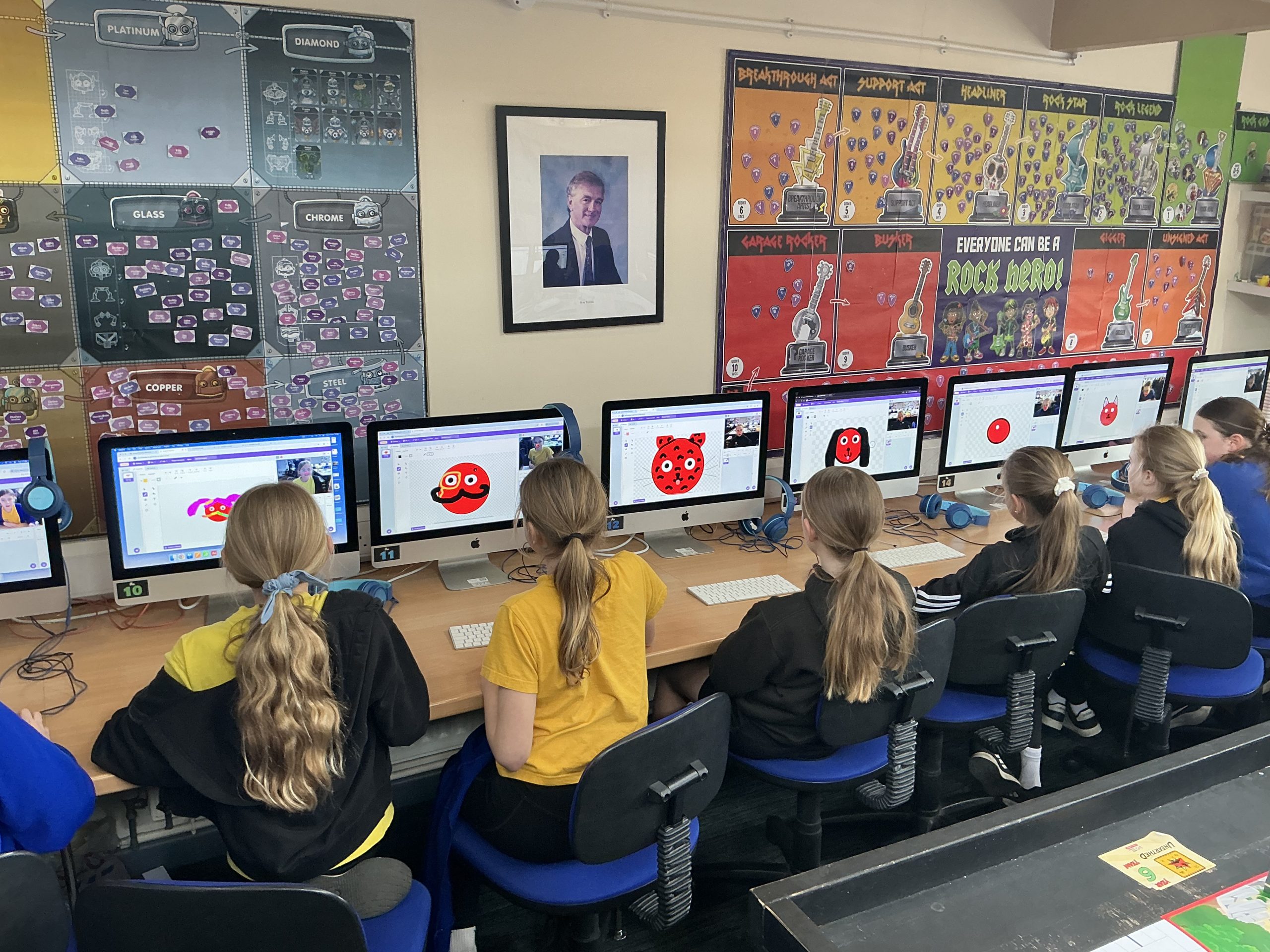
This week students in Key Stage 2 have been using some clever code to create their own interactive Red Noses!  Using a special version of Scratch, pupils have been exploring Machine Learning and how computer code can recognise different things, such as your nose.  Using this code they’ve then let their creativity run wild by creating games, animations, secret messages, art programs and more using their own Red Nose.

Take a look at this short video and you’ll see just how creative the students at Penpol School are!

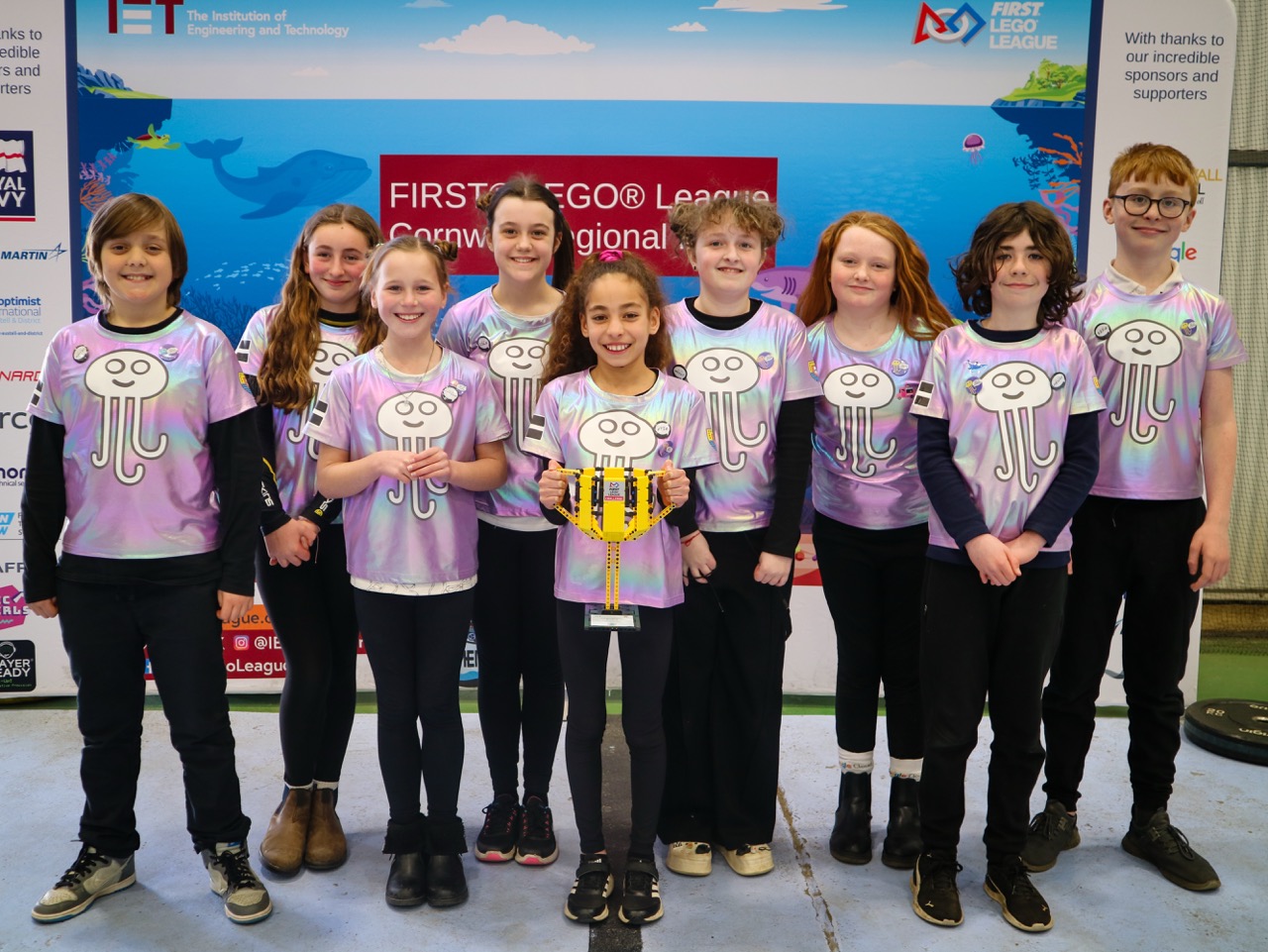
Jelly Friends ‘Floating’ as they win the Cornish Champions Award

"As we were called up to the stage we were all quite literally floating with excitement and our team were all buzzing - then the judges gave us a trophy and announced that we were going to Harrogate for the National finals!"
Evangeline
Class 14

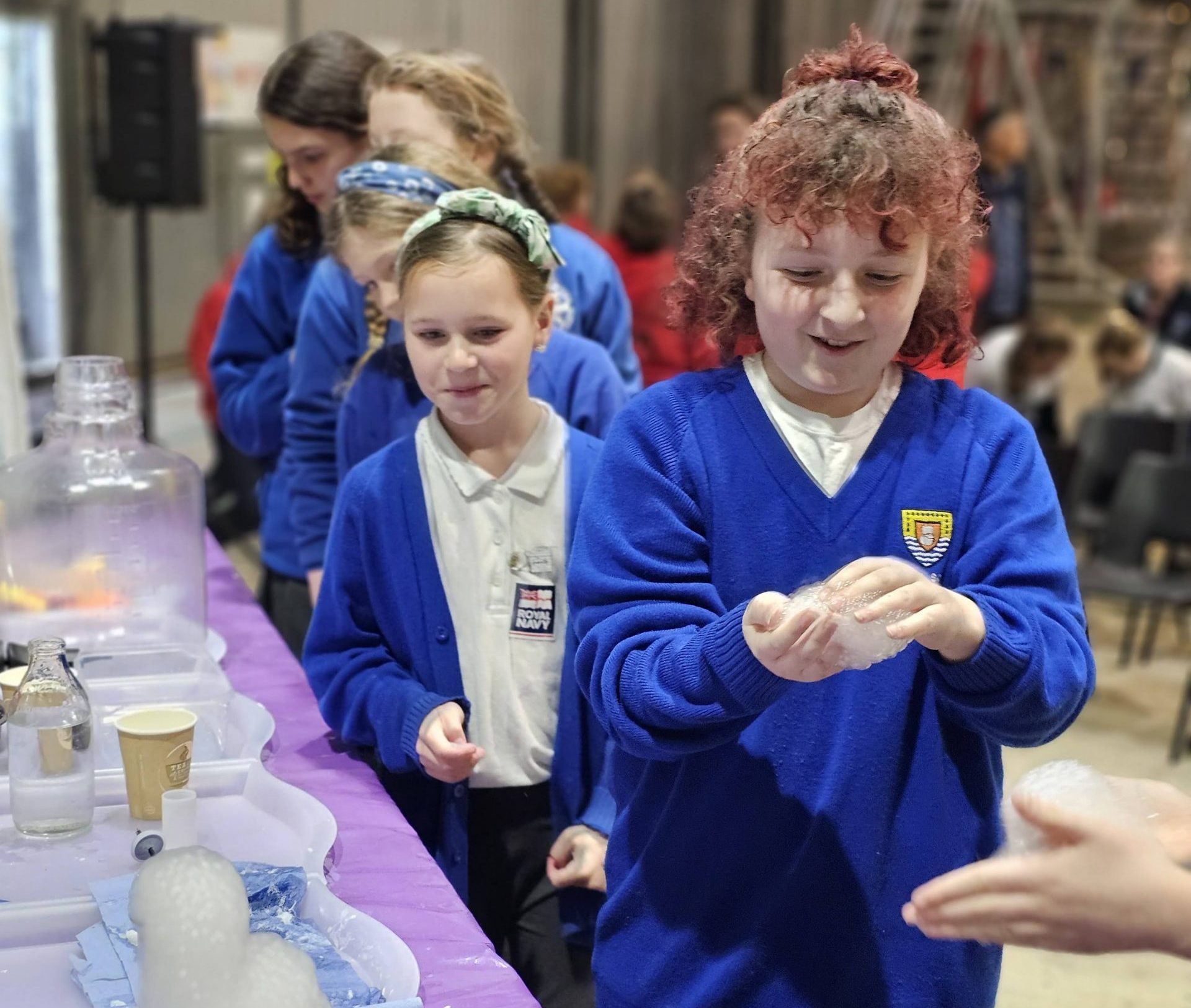
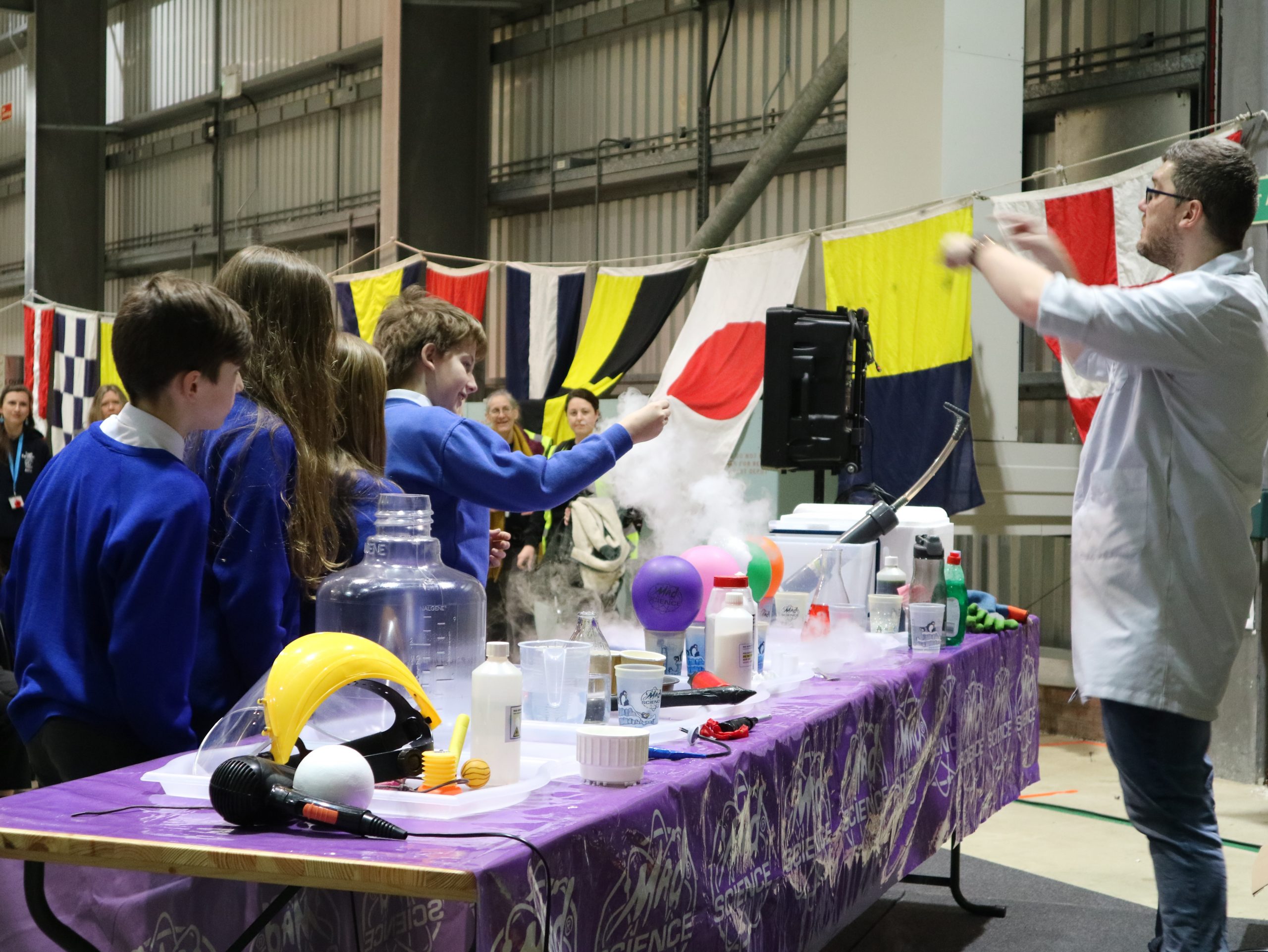
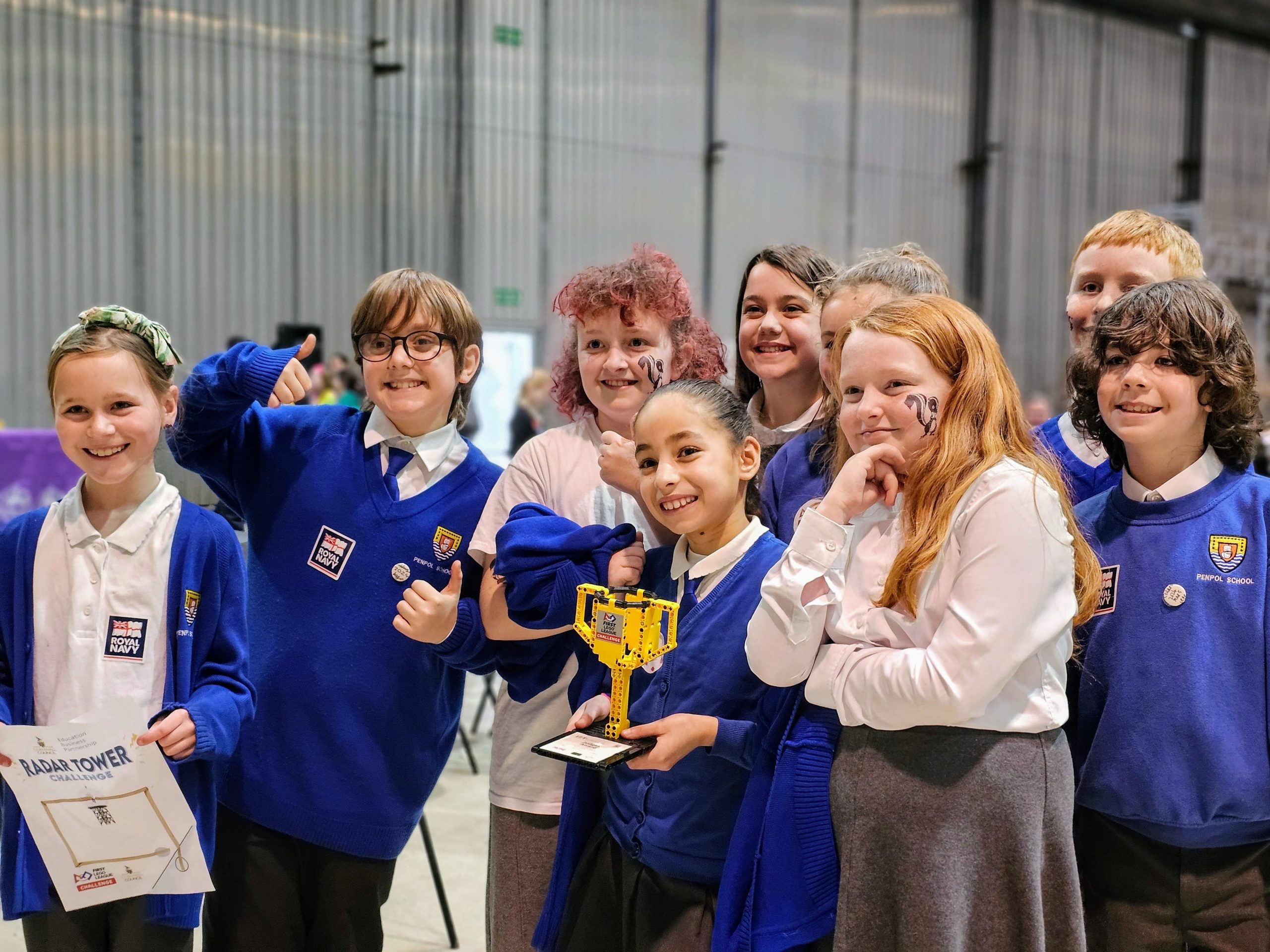
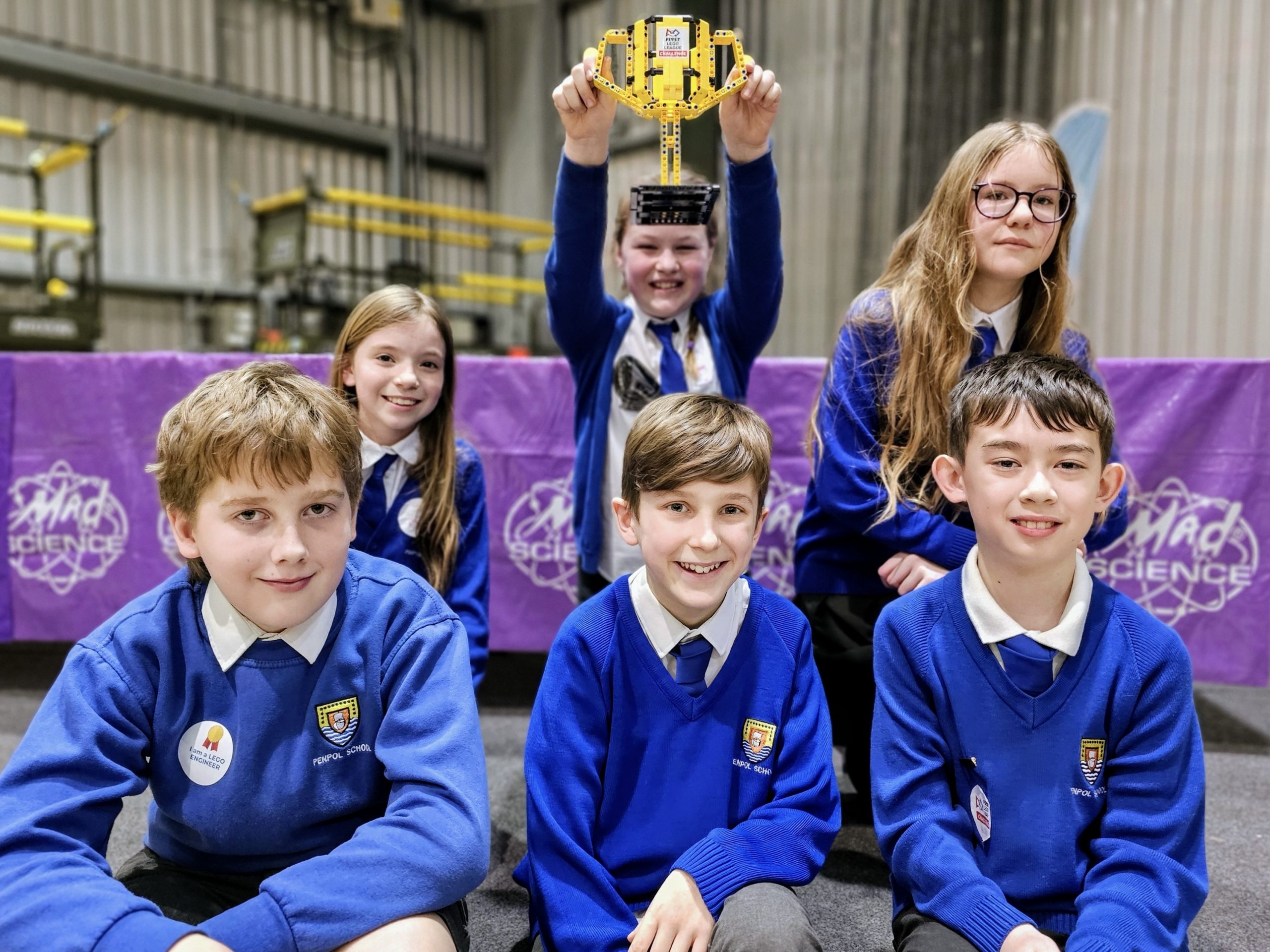
Last year a team of nine students, The Dragons, arrived to RNAS Culdrose to take part in and experience the FIRST LEGO League.  Far from being daunted, they embraced every opportunity and came away with an award for the Rising All-Star team – one which the judges ‘expect great things from in the future‘.  Twelve months later (and now known as Jelly Friends) those same students returned to take part for a second year. 

So the question is, did they deliver on that lofty expectation this time around?  Well, read on and find out for yourself!

Innovation Project

Jelly Friends have spent the last six months working tirelessly on their Innovation Project, narrowing it down to a very specific problem: over half of the students at Penpol School said they were scared to go in the ocean in case they got stung by a jellyfish.

The thing is though, most jellyfish are absolutely harmless – just ask Evangeline!  So the project took shape, the team would find a way to let swimmers know if the jellyfish nearby were safe, or if they might be a cause for concern.

Over the course of the project, they researched lots of different ideas before settling on a wristband which lights up red or green depending on if the jellyfish is a friend or not.  This is then powered by underwater cameras linked to a Machine Learning project which Molly has coded in Scratch and Machine Learning for Kids. 

Combined, this created Sting Safe and the team presented their idea to the judges at Culdrose.  In fact, they were joined by more than the normal amount of judges as some other people got wind of what was happening and wanted to see for themselves. 

During the presentation, Jelly Friends were joined by three visitors from Google Cloud who were at Culdrose to demo their own Machine Learning software.  To say they were impressed by the team would be quite an understatement! 

You can see the project in action by watching Molly explain it in this video:

Despite all the extra people in the room this didn’t prove a challenge for Jelly Friends who delivered their presentation in a confident and fun way for the judges, resulting in them getting nearly a perfect score for their presentation – a staggering 39 points out of 40!

39 points

out of a total of 40

The judges shared that they enjoyed their “in depth research whereby the team consulted lots of experts” and that their “use of Machine Learning was very impressive“.  They were also impressed with how Jelly Friends were so “focussed on the problem itself and the impact of their solution“.

Robot Design

After sharing their Innovation Project the second presentation was all about the design of their robot and how the coding works.  For this presentation the team were well prepared by sharing their collaborative Freeform board with the judges.

This document is something the Jelly Friends have been working on since September and documents their process from building the robot, testing the first missions and developing and refining the attachments that make the robot complete different tasks.

Their Freeform board is quite massive and has really shown just how much time and effort the team have put into their project this year.  Using this helped the judges really see all of the progress they’ve made as well as the difficulties the team faced along the way.

"Going in to the judges room we had a bit of an idea what to expect from last year but it went a lot better than we all imagined and the judges were lovely."
Isla
Class 13

This year the team have really refined their robot to make it more reliable, accurate and powerful.  Using techniques like creating a launch area guide using Duplo meant they didn’t have to learn individual lineups for each mission whereas using coloured lights between different stages of their code helped the problem solving that always happens when missions don’t quite go to plan.

32 points

out of a total of 40

The judges comments for this part of the presentation praised the teams “evidence of strategy, testing and iteration” of their robot, especially the “use of their troubleshooting light” which was implemented in their code.  A real highlight though was how the Jelly Friends “addressed areas of improvement” from their robot last year, showing development and new learning over the course of this season.

Robot Games

The Robot Games is probably the most intense part of the competition, as you only get three attempts to show just what your robot is capable of.  Programs that run perfectly in school will likely fail under the pressure of competition, and weird issues will arise that simply couldn’t be predicted.  That said, every team is in the same boat, and it’s all to play for!

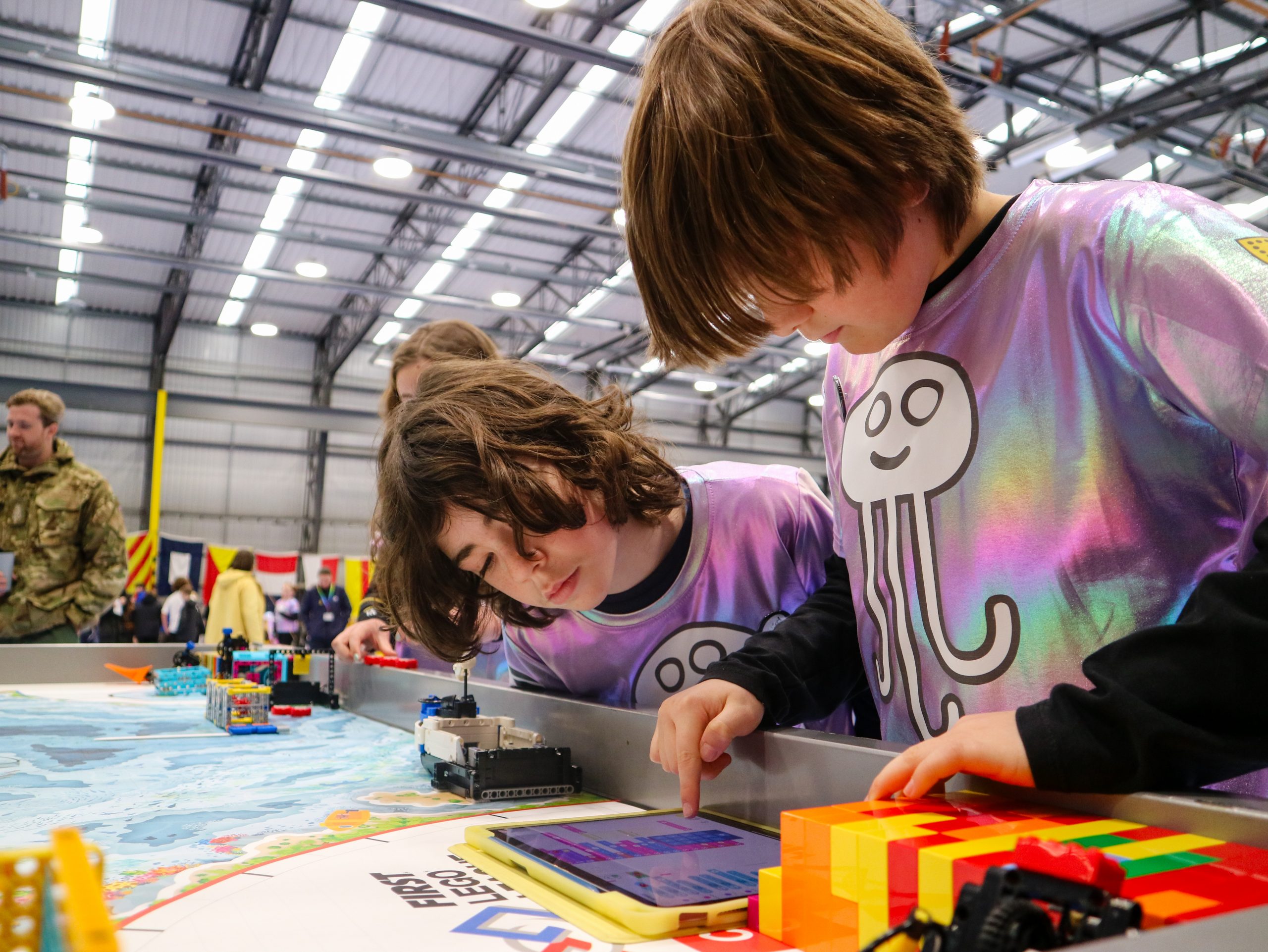
Jelly Friends had their first Robot Games match nice and early and were full of quiet confidence as the countdown rang out.  3, 2, 1, LEGO!  And then, quite frankly, it all went wrong!

Each of their meticulously planned missions either failed a little bit or failed spectacularly, resulting in them having to rescue the robot from the game table several times – losing points along the way.   When everything goes to plan, they can usually get a score approaching three hundred, but after match one, they were left with barely half that – 145 points.

Practice time followed and a chance to try to decompress and understand what went wrong.  The team believed the lineups were to blame, resulting in the robot getting stuck in places it shouldn’t have been stuck.  Changes were made, and the second round was a chance for redemption.

Or at least, that was the plan.  Unfortunately, the second run, despite starting stronger than the first, also turned into a nightmare relatively quickly.  Again, the robot got stuck, crashed into mission models, and generally didn’t work as it was programmed to work.  More points were lost by having to retrieve the robot, and a score of 160 was eventually posted to the scoreboard.

Could it be that after so many months of building, coding, refining, testing, and improving that the robot was going to be where it all came unstuck for Jelly Friends?  Well, if you think that, then you’ve clearly underestimated this team!

???
??
Class ??

In a truly remarkable show of resilience and determination, the four Robot Engineers decided to spend their lunch time debugging and refining the code for their robot.  They realised the issue was with the gyroscope and set about correcting the problem.  It took a good twenty minutes, but the team felt confident that they’d managed to fix the problem.  Once that was done they even had time to adapt one of their robot attachments to improve its reliability.

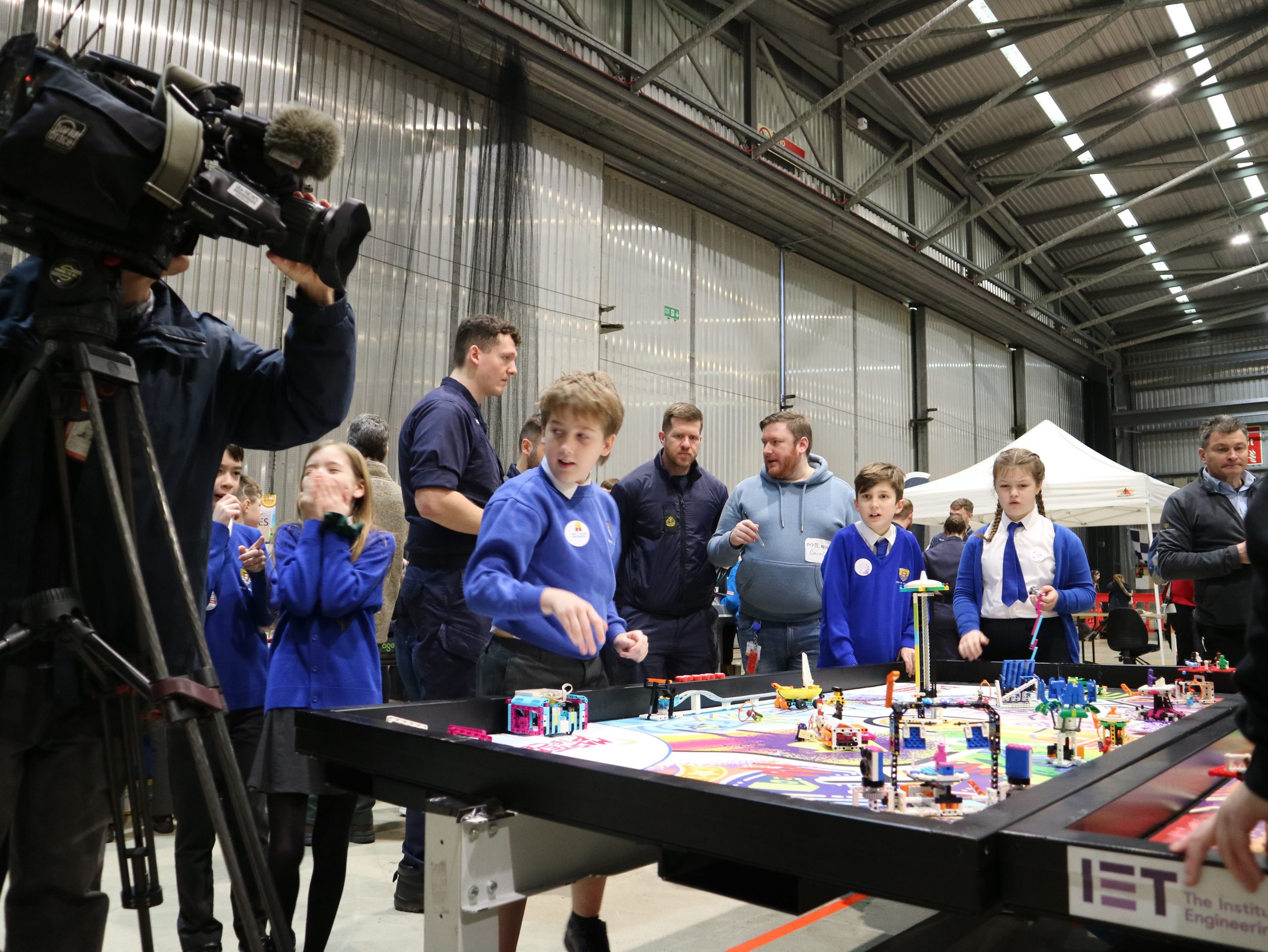
And the reward for their effort?  The final round proved to be the dream outcome – a perfect round where every single mission worked exactly according to plan.  Finally, all of their months of coding and practice paid off and they achieved a simply staggering score of 290 points, much to the delight of everyone around – as you can see in the video here.

This set an incredibly high bar for other teams to meet and it was only in the final run of the day when their score was surpassed by Darite Primary, who managed to get an unbelievable 305 points – well done Darite!

145

Round 1

160

Round 2

290

Round 3

Robot Games

The Jelly Friends achieved the second highest score of the day in the Robot Games with a fantastic score of 290 points.

“It was really fun to have this amazing experience and go around looking and interacting with all the stands and people there at Culdrose. When we took our photos on stage, we all had our jellyfish hanging above Mr Woolcock.”
Molly
Class 13

Next Steps

Cornwall LEGO League: 1st Place

The Jelly Friends came first overall on Day 2 of the 2025 Cornwall Regional Finals and now progress to the UK National Finals in Harrogate!

They now have several weeks to refine their robot and presentations ahead of competing on the National stage!

Photo Gallery

You can click on any photo in this gallery to view it full size

Coral Coders Compete at Culdrose!

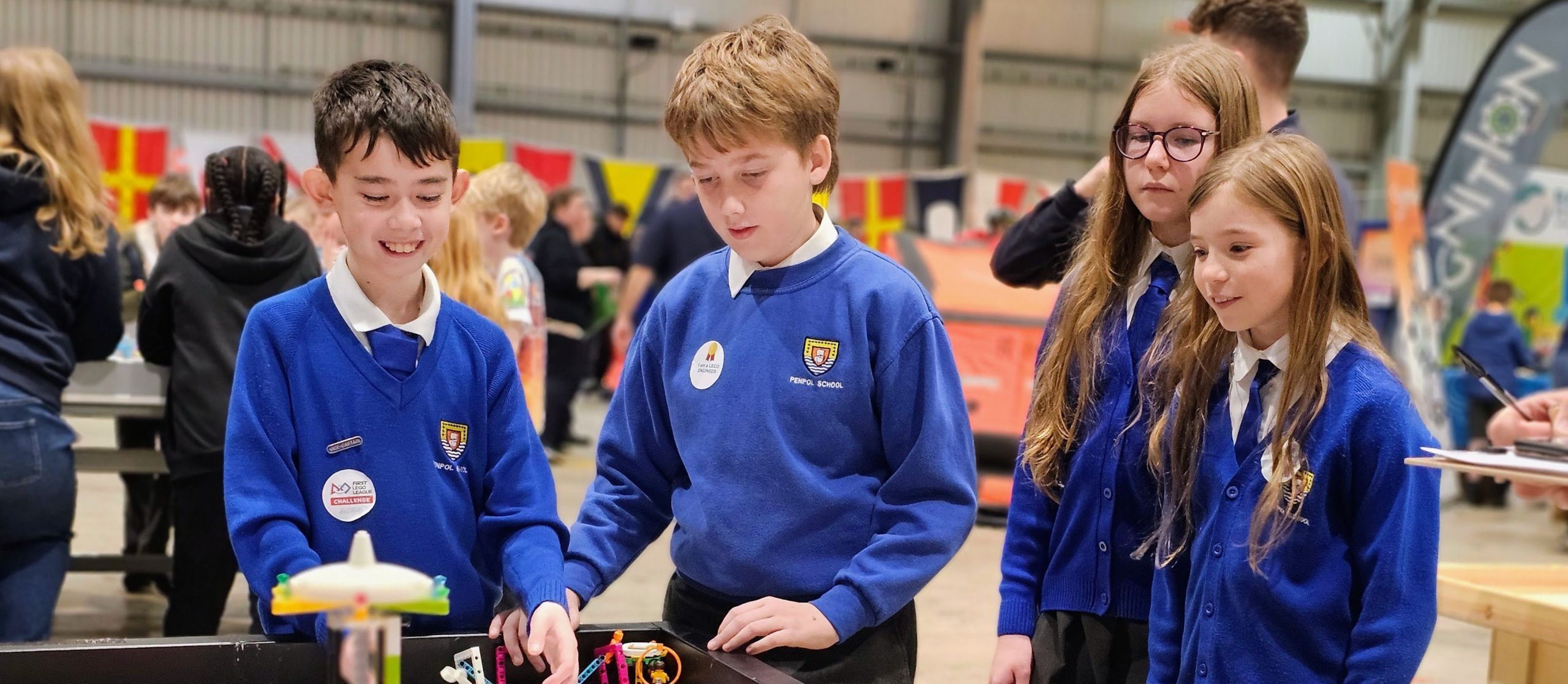
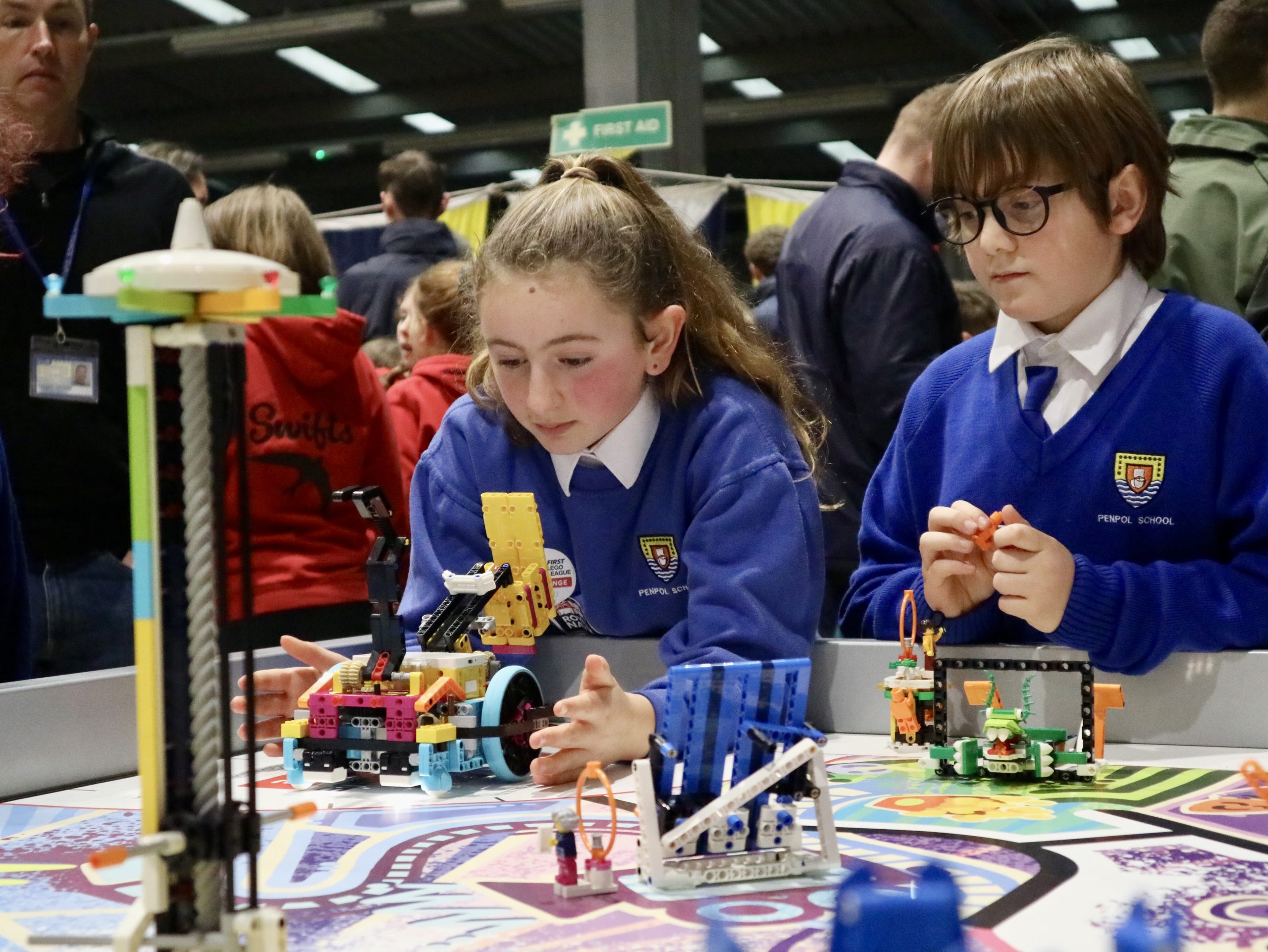
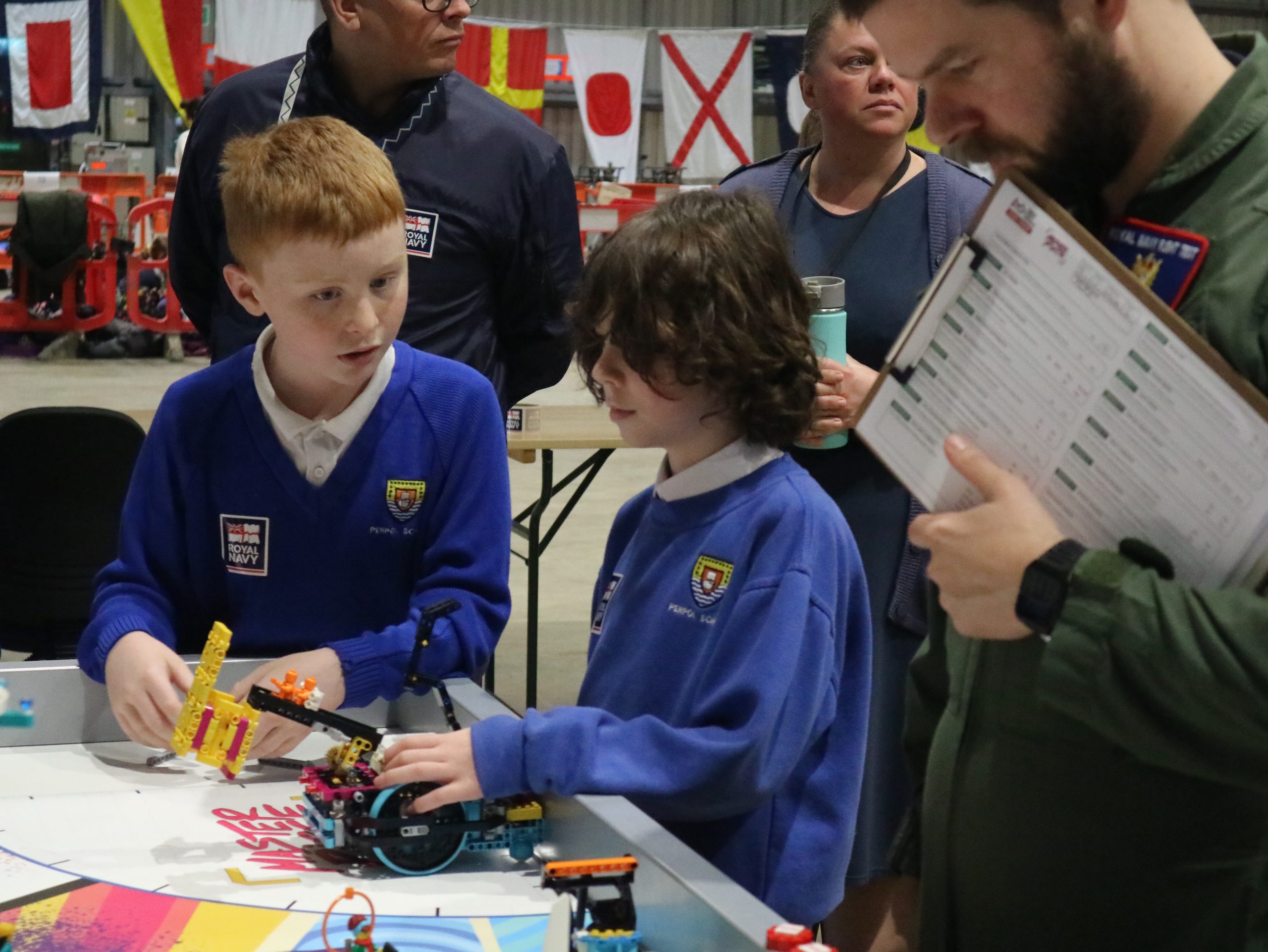
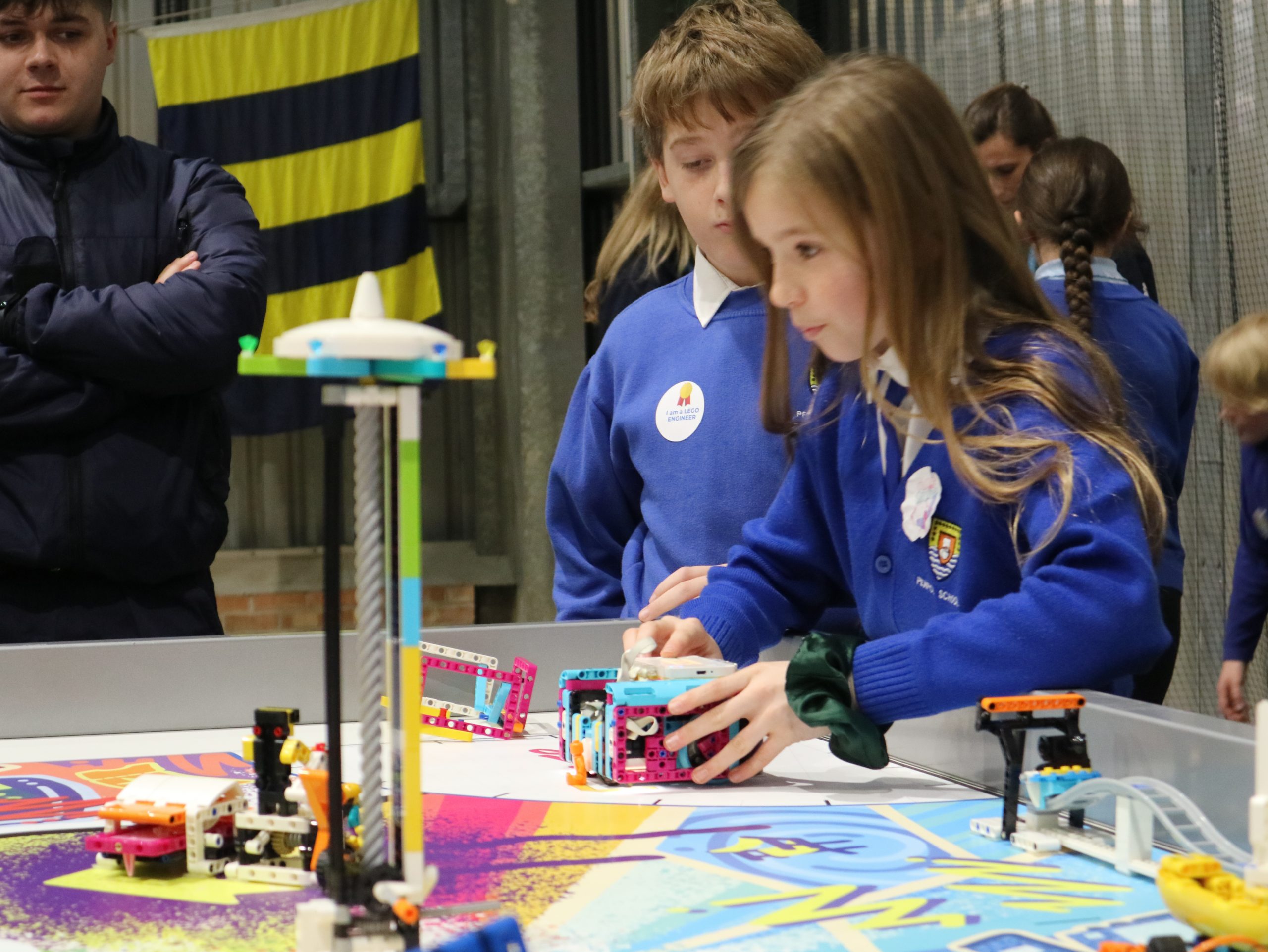
This week our team of Year 5 students visited RNAS Culdrose in Helston to take part in the FIRST LEGO League Cornwall finals.  They have been working hard for the past few months creating a LEGO robot which can complete missions using code they’ve written, as well as solving a real world problem through their Innovation Project.

The competition proved a fantastic chance to celebrate all of their hard work and gave them the opportunity to share this with the judges and students from other schools.  In fact, the Coral Coders were up against 26 other teams on the first day of the Cornwall regional finals.

So, let’s dive in and see how they got on…

Innovation Project

A good innovation project is all about finding a real world problem and designing a solution to help make the world a better place.

The Coral Coders immediately hit on their problem, Coral Anchoring.  They explained that this is what happens when a ship drops its anchor and then pulls on it as it stops moving, thereby dragging up coral and damaging the precious seabed.

The solution the students settled on was to create a different shape anchor which wouldn’t drag across the seabed as much, thereby greatly reducing the amount of coral getting damaged.

“I liked the bit where we presented to the judges because we got to present the robot and anchor designs and we got to ask each other questions too which was really fun.”

– Massimo

The team put together a compelling presentation to share their project which they confidently delivered to the group of judges.  Despite being their first time sharing this project outside of school, they came out buzzing with confidence and enthusiasm as the judges had really enjoyed their ideas and energy.

27 points

out of a total of 40

The judges agreed it was “brilliant to have identified a unique problem” and that they “created an excellent solution”.  They also loved seeing the physical prototypes of their anchors in real life.

Overall the judges were really impressed with what they described as a “slick, well rehearsed and well planned presentation”.

Robot Design Presentation

The second half of the judging session focusses on the students sharing their Lego Robot and discussing the way they built it and how they learnt to code it. 

As a first year team there was no shortage of things to talk about here and to try and cover as much ground as possible the team decided to do an ‘interview-style’ presentation where they asked each other questions about the robot and the journey they’d been on.

This proved highly effective and allowed the children plenty of opportunity to share their highs and lows of coding – from the missions which work every time to those which are much more troublesome – as well as all of the fun they’ve had along the way.

“When we were talking to the judges I kinda felt nervous but actually it was fine and as soon as we started talking I didn’t feel nervous anymore!”

Charice

24 points

out of a total of 40

The feedback from the judges on their Robot Design presentation celebrated their “clear strategy, which was broken down into clear tasks” and suggested that further explaining how the code works would be a good place to develop for next time.

Robot Games

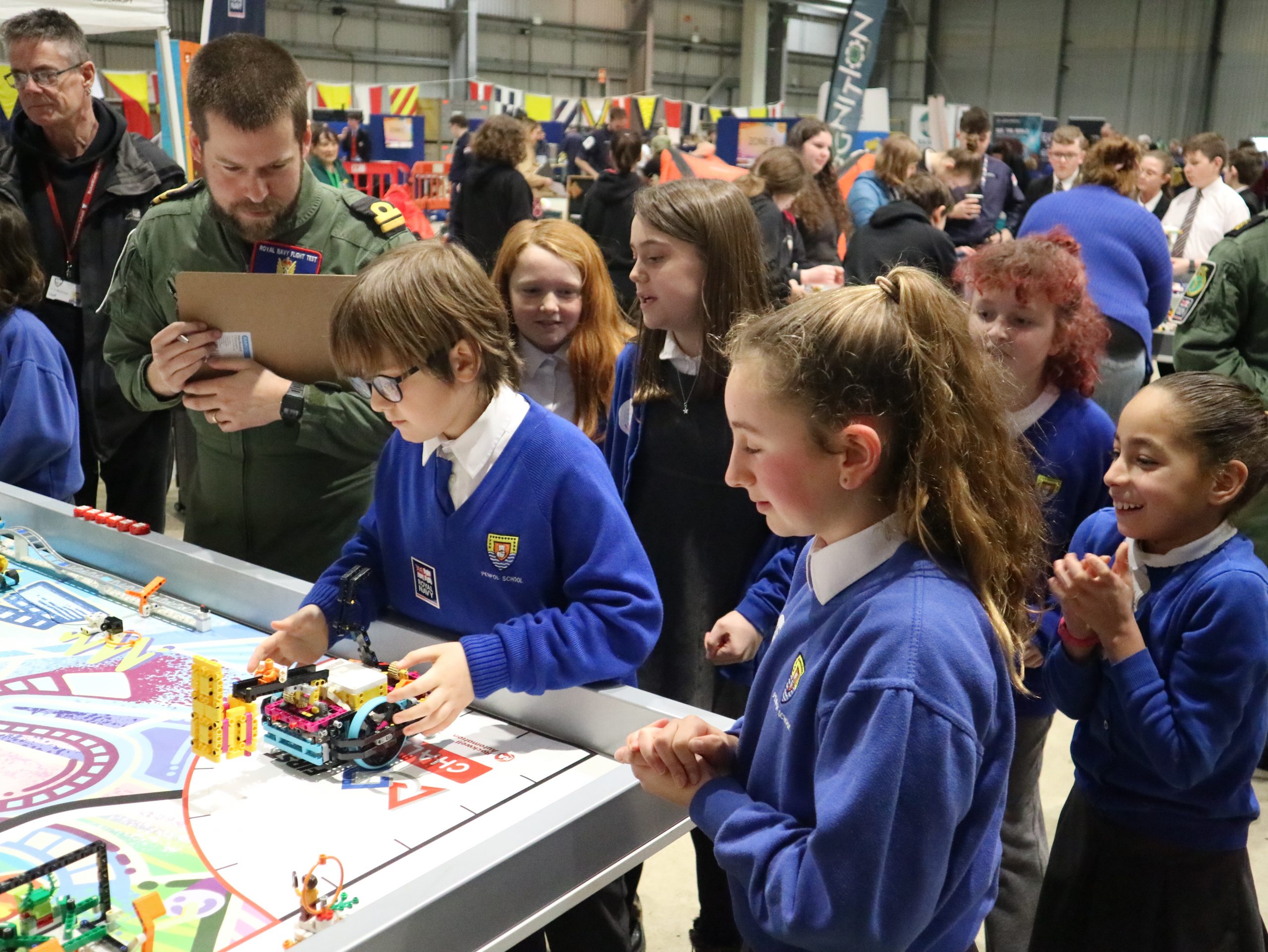
In the Robot Games you are given three opportunities to get your best score possible – giving each robot (and team member) a chance to warm up in the high-pressure environment at RNAS Culdrose.

The Coral Coders however were cool as cucumbers for their first match, with all five of the robot engineers launching their missions with control and precision – no mean feat!  And more still, the continued for all three of the Robot Games runs.

“I think the robot games was really difficult, especially when the last code seemed to break the whole system! It was really difficult to fix but we did it! And the whole thing was crazy fun!”

Sorrel

As the matches went on the scores steadily climbed too, as the robot completed the different missions they had programmed it to do.  Whether releasing the shark, raising the ship mast or dropping the unknown sea creature, the robot moved with precision at all times.

“I found the robot building really fun, as was trying to program it.  It was definitely hard, but super interesting doing the Robot Games!”

Dexter

160

Round 1

170

Round 2

175

Round 3

Robot Games

The Coral Coders achieved the second highest score of the day in the Robot Games with a fantastic score of 175 points.

“I loved having a go with the Virtual Reality stand.  It doesn’t matter if you win or not in the competition it’s about having so much fun”

Resola

BBC Spotlight

If this wasn’t enough excitement for one day, three of our students were asked if they’d be happy to talk with a BBC reporter for Spotlight News! 

Without hesitation all three said yes and I’m delighted to say their interview made it onto Spotlight news that very evening! 

You can watch their interview on the right.

AI in the Classroom

As Class 7 continues to learn about Cornish Mining,  this week we added a special twist! We used “School AI” to help us explore this fascinating topic in a way that was just right for each child.


With AI, we could ask our own questions and get tailored answers to help us understand what life was like for miners. Some chidlren wanted to discover what kinds of food miners ate, while others wanted to find out about their family life. Some even explored how mining helped the economy and why it was so important for Cornwall. It was amazing to see how AI could guide us to learn in a way that suited us best!


We also had an important discussion about using ai safely. We learned that AI is a great tool for learning, but we should always check information, think critically, and ask a teacher if we’re unsure.


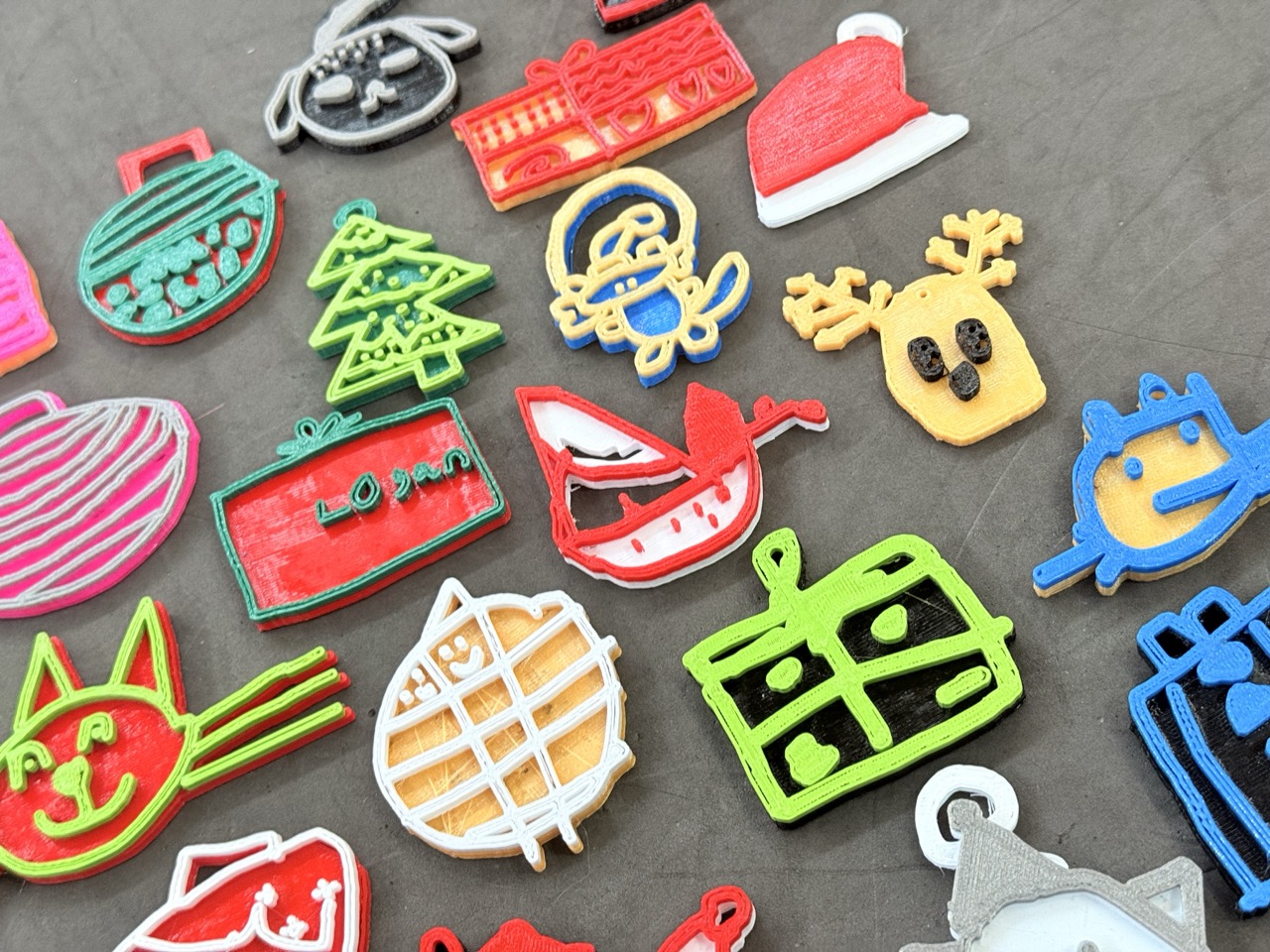
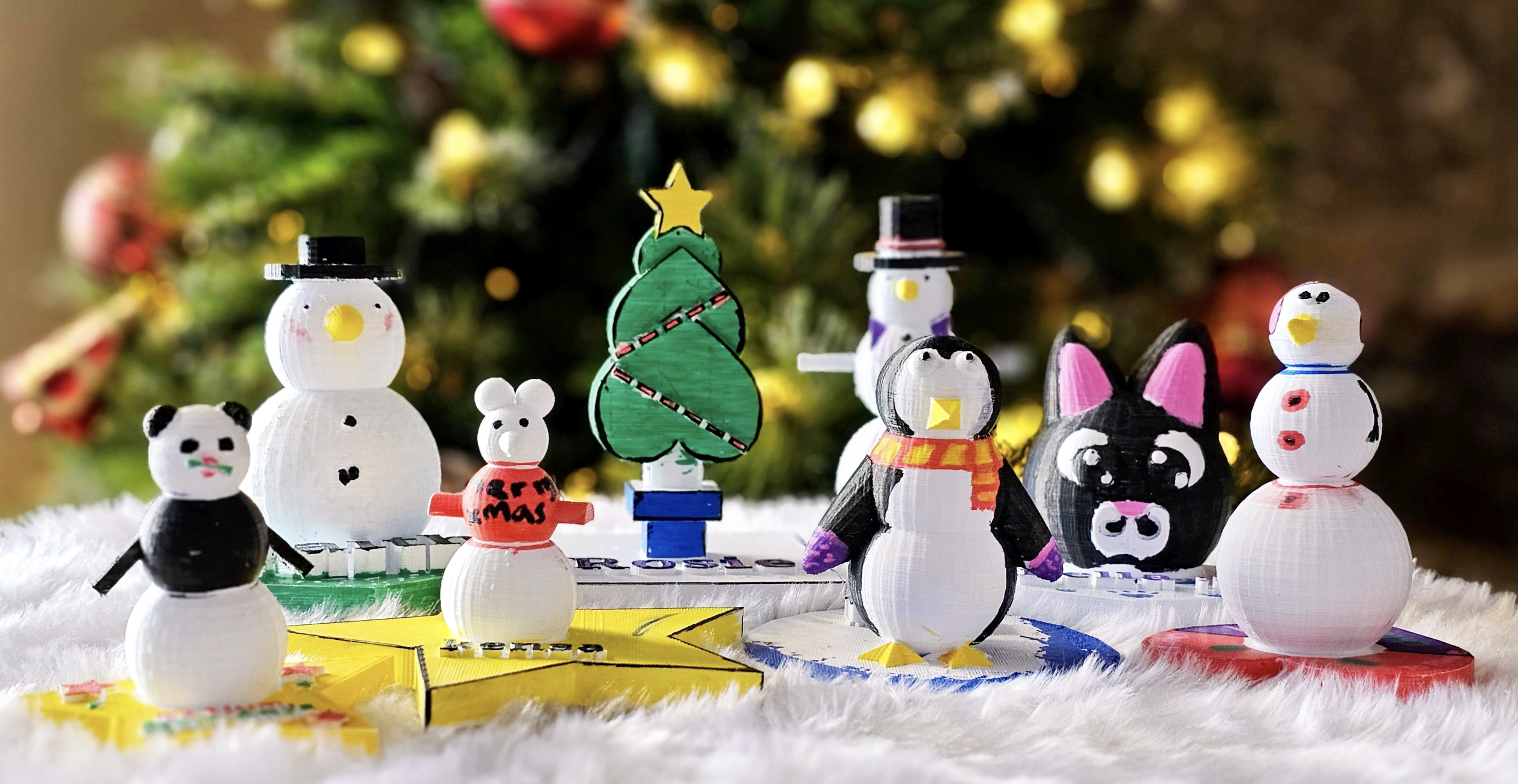
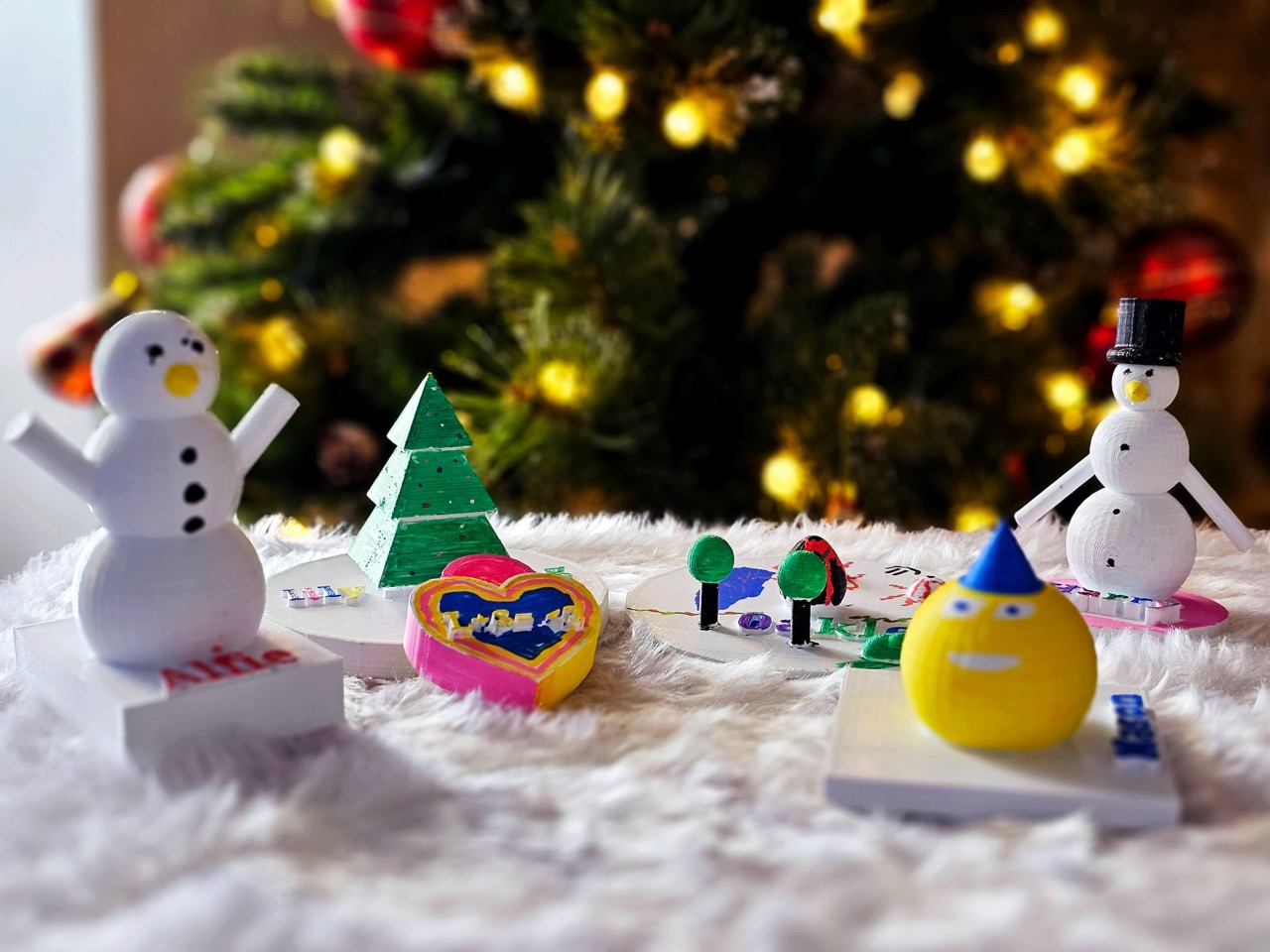
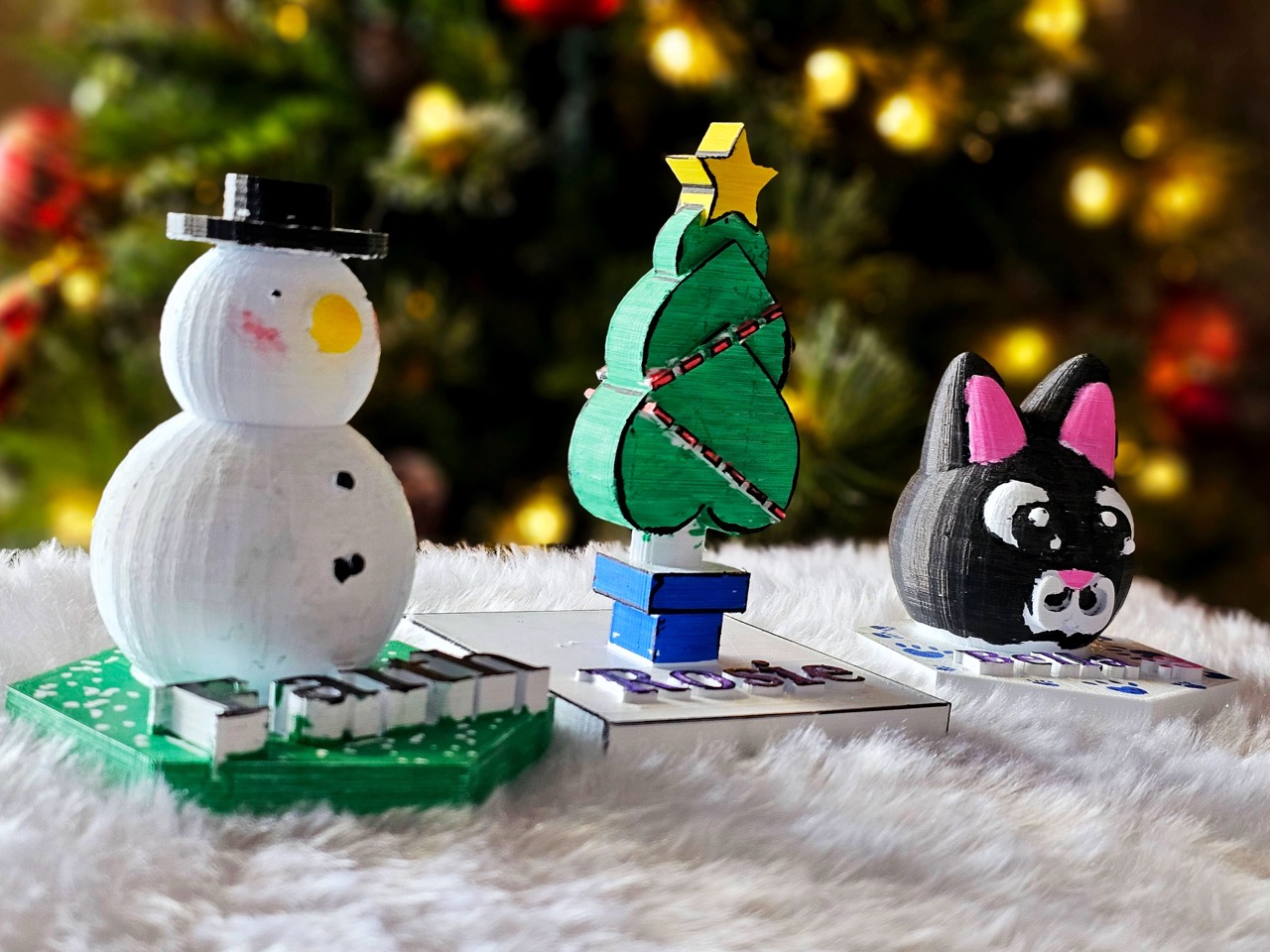
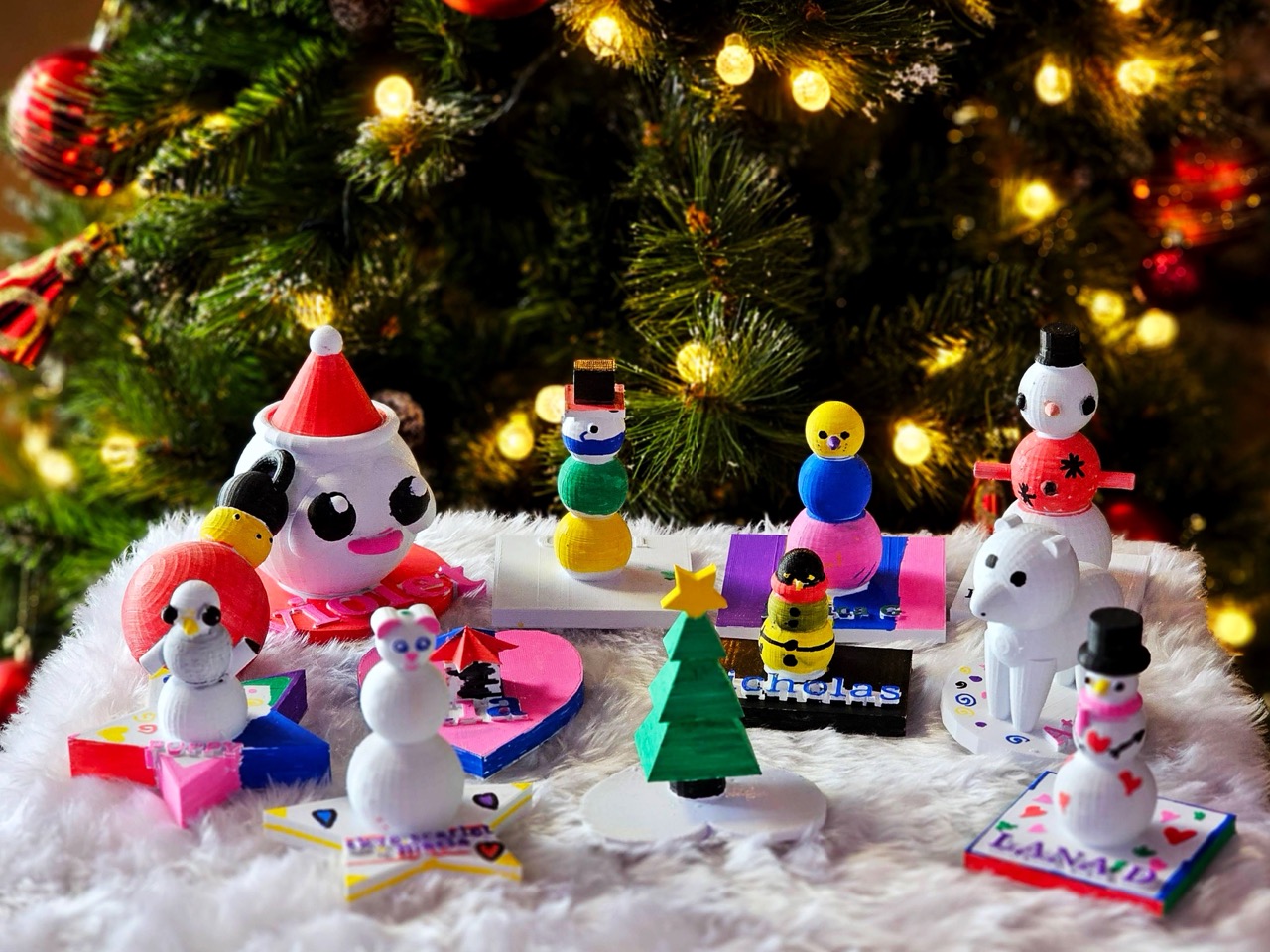
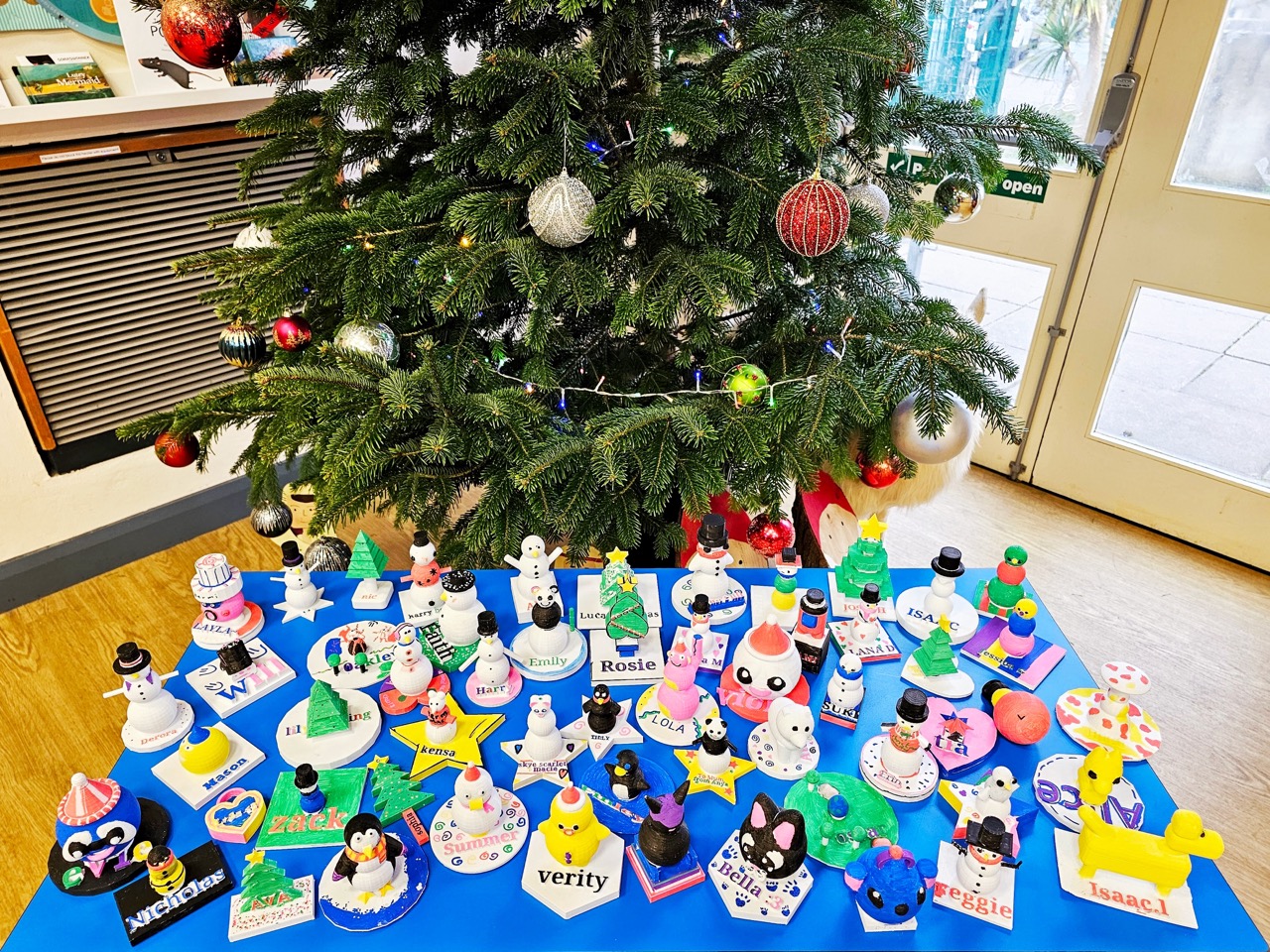
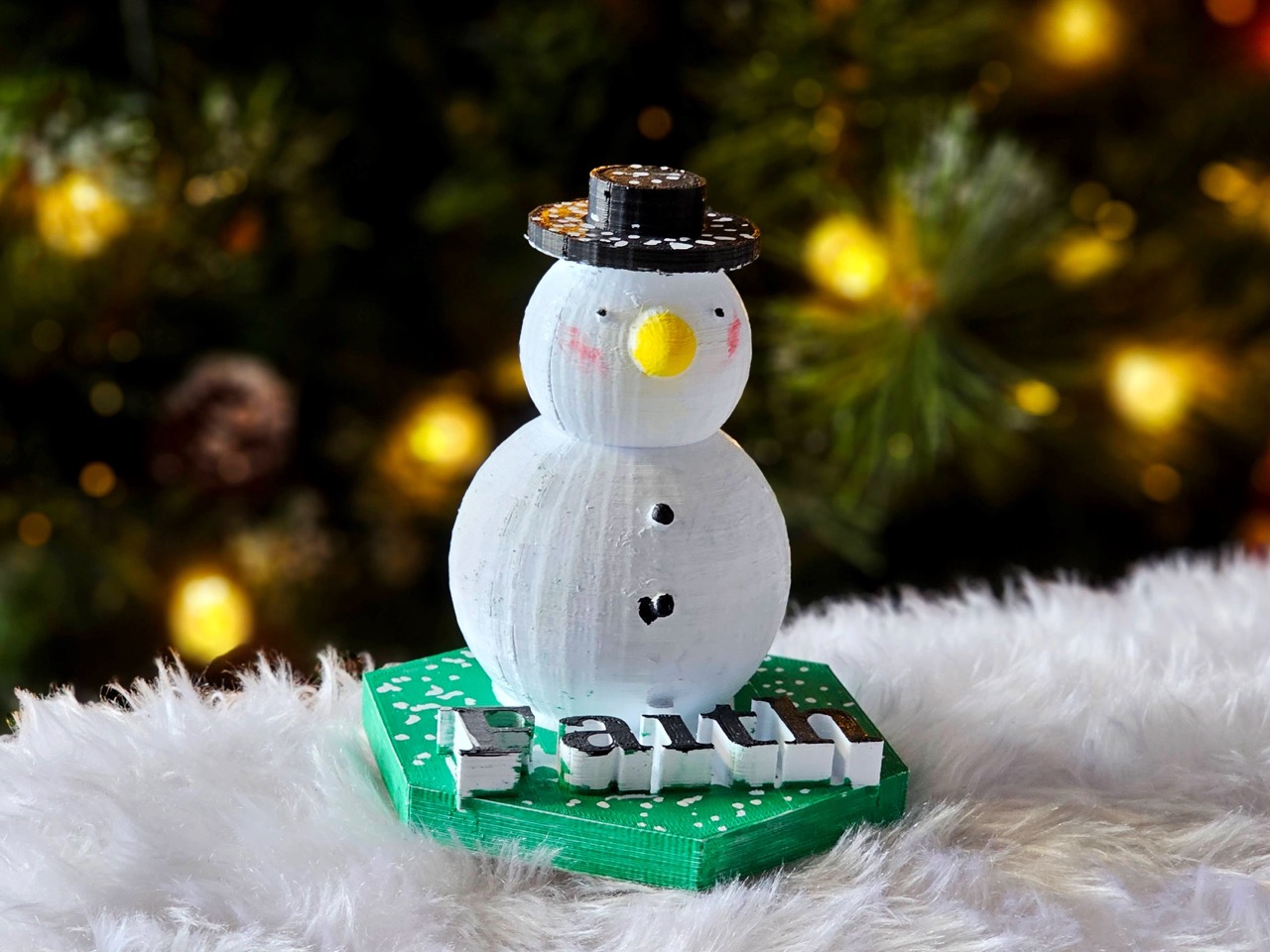
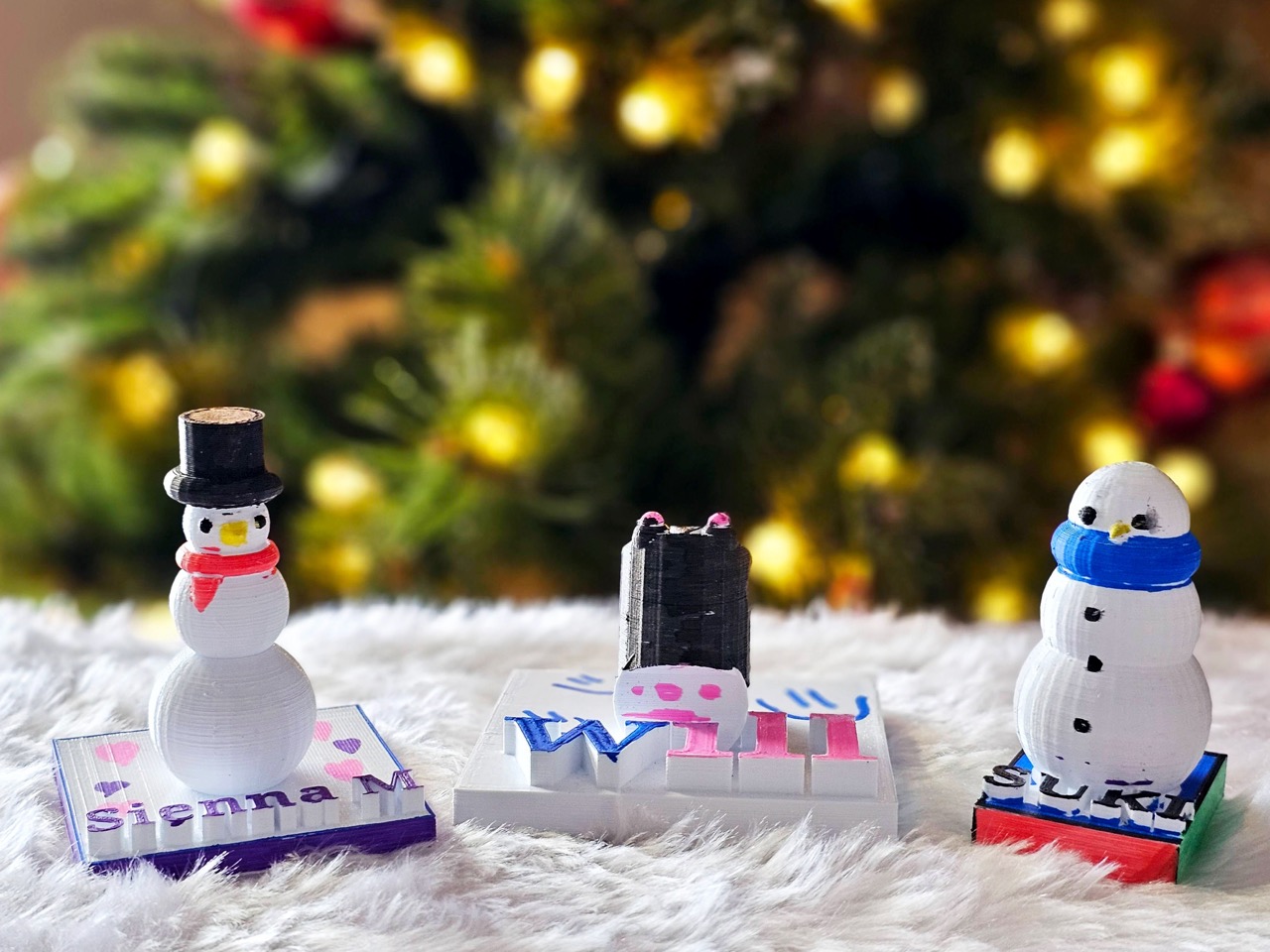
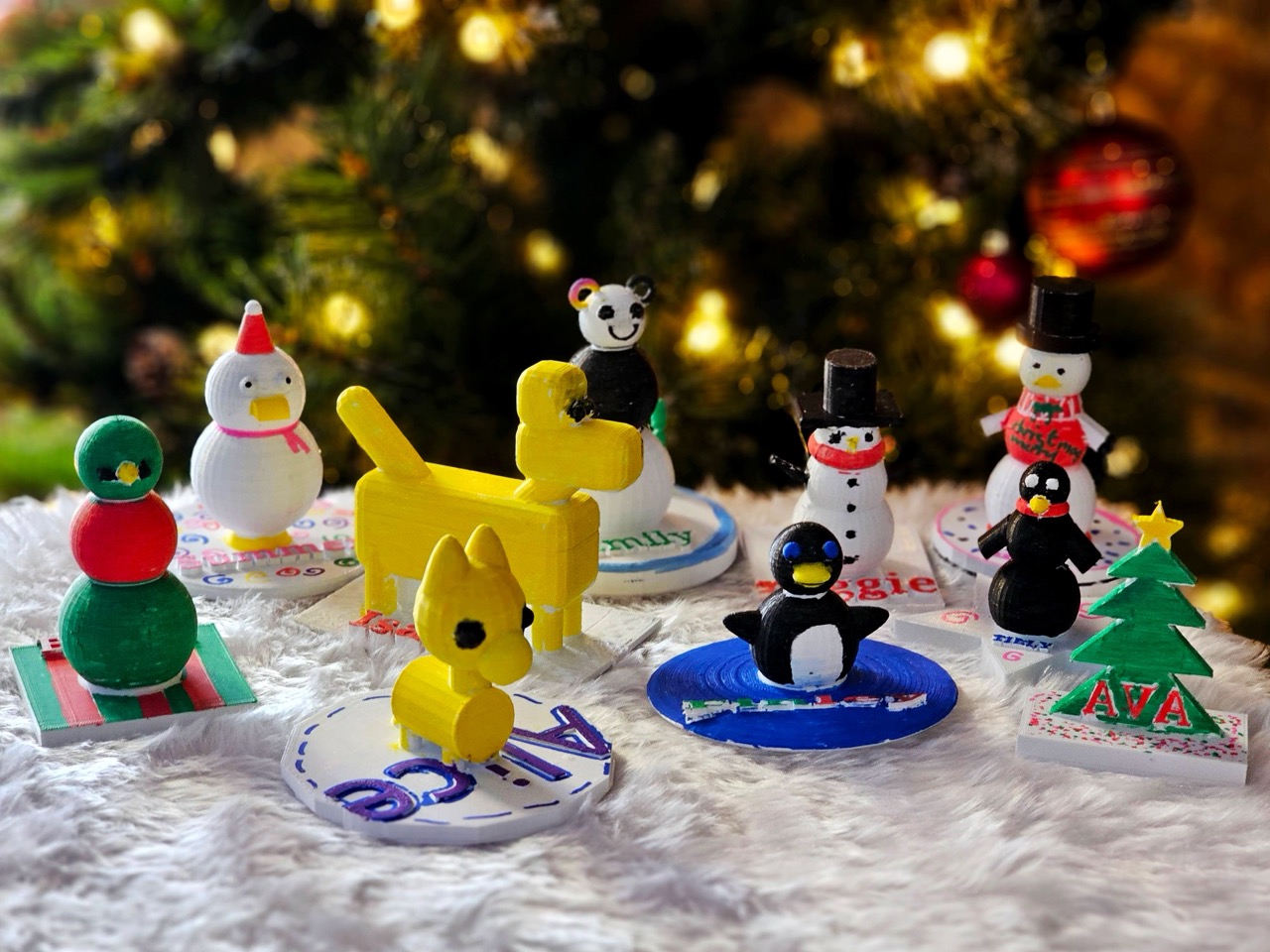
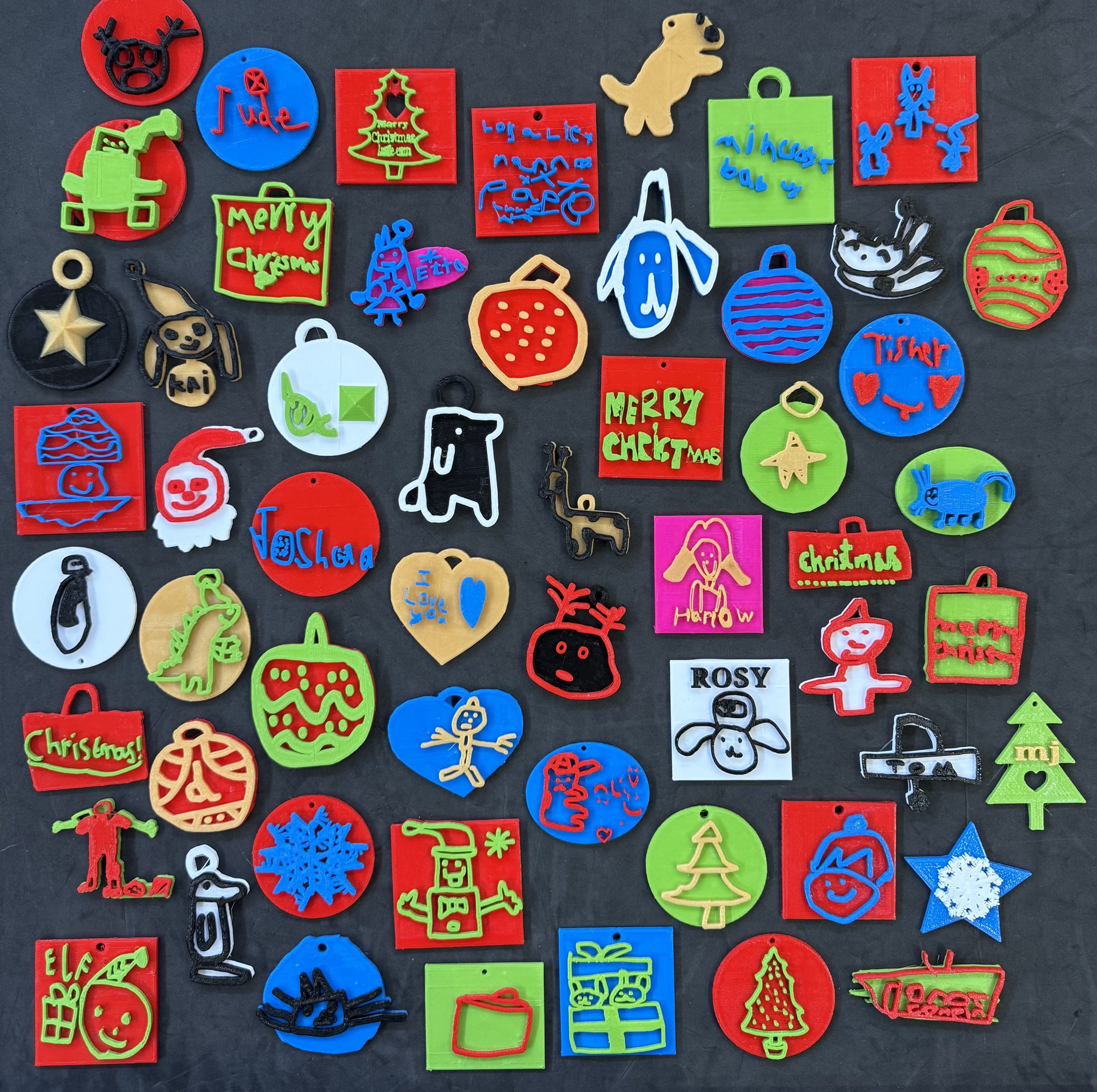
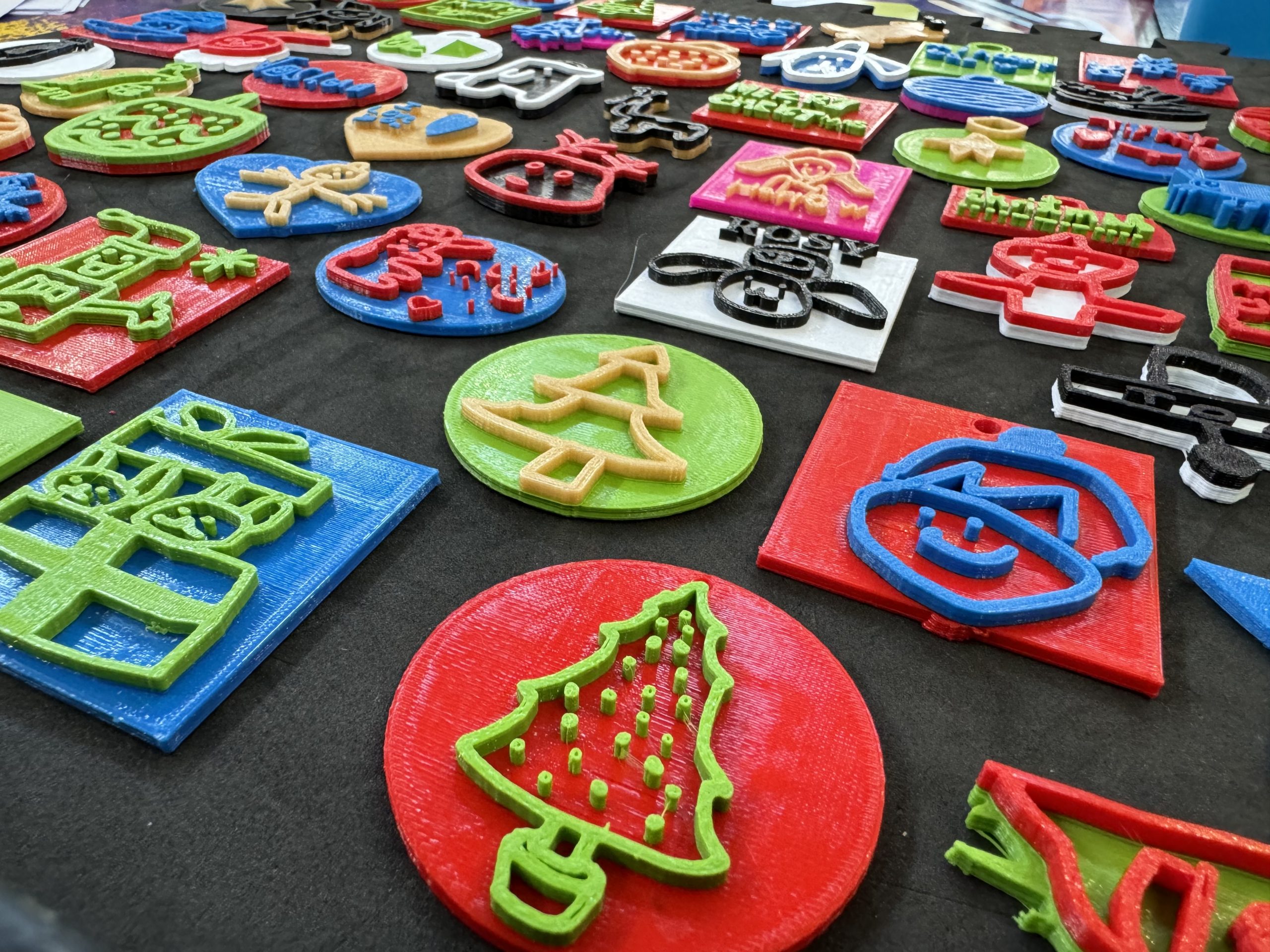
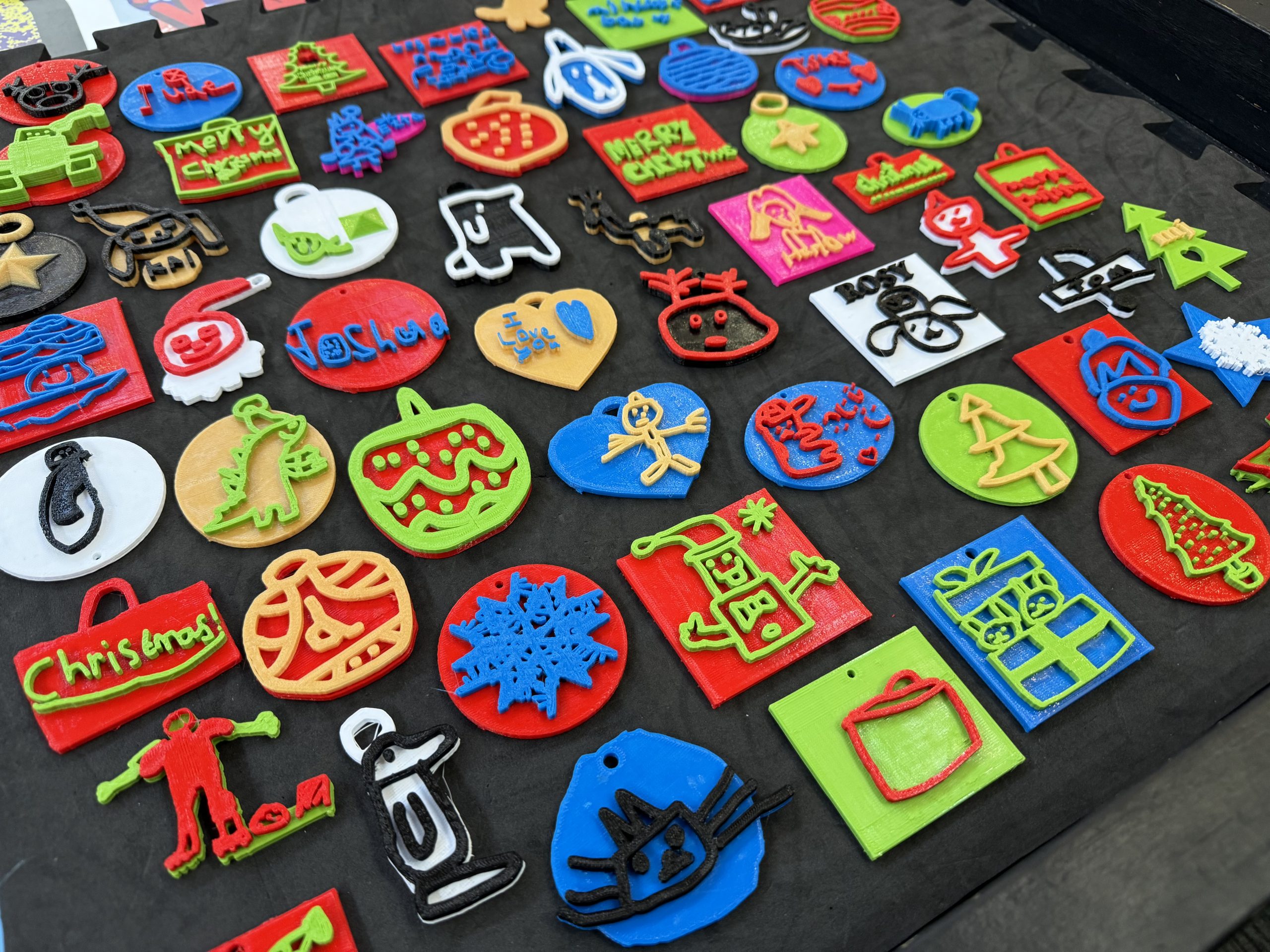
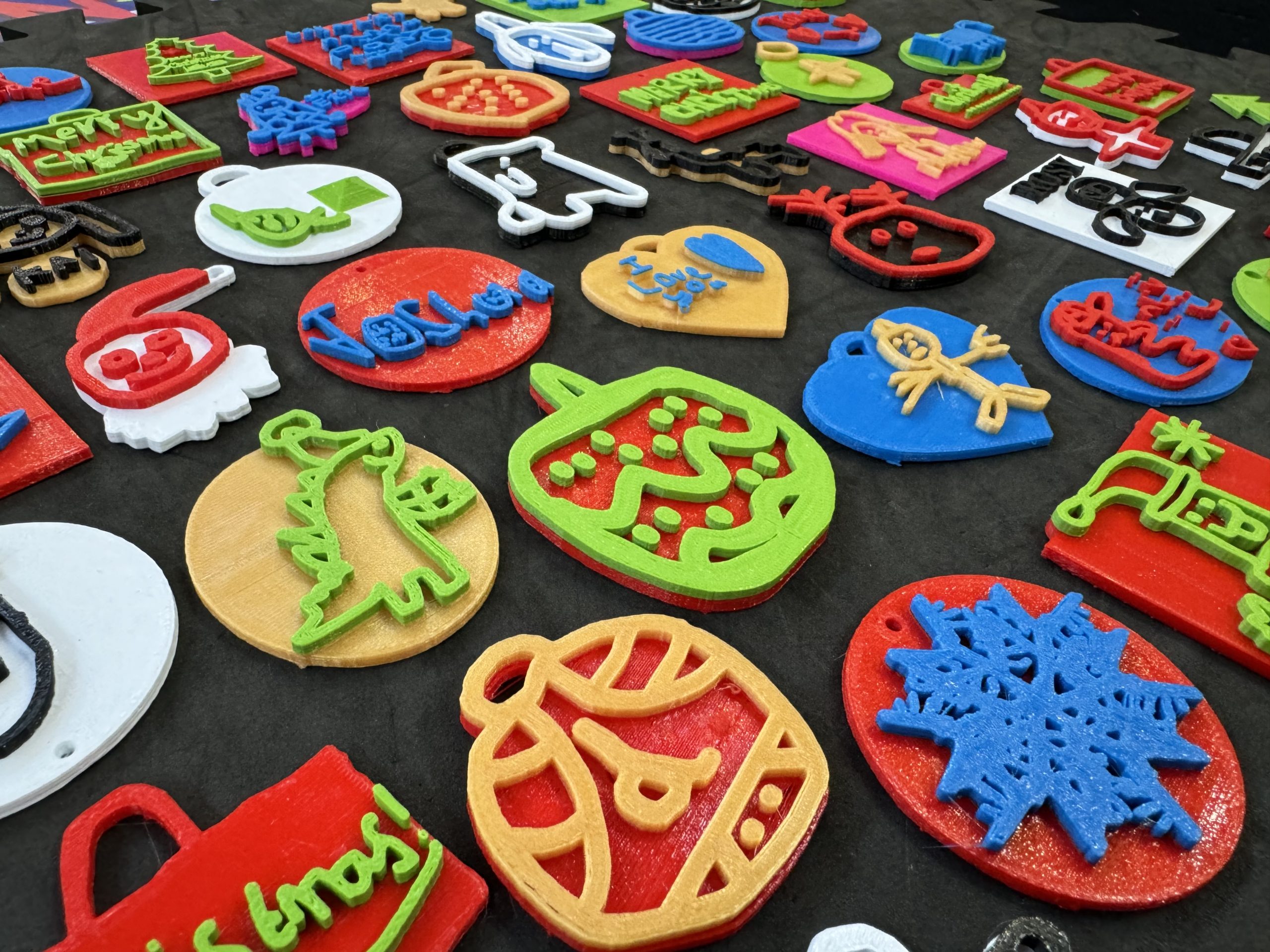
Creating Winter Sculptures in Tinkercad

This year our Year 3’s and Year 6’s have created their own 3D Winter Ornaments using Tinkercad.  The Year 3’s have been using the Scribble tool to create unique and personal designs whilst the Year 6’s have been making theirs using the Codeblocks editors.  Rather than me talking about how it all works, let’s hear from some of the students instead…

Year 6 Winter Ornaments

“I made a snowman with a scarf and top hat.  It has accessories too, like some coal buttons and a carrot nose.  Alongside the snowman, on the right, it has a present with a Santa hat one top and to the left it has a tower of six snowballs.

I used three spheres, increasing by size, to make the body and a cube a cuboid for the hat.  The trickiest part was making the buttons for the snowman, making sure they weren’t too far off or too far inside the snowman’s body. It was also tricky making sure the height was equally spaced between each button.

This is probably going to be on the shelf in my bedroom for quite a while – until my dad tells me it’s time to put the Christmas decorations away.  But then I’ll look forward to seeing it again each year.”

Tamara

“I made a cat that was inspired by my cat at home (Dotty).  I started off with a head shape and tried to make all of the details on the head like the eyes and when I was satisfied with the head I moved onto the body.  For this I used a cube but I stretched it out to make it more rectangular and curved the edges.

I’m very pleased with how my cat came out, I will keep it forever!  I think the real Dotty will be very pleased to meet her new friend!”

Ivor

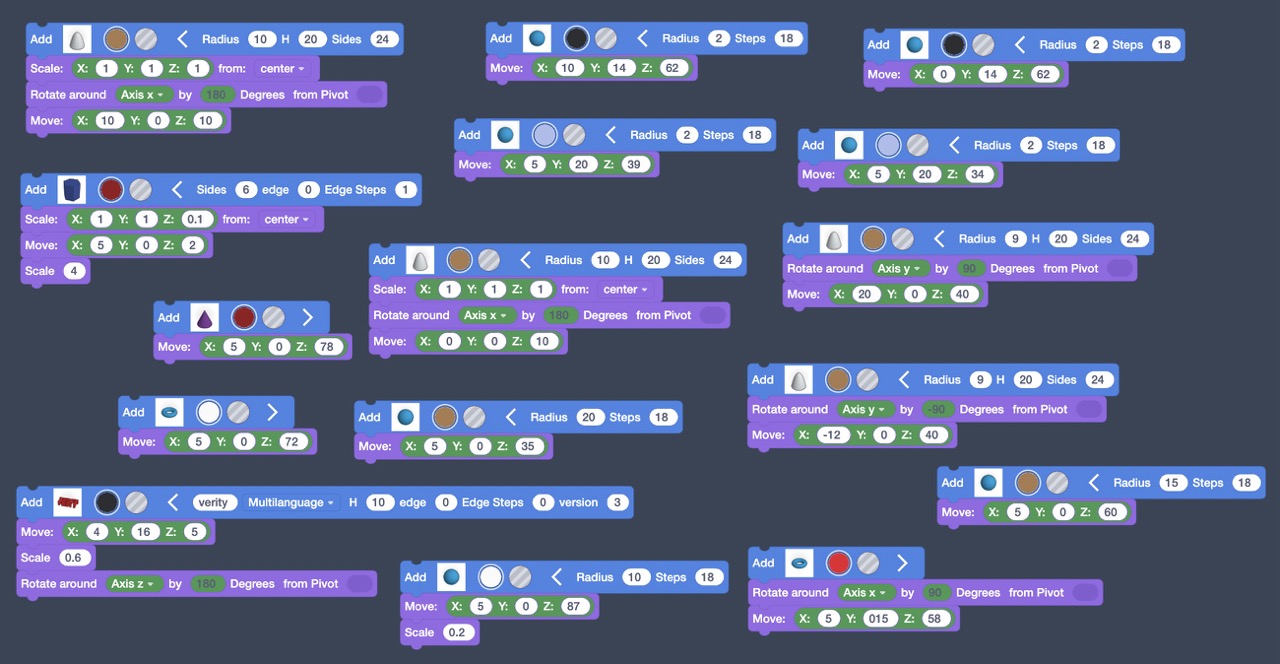
“I used Tinkercad Codeblocks to code my cat, which was really fun but quite tricky too!  The hardest part was to get the ears at an angle on the head, because I had to figure out how to get them the same angle on opposite sides.

When I take my cat home, I’ll show it to my mum and dad and then put it in the windowsill.  I think I’ll keep it out all the time!”

Georgia

“It didn’t take too much of my time, but it was so fun to do that I wanted to work on my design at home as well.  I went to show my family what I was making and they were really interested in how I made it, they just kept saying wow when they saw all my code.

I’m probably going to keep my Creeper figure in my bedroom.  I like how I designed it on the computer and it’s now stood right in front of me in real life.”

Brody

Year 3 Winter Ornaments

“I made my Christmas Tree by drawing it on the computer and then went off it by pressing done.  Then I pressed the button which made a copy and then I stacked it on top of the other one.  Then I did another version with the detail of my tree and changed the colour.  I really like the tree I’ve made, and I’ve put it on my shelf at home where we keep special things.”

Elsie

“I chose my design because I thought it would be a nice thing to have a Christmas decoration to look like myself in my favourite colours.  It’s cool to think that this is the only one in the whole world that looks like this.  I can’t wait to put it on my own Christmas tree when I get home.”

Clementine

“I wanted to make a decoration that was green and black because they’re my two favourite colours.  I chose a present to make sure I could use these two colours.  It’s probably one of my favourite designs that I’ve ever made in Tinkercad, and it’s going to be really special on my Christmas tree at home.”

Henry

Year 3 Gallery

Purging Pollution with our Scratch Games

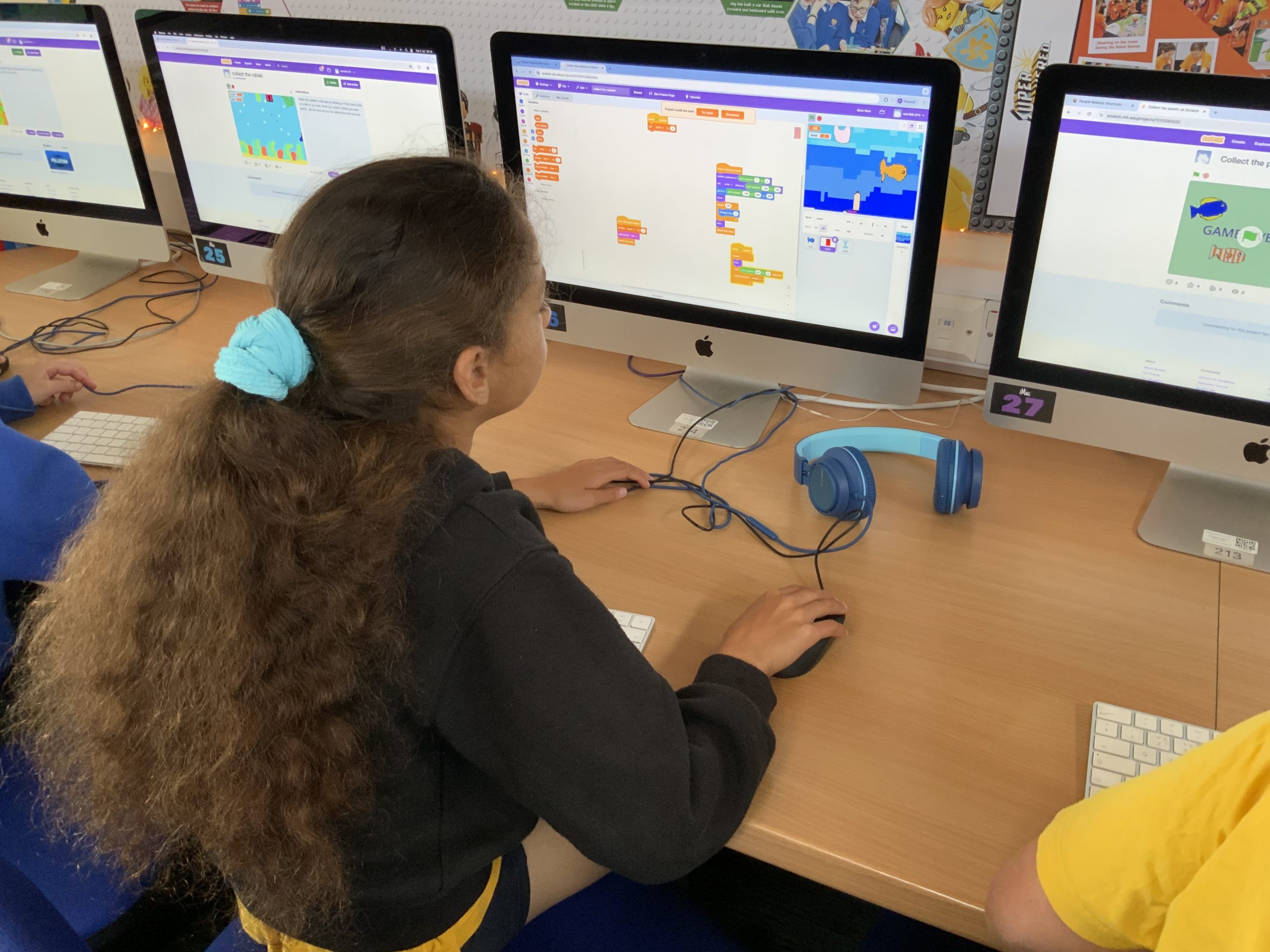
Our Year 5’s have been learning all about conservation, pollution and looking after Planet Earth this term.  As part of this exciting project they’ve been designing and coding their own pollution-busting games in Scratch.

Starting with character development, each student used a fun drawing tool called Make 8-Bit Art to create a selection of fish, some polluting objects like carrier bags and drinks cans and their own underwater scene for their background.

After this the coding began in Scratch with the first session focussed around getting the fish to swim across the screen.  The students explored using random generators to change the starting position, size and colour of the fish and how often they appeared. 

We then used this same idea to add our polluting objects, this time falling from the surface to the bottom of the ocean.  Once this was working we decided to add a variable to keep score of how many pieces of pollution were clicked on by the player.

This variable quickly led into another – this time creating a timer to keep track of the length of their game and create an element of competitiveness to see how many points could be earned in a short amount of time.

After these basics were created the children all had different ideas of where their games should go next.  To help them explore, test and create these extra features they all had two weeks to design and code anything they wanted in their game.  We had power-ups that gave extra time,  lives that were lost if you clicked a fish by accident, game over screens, high score boards and so, so many more ideas!  The children really ran with their games and created some absolutely fantastic projects.  You can explore all the games from Class 11 here and those from Class 12 here.

“In my game I have lives which I’m quite impressed about since it looks complicated but actually when you think about it it’s pretty simple.  What I did is when I was trying to figure out the lives I broke it into different stages – first of all doing the variable code to make it work and then if something else wasn’t working because of it I would figure out why and improve it by fixing the bugs.”

“I’ve added a score too, when you’ve finished the game it’ll come up with your score at the end”.

Luke (red-fish-235)

“In my game I’m proud that I could make it work at all!  I’ve never thought of myself as being particularly good at coding but I really pushed myself and I’m so proud that I managed to get it working. I loved exploring the other games from people in my class to get ideas – they were all just so good! I think if we combined everyones ideas into one we could make a game that would go viral!”

Isla (red-fish-227)

“I’m really proud of my game because I didn’t know if I’d be able to manage all of the coding but I did in the end and I’m really happy with what I’ve done!  We’ve spent four weeks doing this coding of the game and it’s already starting to look really good!”

Evangeline (red-fish-251)

“Throughout my time doing Computing at school its really inspired me to push past my limits and start doing it at home too.  Inside of me it’s really sparked an interest for coding!

Inside my game I am most proud of my lives system (which mimic the variable Health) which means that I have five lives which link to five hearts on screen.  Every time Health goes down a heart disappears until there are none left at which point it’s game over.

At home I also added a shop which I’m really happy with.  It’s not finished yet, but it’s basically a way to use the points gathered by collecting rubbish to spend in the shop.  You can buy extra time, plastic per second (which means you get more plastic to fall) and an upgrade which gives you even more boosters.”

Ned (red-fish-220)

The Dragons and the Six Super Stars both come back from Culdrose with Trophies!

Last week our Year 6 and Year 5 Lego Teams (the Six Super Stars and the Dragons respectively) took part in the Cornwall finals of the FIRST Lego League.

With thirty other teams taking part each day it was wonderful to see the event getting bigger and better every year in Cornwall.  But of course more teams also means more competition for our own Penpol pupils!  They completely rose to the occasion though with both groups sharing two excellent presentations and each taking part in three brilliant Robot Games runs.

This is the story of how our students got on at RNAS Culdrose…

Part 1: Robot Games

The Robot games is a fun challenge where the children have to design, build and code their very own robot to complete different missions. There is a maximum of 550 points on offer this year and a score of anything over 200 is considered exceptionally good – especially for primary teams!

The Dragons

Never under-estimate how much pressure it takes to be a Robot Games Engineer.  Not only are you lining up your robot and ensuring your code works perfectly, but you have a whole world of excitement, pressure and expectation building around you.  Those two and a half minutes determine a huge part of your whole teams score in the competition – so it’s a lot of pressure!

Not that you’d know if from watching the Dragons though.  They stayed cool under pressure, re-ran missions that didn’t work quite right and communicated throughout to ensure they got the very best score possible in each game.  And all that hard work paid off on the third and final run as, to much cheering and support from their fellow team members, the robot managed to achieve it’s best run and got a score of 265 points when it mattered the most – catapulting the team to second place on the Robot Games scoreboard.

245

Round 1

230

Round 2

265

Round 3

The Six Super Stars

In the Robot Games you are given three opportunities to get your best score possible – but the Six Super Stars did theirs on the very first run!  To much cheering and excitement their robot pulled off the perfect run, completing all the missions they had planned and scooped up a brilliant score of 265 points.  This took the pressure off the other two runs, allowing the students a chance to soak up the atmosphere and enjoy the moment.  This was a real team success as every member had the opportunity to launch at least one mission in the two and half minute timeframe.

They even engaged in some friendly banter with the the Year 7 team from Hayle Academy, which included some team-members from last years Penpol Pumpkins.  This caught the attention of BBC Spotlight who sent their reporter Johnny Rutherford who featured the team on his report in the evening news!

265

Round 1

225

Round 2

205

Round 3

Part 2: Innovation Project

The Innovation Project is a chance for the children to identify a problem linked to the annual theme (Creativity and Hobbies for this season) before researching, creating, refining and presenting their own innovative solution. This takes the form of a five minute presentation to the judges and a ten minute question and answer session afterwards.

The Dragons

For their Innovation Project the Year 5’s conducted a survey all about art and found that 80% of children in school loved to draw.  The only problem was that three quarters of those children often didn’t draw because they didn’t have any good ideas of inspiration of what to create.

The Dragons set about fixing this by creating a Scratch project called the DrawingRandomiser which gives people an idea of what to draw – often with some very funny results!

They shared this project with the judges in a short comedy sketch that they’d written together and gave the judges a chance to try their project for themselves.

For this presentation there was nowhere to hide and the team all had to be really brave in their confidence – something they truly excelled at in the run up to the competition.  On the day they were able to speak confidently and proudly to the judges (in fact one of the organisers told us it was hard for the judges to get a word in because the team were so confidently explaining everything they’d been doing!).

31 points

out of a total of 40

The judges praised their “unique idea to encourage creativity for all people” and thought they “adapted to failing technology very well” when their laptop couldn’t get onto the internet.

The Six Super Stars

The Year 6 Innovation Project also revolved around the theme of art, but with a slightly different focus.

After lots of planning meetings and discussions, the team identified the problem that quite often people struggle to draw because they don’t know how to.  To help with this problem they decided to create a book that students can use to learn how to draw different things with friendly, step-by-step instructions.  They chose popular things to draw such as animals and using iPad they created illustrations and instructions to help even the most beginner artist create some beautiful pictures.

Having made this book the team then created a presentation to share with the judges which featured lots of comedy and some great acting too.  They also had a printed copy of their book to demonstrate what the finished product would look like in the future.

They were full of confidence in the judging room and ensured that each team member had the opportunity to talk and reflect on the journey they’ve been on over the course of the competition.

19 points

out of a total of 40

The judges enjoyed their “unique, acted presentation” and said their “excellent, enthusiastic teamwork” was evident throughout whilst describing and solving their “novel problem”.

Part 3: Robot Design Presentation

The last part of the competition was the Robot Design Presentation. This name is slightly deceptive as it isn’t just about the robot that the teams have built. Yes it is largely about this, but it is also a chance to share the story that the children have been on since starting their journey in the competition. This is a chance to share their learnings, their new skills, their strategies, plans and anything else that they want to with the judges.

The Dragons

When it came time to share their Robot Design presentation the Year 5’s decided on an ‘interview-style’ approach where they took it in turns to ask questions for each other to answer about the robot, coding, mission strategy and testing they’d done.

This fun approach meant the children were able to talk naturally without having to learn a script beforehand and gave them plenty of opportunities to highlight their coding and strategy for their missions.

29 points

out of a total of 40

The judges shared that it was “well presented” and that the team “explained thoroughly what could go wrong and the how to avoid mistakes during the missions.” 

The Six Super Stars

For their Robot Design presentation the Year 6’s created and shared A1 posters which featured their code, photos of the robot and attachments and important information about their robot.  This meant they were able to clearly articulate the journey they’d been on with their coding, including the decision making strategy behind changing their robot design from the standard ‘Advanced Driving Base’ to a more unusual ‘Coop Bot‘ which they found after doing lots of online research into effective robot designs. 

They took this starting point and adapted the robot for their own mission strategy by creating an assortment of interesting attachments to help them earn points.

30 points

out of a total of 40

The judges said their presentations were “novel, funny and charming” as well as their “detailed explanation of design, issues and solutions”.

Part 4: Core Values

The final of the four areas that teams are marked on is called the Core Values. These values include Discovery, Innovation, Impact, Inclusion, Teamwork and Fun. Throughout their presentations, their robot games and the day itself the teams are being judged on these six areas.

The Dragons

As a team, the Dragons really embodied their Core Values over the course of the day.  They supported each other throughout, from cheering during the Robot Games matches to supporting each other in the presentations if they stumbled on any lines.

They demonstrated the impact they’ve had through their project and shared all the discoveries they’d made as they learnt to build and code their Lego robot.

20 points

out of a total of 24

The judges were really impressed with how the team “supported each other and the most confident always encouraged the least confident” and said that “when asked about teamwork they all discussed how they organised as a team and how the team has supported each other learning new skills”.

The Six Super Stars

The Six Super Stars did a fantastic job sharing their Core Values during the competition – from supporting each other and exploring the STEM exhibitors together to being kind and courteous to adults and other teams. 

The judges picked up on their team spirit and gave them a rare Exceeding score of 4 points for both their Teamwork and Fun.  For every other score they got a 3 which shows that Discovery, Innovation, Impact and Inclusion were “consistently observed across the team“.

20 points

out of a total of 24

The judges praised their “excellent teamwork”, the fact they “worked out improvements and simplified their designs” and the fact that during their presentation there were “great answers by all members to questions”.

The Final Scores

As you can see from each of the four areas above, both teams did really well and embraced each and every aspect of the competition. I’m thrilled to say that they both returned to Penpol with a trophy to recognise their hard word.

Year 5 Team

The Dragons came second overall in the Robot Performance category with a score of 265 points, as well as taking home the Breakthrough Award which "celebrates a team that made significant progress in their confidence and capability in both the Robot Game and Innovation Project and are a shining example of excellent Core Values."

Year 6 Team

The Six Super Stars came top of the charts in the Robot Games section, beating over 30 other teams with their incredible score of 265 points.

Because of this excellent score they take home the Robot Performance Trophy.

Codeblocks at Christmas

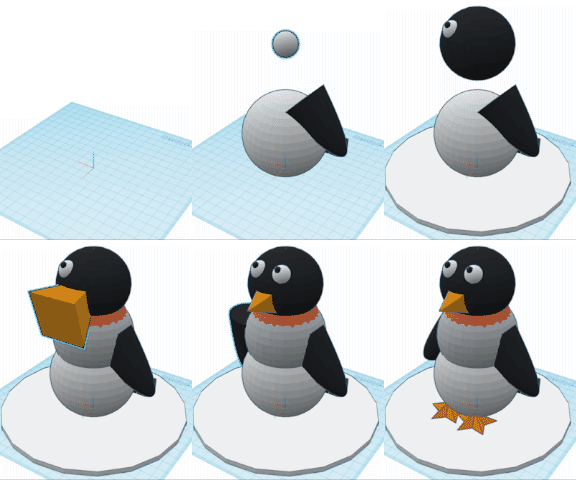
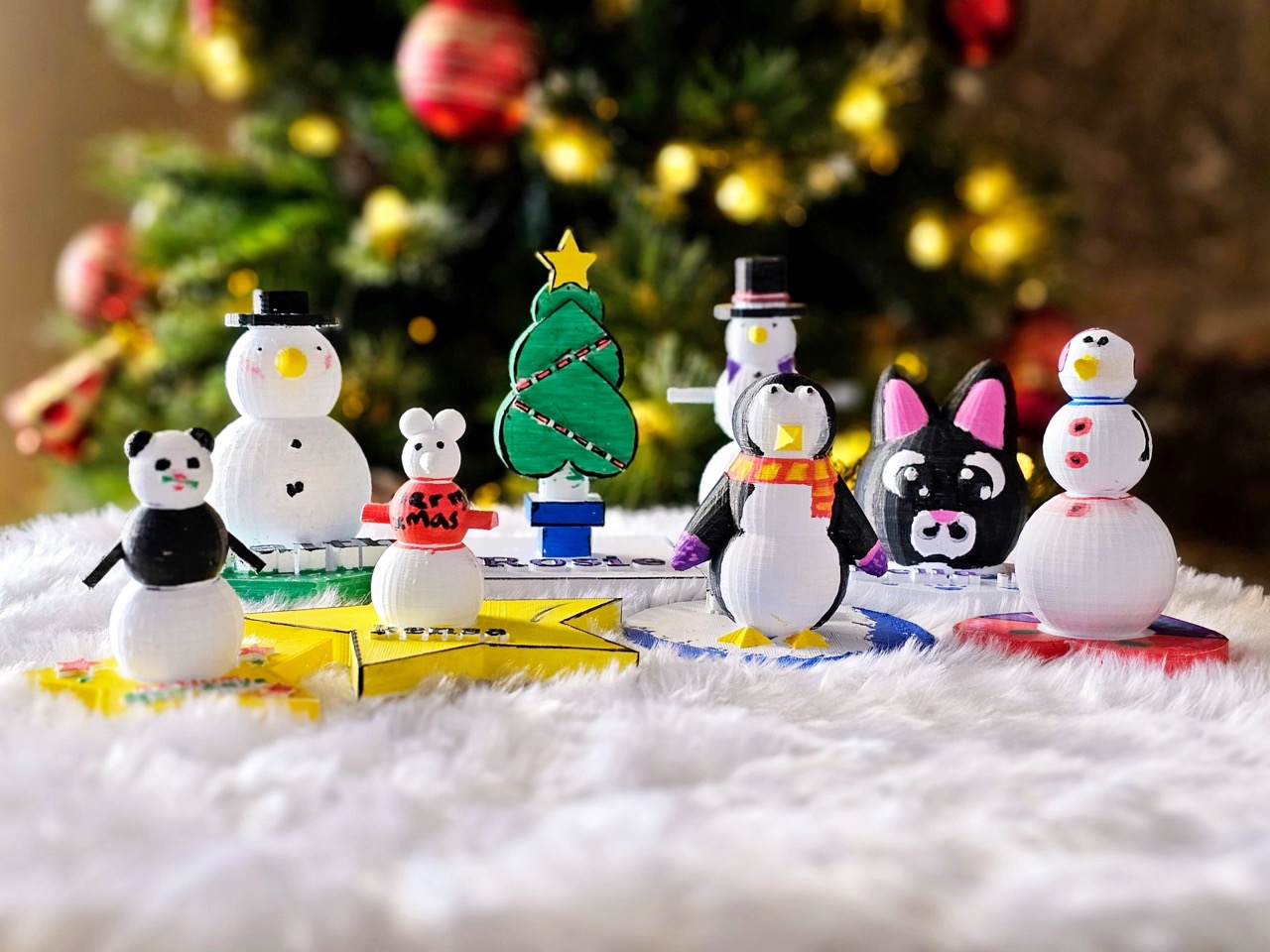
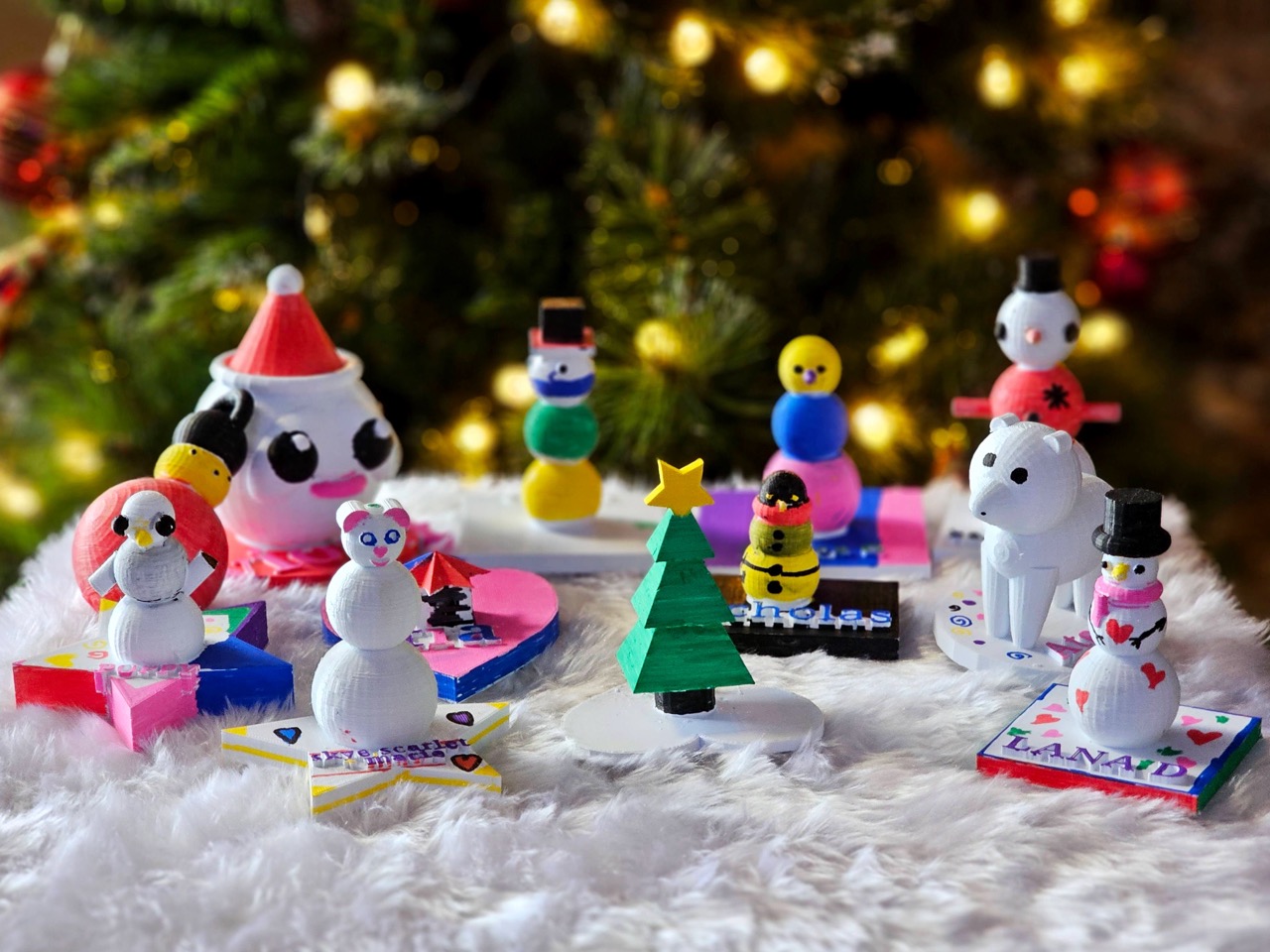
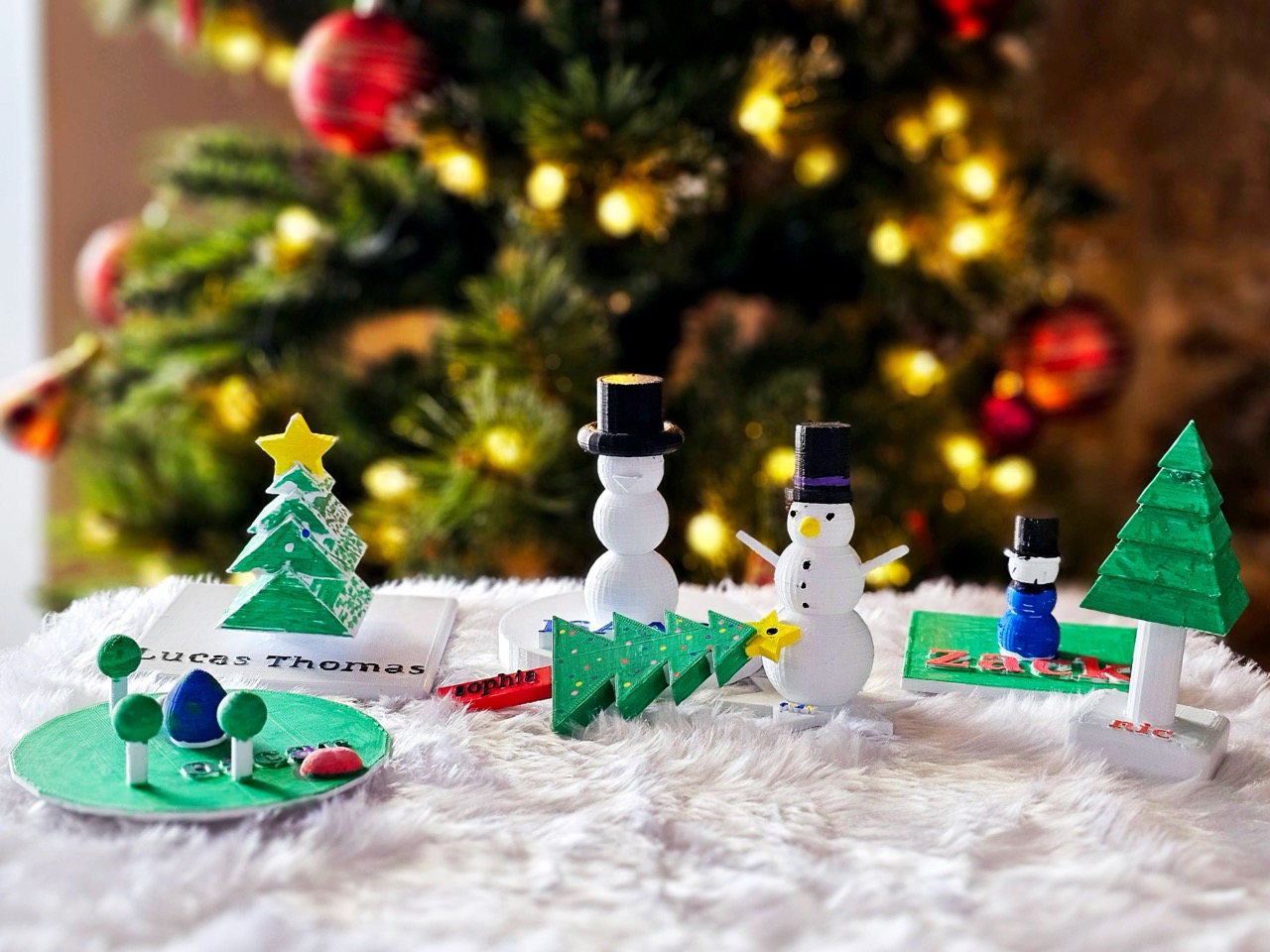
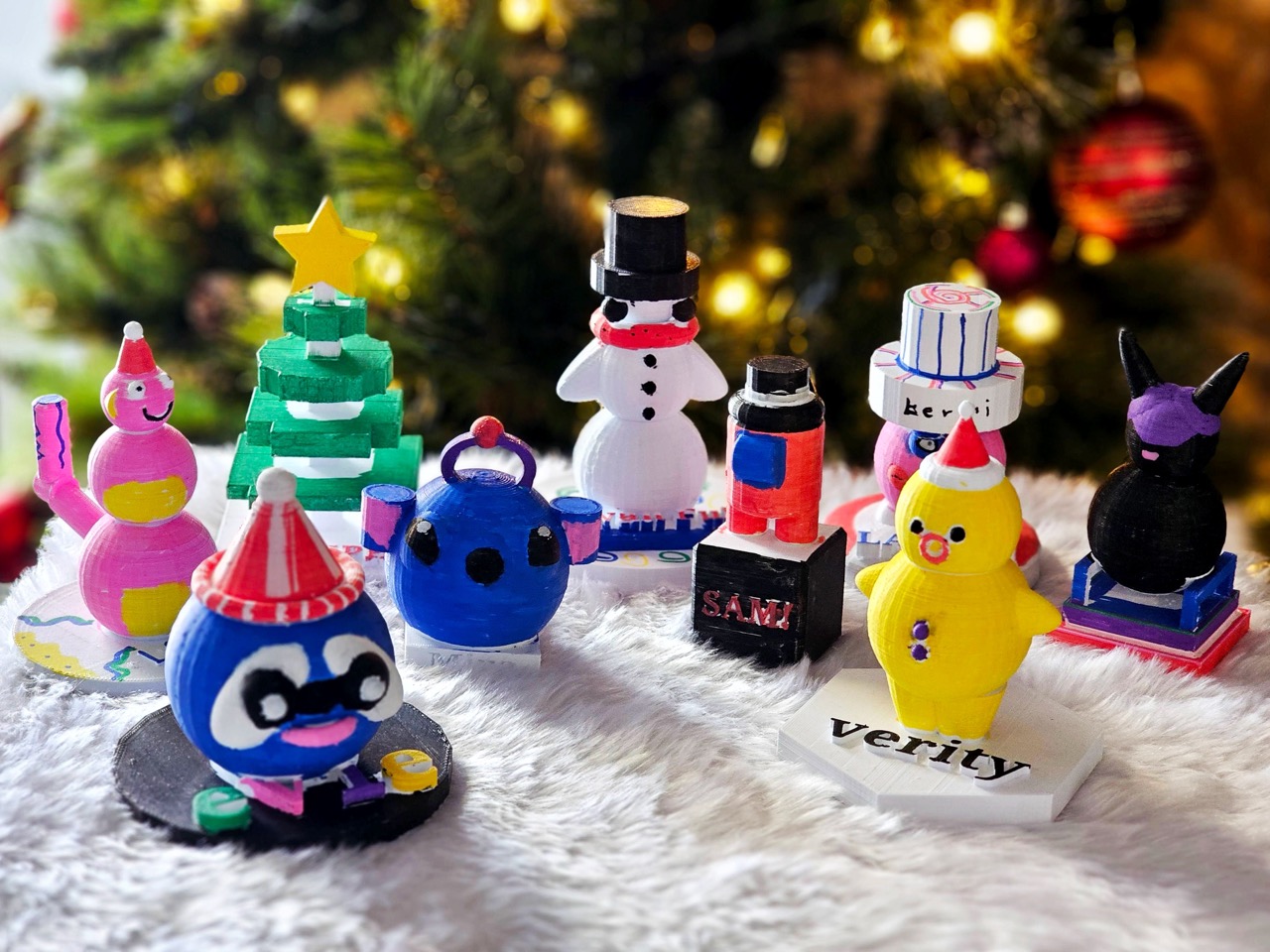
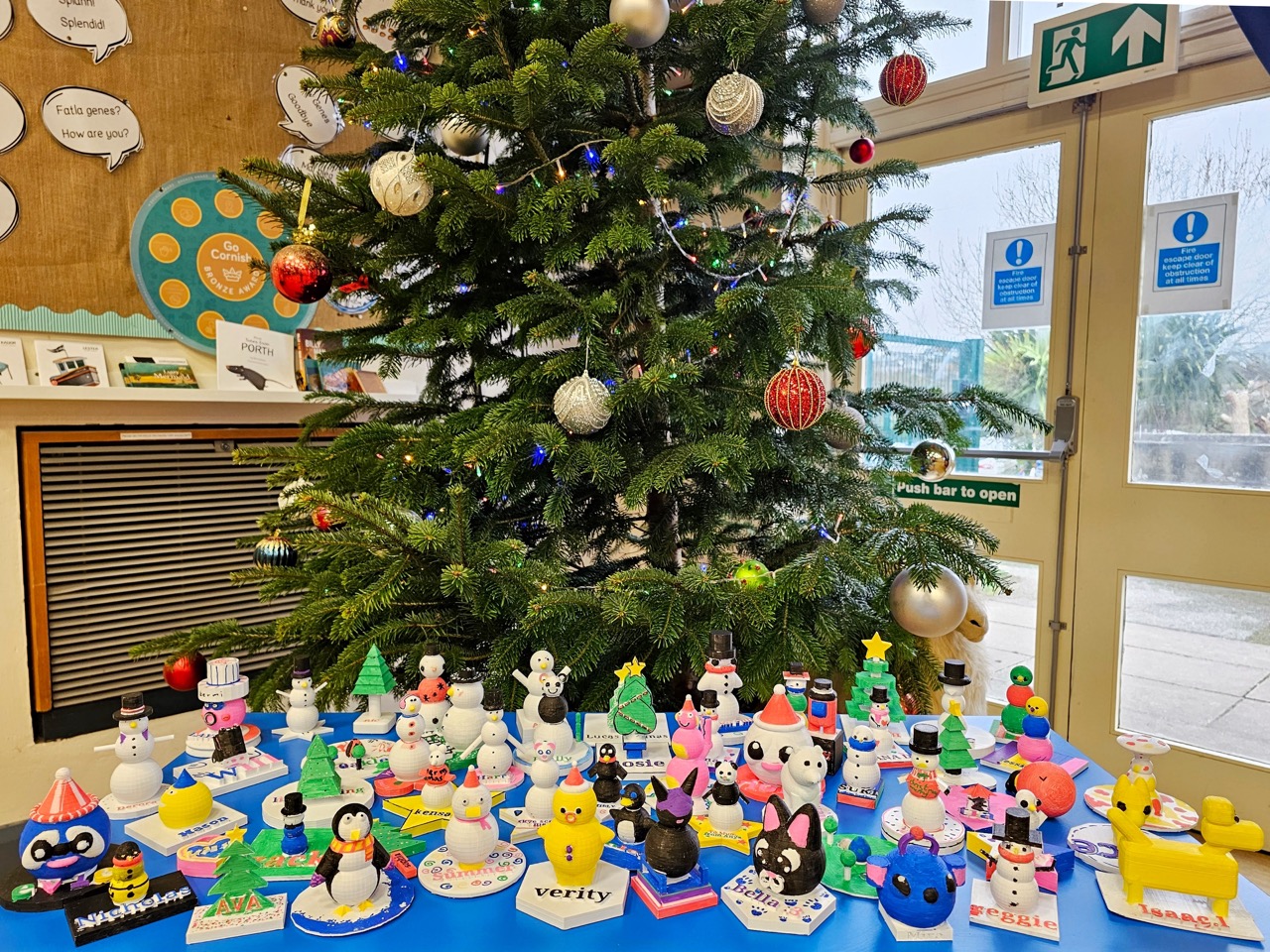
This term the students in Years 3 and 6 have been creating their own 3D Winter Ornaments using the Tinkercad program.

The Year 3’s have been learning all about 3D modelling and how to adjust, combine and create using different 3D shapes, while the Year 6’s have been putting their coding skills to the test by creating their own 3D decorations using nothing but blocks of code!

This week, as one hundred and twenty 3D decorations go home, we wanted to share some of the behind-the-scenes of how these wintery treats were made…

Year 6

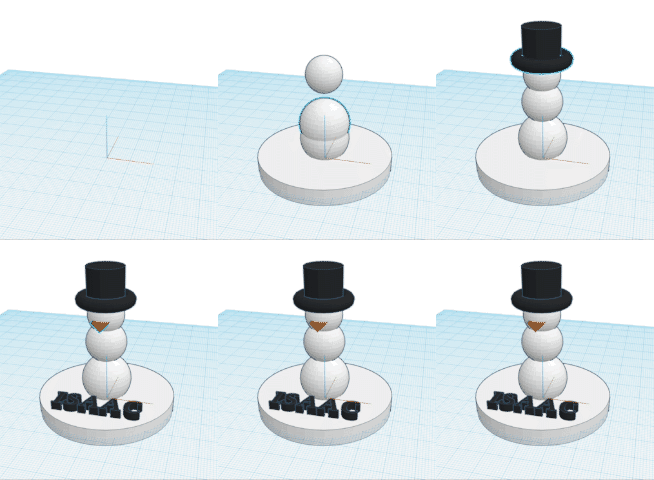
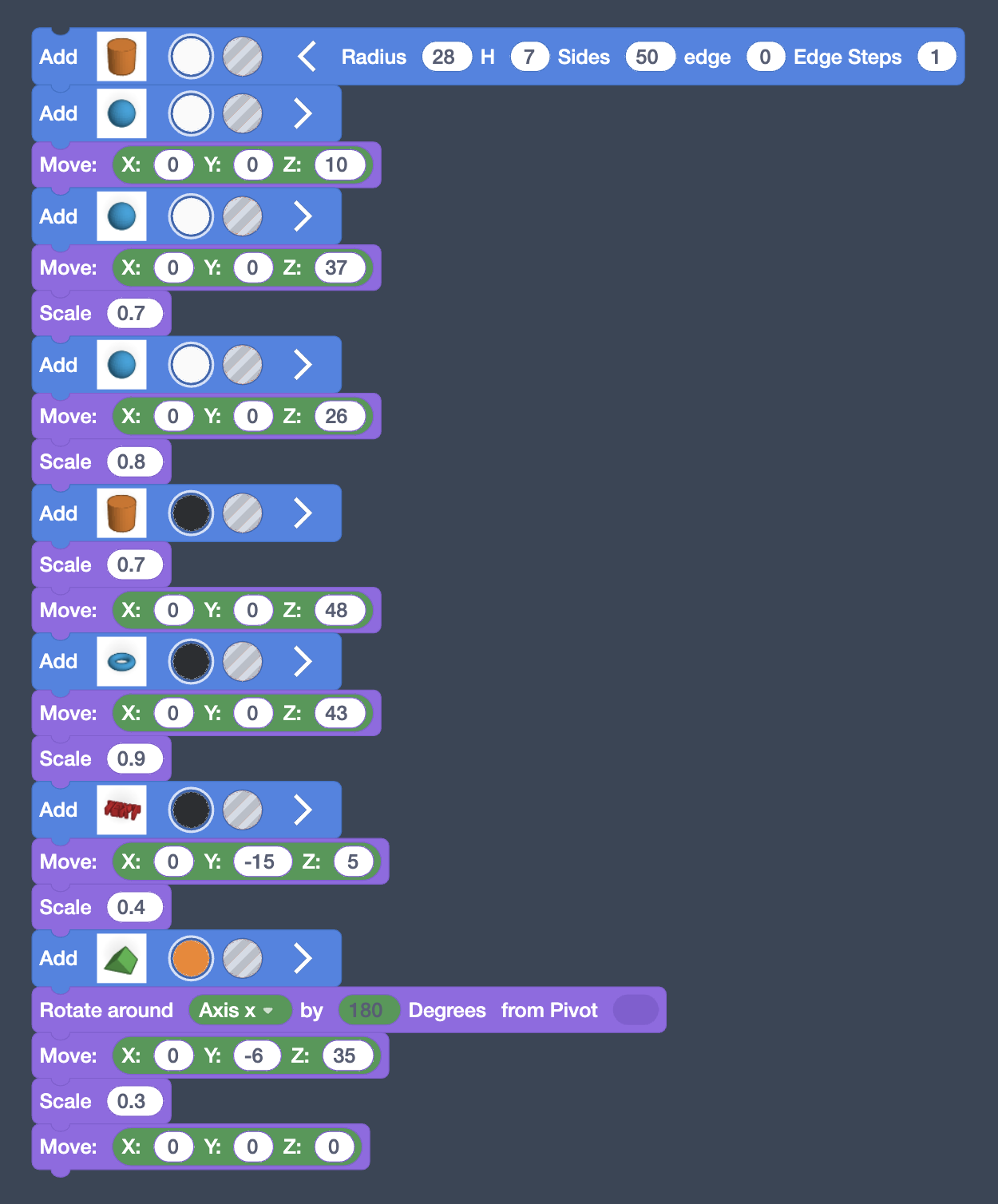
Isaac

Class: 14

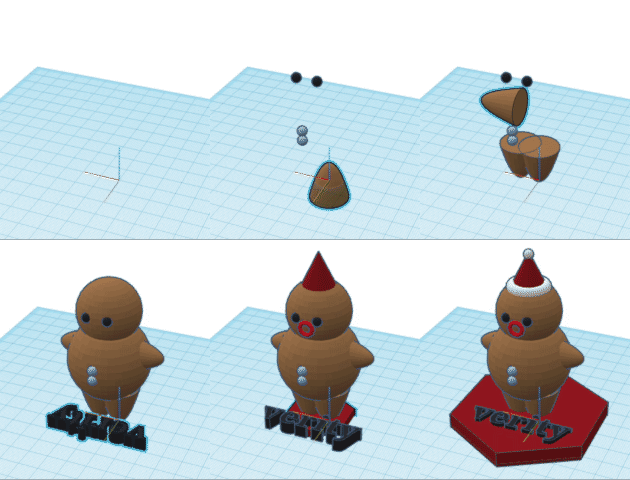
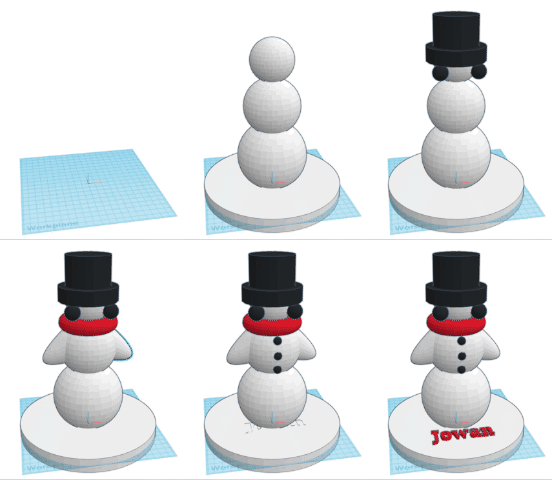
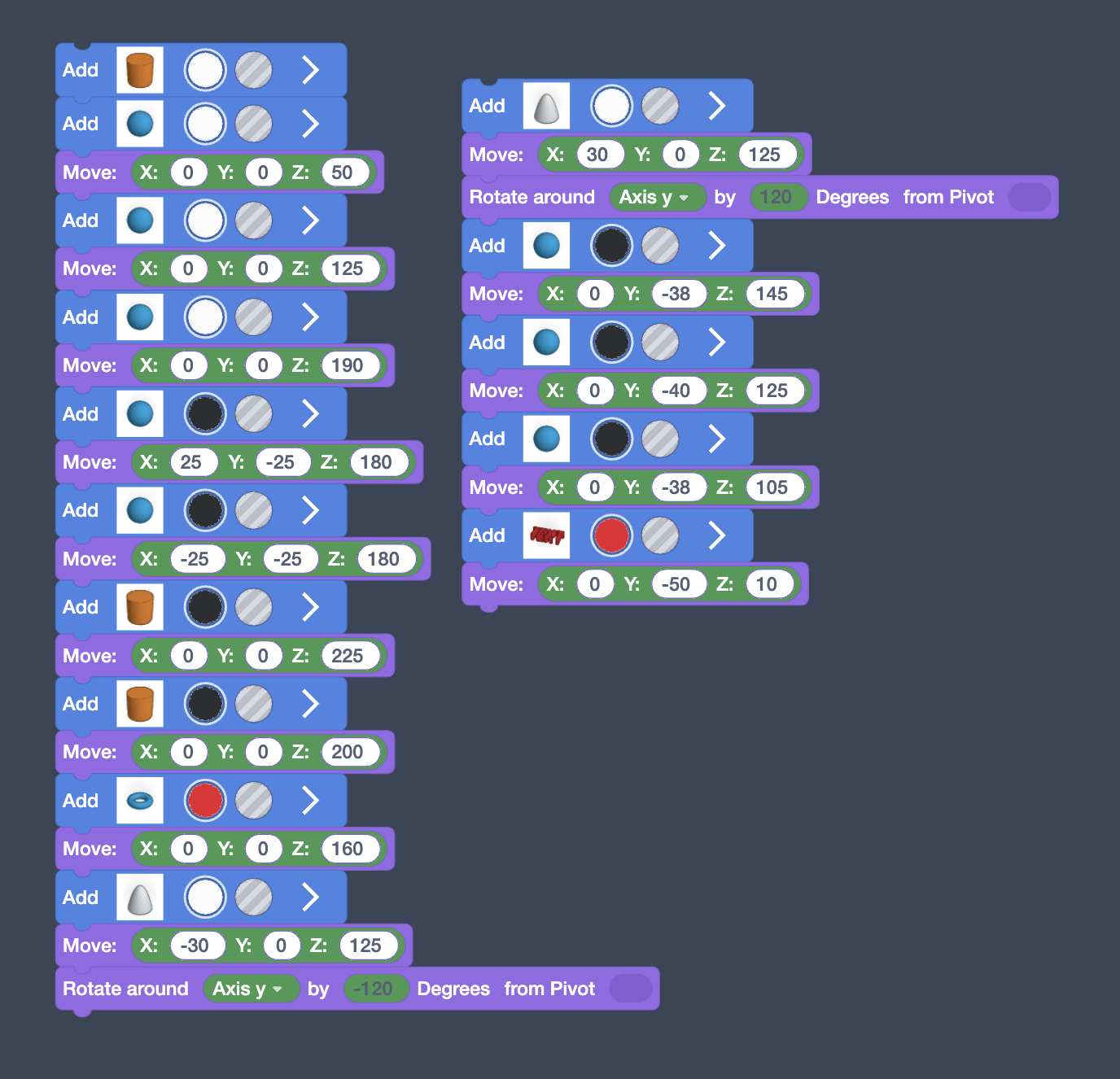
I used three spheres for the body.  I used the move block and changed the z axis.  I then squashed a cynlinder for the base and I used the text block for my name and the size block to change the size.

For the hat I used a torus shape and a cynlinder, which I moved using the Z axis.

Verity

Class: 14

For my Christmas decoration I made a gingerbread man, it was very fun to make! At first I was quite confused, but then I got the hang of it and created this!

Hana

Class: 14

Rosie

Class 13

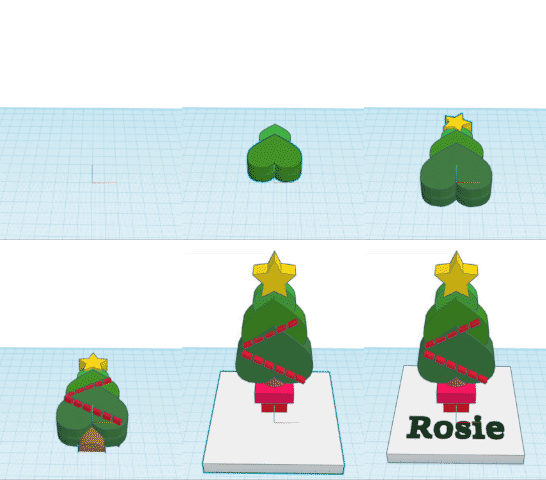
I used hearts instead of triangles to make the tree segments unique. I also did a green gradient. Then we were told that our designs are going to be printed in white and that we would haft to paint it.  For the tinsel I used dashes in text because there was no shape that would mimic tinsel very well.

This is where I got stuck on how to flip it upwards. This is where Harry told me I just needed to place a ‘select all’ block at the bottom.

I used two squares and moved it by the z axis (up) to create the pot top and I used a semicircle to make the tree stump. 

Jowan

Class: 13

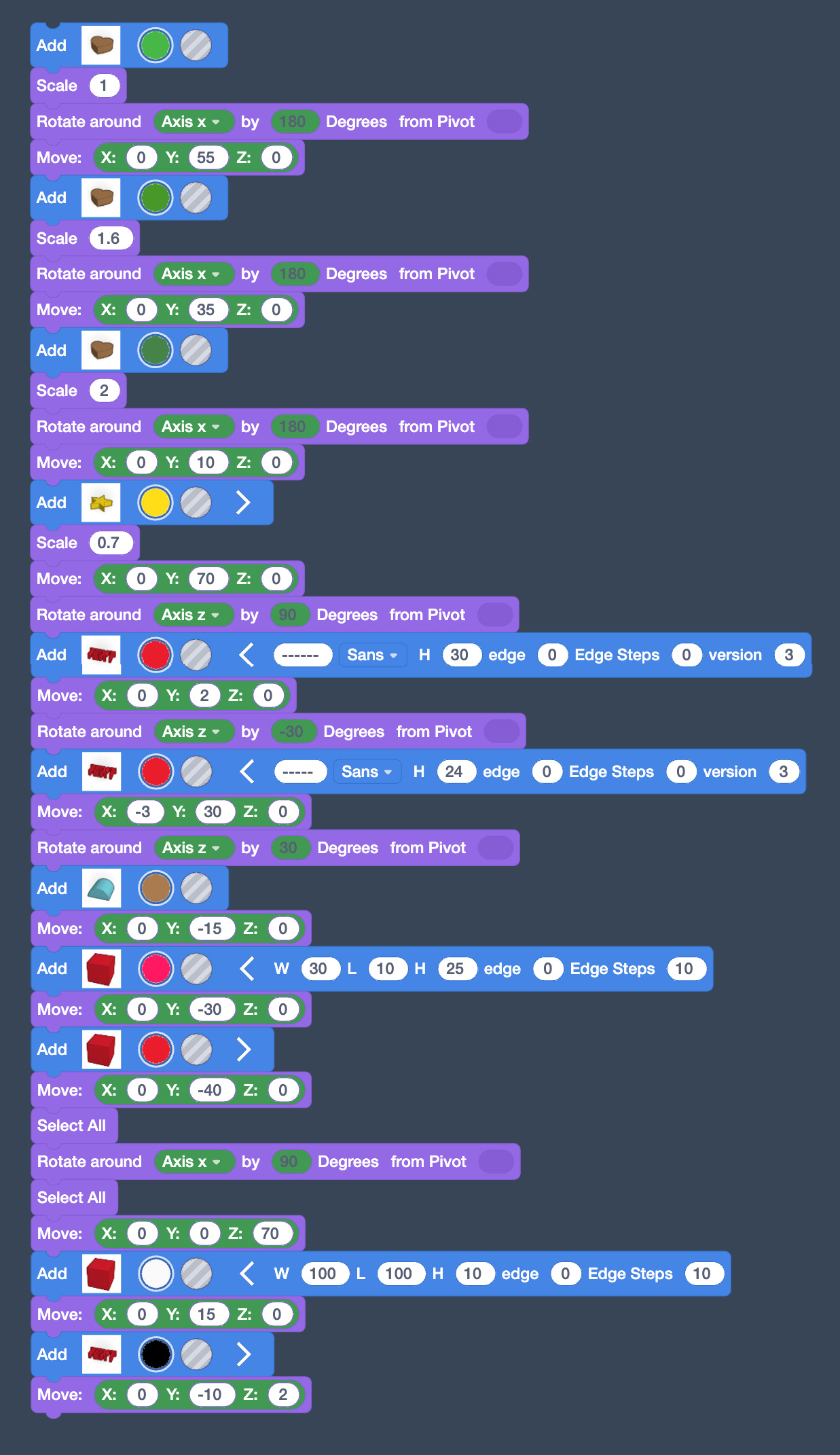
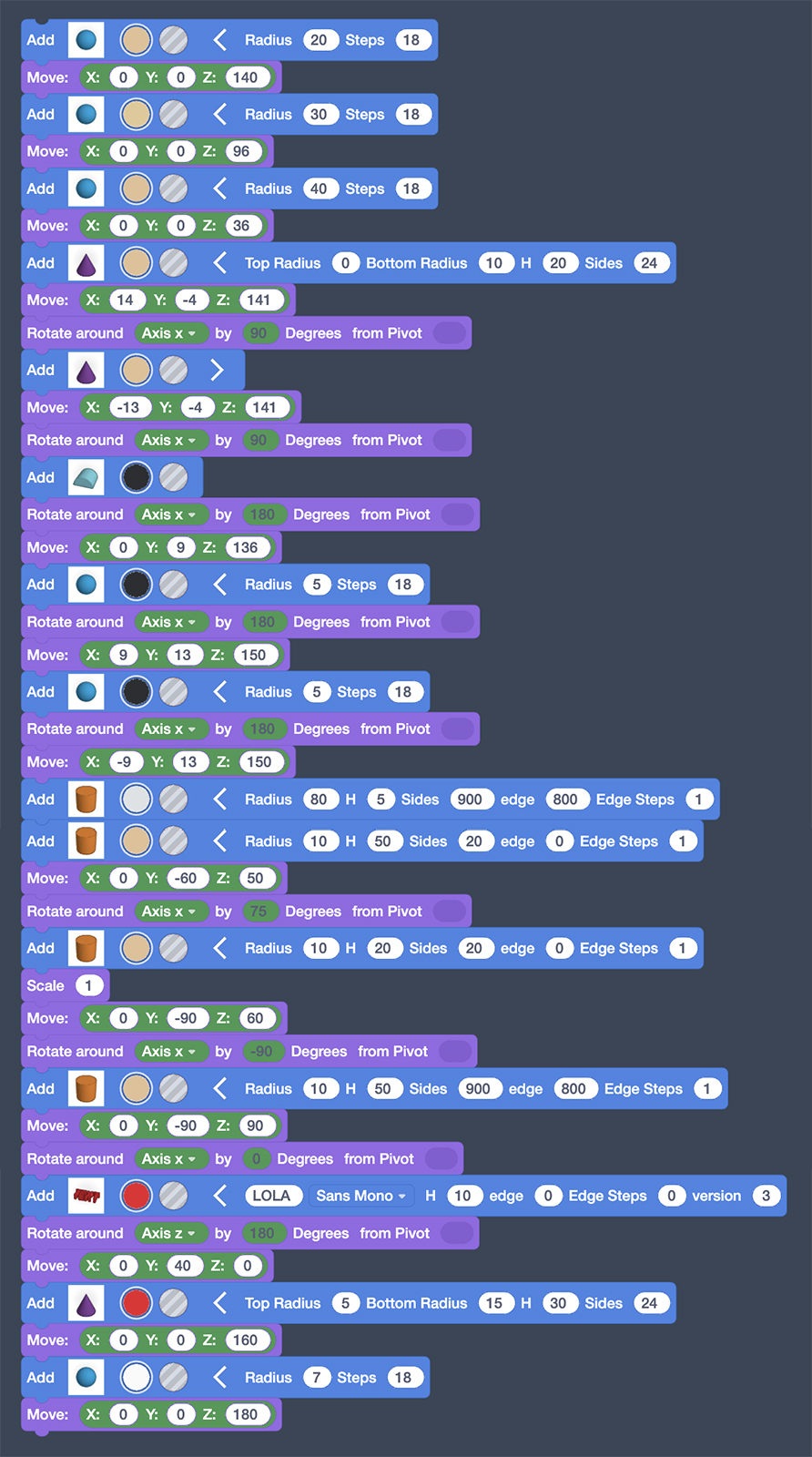
Blue blocks make the shapes – if we didn’t have these we wouldn’t have anything on this page.

Purple blocks are vital if you want the objects to be in the right place to make something cool or cute.

Top tip: If you open the Blue blocks you can change the size of each block individually.

Lola

Class: 13

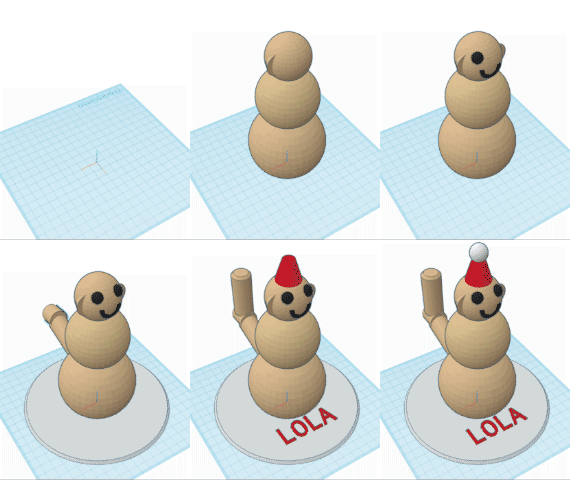
To make my snow monkey,I first had to place the body by using spheres all lined up on top of each other.  Next I did the ears to do that I used cones and adjusted the sizes.   Then I started doing the mouth because I want my monkey to be happy.  After that, I started doing the eyes with two spheres again it was quite hard at the start but then it got a bit easier.

On the next part of my code, I tried doing a tail it was really hard to do because you cant make it curve since we are coding it. I managed to do it by mixing up all the numbers and then it just turned out to look like a tail.

I think it’s safe to say the Year 6’s have truly outdone themselves this year, each taking home a beautiful and unique 3D winter ornament.

Year 3

Our Year 3’s have also been exploring the world of 3D designing in Tinkercad whilst creating their own two-tone winter ornament.

They’ve learnt how to master the different tools and iterated on their designs to make each one the very best it can be before they got printed.  How good do these look?!

A Very Special Visit from Biffa

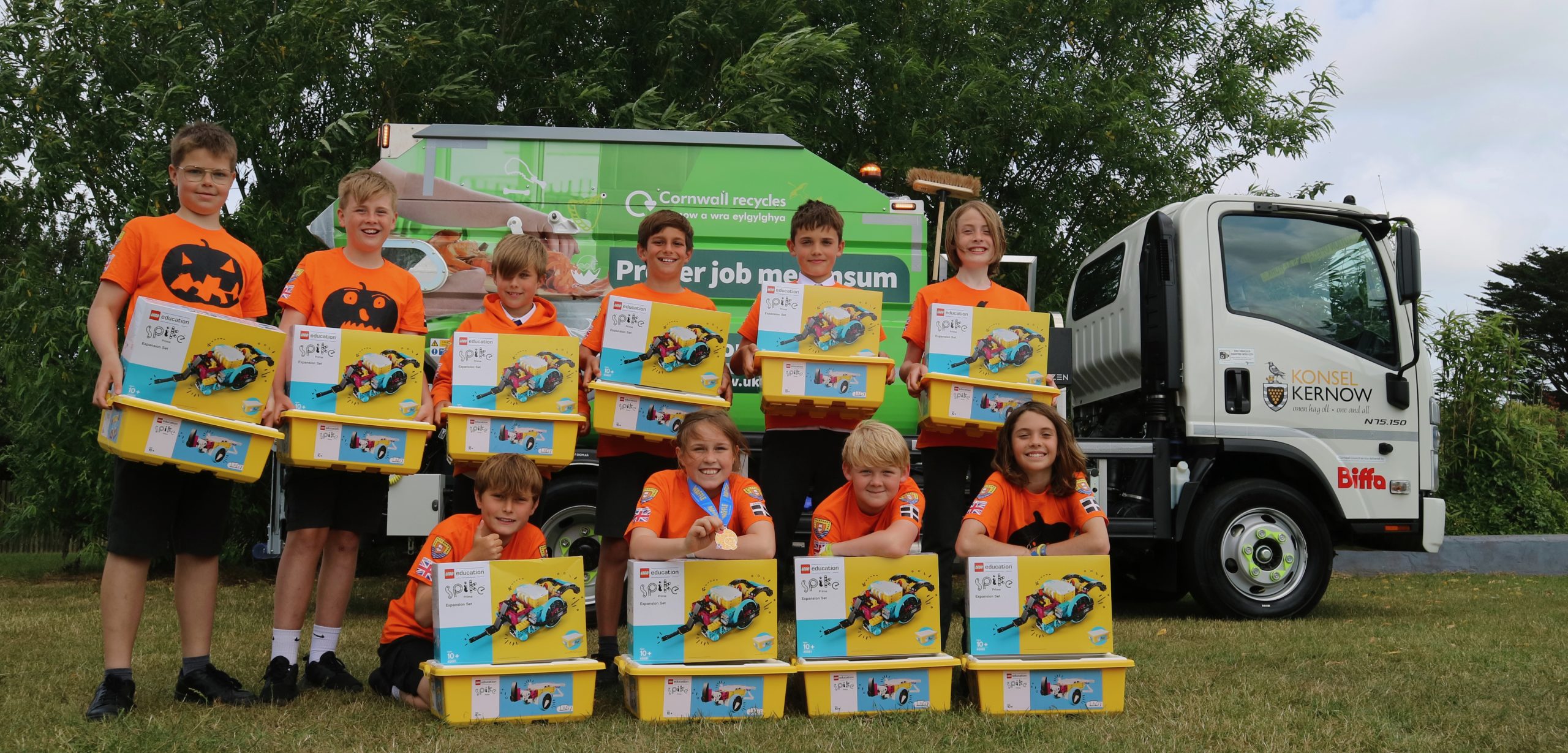
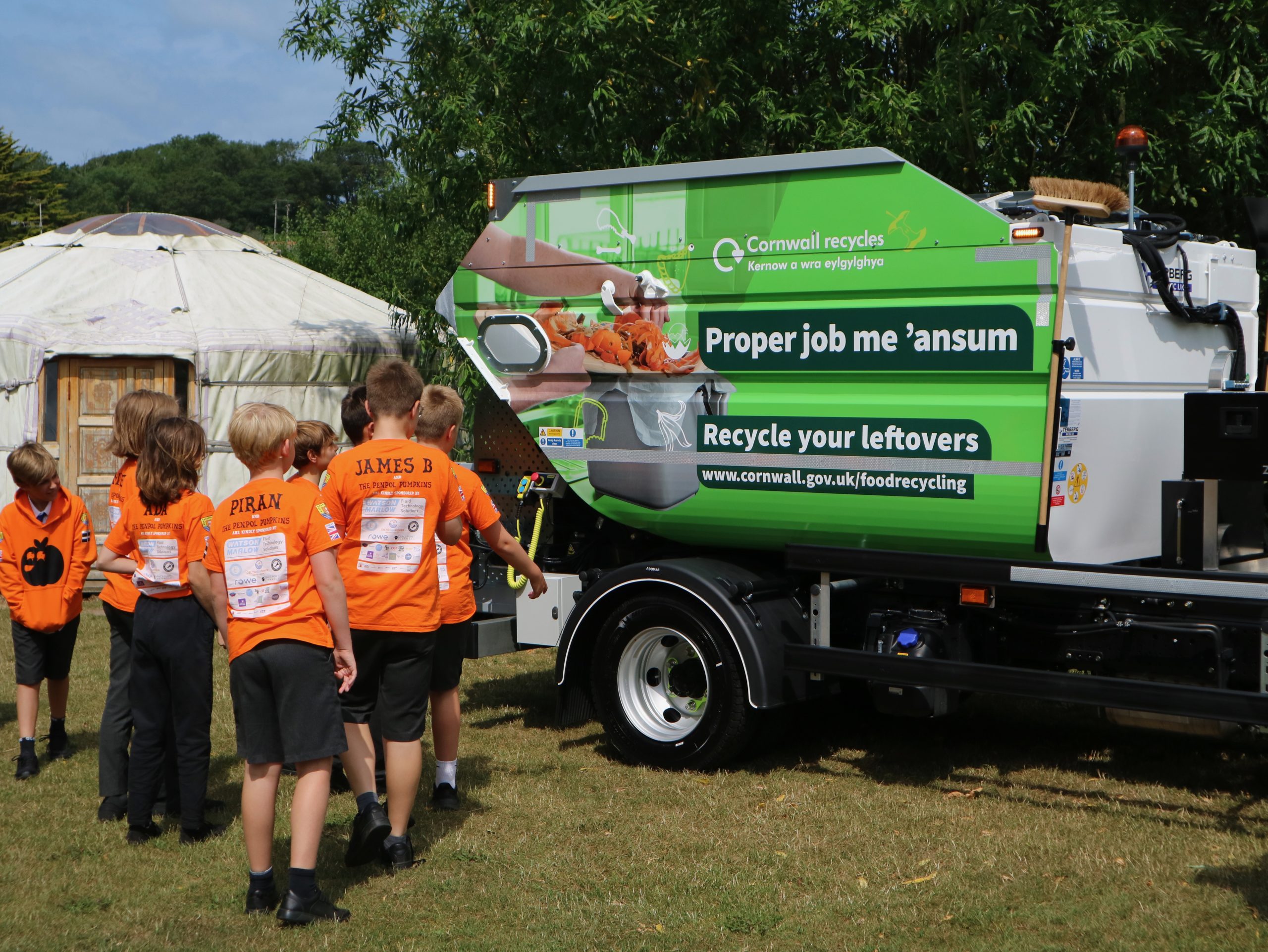
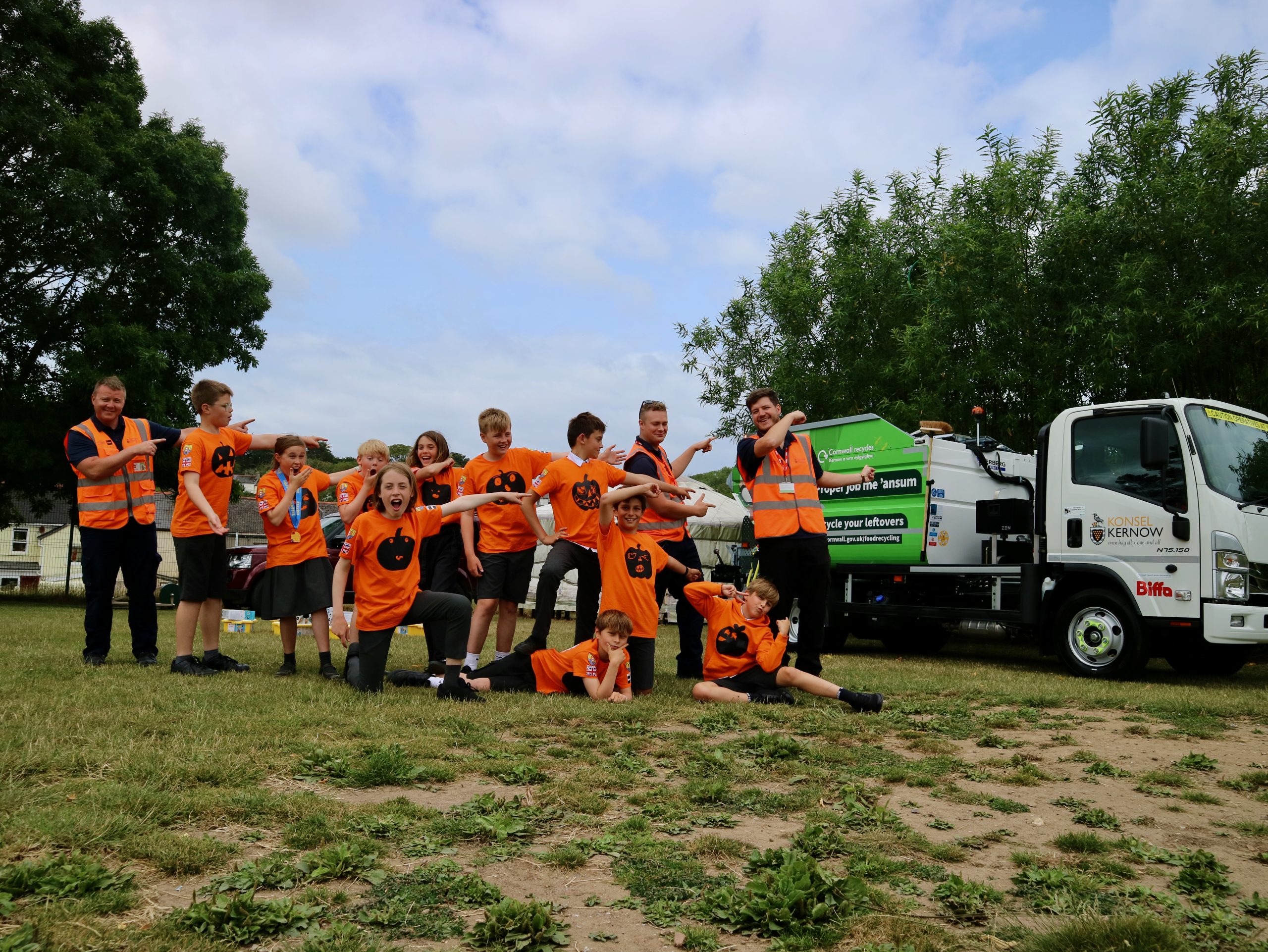
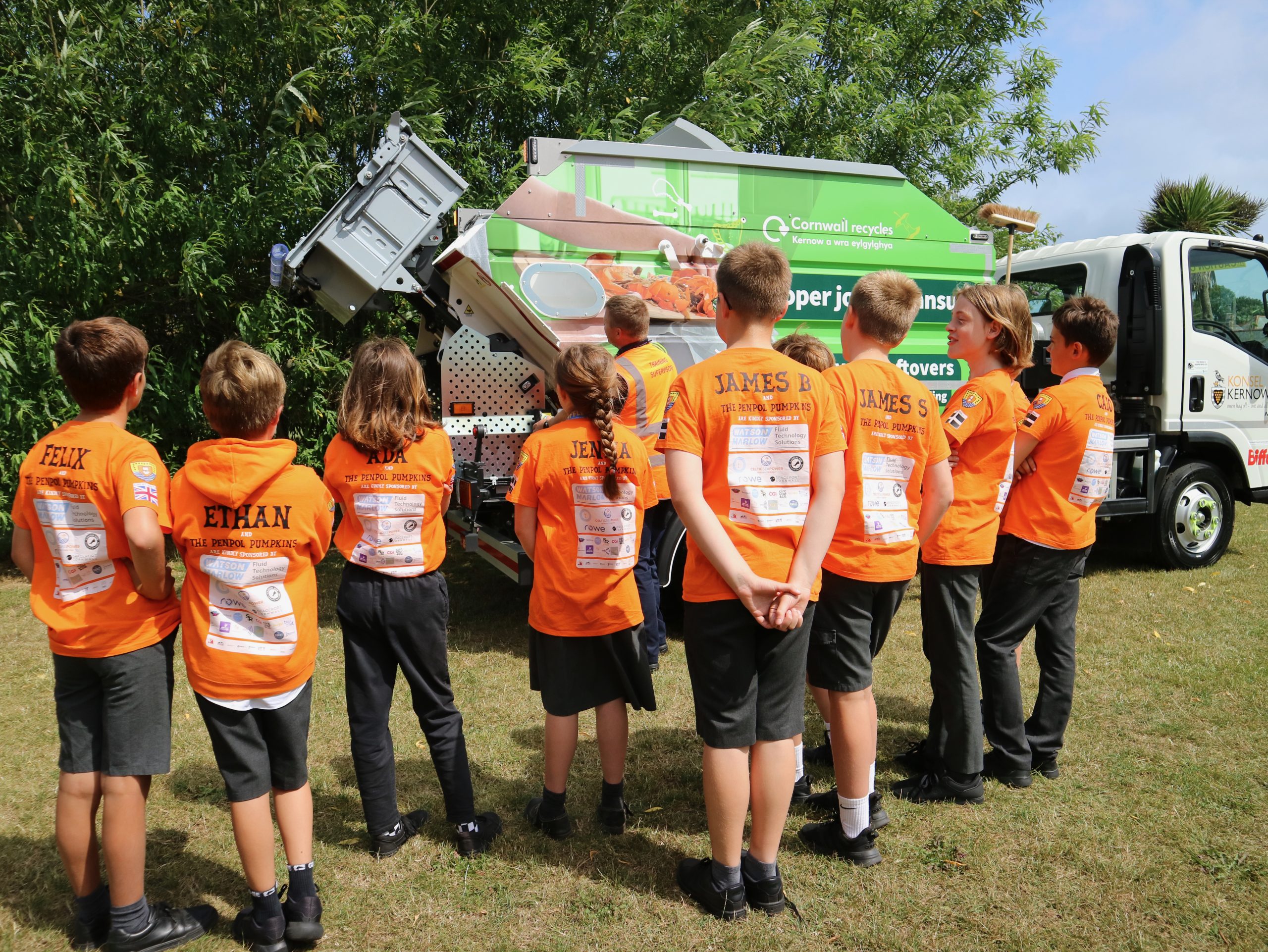
Last week we had a very special visit from Biffa and their brand new Food Waste Recycling Truck.

Okay, you might be asking what’s so special about that?  Well the Penpol Pumpkins have been spreading the word about the upcoming Cornwall Council Food Waste Collection all year as part of their award-winning FIRST LEGO League Innovation Project and as a special reward for all their hard work they’re actually the first people outside of Biffa to ever see this brand new vehicle in real life!
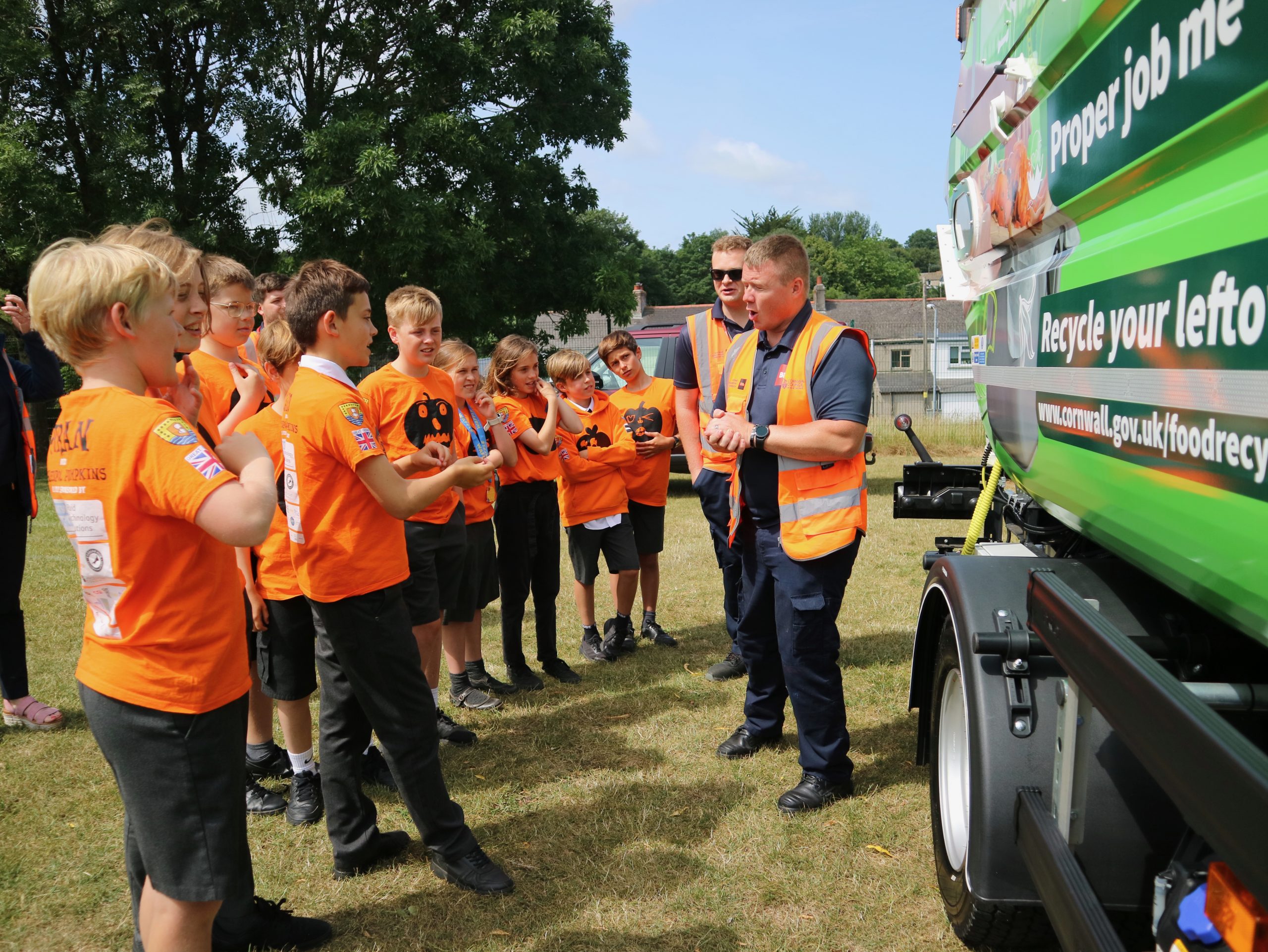
Not only that, but they also got to see the truck in action and even sit in the cab and use the horn!  They learnt lots about the vehicle and asked plenty of interesting questions about the upcoming Food Waste collection.
After a tour of the truck the Pumpkins took great pride in sharing their Innovation Project Presentation with the team from Biffa in a real ‘full-circle’ moment.  Nearly 10 months after originally coming up with the idea of promoting Food Waste Recycling they were able to share their learnings in front of the actual vehicle that will be used and with part of the team responsible for rolling it out right across Cornwall – amazing!

But Biffa were also here for another reason…

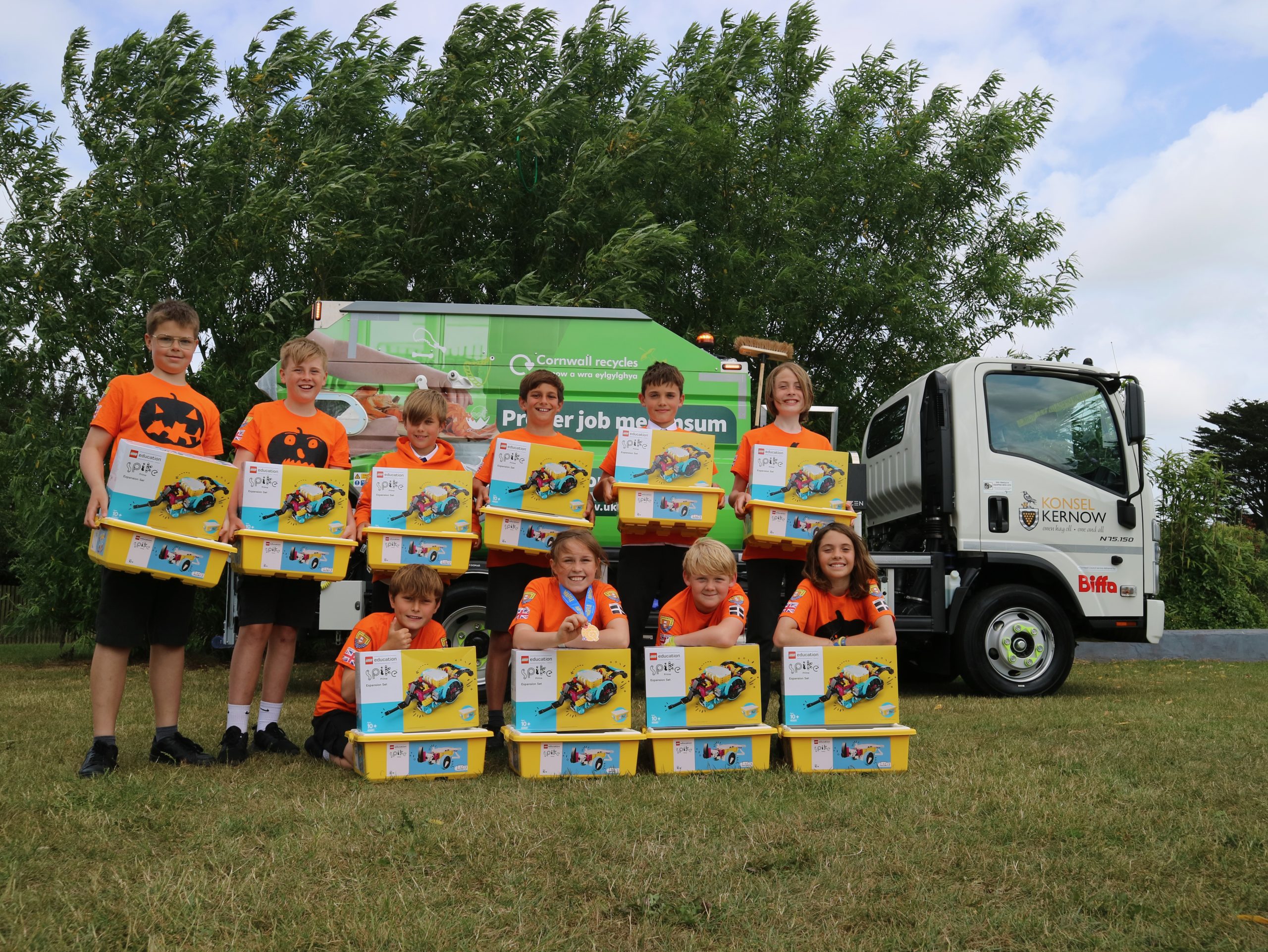
Thanks to an incredibly generous donation from the company, the Penpol Pumpkins have been able to buy 10 LEGO Robotics Kits to donate to other schools to enable them to take part in FIRST LEGO League too!  These sets, offered as a gift from the Penpol Pumpkins and Biffa, will have a huge impact on hundreds of children in Cornwall who would not otherwise have been able to experience the powerful STEM learning experiences that this competition has to offer.

Talk about having a lasting legacy in Cornwall!  Well done Pumpkins – and thank you Biffa!

Electric LEGO Legends Compete at National Finals

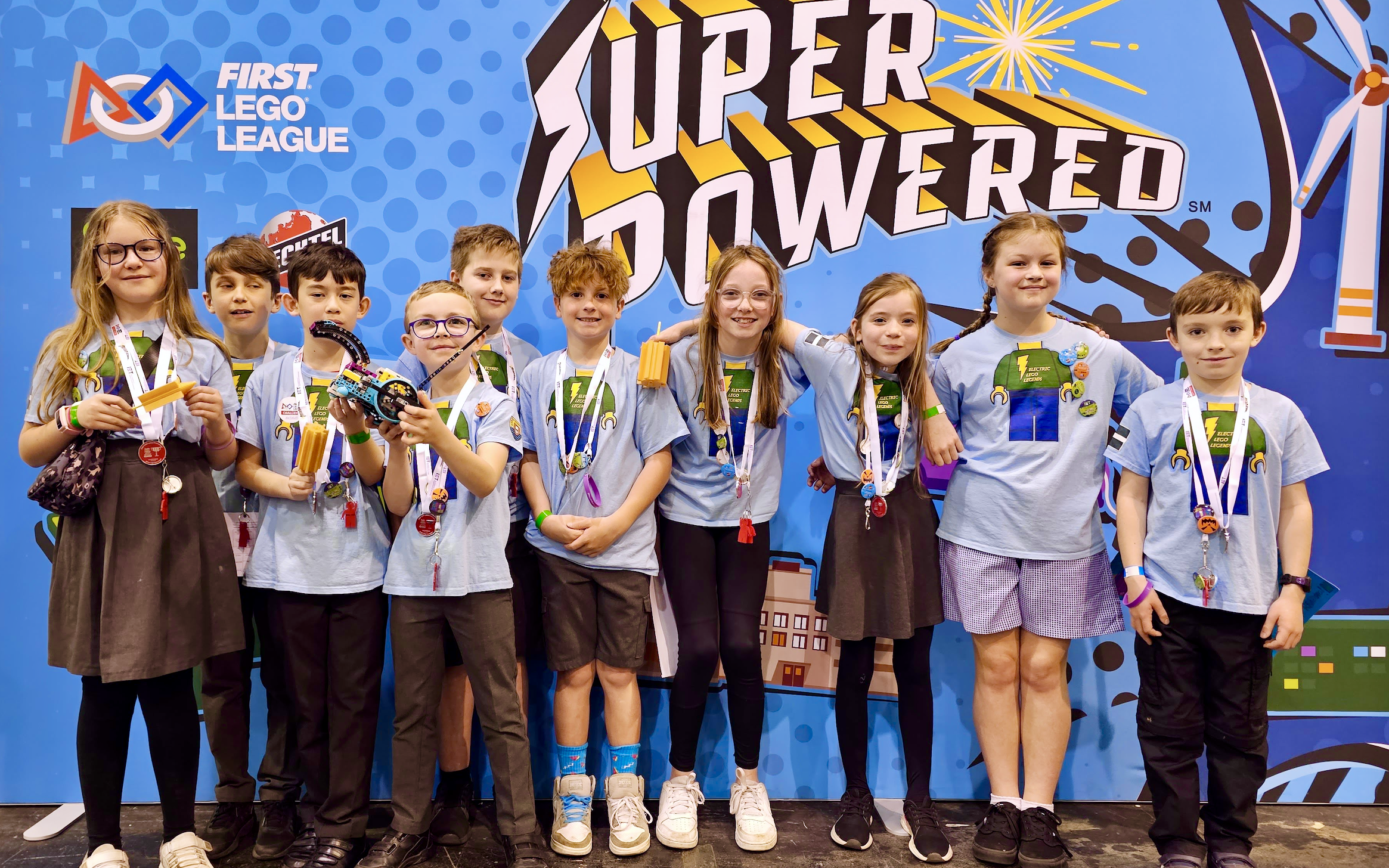
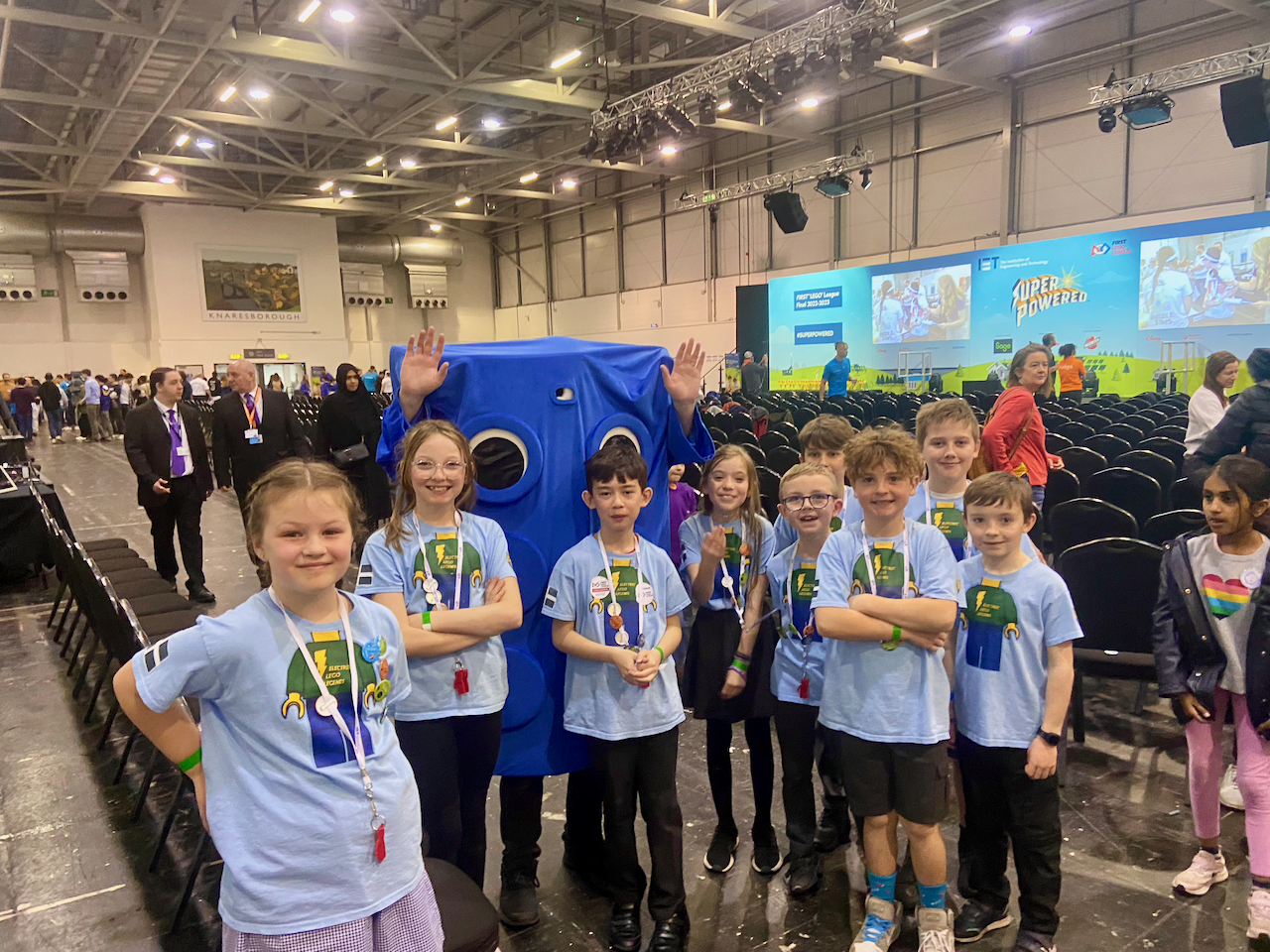
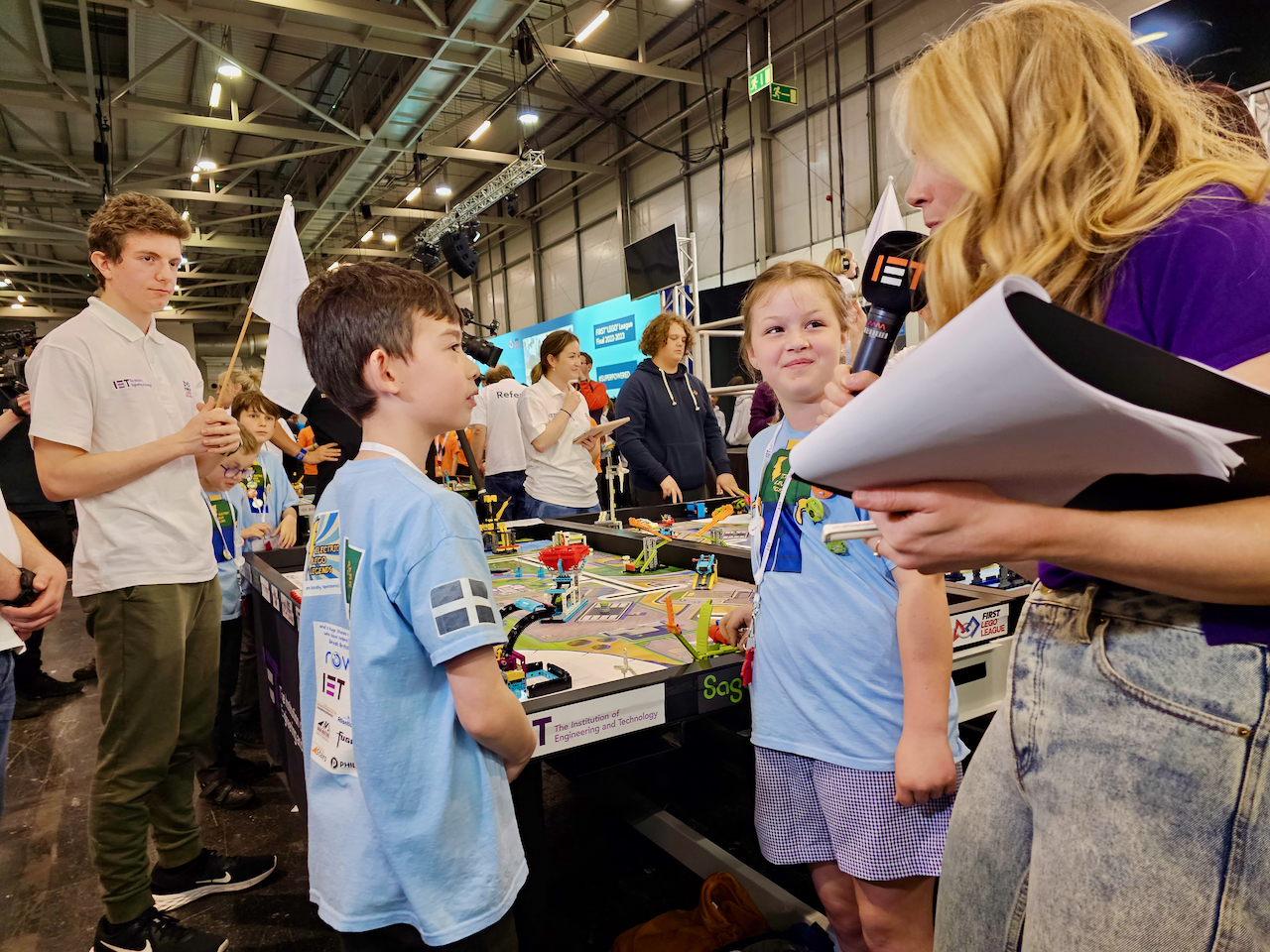
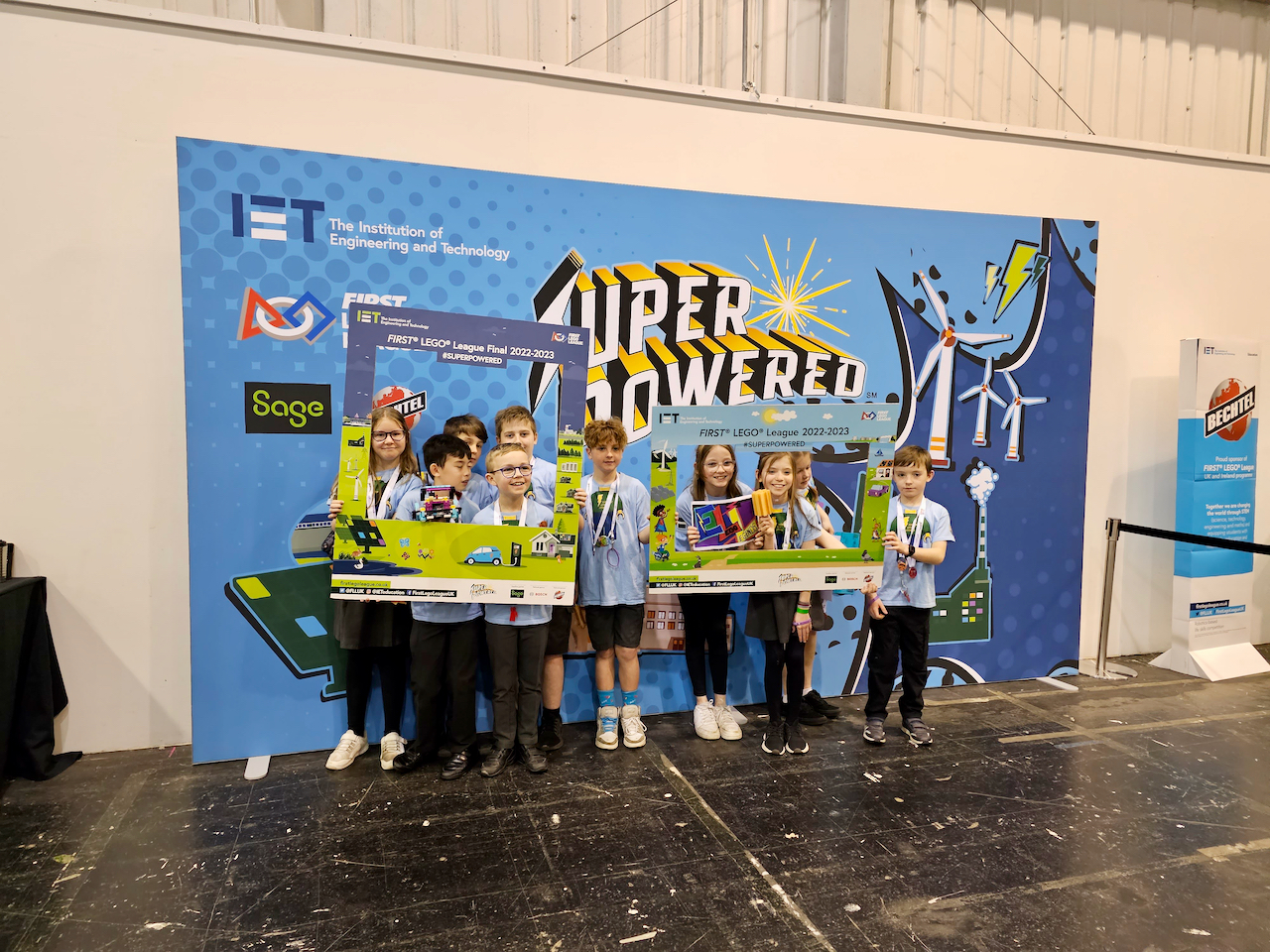
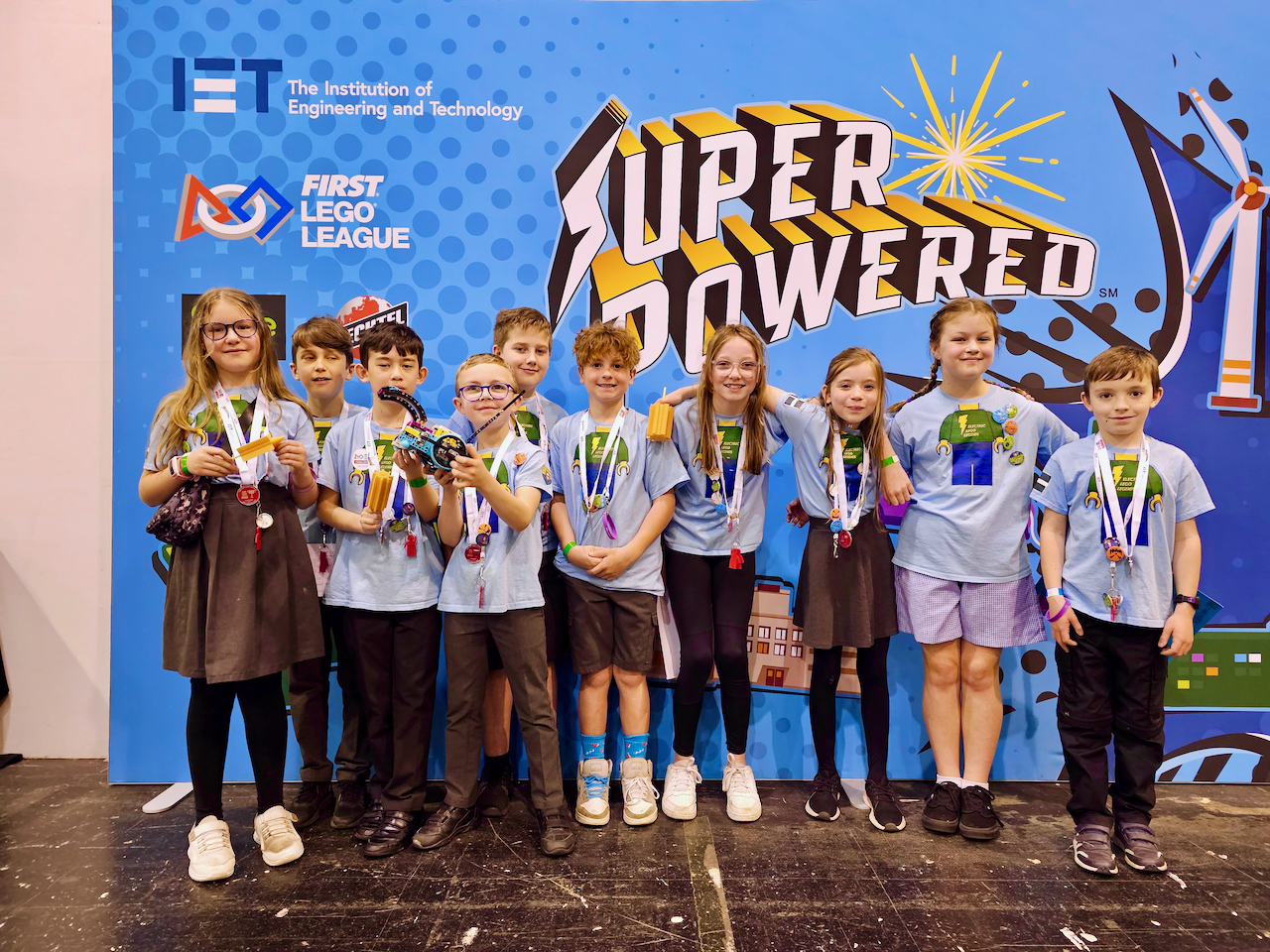
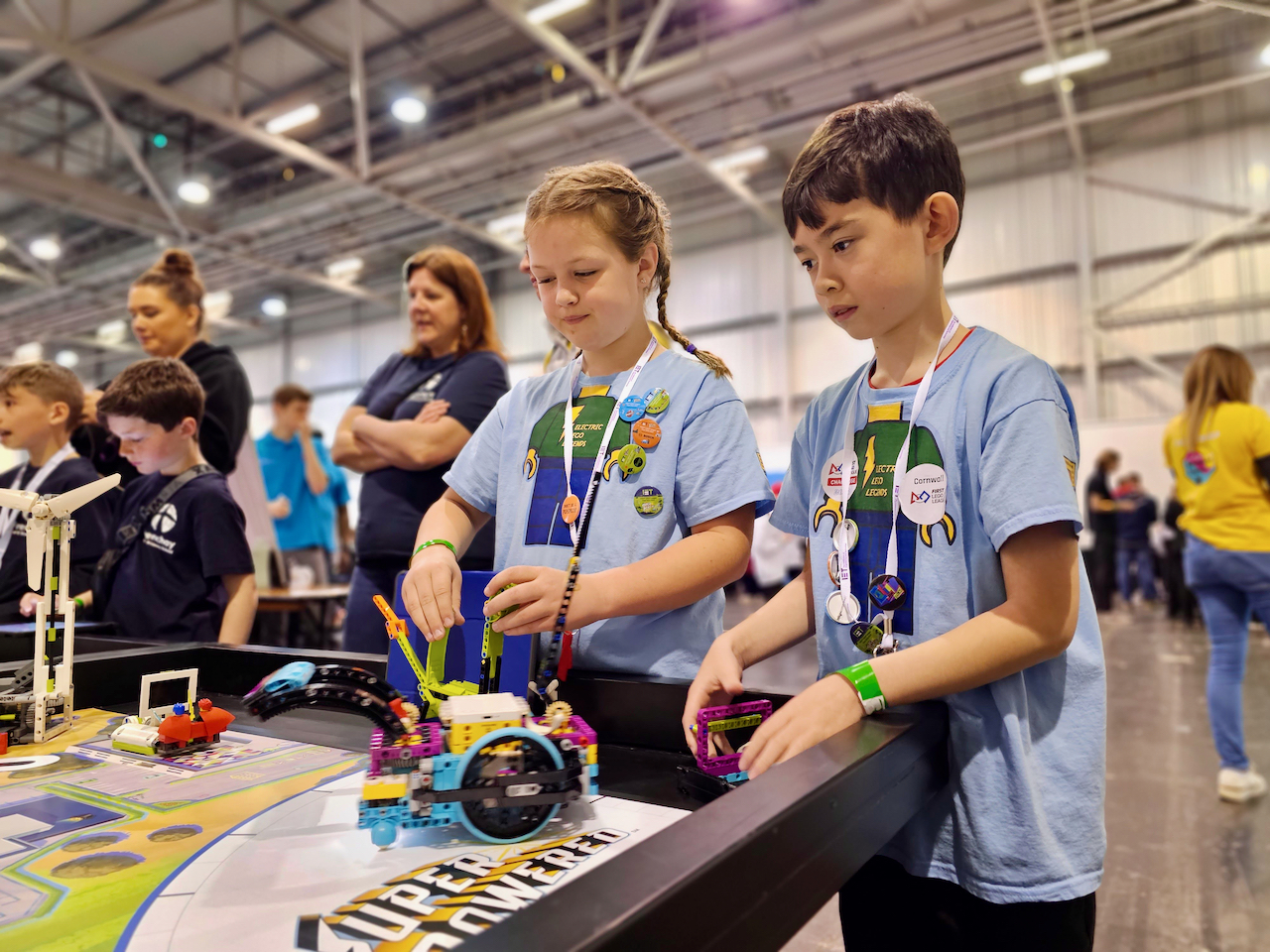
Following their fantastic performance at the Cornish Finals at Culdrose, the Electric LEGO Legends had the opportunity to compete at a National level on Saturday, when they represented Cornwall at the British FIRST LEGO League Finals.

Our journey began with a ten-hour coach trip up to Harrogate along with our Year 6 team (the Penpol Pumpkins) and our friends from Truro High School for Girls (the Solar Savers).  Once we eventually arrived at our hotel for the night the team all gathered together for a meal and a chance to catch up with Oliver who met us up there.  Oli moved schools at the end of last term, so it was a real treat that he was able to join us for the competition and for a good catch-up with his friends.

After a good nights sleep (and a great breakfast buffet!) we boarded another coach and headed into Harrogate itself toward the Harrogate Convention Center where the competition itself was to be held.

Beginning

1 point for a team who are beginning to demonstrate the criteria.

Developing

2 points shows that a team is developing that criteria.

Accomplished

3 points is where a team has accomplished the particular criteria.

Exceeding

4 points is where a team has gone above and beyond and exceeded the expectation.

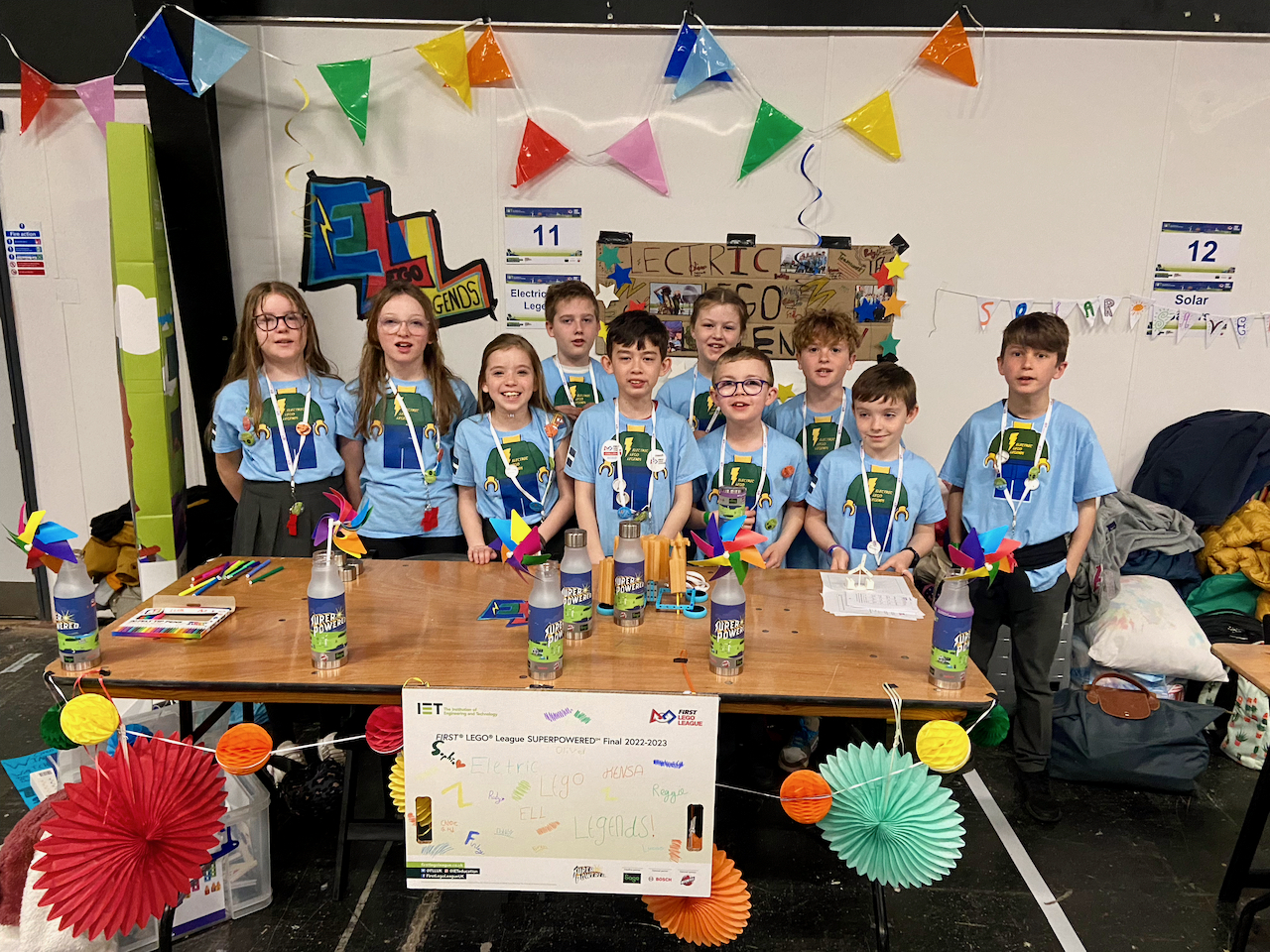
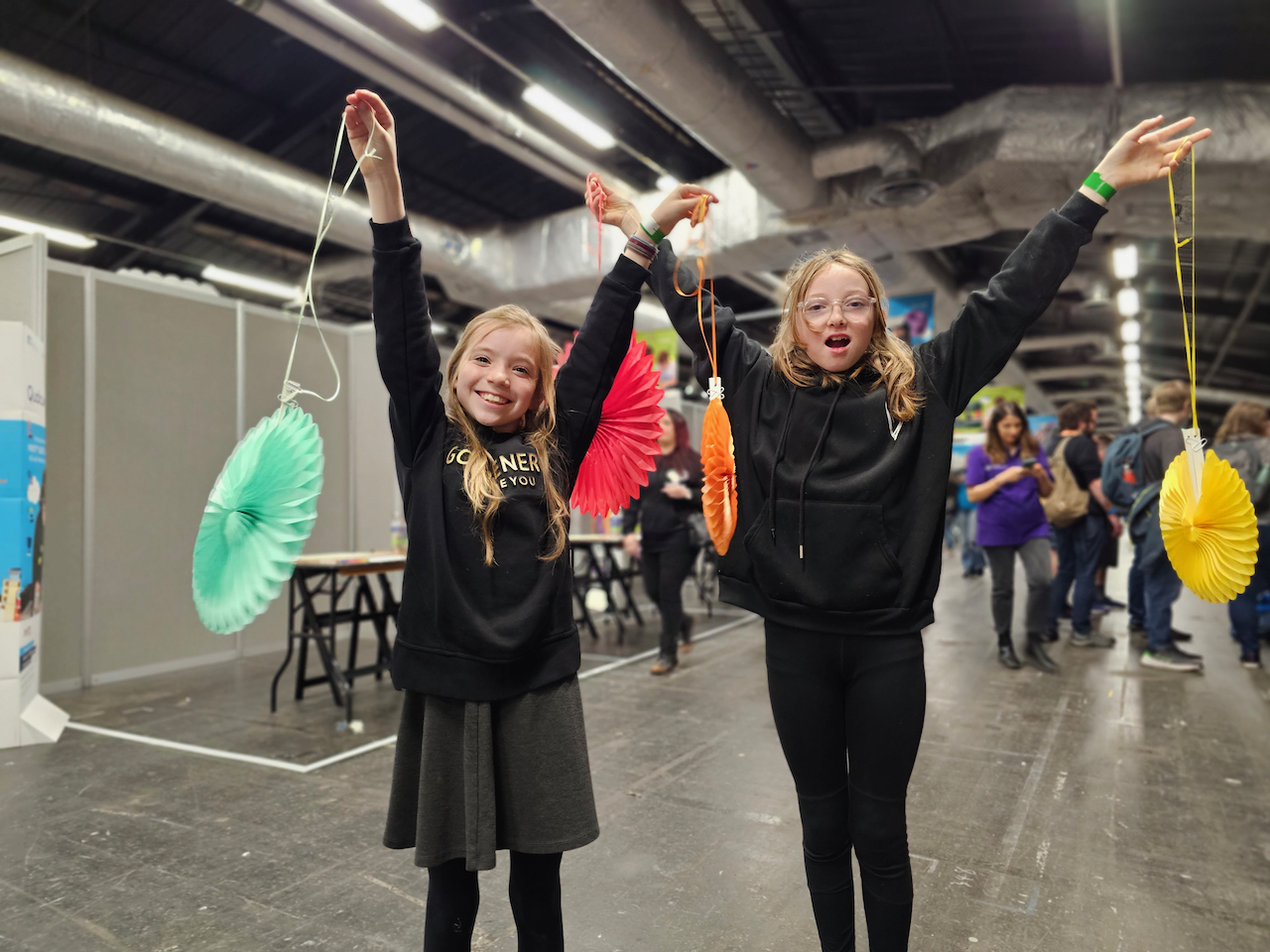
It’s fair to say that the Year 5’s were, understandably, very nervous when they arrived at the convention centre, but they quickly got stuck in to decorating their pit area to make it look more colourful and fun.  They added bunting, paper decorations and colourful wind turbines to match their Innovation Project theme all about wind power.

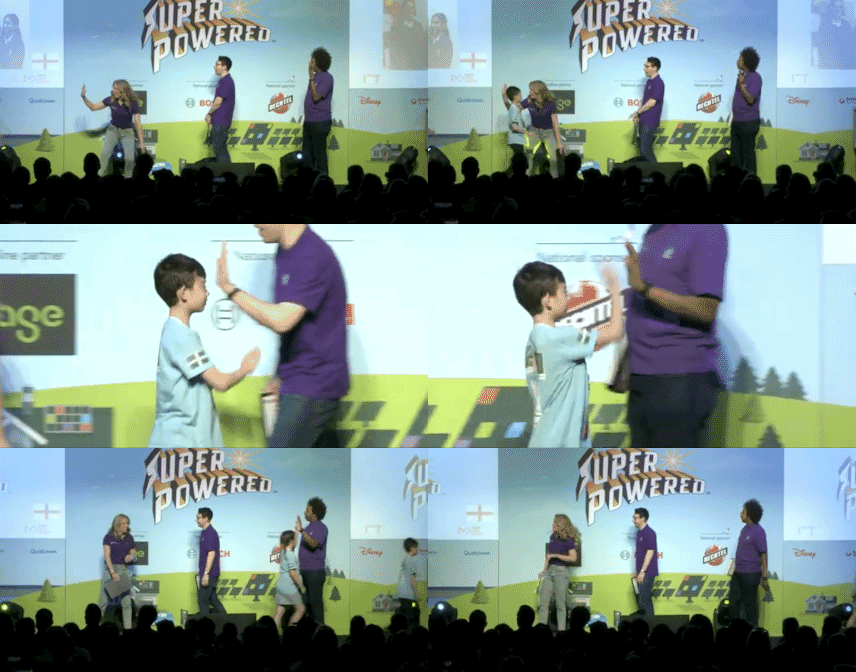
The morning started with a star-studded opening ceremony, during which team captains Lucas and Sophia got a chance to walk across the stage to represent the Electric LEGO Legends.

After this the team headed straight to the judging area to share their presentations with the judges.  Being the first team in was a bit scary, but getting the hardest part of the day our of the way early on was a great advantage as it meant a lot of those worries were able to be put to rest and the team were able to fully enjoy the rest of the day.

Despite the nerves the team felt confident going into the judging room and emerged half an hour later feeling really pleased with their presentations and buzzing with the judges feedback!

Their Innovation Project focussed on the theme of Wind Energy, in particular the fact that hundreds of thousands of new homes are built each year but only a few thousand wind turbines are built in the same timeframe.

The team proposed a solution whereby new houses would be built in pairs, shaped aerodynamically to funnel wind into a central, shared turbine.  This would allow houses to generate their own clean energy whilst also saving money – a double win!

In Harrogate my favourite bit was when all the people were doing the robots together – that was pretty cool! 

Seeing some of the more advanced teams tackling the really tricky missions a bit insane, I have no idea how their robot managed to do that!  I enjoyed seeing everyone struggle with the windmill task, but when I tried it I couldn’t do it either! 

Judges Feedback for the Innovation Project

The judges loved the fact the children had made their own 3D models in Tinkercad. They said the information was well documented  and the presentation was bright, colourful and all inclusive.

In order to improve for next time the judges suggested conducting more research on the final project and sharing your ideas with your classmates and parents to get additional feedback.

Identify

Problem | Research

2

2

Design

Ideas | Planning

2

2

Create

Innovation | Model

2

2

Iterate

Share | Improvements

3

2

Communicate

Presentation | Solution

2

2

The second presentation of the day was the Robot Design Presentation, where the team shared their ideas and code that led to their robot.  They shared this through lots of large A1 sized posters with screenshots of their code, photos of the robot and notes that helped explain each part to the judges.

By talking through several key missions in detail they were able to clearly share how they’d iterated on and improved various elements of their robot from the attachments to the code itself.  These improvements and refinements went down very well with the judges – especially their use of a permanent attachment which made the transition between runs much quicker.

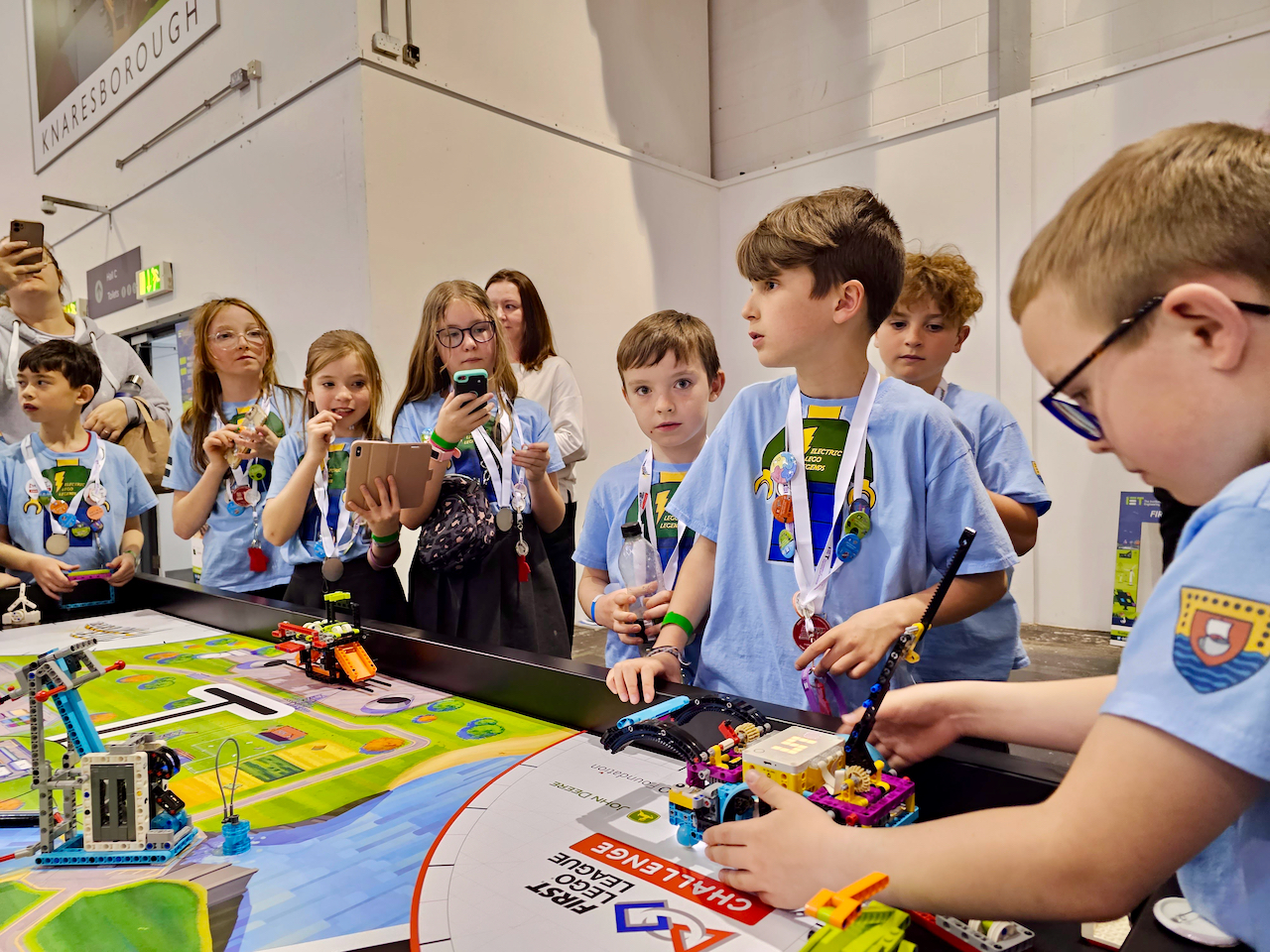
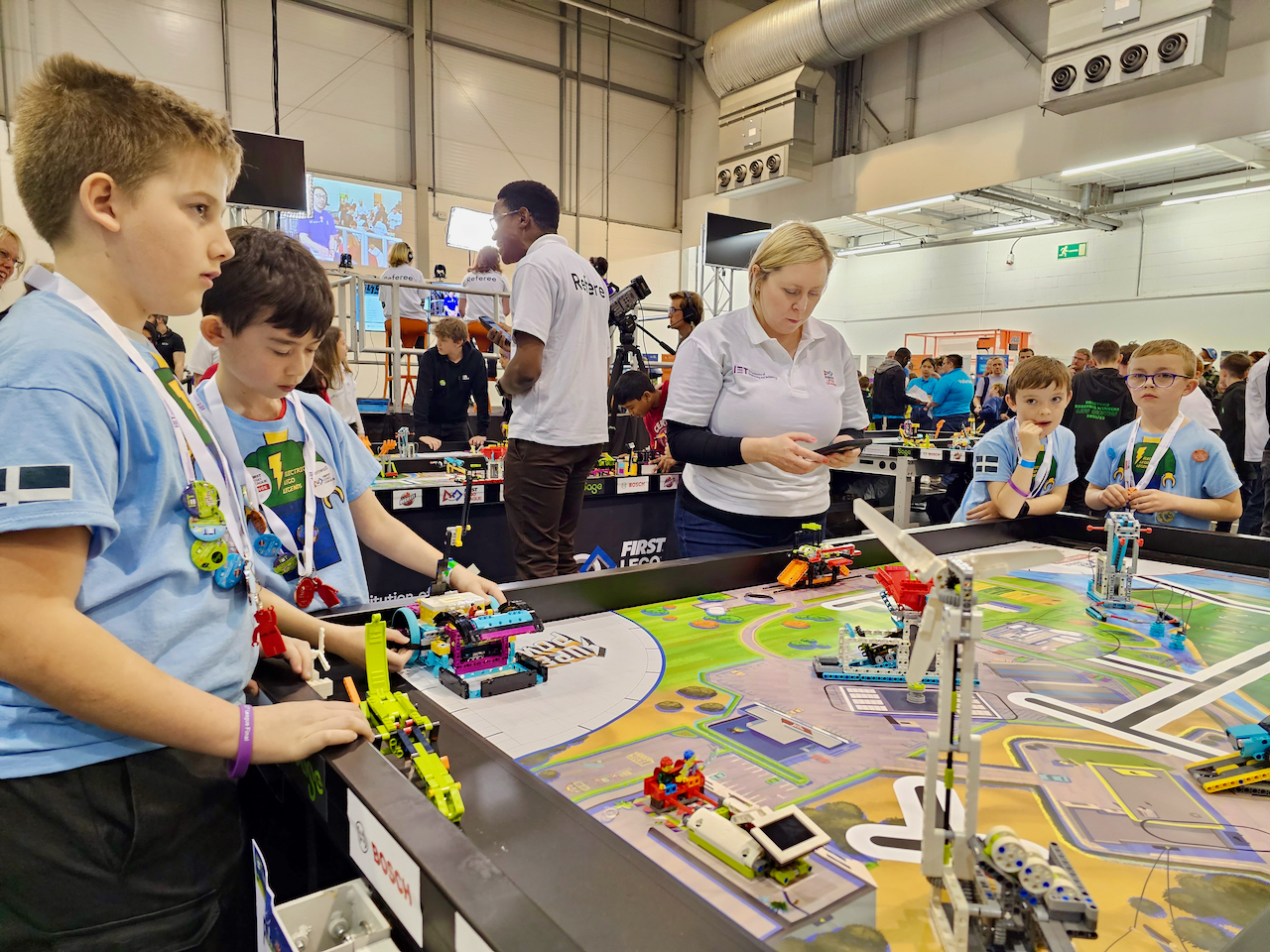
My favourite part of the day was probably the Robot Games, because I really enjoy it and think it’s really fun.  Being able to practice loads and then working out where to improve is really rewarding because you can then try and make the robot even better by making it quicker and more reliable. 

Taking part in the Robot Games in front of everyone was fun but also a bit frightening because we had a camera right behind us pointing at us – but we couldn’t look back because we were concentrating so much on the robot!!

Judges Feedback for the Robot Games

The judges remarked that they really enjoyed seeing the large, colourful posters the children had made as it was nice to see the coding printouts and explanations

They were also impressed to see that the robot utilised a permanent attachment which reduced the need for changeover time, allowing the children to perform more missions without the need to change attachments.

The judges suggested that next time the children might consider utilising sensors to help them gain more points at the table.

Identify

Mission | Building

3

3

Design

Workplan | Innovation

2

2

Create

Functionality | Model

3

3

Iterate

Testing | Improvements

3

3

Communicate

Explanation | Evidence

2

3

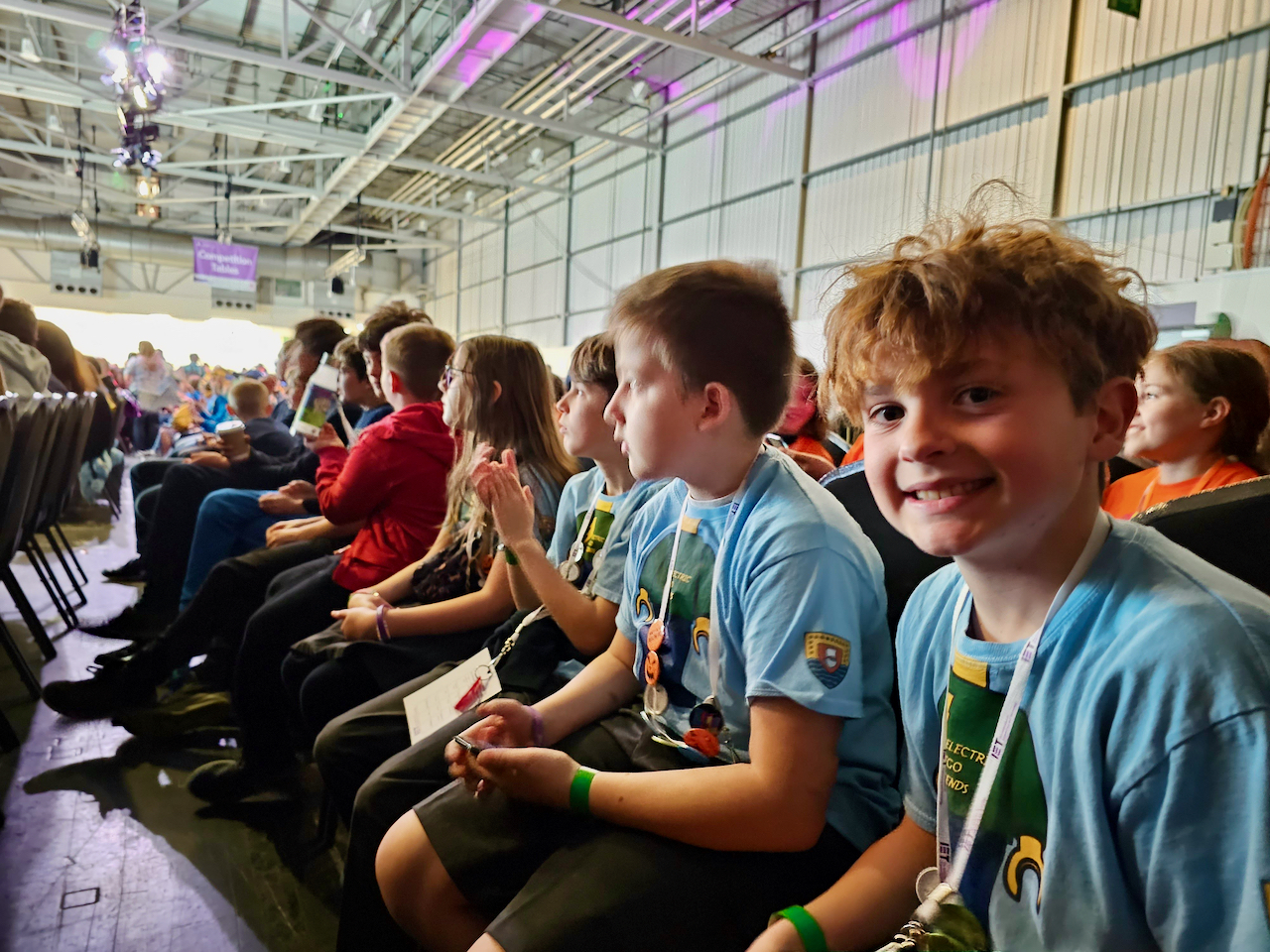
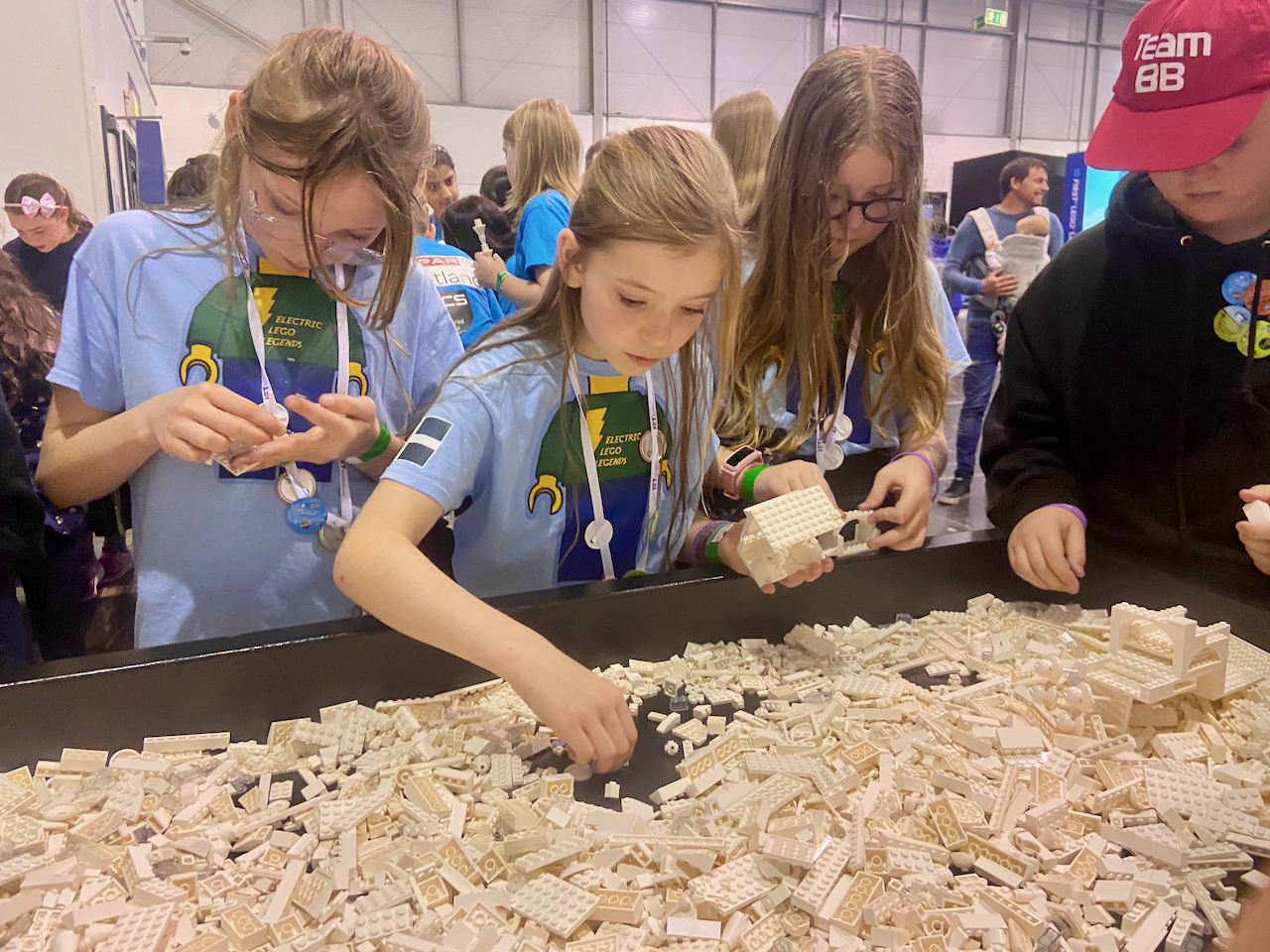
Once the presentations were done, we had the rest of the day to explore the STEM Expo, watch the other teams doing their Robot Games and of course get in some practice for our own matches.  Seeing some of the other teams robots was really inspiring and has given the Electric LEGO Legends plenty of ideas for next year.

In the STEM Expo next door we got to explore loads of cool technology and got the chance to play and explore too.  We watched a 3D film about space, rebuilt a human skeleton and even raced balloon cars!

Seeing the experience of being in Harrogate was awesome.  The Year 6’s told us it was really good and that’s why they wanted to go again and they were right – I thought it was really, really good! 

I would love to do it again, especially because looking around and seeing the different schools was really interesting – meeting lots of new people and learning lots of new things.

Throughout the day the children exemplified the six Core Values of FIRST LEGO League, including Discovery, Innovation, Impact, Inclusion, Teamwork and Fun.  These six values are vital to a successful team as it’s a way of measuring just how well they work together, how they support each other during challenges and how they’re using what they’ve been doing to create a positive change – both in themselves and the wider community too.

It was particularly lovely to see these children discovering so many new and exciting things at the event, exploring all corners with big smiles on their faces and embracing challenges as they came up.

Judges Feedback for the Core Values

The judges were impressed with the Core Values demonstrated by the team, drawing particular attention to the way they made decisions through a democratic process of voting in the team.  They also highlighted the good harmony between the team members whilst they were presenting and simply loved how enthusiastic and bubbly they all were together!

Discovery

team explored new skills and ideas

2

Innovation

team used creativity and persistence to solve problems

2

Impact

team applied what they learned to improve their world

2

Inclusion

team demonstrated respect and embraced their differences

3

Teamwork

team clearly showed they had worked as a team throught their journey

3

Fun

teams clearly had fun and celebrated what they have achieved

3

My favourite part was probably the Robot Games, because it was very intense and I thought that kinda felt pretty good to me.  I felt like I was doing something pretty big because everyone was there watching and cheering me on!

It felt pretty good when we managed to get the missions to work and everyone was watching us do good on the missions. 

That made me feel really proud of the team.

The trickiest part of the day was the Robot Games.  Going from practicing in the controlled atmosphere of the Mac Suite to taking part in a huge hall with thousands of people watching and cameras everywhere is very tricky!  This was undoubtably a barrier as the team found that their first two Robot Games rounds didn’t go as well as they’d hoped – the noise in particular proving a big distraction.

However, they still scored a very solid 130 and 135 points in those two matches.  They also rotated team members which ensured that they all had a go with running and launching the robot.

After these two matches the team headed to the practice table and spent time analysing and adjusting their starting positions for the robot.  Even a subtle movement to the left or right can have a real tangible impact on the performance of the robot.

After spending some time perfecting these lineups they were ready to go back to the arena for the third and final match, at which they scored an incredible 185 points!  It really does show that hard work and perseverance pays off!

135

Points in Round 1

130

Points in Round 2

185

Points in Round 3

For a first year team the Electric LEGO Legends performed incredibly well.  They took challenges in their stride and embraced every opportunity.  It was wonderful to see them working so well together and increasing in their confidence throughout the day as they spoke to more and more people. 

Well done Electric LEGO Legends – let’s see what next year has in store for us!