Unfortunately we are having trouble with our phone system this morning. If you need to reach the school please use our backup number of 01736 756915. Thank you.
“Penpol pupils are curious, creative and courageous learners. Our school community believes in authenticity as the foundation of deep-rooted learning. Through our rich and relevant curriculum, we nurture community-minded, forward-facing international citizens of the future.”
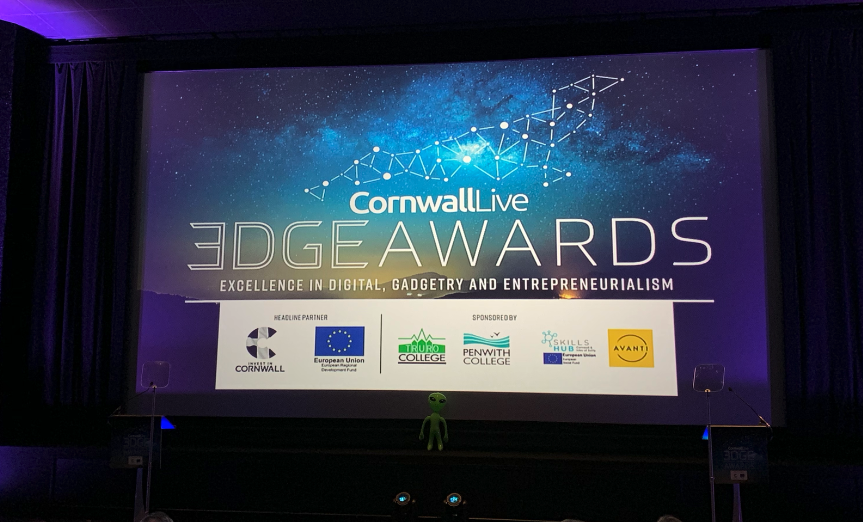
Penpol School have once again been recognised for our pupils outstanding ICT and Computing work and have been shortlisted as a finalist for the Edge Awards 2018.
These awards celebrate the very best technology companies, digital content and entrepreneurs in Cornwall, along with the schools and colleges that help inspire and nurture the digital pioneers of tomorrow.
Penpol School have this year been recognised in the category of “Most Inspirational Educational IT / Digital / Multimedia Project” for our work with the 3D printed winter ornaments we’ve made.
The judges loved the fact that this project included the whole of Key Stage 2 and that it gave so many children the chance to use a technology (namely 3D printing) that they wouldn’t otherwise have had access to. They were blown away with the quality and charm of the decorations that our pupils had created.
We were the only primary school in the whole of Cornwall to make the finals and whilst we didn’t come away as the overall winner, we were treated to a fantastic video and some lovely words from the judges about our school:
"Penpol School is one of the leading schools for Computing and ICT in the South West. With forward thinking ideas and passionate teaching staff, their pupils learn to use technology with excitement and enthusiasm and the school gives them the confidence to embrace the technology around them. They believe that teaching both logical and creative skill sets will see the pupils thrive, whatever the future may bring."
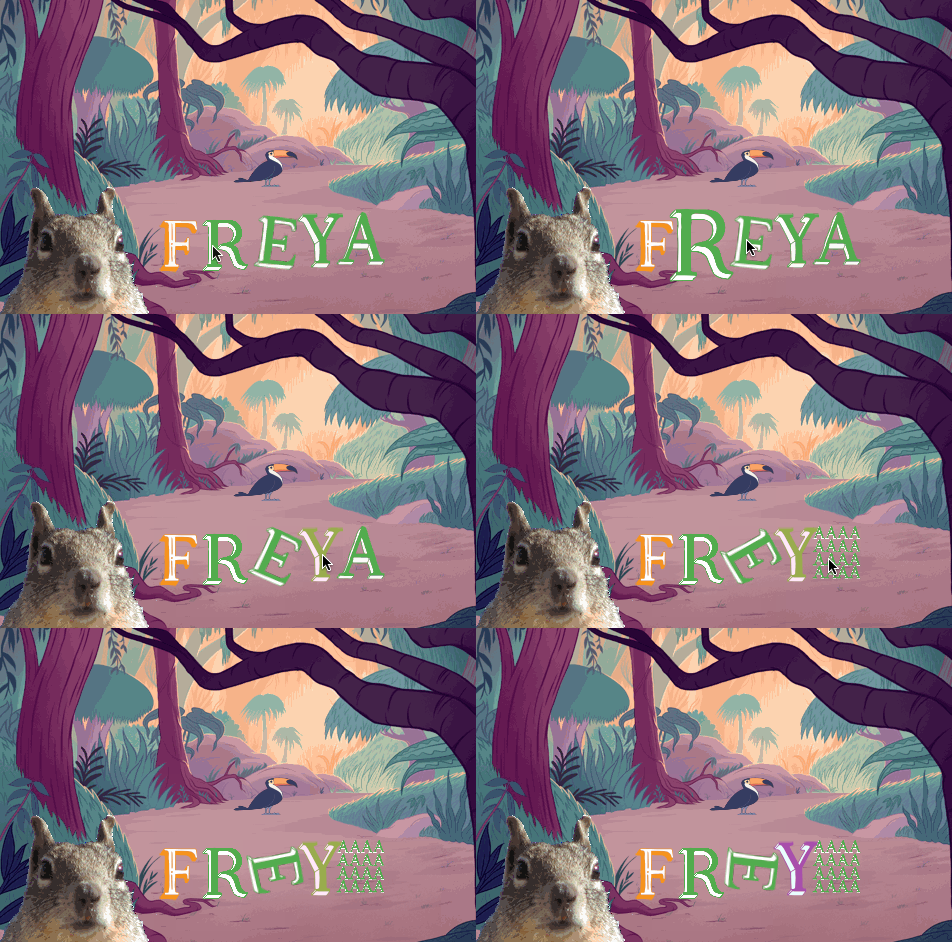
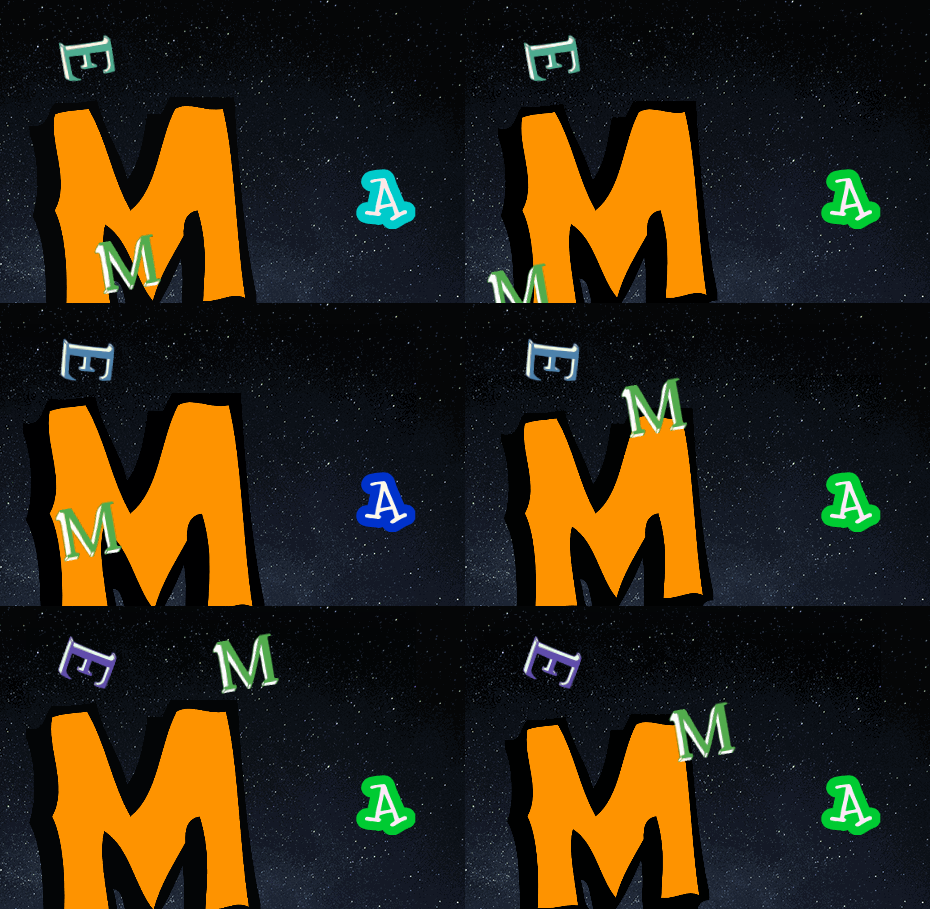
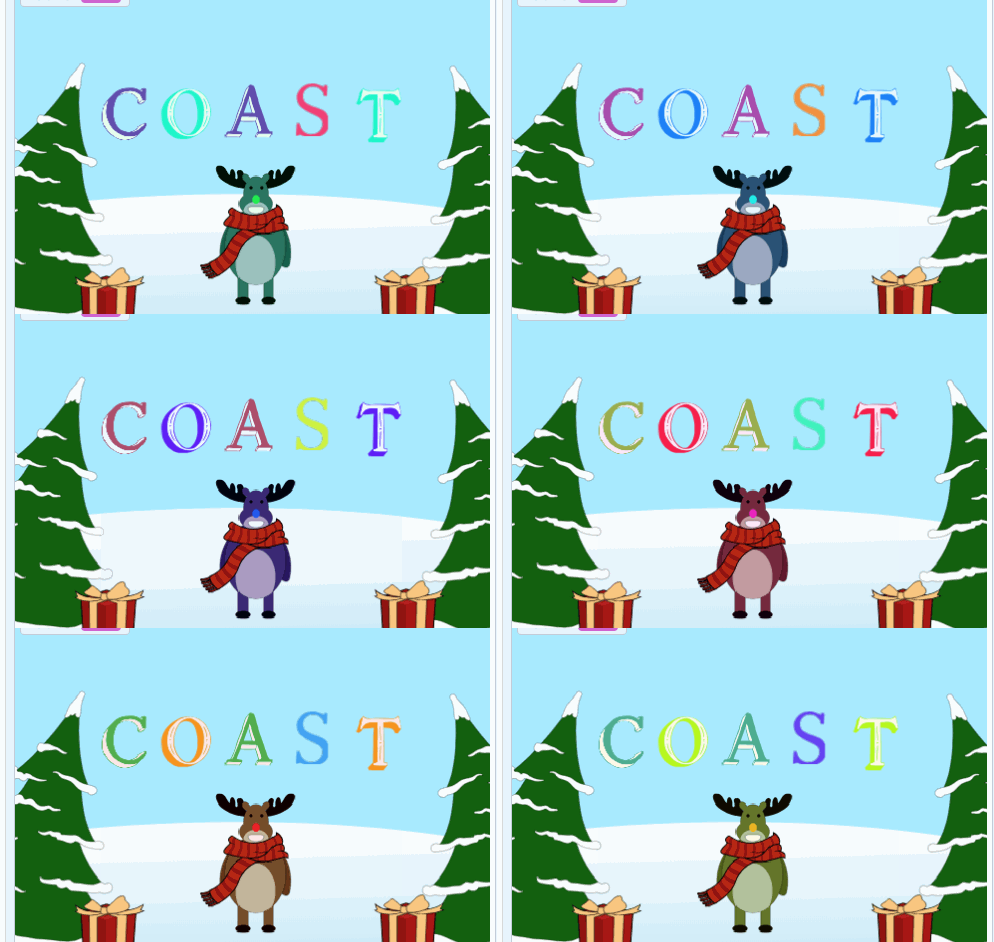
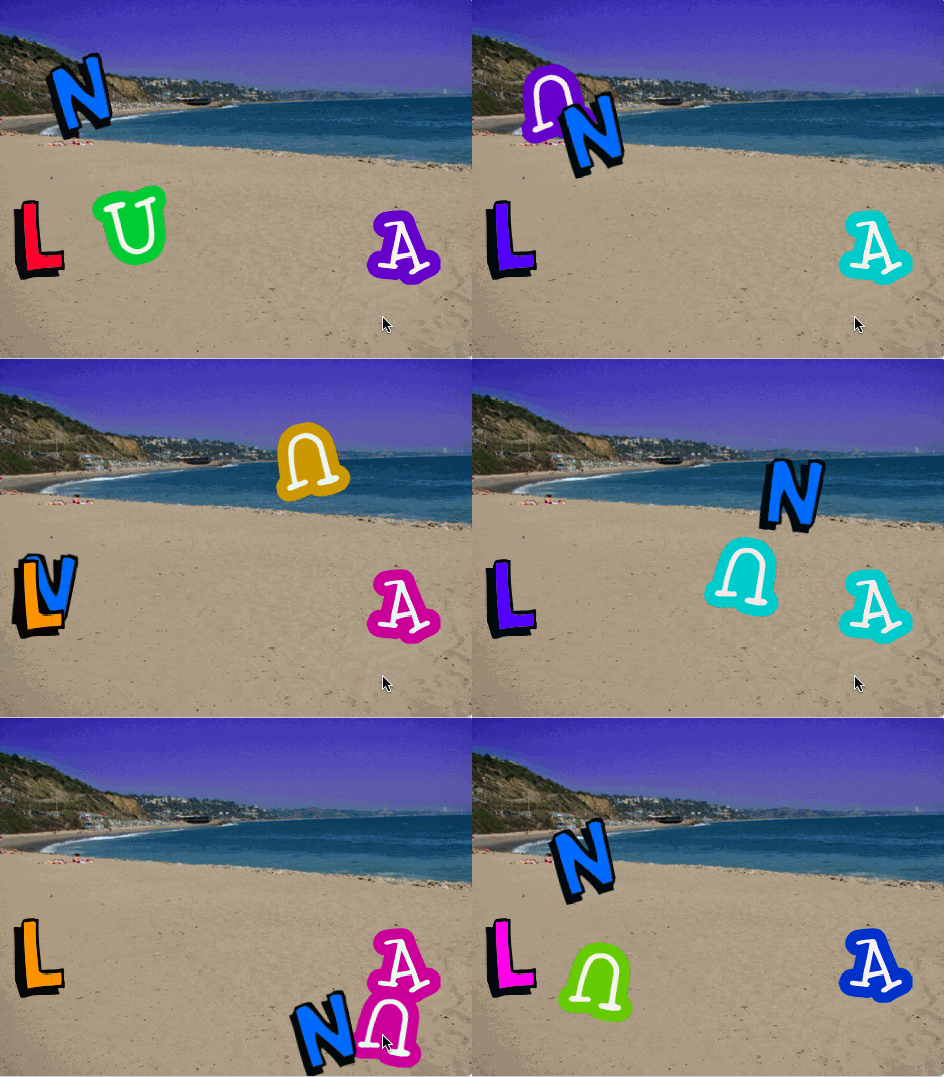
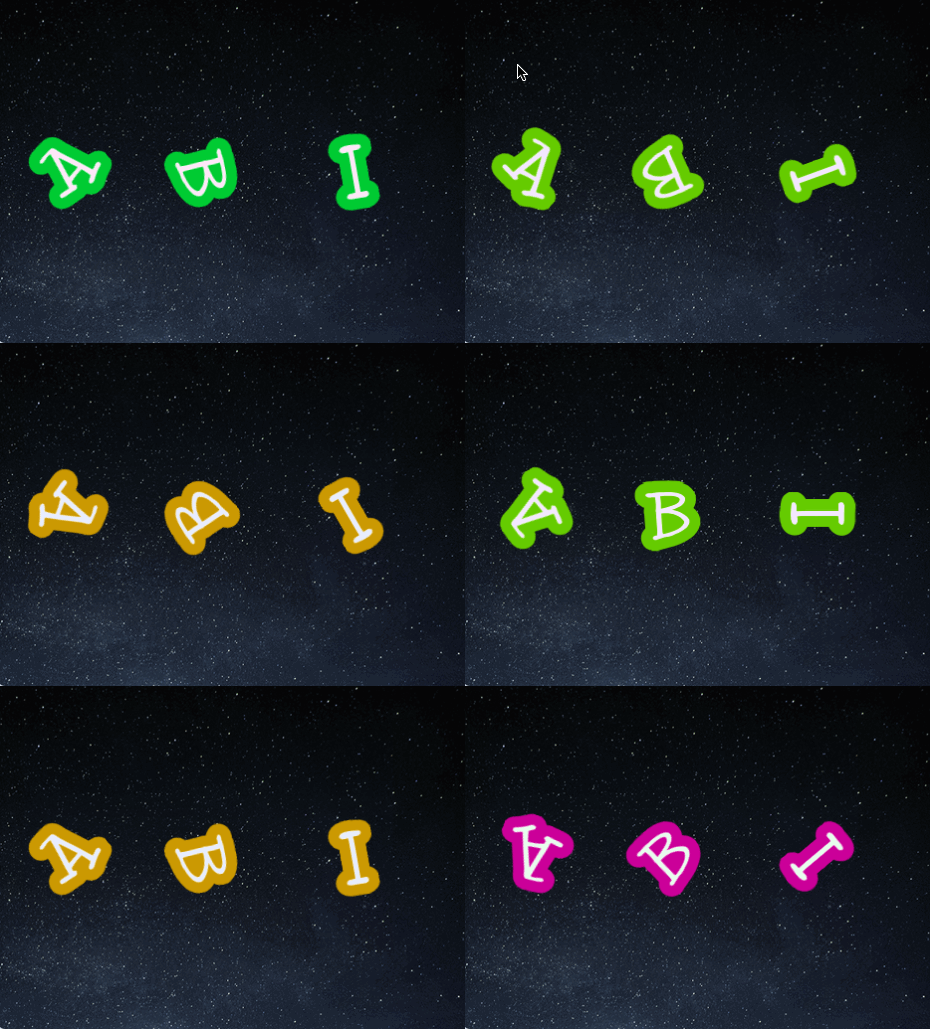
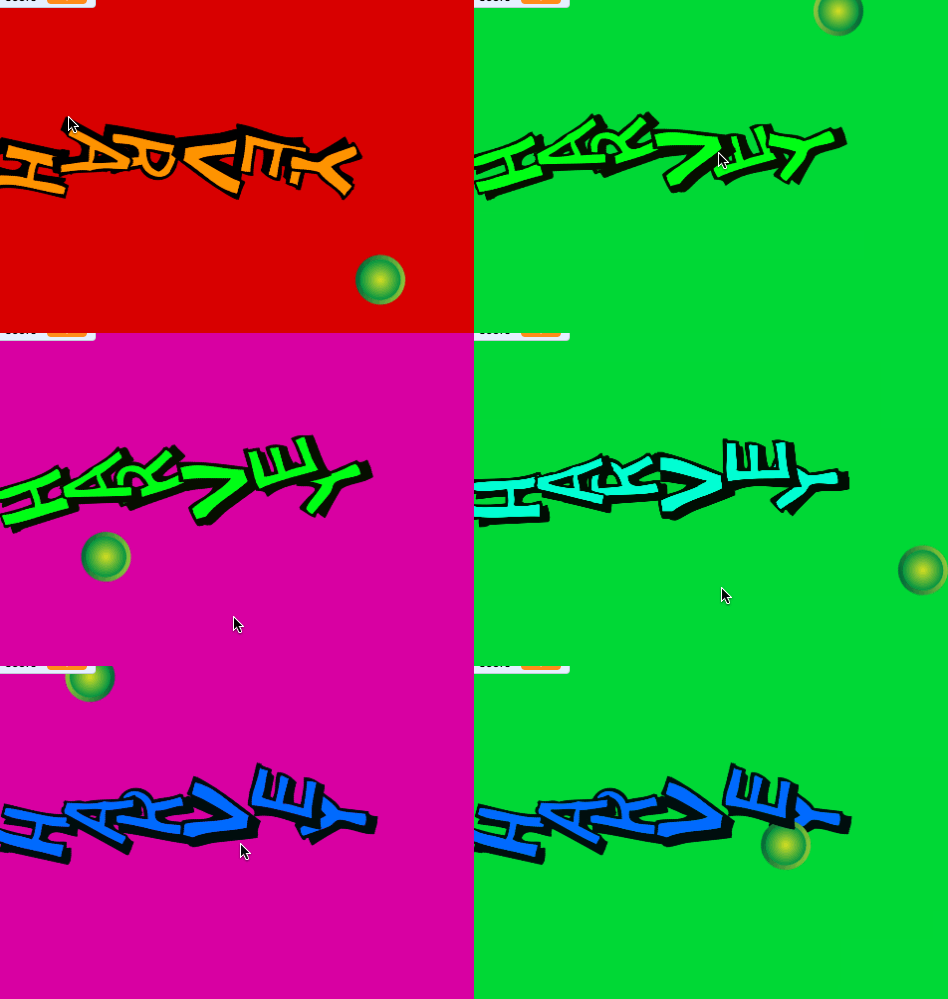
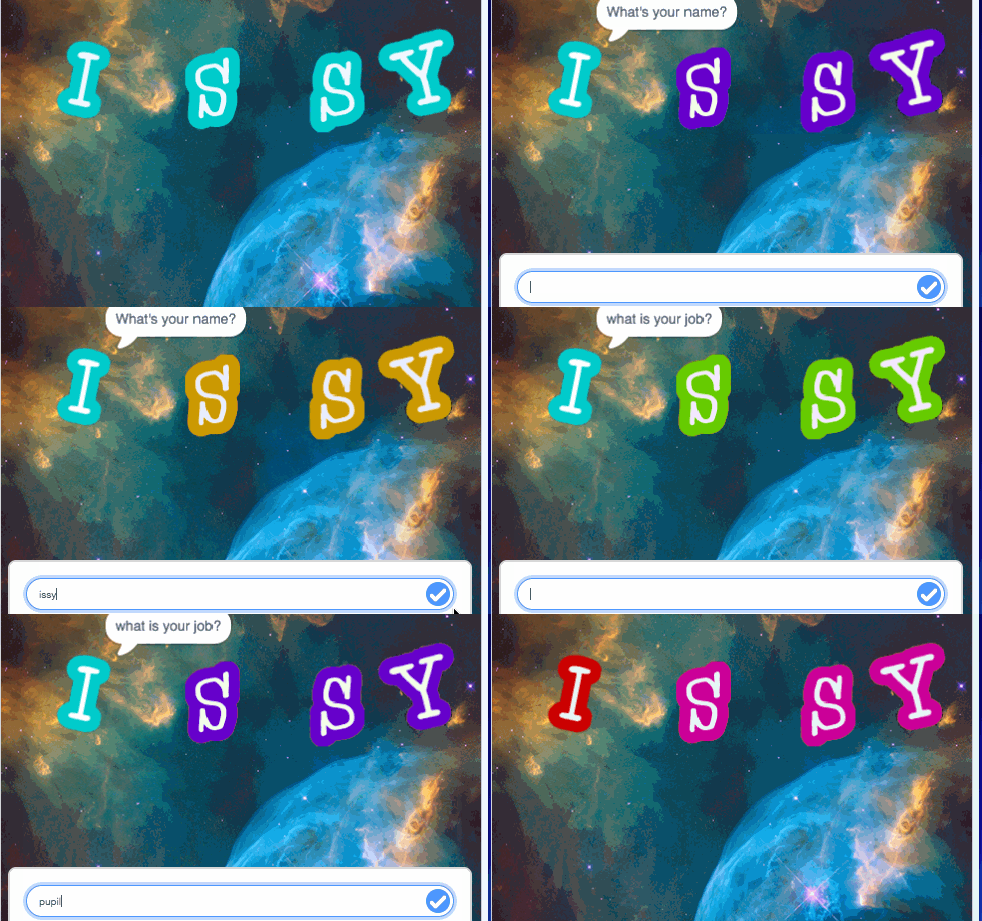
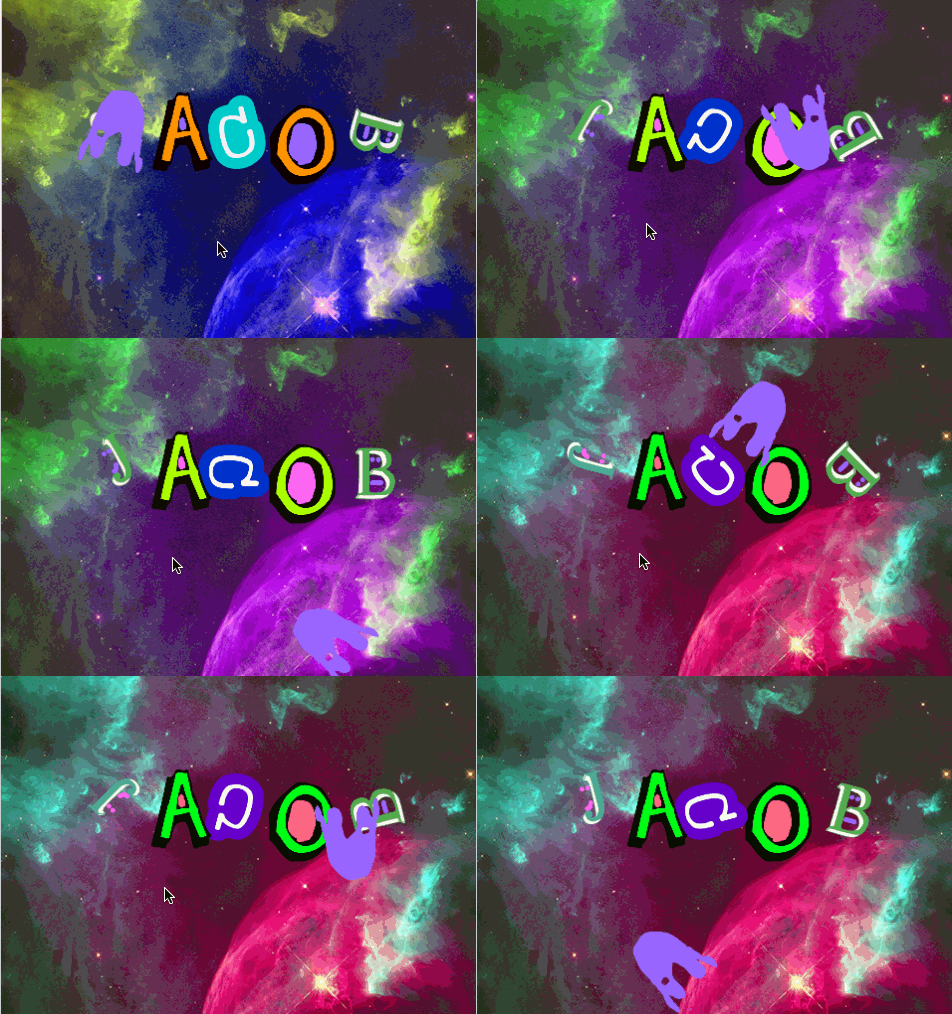
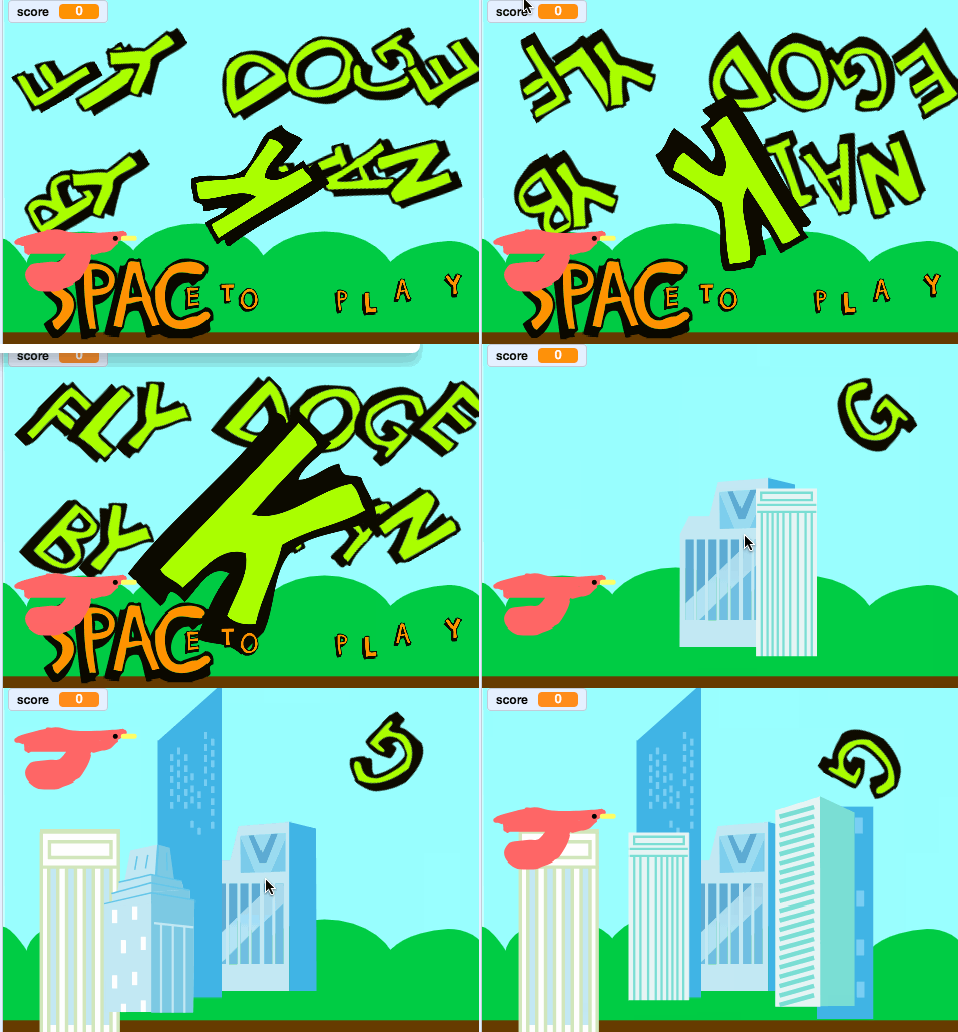
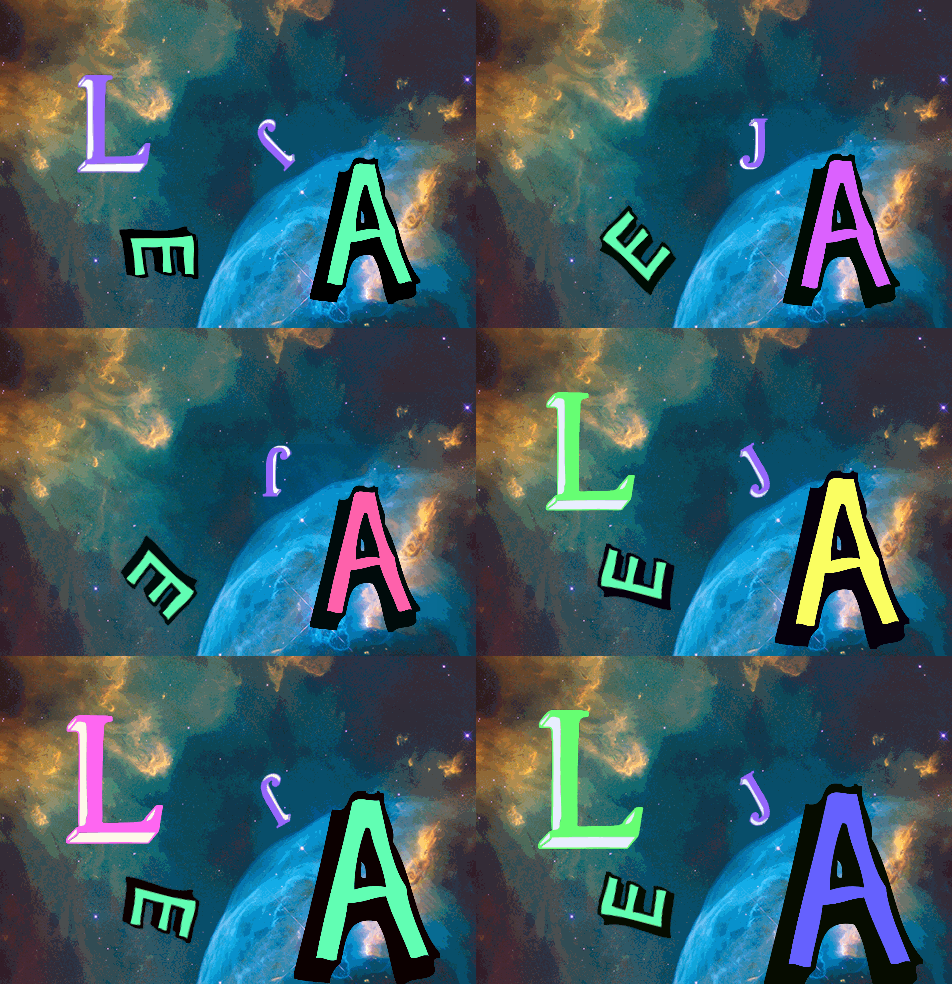
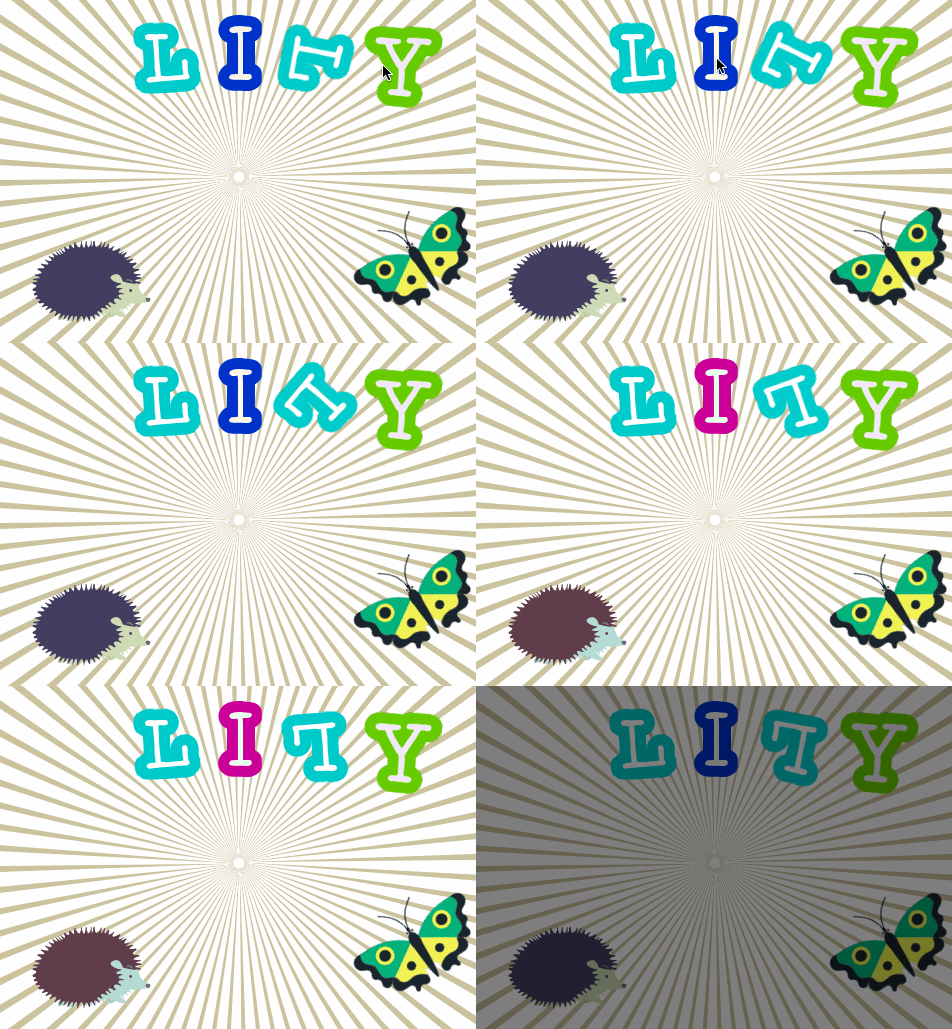
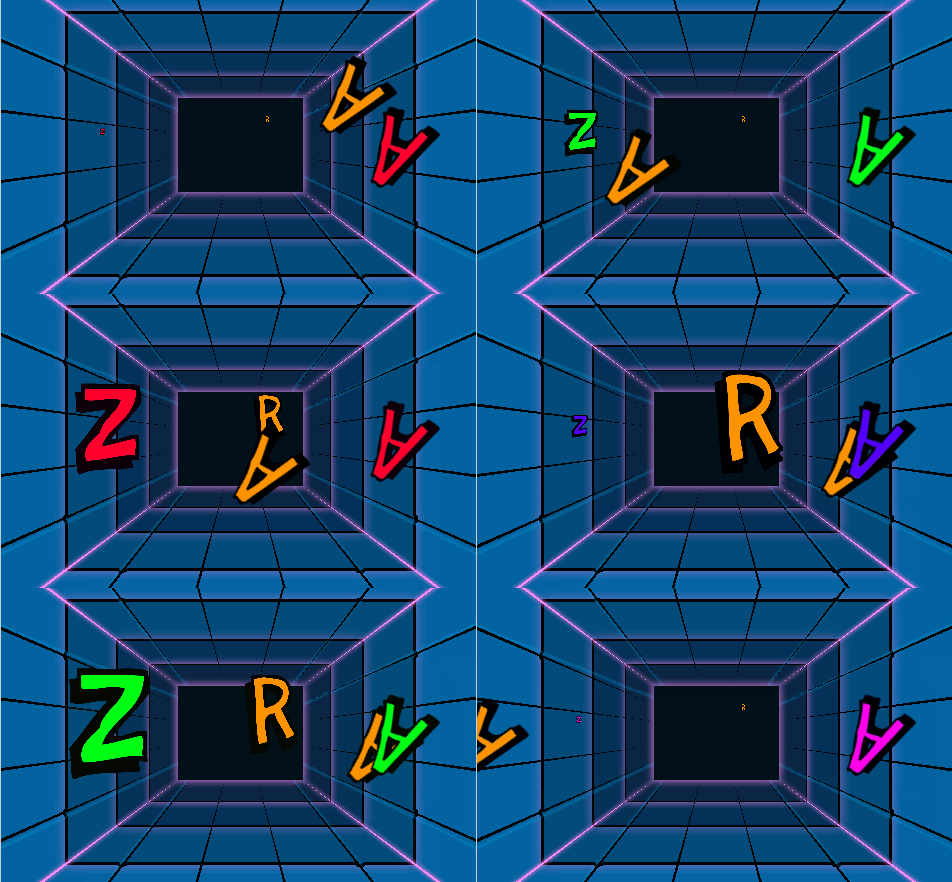
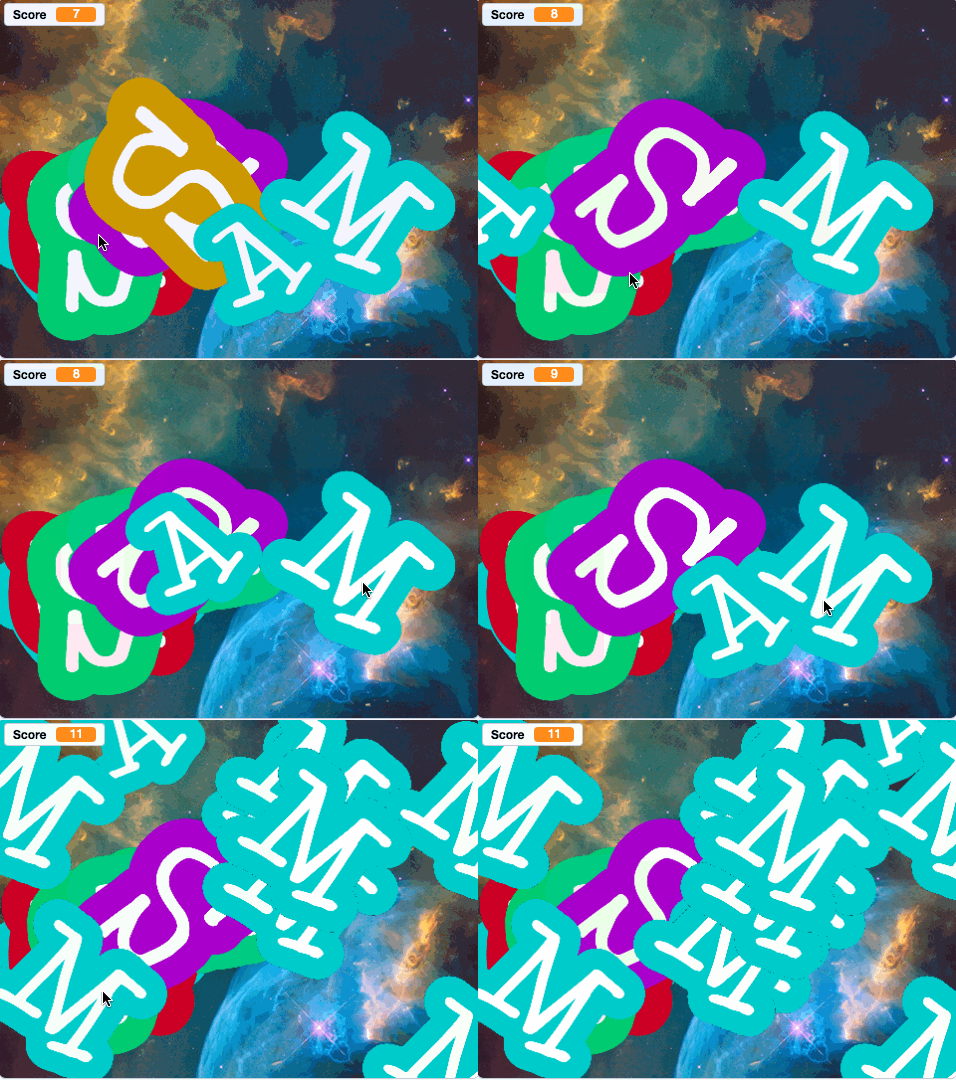
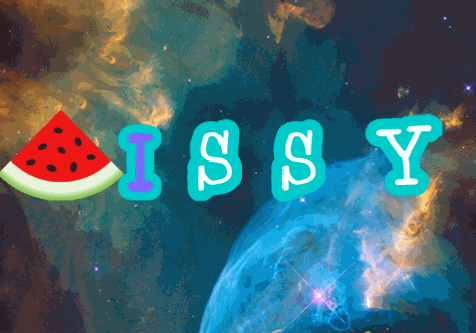
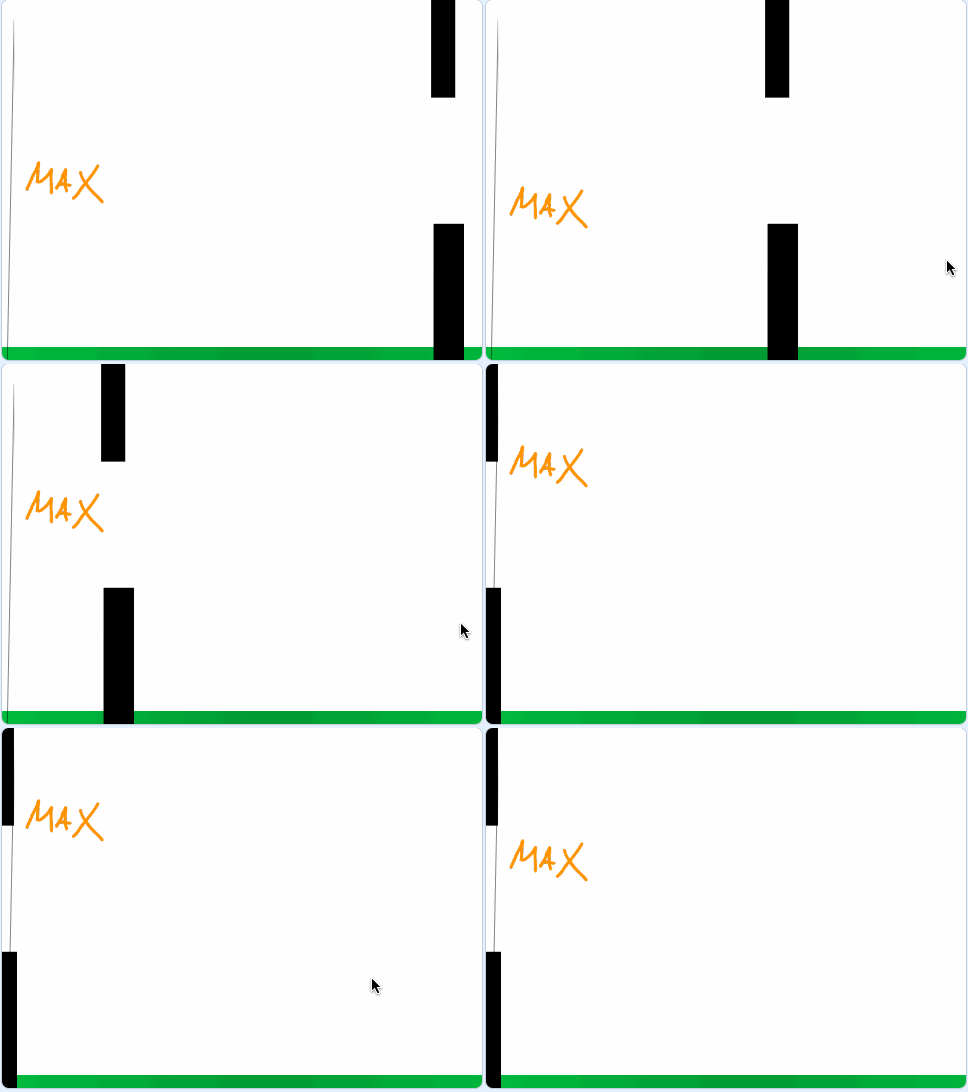
This week we’ve started using the fantastic Scratch 3.0 software to build some pretty interesting programs. Starting with a basic idea of animating our names, we developed ideas and explored options to take our projects in different directions.
Within an hour we’d got 28 completely different projects including games, animations, musical performances and some very unusual pieces of abstract art! Everyone in class pushed themselves to try something new and to experiment, without fear of making a mistake. And when mistakes were made we celebrated them, because with Scratch a mistake is just the first step towards understanding how to make something work!
Well done Class 14, you’ve worked incredibly hard here. Take a look below to see what some of the pupils made and what they thought of their Scratch experiments…
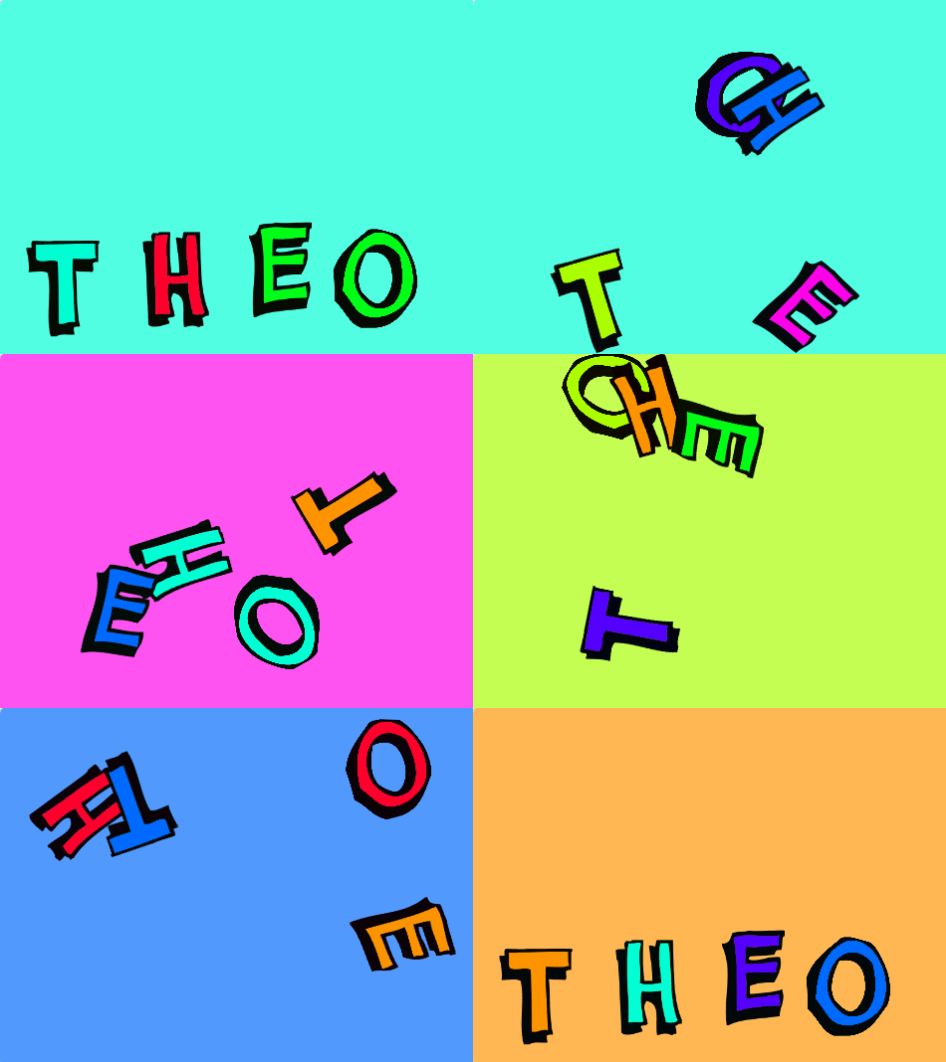
“With my project you can press the numbers on the keyboard all the letters will start bouncing around the screen and change colour.You can change the background colour too by pressing the Space bar.Then if you press the up arrow the letters will all glide back to their normal place and be the right way up so you can see my name again” – Theo
“I have made mine in the line and put music on, then all of the letters spread up in different directions and then all go back together again to ask each other questions.I used code to create my own animations.” – Melissa
“I got my letters to spell my name and then I’ve put some code to make them flash all different colours like a rainbow at different times.And then I’ve got this block of code which asks you a question and you can type an answer to speak to the program” – Izzy
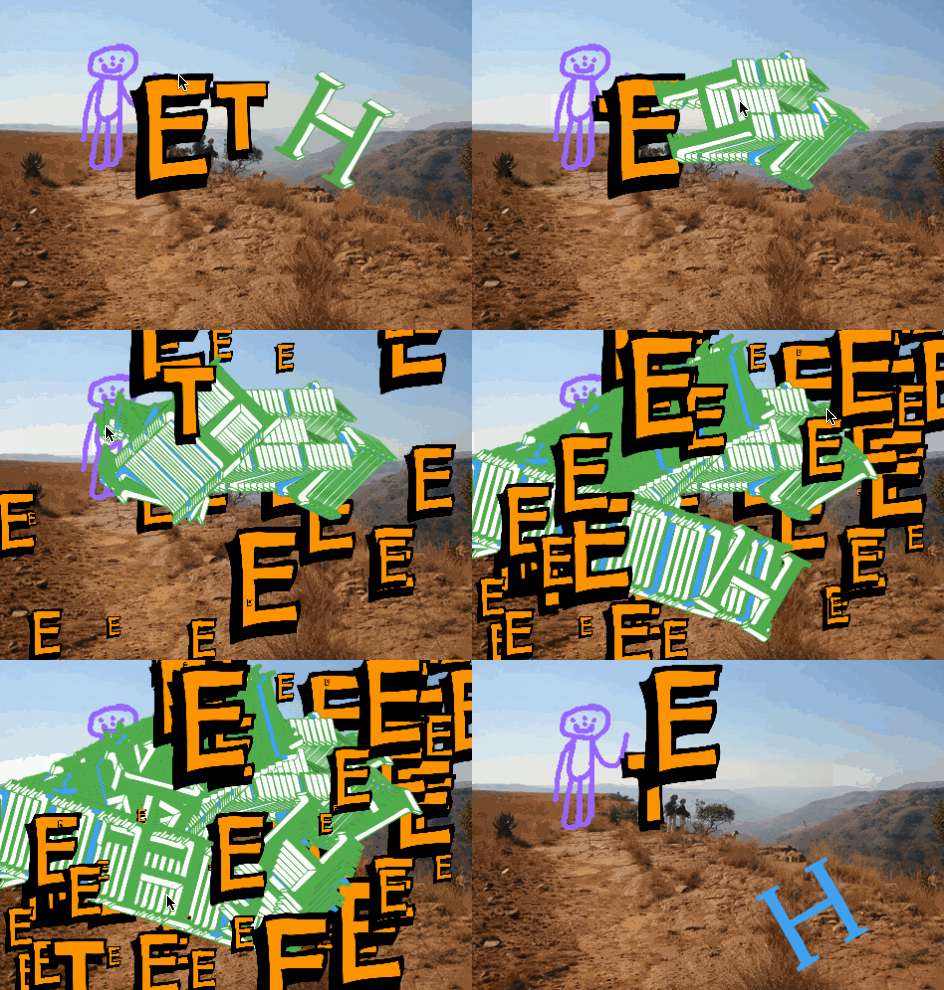
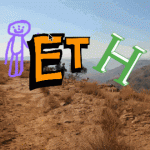
“I have used pieces of code block to create my animation of “E, T and H” and all have their own special parts which make them very funny in all sorts of different ways.I like Scratch because you can go out of your comfort zone but if you make a mistake it’s a perfect opportunity to learn on how to do it so you don’t make that mistake again.” – Ethan