













This half-term, our Year 2 pupils have been learning all about castles and embarked on a building project that even Henry VIII would have admired. Every foreman needs labourers, so what better opportunity than to collaborate
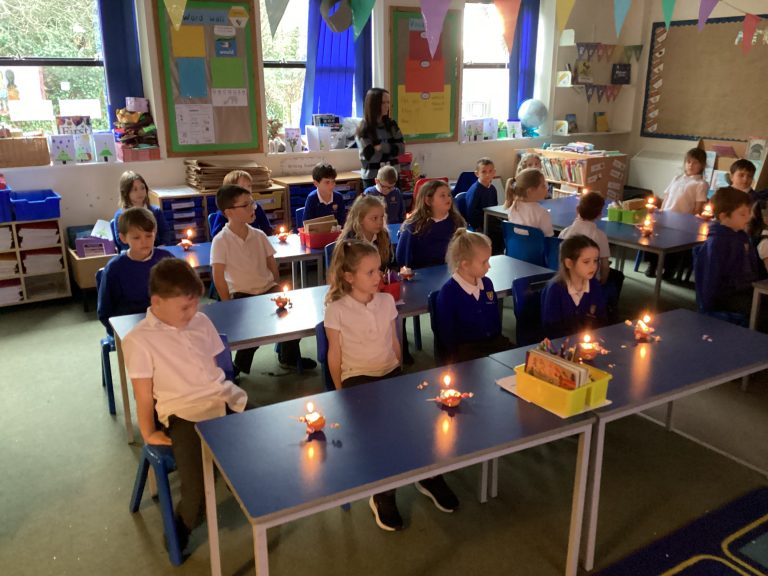

This week, Year 2 has been learning about a very special Christmas tradition – Christingle. As part of our lessons on Christian celebrations, we made our Christingle celebration a time to think about being thankful for


The Key Question Year 1 are exploring in RE this term is: “Who is Jewish and how do they live?” This term, we’ve had a lot of fun learning about the dreidel, a traditional Jewish game.
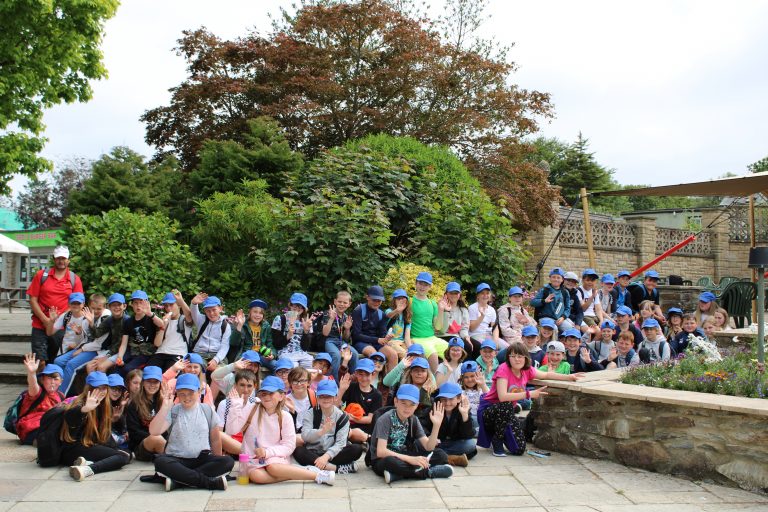
On Wednesday, the Year 6 children boarded the bus and headed off to Flambards with sick bowls in hand! With the drizzle falling in Hayle, we were fortunately greeted with cloud-breaking sunshine on our arrival in
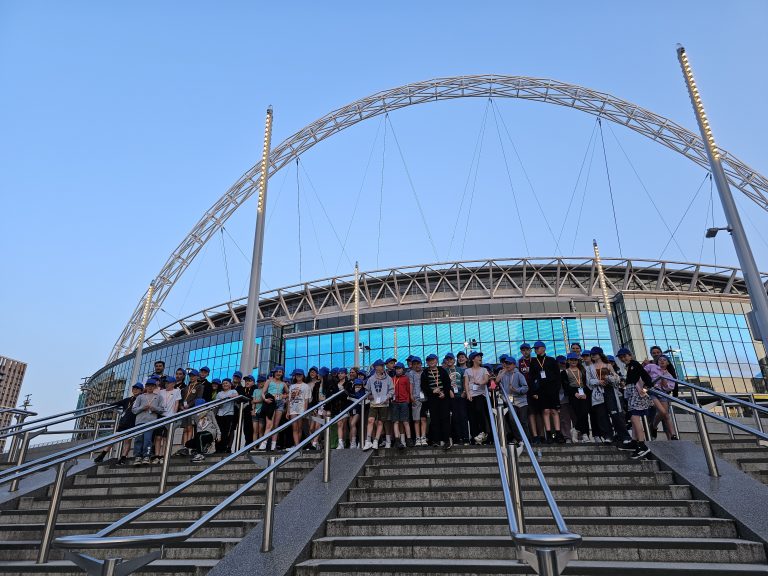

On the 22nd May 2023, many of the Y6 travelled to London for 3 days of sightseeing, visiting attractions and the many things our nations capital has on offer. With a jam packed itinerary planned, we
On the 22nd May 2023, many of the Y6 travelled to London for 3 days of sightseeing, visiting attractions and the many things our nations capital has on offer. With a jam packed itinerary planned, we
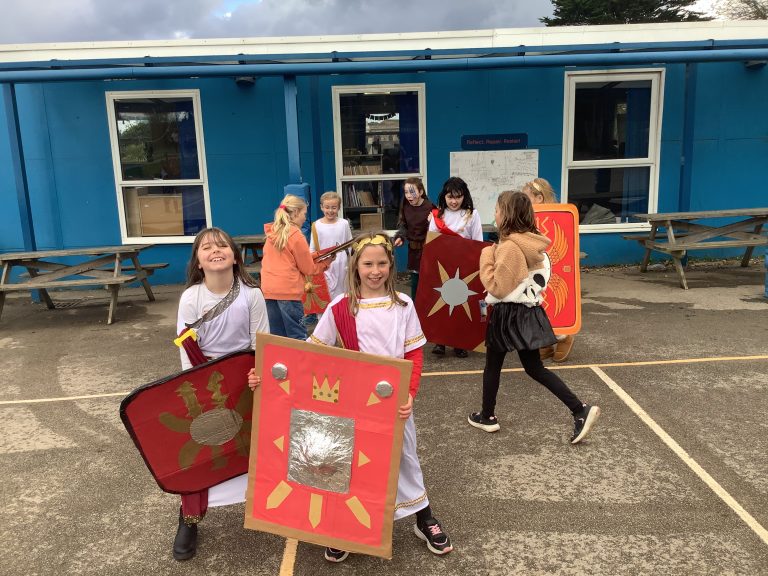
Year 4 have been diving into their Roman history topic this term and celebrated in style with an unforgettable Roman Day on Thursday 20th November 2025. The school was transformed as pupils and staff stepped back
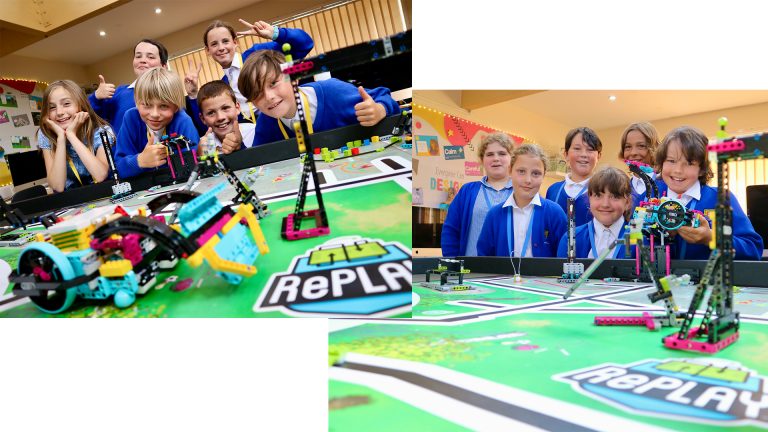
Over the past few months, something very exciting has been happening in the Mac Suite at Penpol School. Whether it be on a Wednesday afternoon or over lunchtime, two teams of dedicated and committed of year
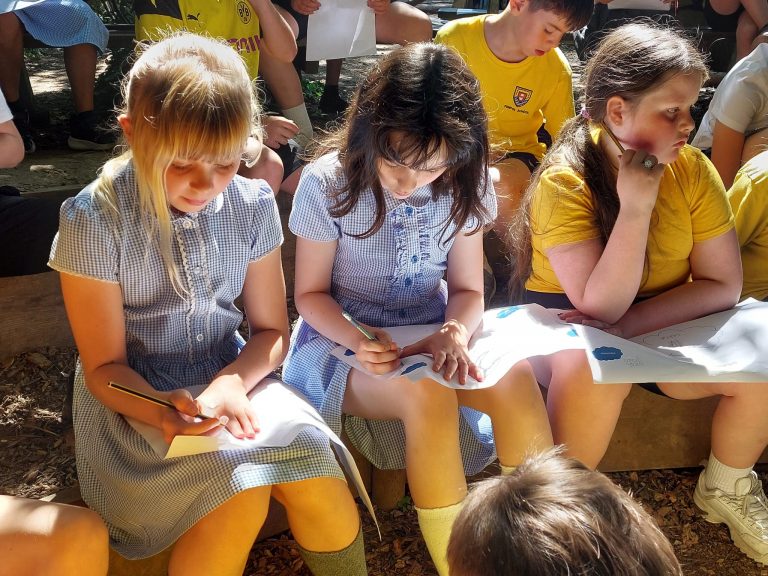
This week, Year 4 made the most of the beautiful sunshine by taking their learning outdoors, immersing themselves in The Lost Words—a stunning collection of poems and illustrations celebrating the beauty of British wildlife. Inspired by
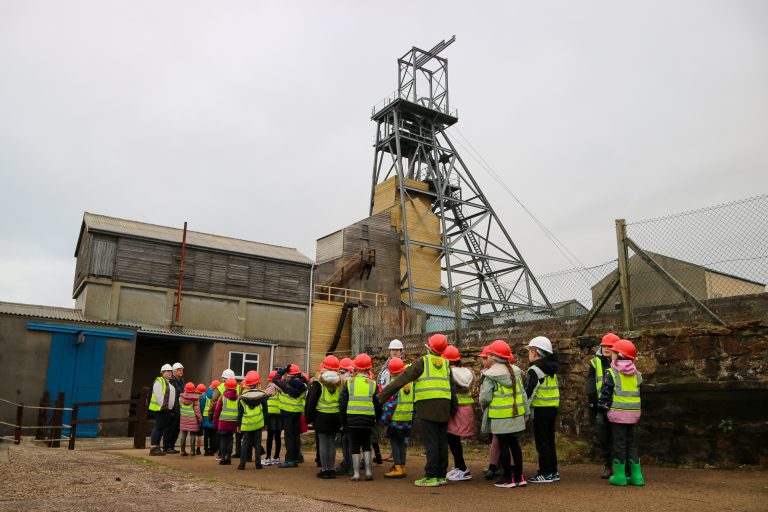
This half term (25.02.2023), Classes 7 and 8 went on an exciting trip to Geevor Tin Mine as part of their topic for this term – ‘Minecraft’! We arrived in the morning and put our hard