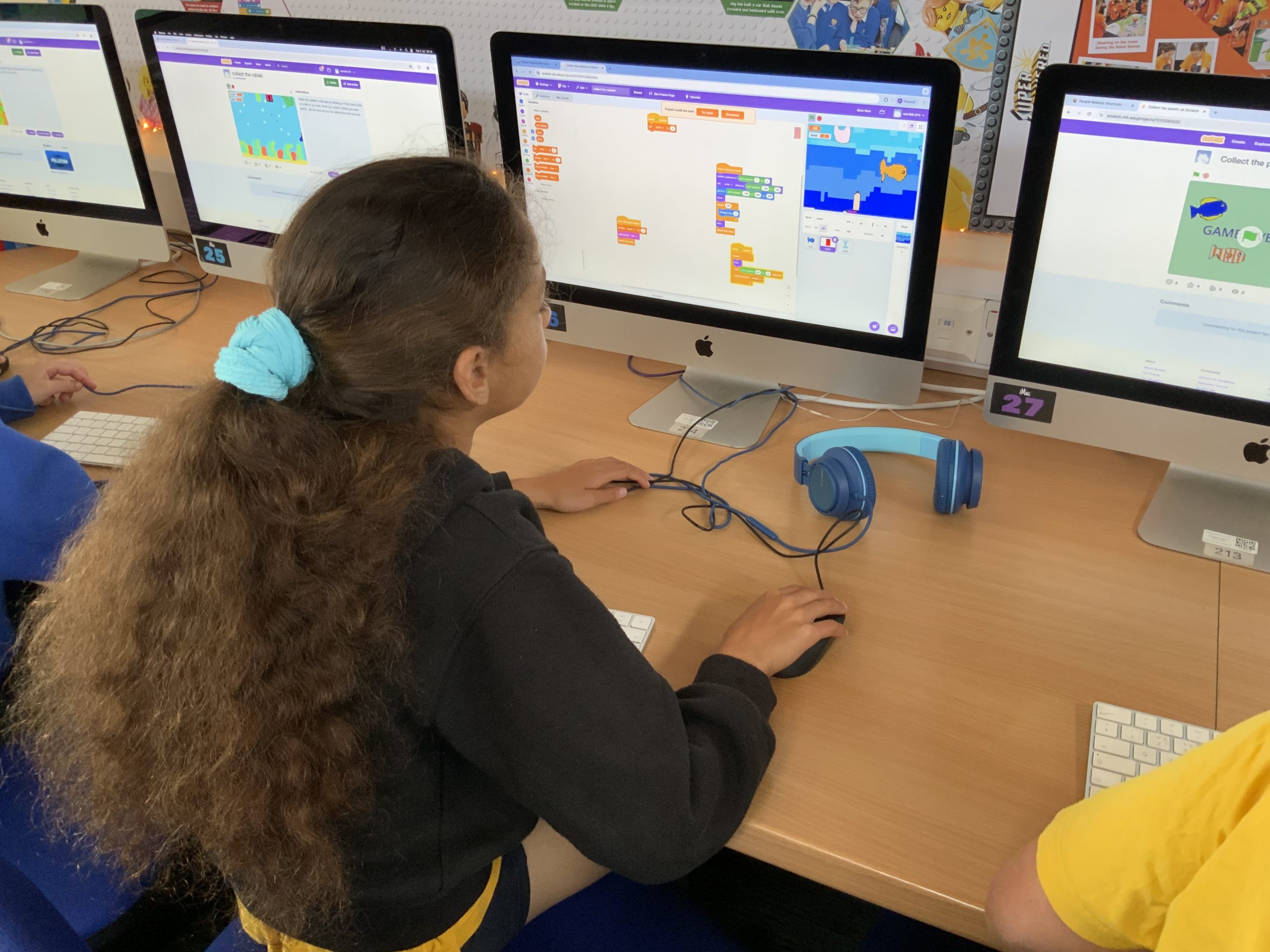

Our Year 5’s have been learning all about conservation, pollution and looking after Planet Earth this term. As part of this exciting project they’ve been designing and coding their own pollution-busting games in Scratch.
Starting with character development, each student used a fun drawing tool called Make 8-Bit Art to create a selection of fish, some polluting objects like carrier bags and drinks cans and their own underwater scene for their background.

After this the coding began in Scratch with the first session focussed around getting the fish to swim across the screen. The students explored using random generators to change the starting position, size and colour of the fish and how often they appeared.
We then used this same idea to add our polluting objects, this time falling from the surface to the bottom of the ocean. Once this was working we decided to add a variable to keep score of how many pieces of pollution were clicked on by the player.
This variable quickly led into another – this time creating a timer to keep track of the length of their game and create an element of competitiveness to see how many points could be earned in a short amount of time.

After these basics were created the children all had different ideas of where their games should go next. To help them explore, test and create these extra features they all had two weeks to design and code anything they wanted in their game. We had power-ups that gave extra time, lives that were lost if you clicked a fish by accident, game over screens, high score boards and so, so many more ideas! The children really ran with their games and created some absolutely fantastic projects. You can explore all the games from Class 11 here and those from Class 12 here.
“In my game I have lives which I’m quite impressed about since it looks complicated but actually when you think about it it’s pretty simple. What I did is when I was trying to figure out the lives I broke it into different stages – first of all doing the variable code to make it work and then if something else wasn’t working because of it I would figure out why and improve it by fixing the bugs.”
“I’ve added a score too, when you’ve finished the game it’ll come up with your score at the end”.
Luke (red-fish-235)
“In my game I’m proud that I could make it work at all! I’ve never thought of myself as being particularly good at coding but I really pushed myself and I’m so proud that I managed to get it working. I loved exploring the other games from people in my class to get ideas – they were all just so good! I think if we combined everyones ideas into one we could make a game that would go viral!”
Isla (red-fish-227)
“I’m really proud of my game because I didn’t know if I’d be able to manage all of the coding but I did in the end and I’m really happy with what I’ve done! We’ve spent four weeks doing this coding of the game and it’s already starting to look really good!”
Evangeline (red-fish-251)
“Throughout my time doing Computing at school its really inspired me to push past my limits and start doing it at home too. Inside of me it’s really sparked an interest for coding!
Inside my game I am most proud of my lives system (which mimic the variable Health) which means that I have five lives which link to five hearts on screen. Every time Health goes down a heart disappears until there are none left at which point it’s game over.
At home I also added a shop which I’m really happy with. It’s not finished yet, but it’s basically a way to use the points gathered by collecting rubbish to spend in the shop. You can buy extra time, plastic per second (which means you get more plastic to fall) and an upgrade which gives you even more boosters.”
Ned (red-fish-220)