
Creating Winter Sculptures in Tinkercad

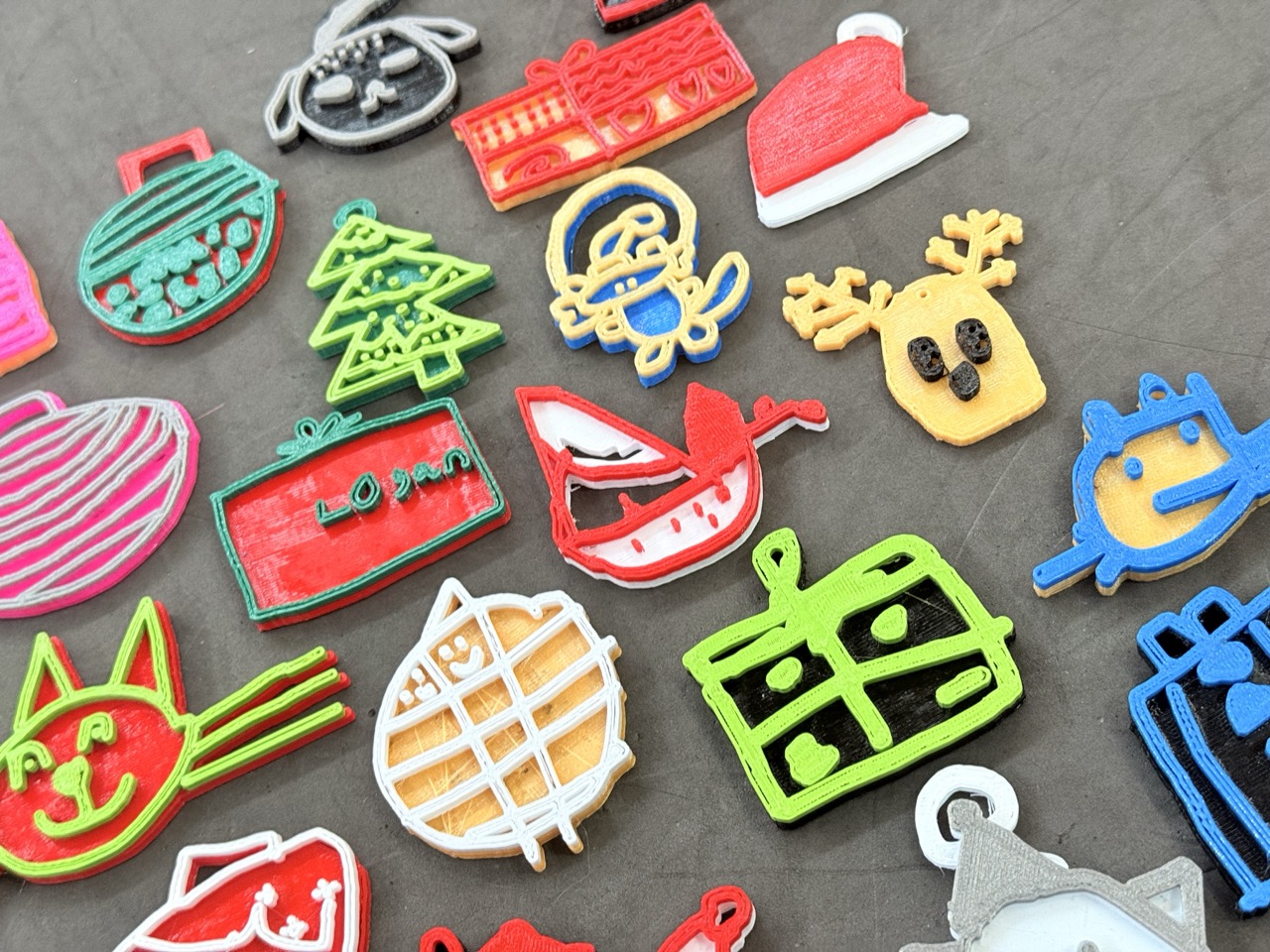
This year our Year 3’s and Year 6’s have created their own 3D Winter Ornaments using Tinkercad.  The Year 3’s have been using the Scribble tool to create unique and personal designs whilst the Year 6’s have been making theirs using the Codeblocks editors.  Rather than me talking about how it all works, let’s hear from some of the students instead…

Year 6 Winter Ornaments

“I made a snowman with a scarf and top hat.  It has accessories too, like some coal buttons and a carrot nose.  Alongside the snowman, on the right, it has a present with a Santa hat one top and to the left it has a tower of six snowballs.

I used three spheres, increasing by size, to make the body and a cube a cuboid for the hat.  The trickiest part was making the buttons for the snowman, making sure they weren’t too far off or too far inside the snowman’s body. It was also tricky making sure the height was equally spaced between each button.

This is probably going to be on the shelf in my bedroom for quite a while – until my dad tells me it’s time to put the Christmas decorations away.  But then I’ll look forward to seeing it again each year.”

Tamara

“I made a cat that was inspired by my cat at home (Dotty).  I started off with a head shape and tried to make all of the details on the head like the eyes and when I was satisfied with the head I moved onto the body.  For this I used a cube but I stretched it out to make it more rectangular and curved the edges.

I’m very pleased with how my cat came out, I will keep it forever!  I think the real Dotty will be very pleased to meet her new friend!”

Ivor

“I used Tinkercad Codeblocks to code my cat, which was really fun but quite tricky too!  The hardest part was to get the ears at an angle on the head, because I had to figure out how to get them the same angle on opposite sides.

When I take my cat home, I’ll show it to my mum and dad and then put it in the windowsill.  I think I’ll keep it out all the time!”

Georgia

“It didn’t take too much of my time, but it was so fun to do that I wanted to work on my design at home as well.  I went to show my family what I was making and they were really interested in how I made it, they just kept saying wow when they saw all my code.

I’m probably going to keep my Creeper figure in my bedroom.  I like how I designed it on the computer and it’s now stood right in front of me in real life.”

Brody

Year 3 Winter Ornaments

“I made my Christmas Tree by drawing it on the computer and then went off it by pressing done.  Then I pressed the button which made a copy and then I stacked it on top of the other one.  Then I did another version with the detail of my tree and changed the colour.  I really like the tree I’ve made, and I’ve put it on my shelf at home where we keep special things.”

Elsie

“I chose my design because I thought it would be a nice thing to have a Christmas decoration to look like myself in my favourite colours.  It’s cool to think that this is the only one in the whole world that looks like this.  I can’t wait to put it on my own Christmas tree when I get home.”

Clementine

“I wanted to make a decoration that was green and black because they’re my two favourite colours.  I chose a present to make sure I could use these two colours.  It’s probably one of my favourite designs that I’ve ever made in Tinkercad, and it’s going to be really special on my Christmas tree at home.”

Henry

Year 3 Gallery

Also in the news:

Mark Pollard

Designing Mars Rovers in Year 5

Last term, as part of our Space topic, the children were inspired by the landing of Perseverance on Mars and so created their own versions of a Mars rover, complete with a motor so that it

Read More »
Jacob Woolcock

Making Music with Micro:Bits in Year 3

Over the past few weeks Year 3 have been learning to code on our Micro:Bit computers.  These tiny devices are a great way to get hands-on with Computing and enable our students to write programs that

Read More »
Michael Pearson

Festive Fun: Penpol Panthers’ Santa Run

The Penpol Panthers Bring Holiday Cheer with Their First Santa Run! The holiday spirit was alive and kicking as the Penpol Panthers hosted their very first Santa Run on December 10th. This festive event saw students,

Read More »
Linda Ruffell

Class 7’s Ancient Egyptian Day

To finish off this terms  history project, ‘Ancient Egyptians’, Class 7 held an Egyptian dressing up day. During this day, the children were given the opportunity to reflect on their learning journey and also show off their

Read More »
Jack Emery

Year 4 Step Back in Time on Roman Day

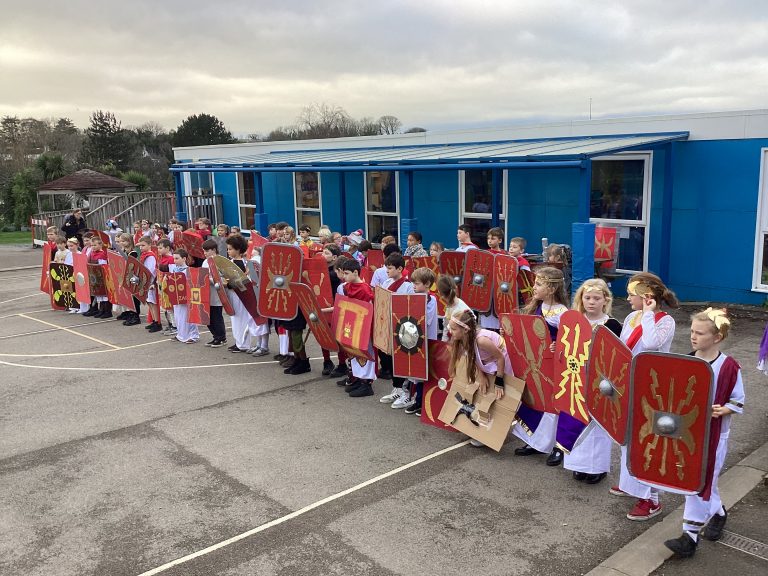
Year 4 have been diving into their Roman history topic this term and celebrated in style with an unforgettable Roman Day on Thursday 20th November 2025. The school was transformed as pupils and staff stepped back

Read More »

Also in the news:

Jacob Woolcock

Behind the Scenes of Maths Mania in Scratch

Scratch is a great program that lets us build our own games, animations and tools.  Using brightly coloured blocks of code we can control individual objects (called Sprites) as well as being able to combine multiple

Read More »
Jack Emery

Penpol Celebrates Languages Day 2023!

On Wednesday 4th October, Penpol School celebrated European Day of Languages for its 6th time. We are so fortunate to have so many languages being spoken as either a first or second language by our students. 

Read More »