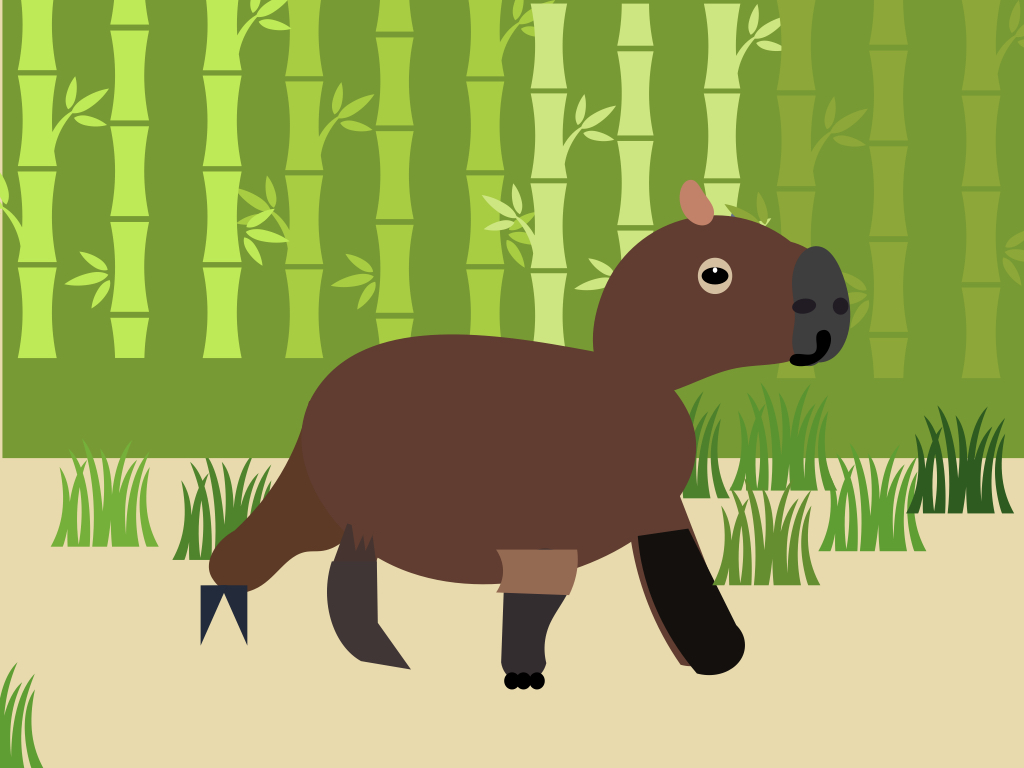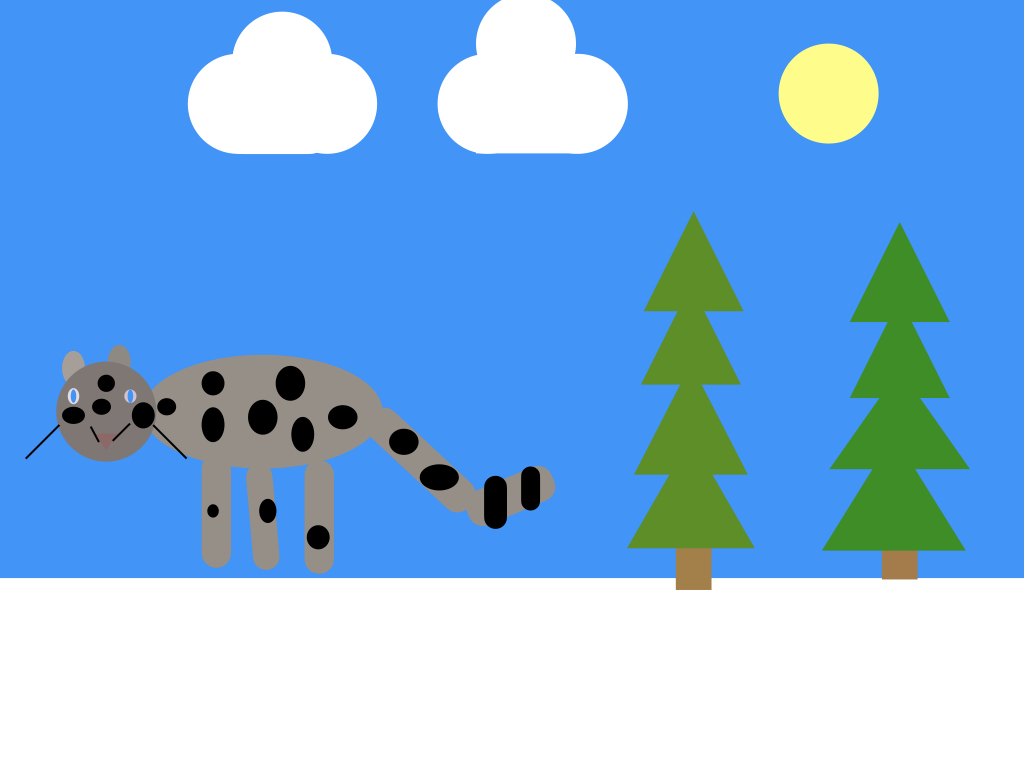
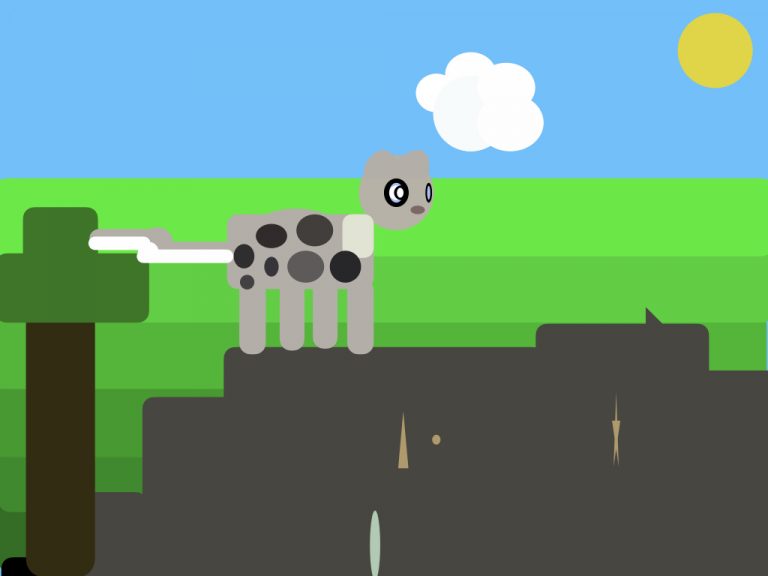
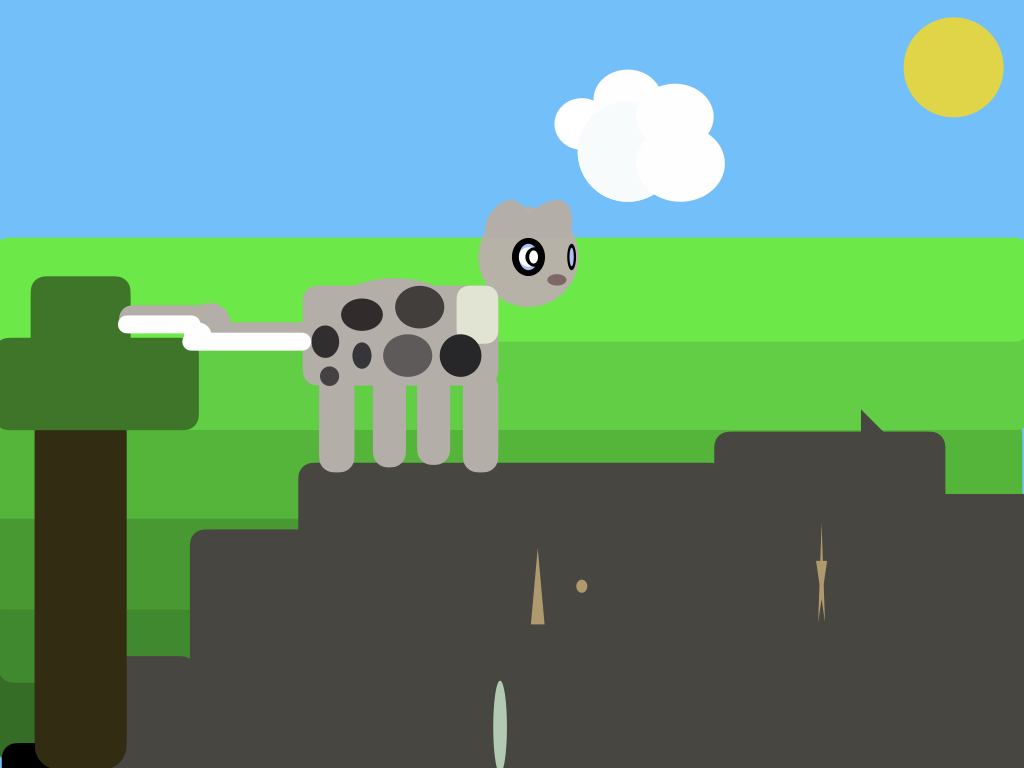
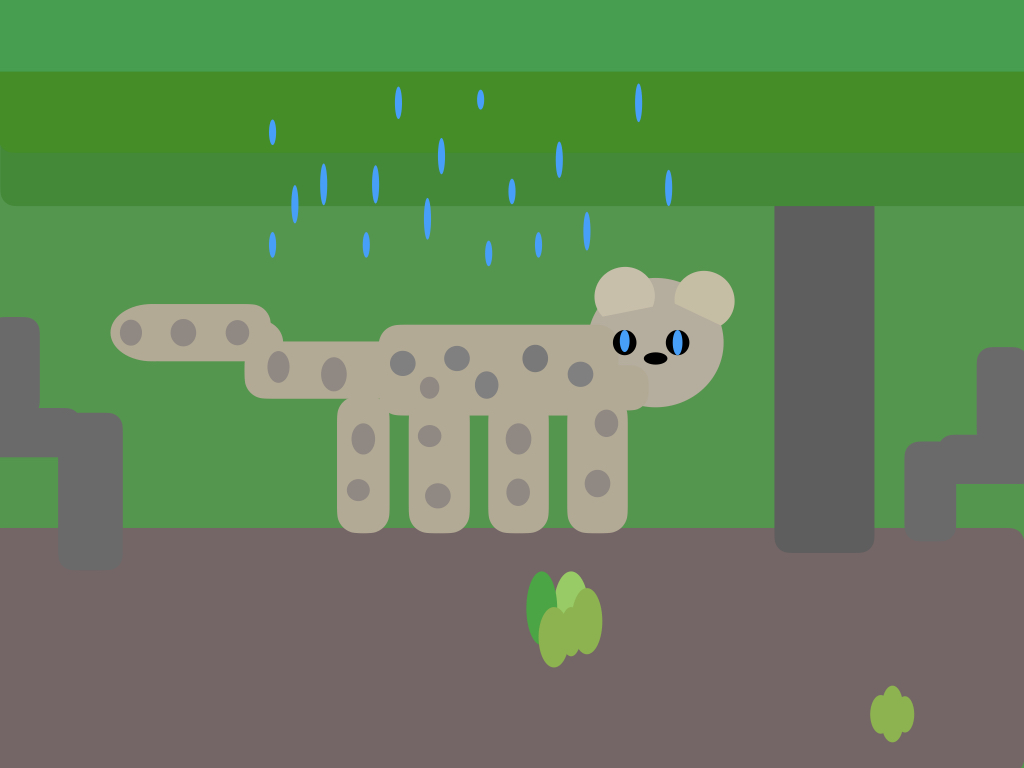
I started off with the head of my leopard and I used the circle shape. I keep using circles for the other shapes too and changed them a bit to make them look right. I put the shapes on top of the photo to get the size right.
I choose a leopard because they're one of my favourite animals!
I choose a leopard because they're one of my favourite animals!
Kai
Class 7

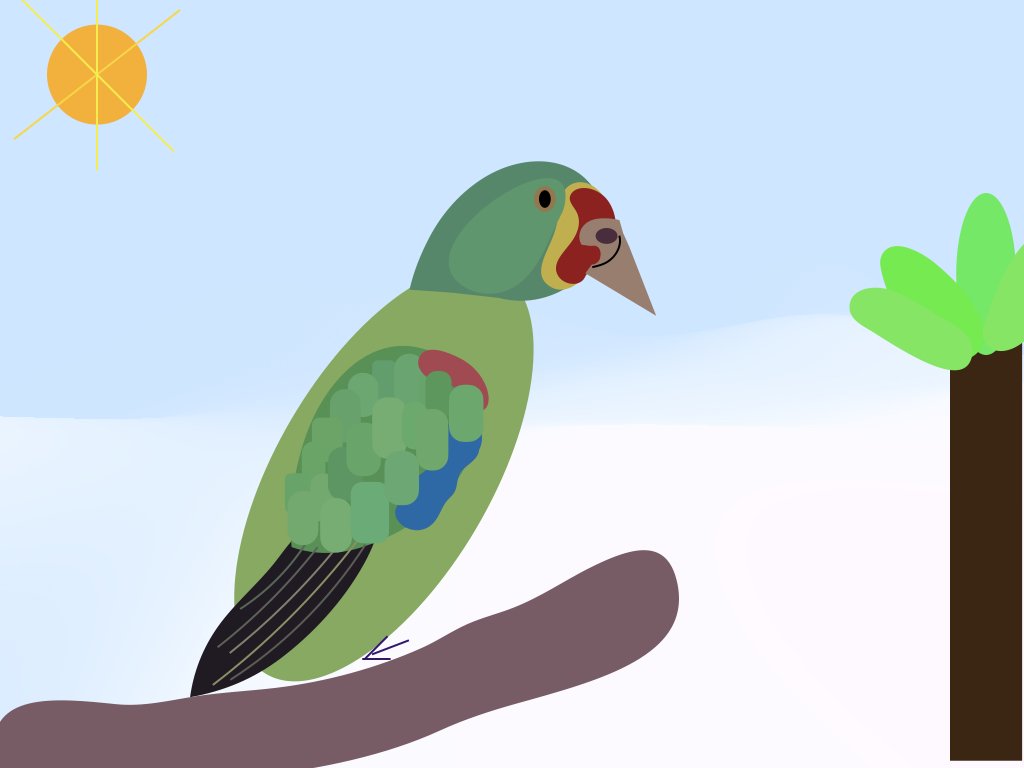
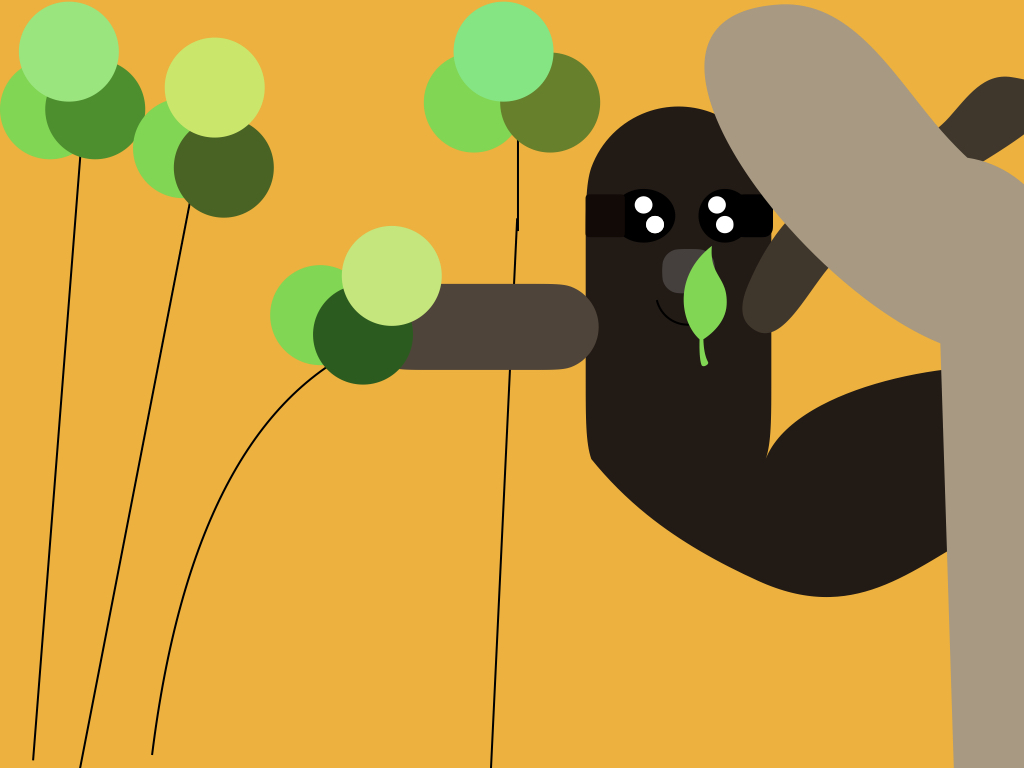
I looked at my photo and choose the shapes which were most similar. I edited the shapes to make them more lifelike by squeezing and pushing them together and stretching them out to make some parts bigger.
I choose to make a koala just because they're very cute!
I choose to make a koala just because they're very cute!
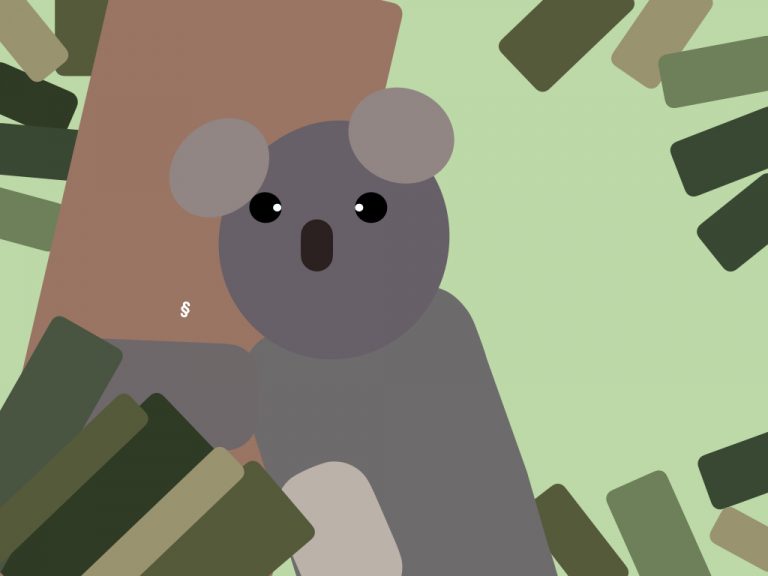
Isaac R
Class 7
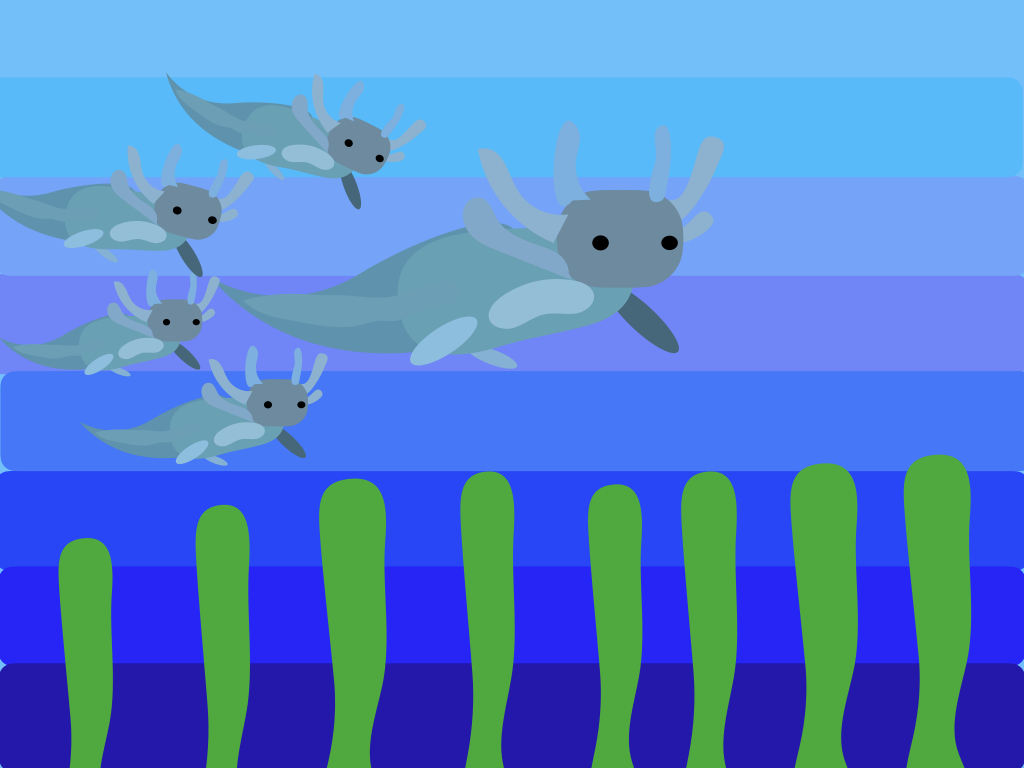
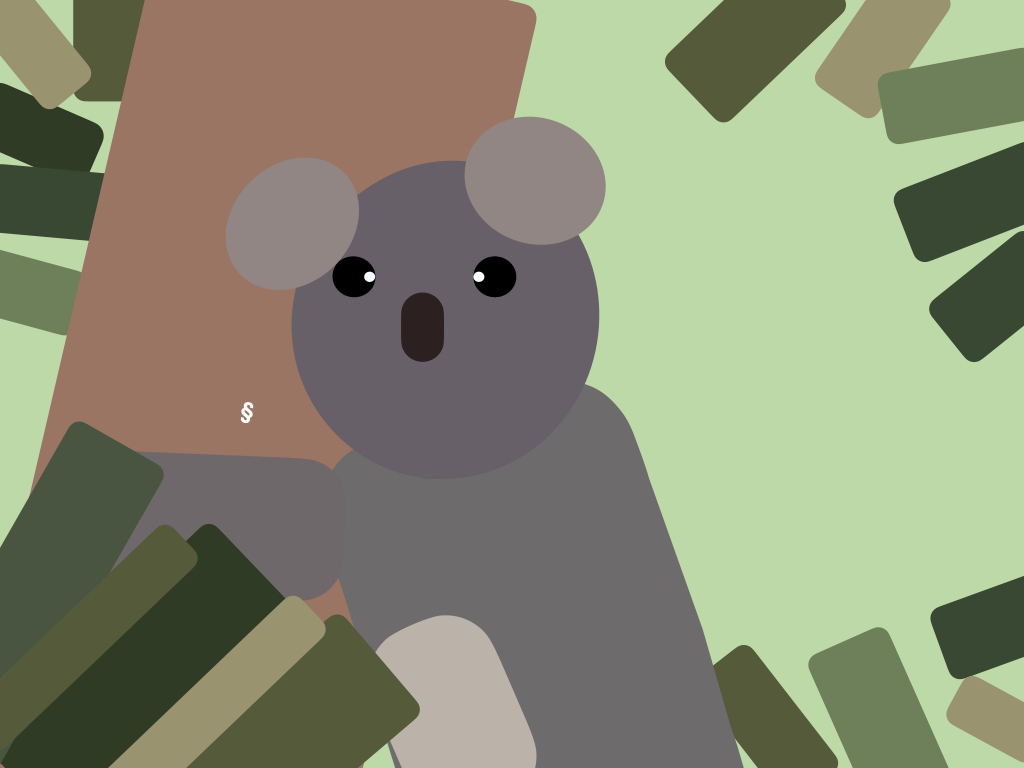
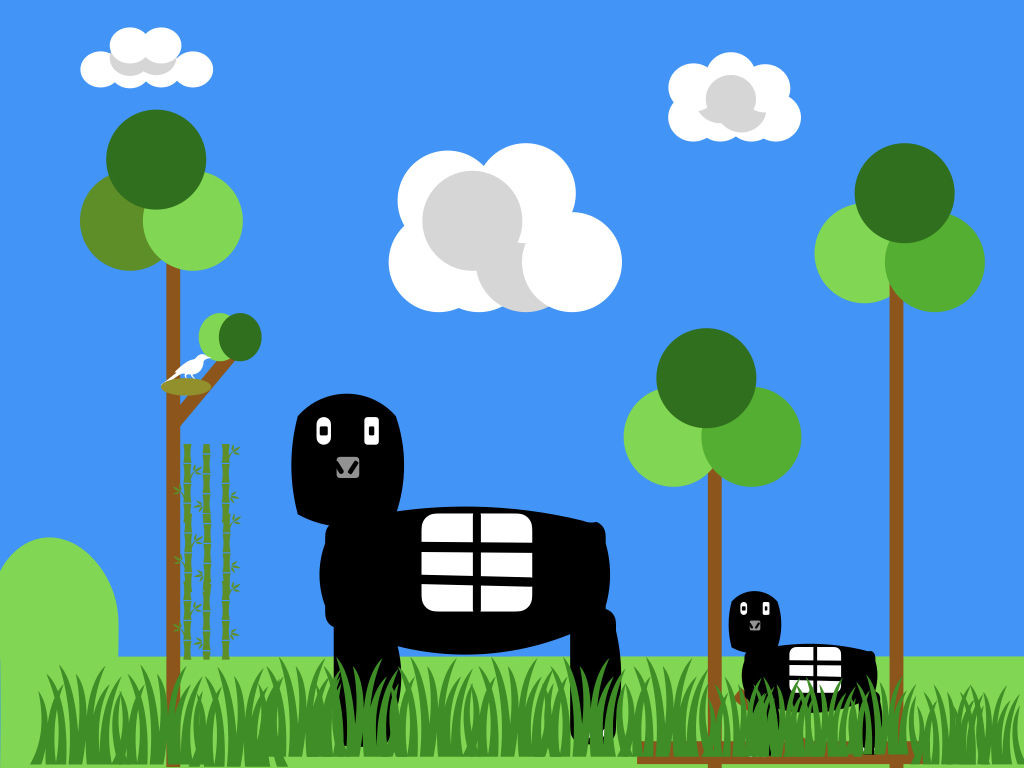
I got lots of different shapes and went onto edit to make them look right. I changed the colour with the pipette which changed the colour to exactly what colour you wanted from the photograph.
Pandas are my favourite animal, I really like them!
Pandas are my favourite animal, I really like them!
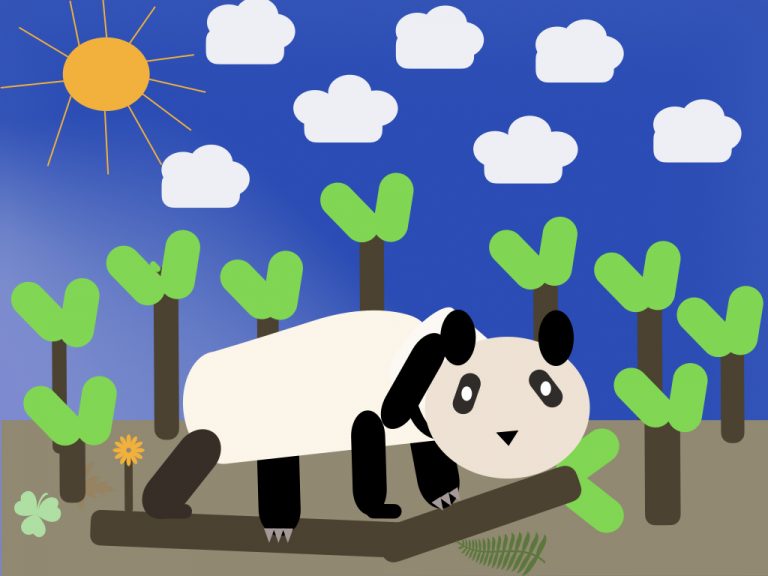
Cora
Class 7