



This week, our Year 2 classrooms were buzzing with excitement as pupils traded pencils for mixing bowls to create their very own honey flapjacks. The sweet smell of honey and oats filled the air as the
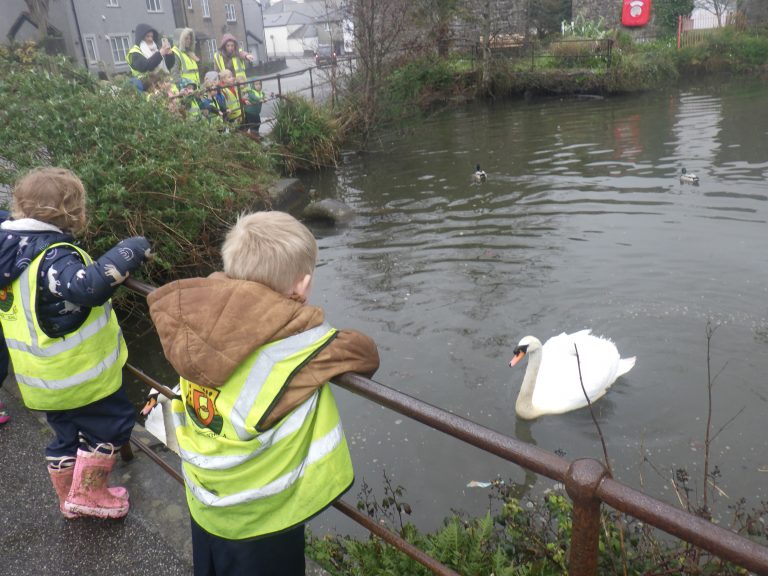

This week, Nursery went on their very first adventure together out of the school gates! They went for a walk around the local area to see if they could spot any of the animals they’ve been

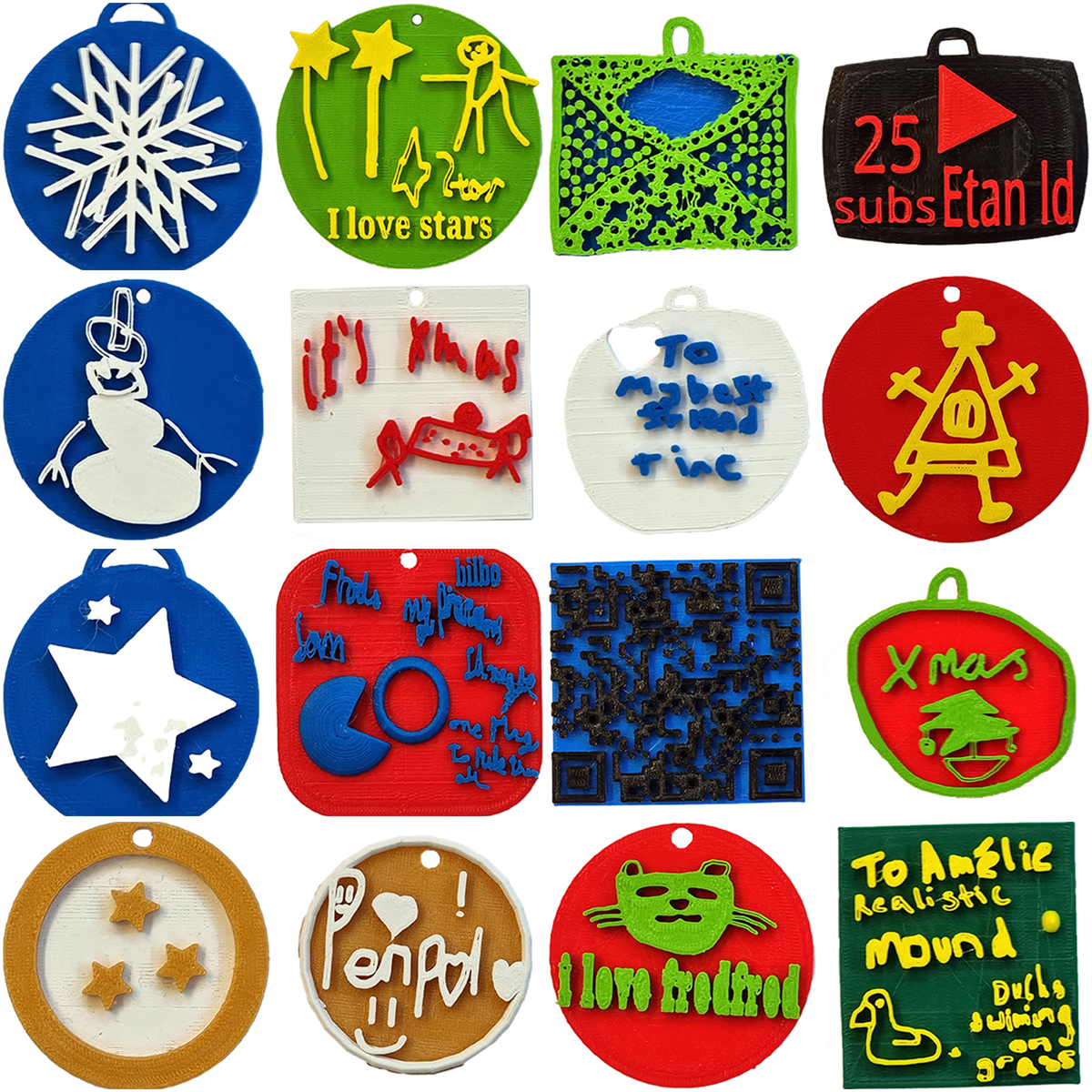
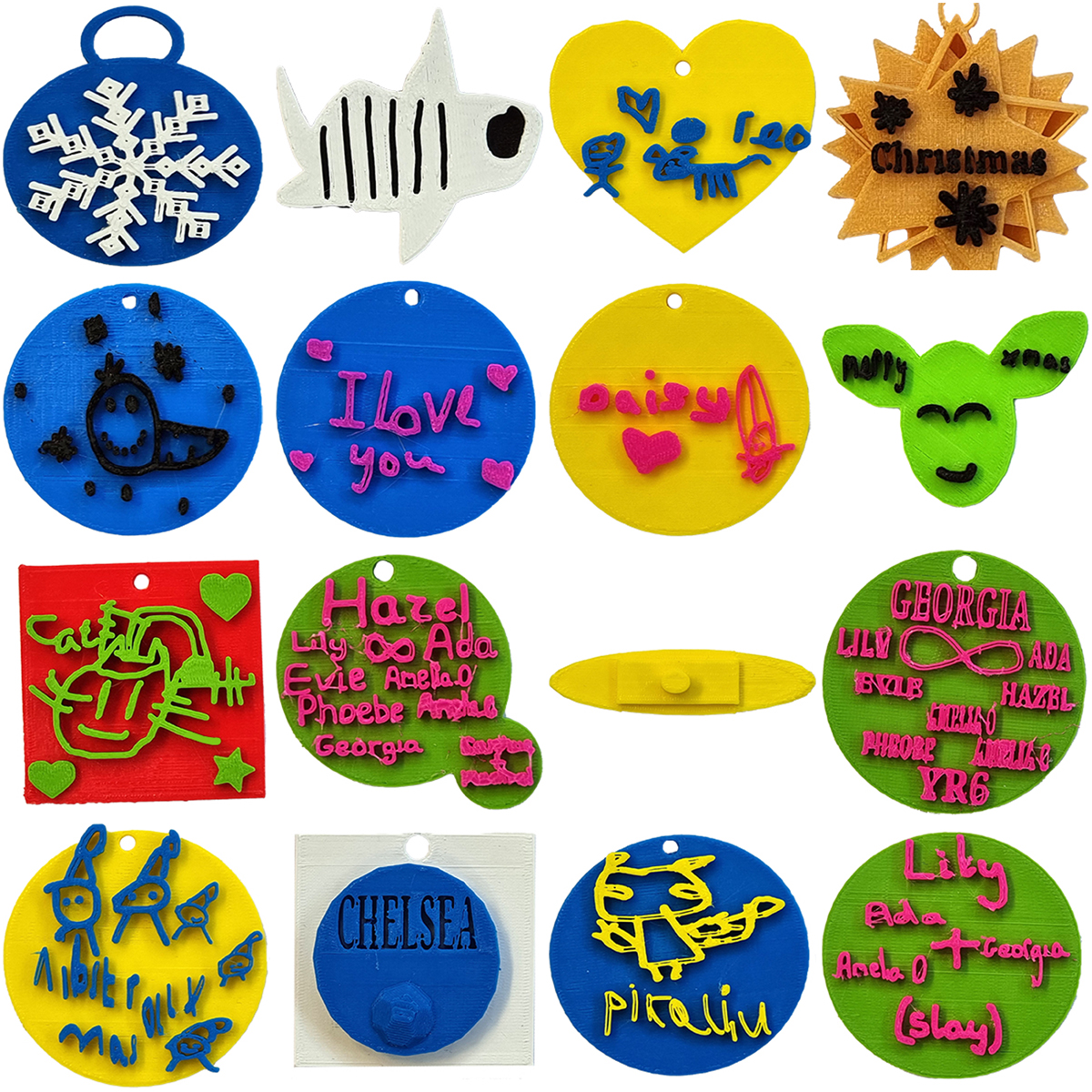
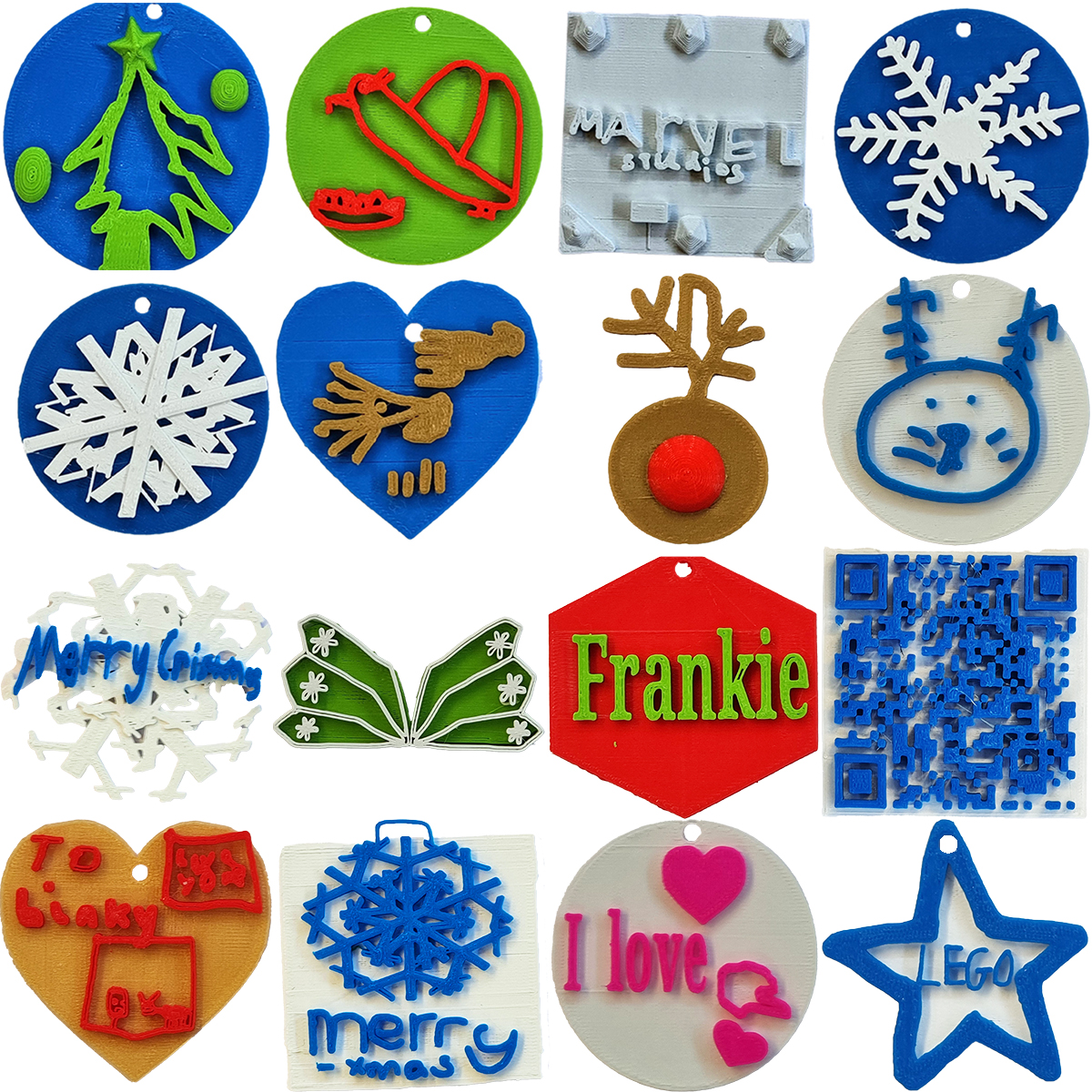
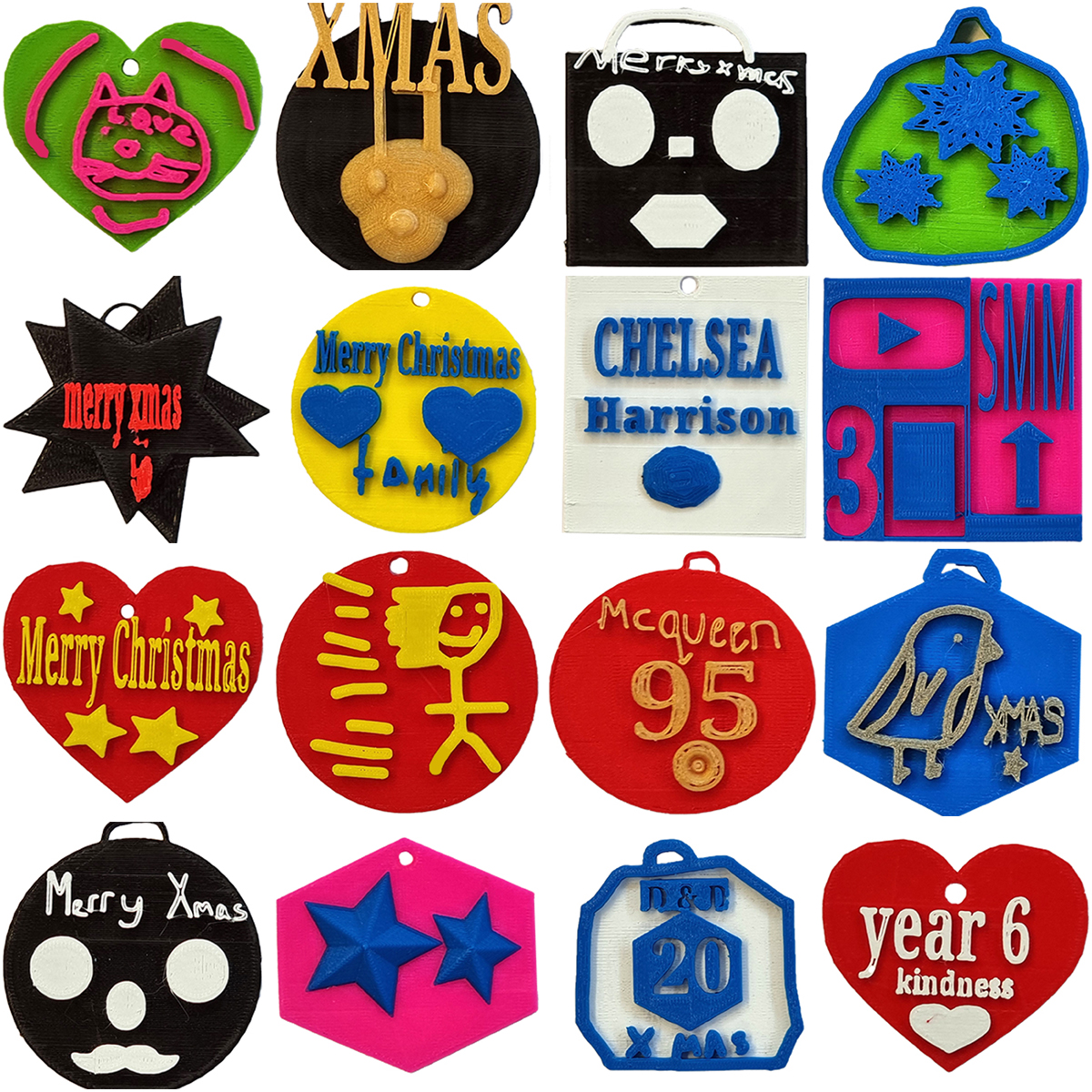
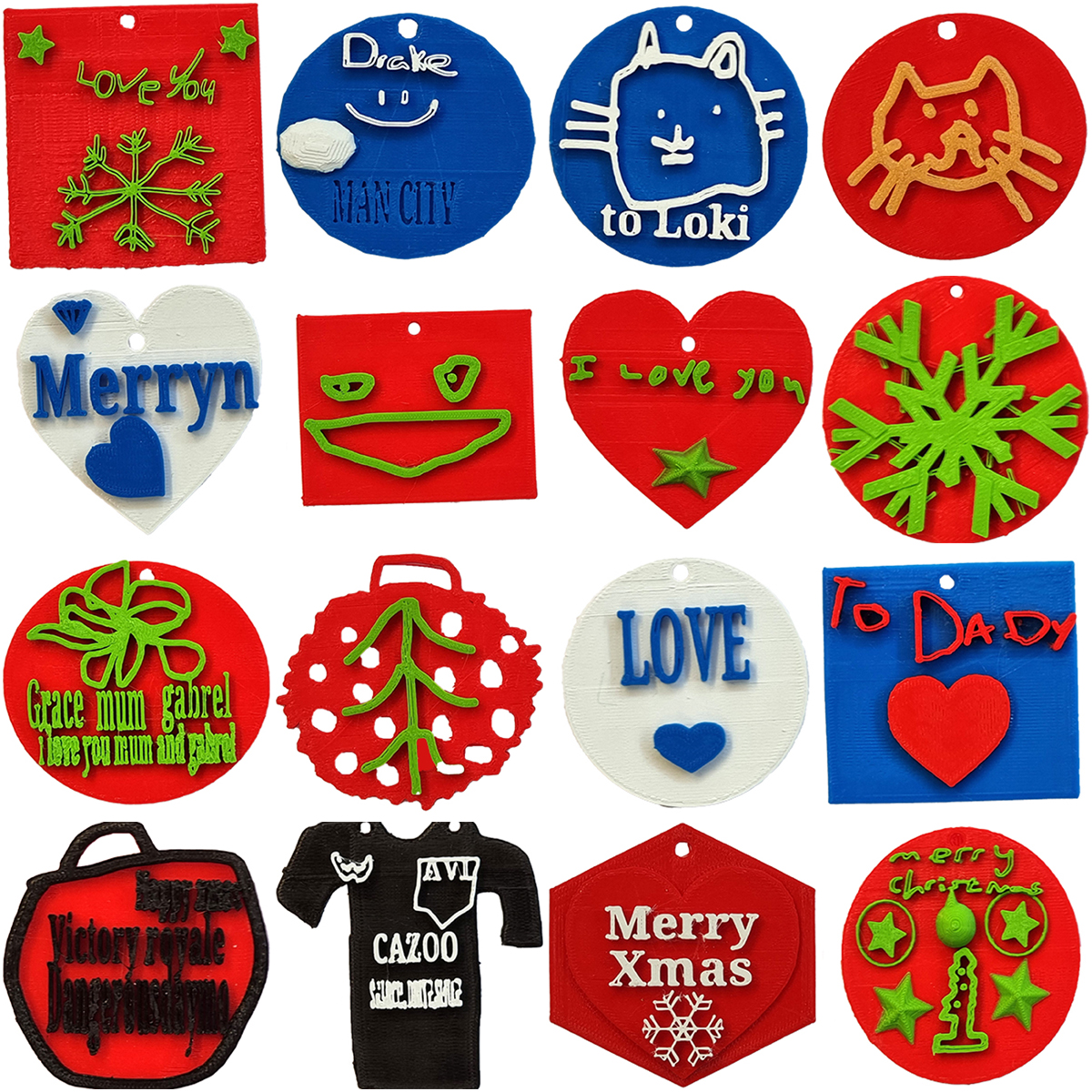
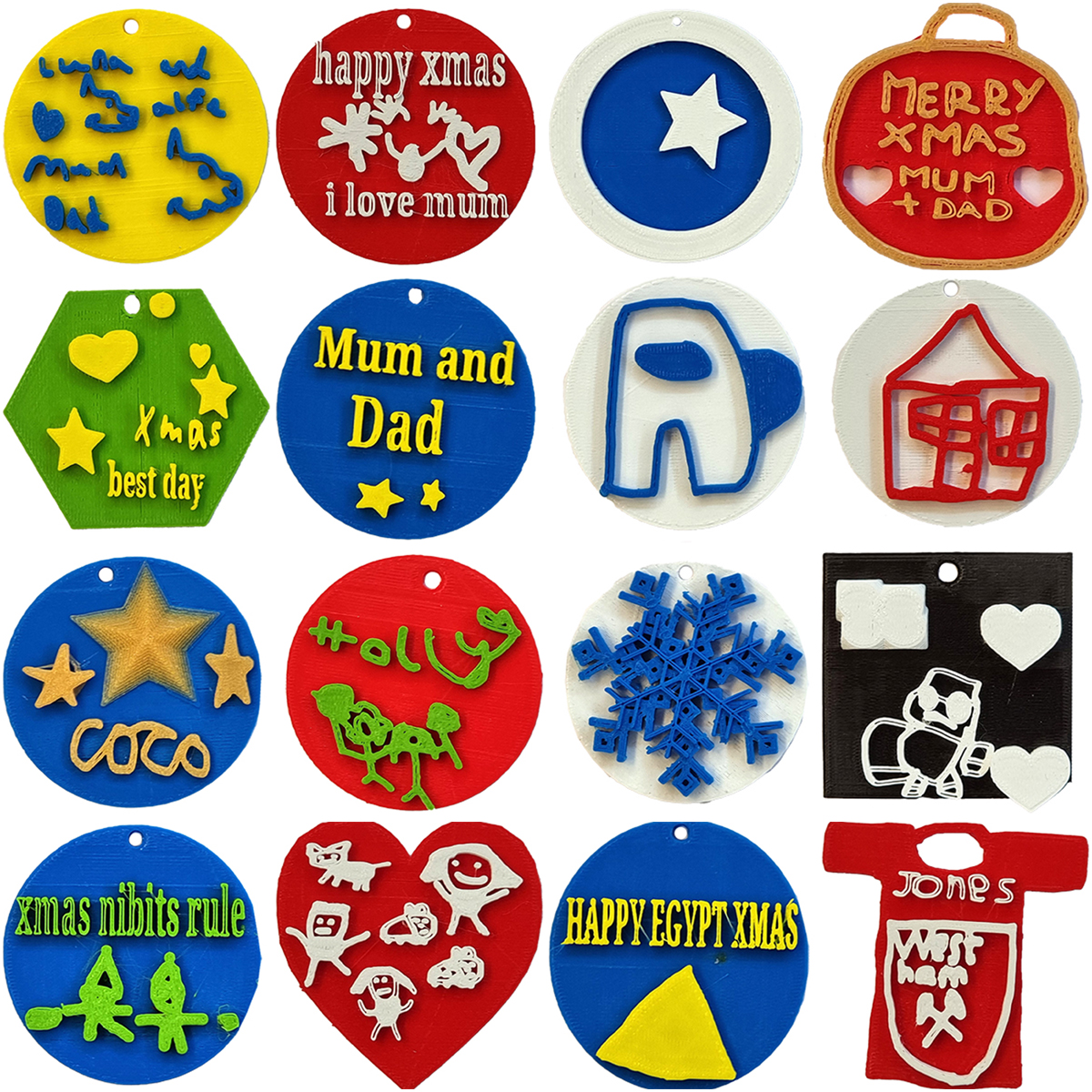
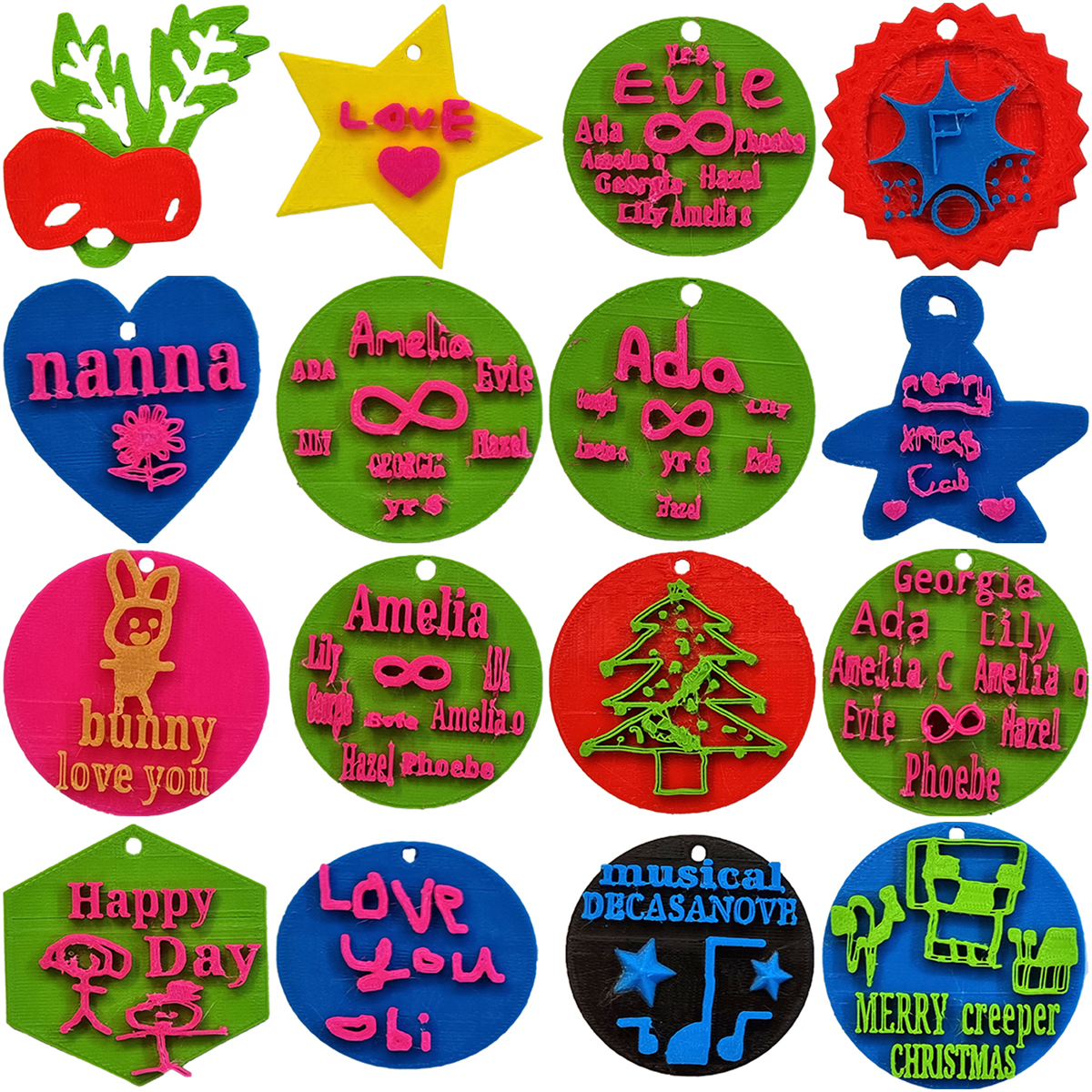
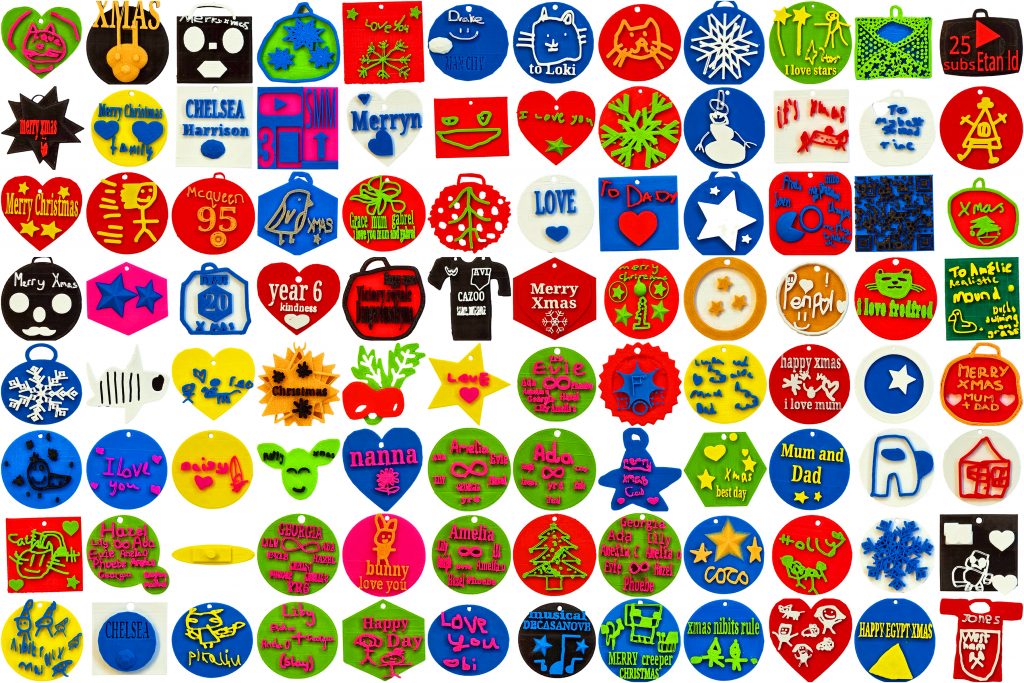
This year our Year 3’s and Year 6’s have created their own 3D Winter Ornaments using Tinkercad. The Year 3’s have been using the Scribble tool to create unique and personal designs whilst the Year 6’s
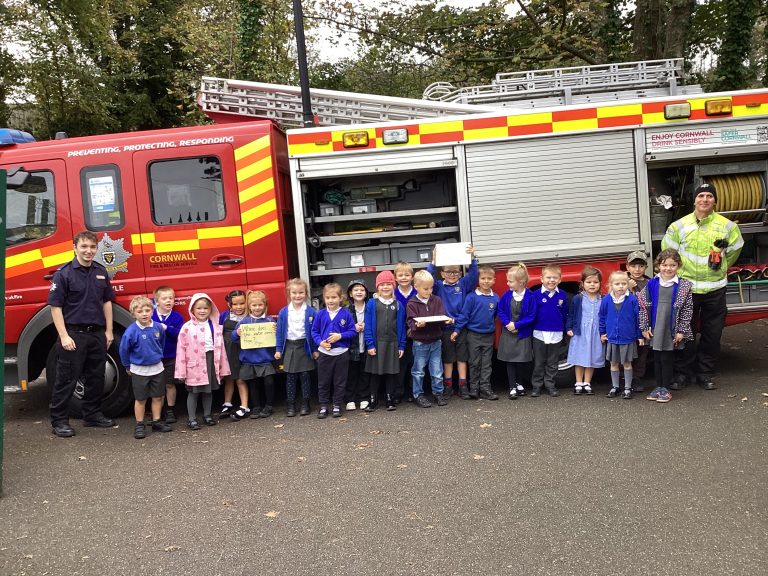

After a real-life emergency our two local Firefighter heroes re-arranged their visit to come to visit Year 1 on the last day before half-term. On Wednesday, the Year 1 children at Penpol School had a very
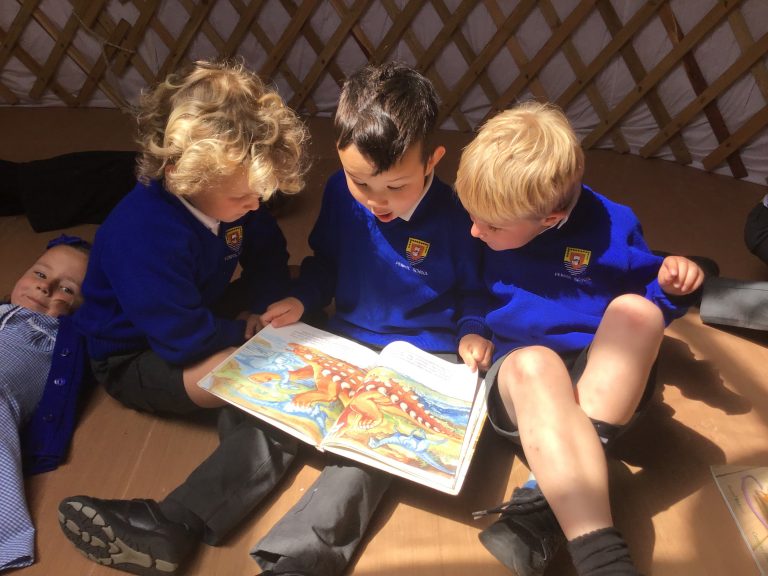

On Wednesday, Class 2 enjoyed their first visit inside the new yurt on the school field. The children enjoyed sharing stories with each other as well as listening to a story altogether and even found time
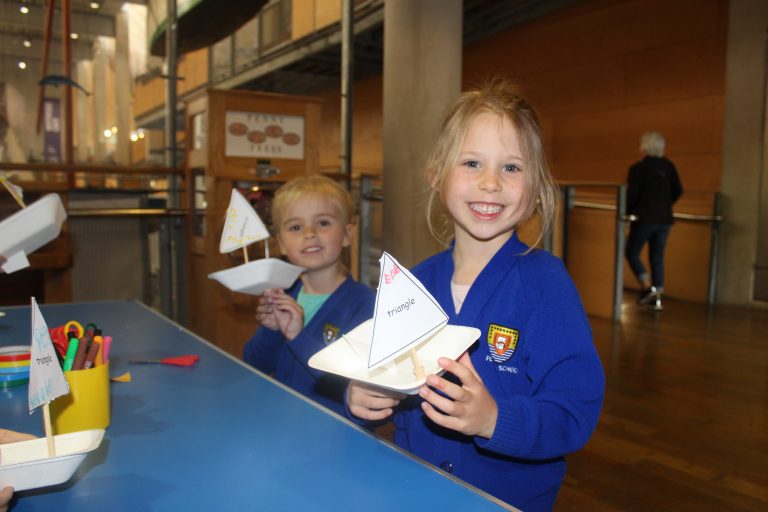

Classes 1 and 2 had a great time at the Maritime Museum in Falmouth. We loved meeting Oceana, the sea sprite who told us a wonderful story of how she now lives in the lost land
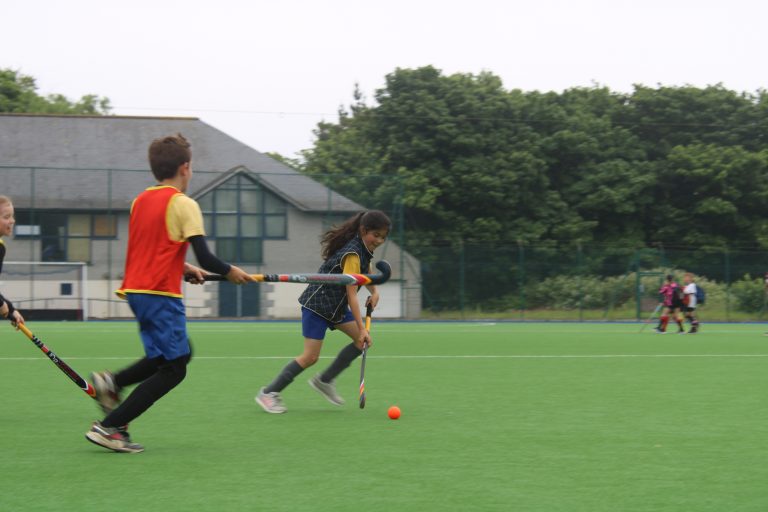

A collection of our Year 4, 5 and 6 pupils headed over to Penzance Hockey Club for some friendly festival games on Thursday. A mixed bag of results which culminated in a hotly contested ‘friendly’ derby
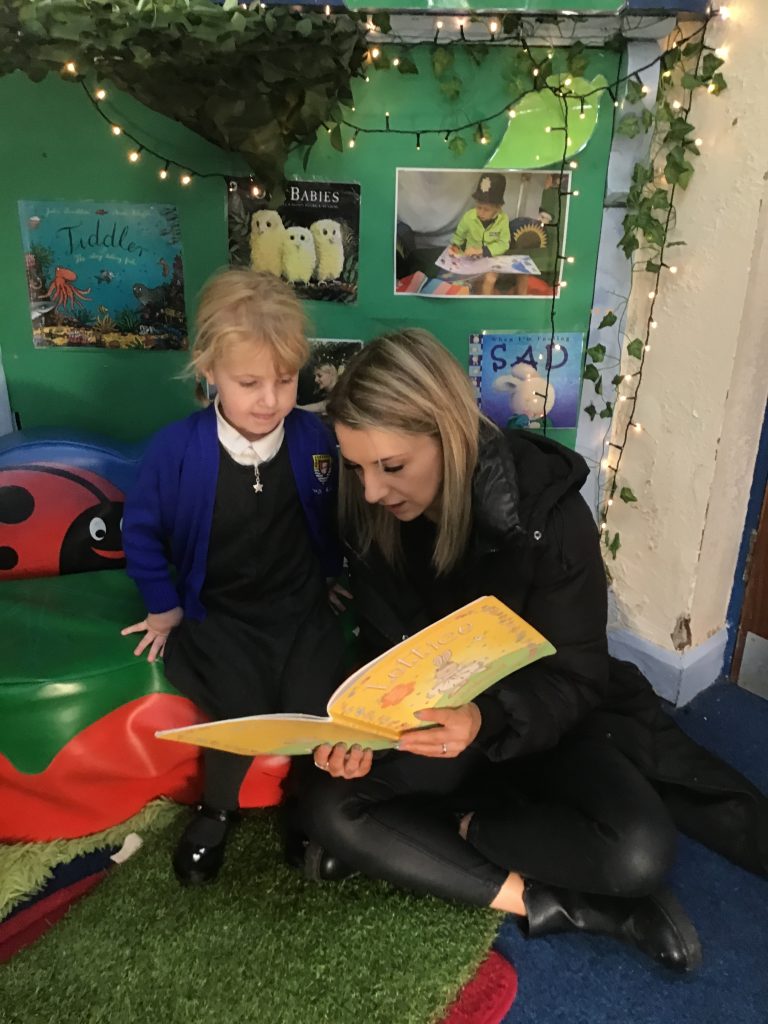
The reception classes had a lovely morning sharing stories with Mummy’s, Daddy’s and Granny’s. The children had chosen some books from the library the day before that they said they would like to read with their
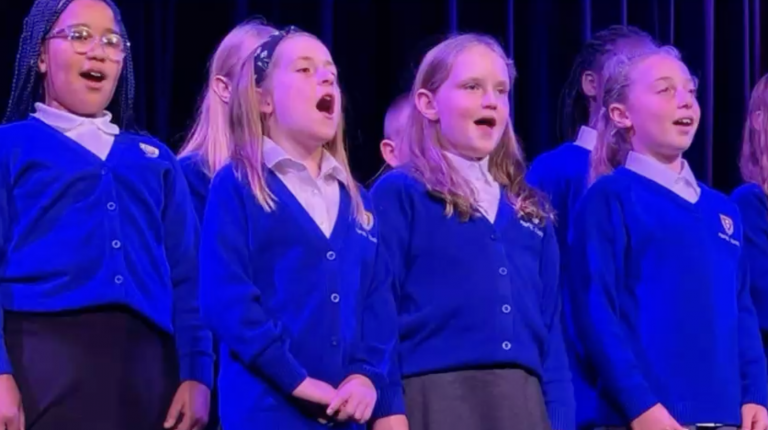

Last year, some staff and key stage two pupils here at Penpol School got together over a series of singing assemblies to write a song that sums up what it is like to go to


On Tuesday 2nd October and Wednesday 3rd October 2024, Classes 5 and 6 embarked upon magical and memorable trips to St Michael’s Mount as part of their Autumn Term topic, ‘Who’s the King of the Castle?’ Pupils