



















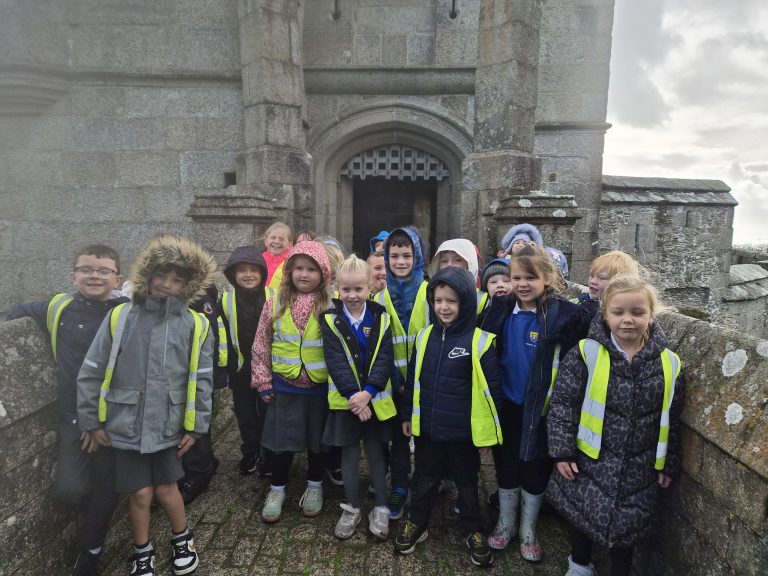

On Tuesday, 21st October, Year 2 enjoyed an exciting and educational trip to Pendennis Castle in Falmouth. The children travelled by coach and were full of anticipation as they prepared to explore one of Cornwall’s most
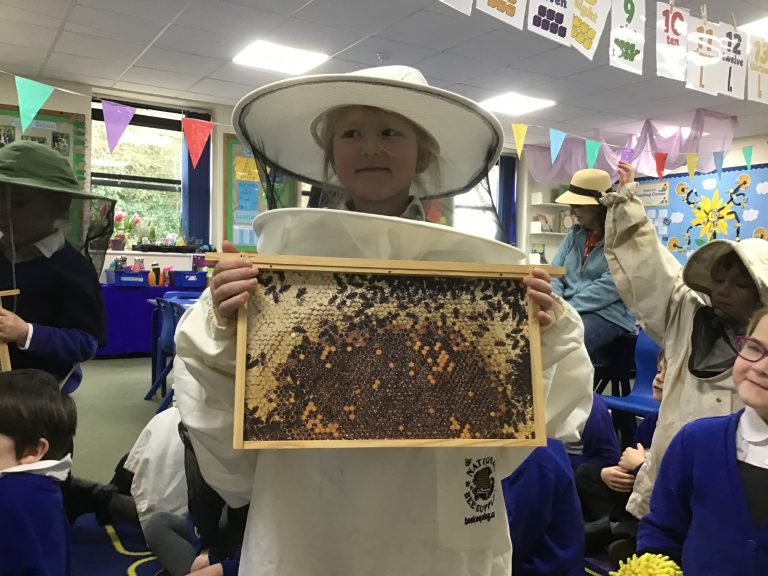
On Tuesday 21st February, Year 2 were visited by Tamsin Harris, who has been a beekeeper since 1998 and currently keeps 109 hives in the local area. Tamsin has extensive knowledge and experience in the craft

Our Reception classes had an amazing afternoon at Bluff Beach, making the most of the fresh sea air and beautiful scenery! We were lucky with the weather—bright skies and a gentle breeze made it the perfect
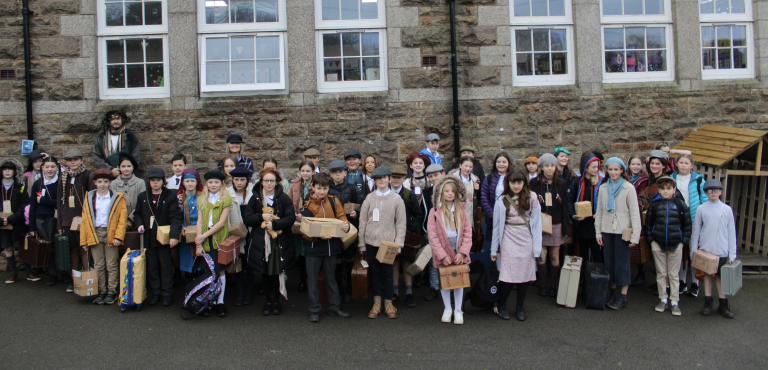
81 years after thousands of children and young vulnerable adults were evacuated from cities across the country during WW2, our Year 6 children had a go themselves. To celebrate the end of our ‘Wartime Britain’ topic
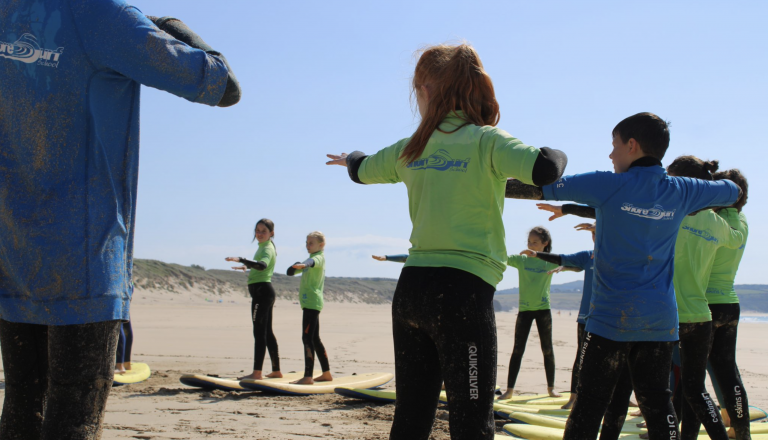
On Tuesday, still weary from their London trip, some Year 6’s headed over to Gwithian for their first Surf Club session of the year. the sun was shining and the waves were perfect for smashing about

Class 14 have fully embraced the enjoyment of our ‘Festival of Maths’ this week. We have spent time embedding our fluency and number skills through a variety of games and activities whilst also finishing our Algebra

My favourite bit of maths is number bonds. A two and a two makes four, a three and a one makes four – Ella Our Reception classes have been making the most of the drier weather
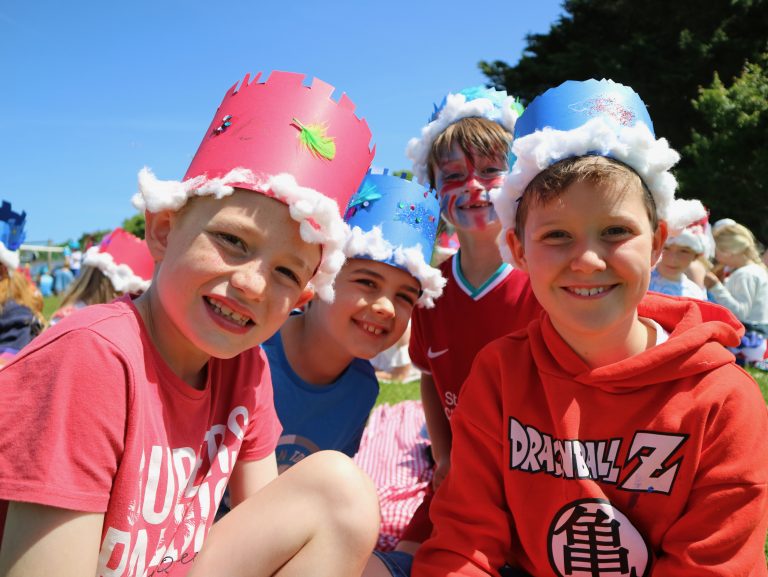
It was such a glorious sight to see the whole school on the field enjoying the sunshine and celebrating the Queens Jubilee. Every child had a smile, younger children danced and played with children from the
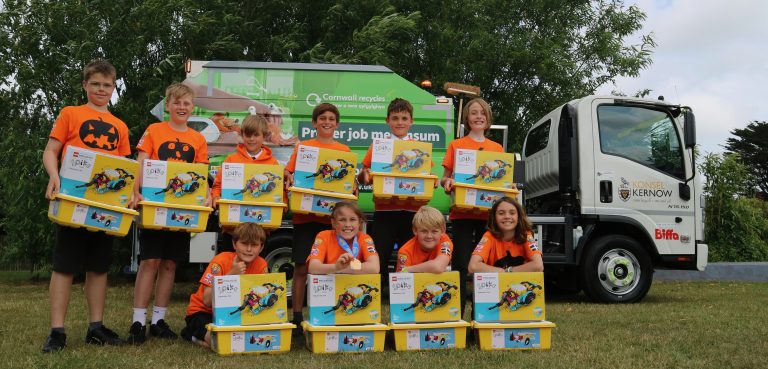
Last week we had a very special visit from Biffa and their brand new Food Waste Recycling Truck. Okay, you might be asking what’s so special about that? Well the Penpol Pumpkins have been spreading the
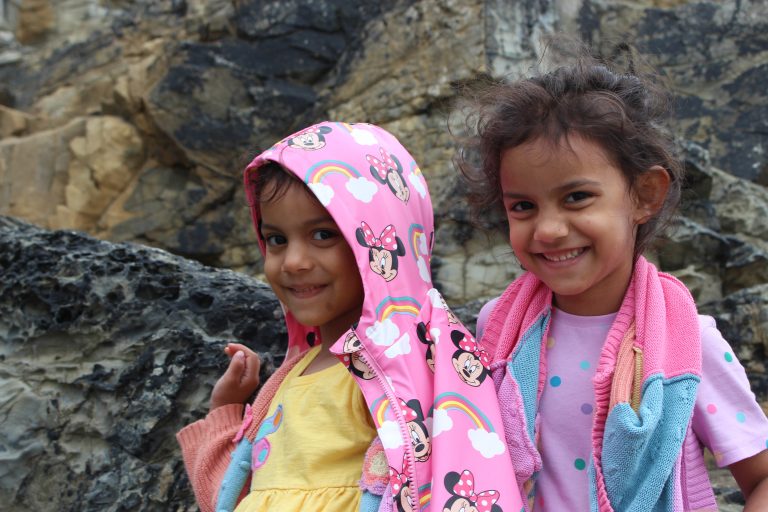
Class 1 and 2 had a great time at the Bluff Beach. We dug sandcastles, climbed some rocks and played in the sand. The life guards Charlie and Ben kindly spoke to the children about beach